
Share Margaret's profile


Margaret
Margaret's stats
- Review count2
- Helpfulness votes0
- First reviewMay 30, 2014
- Last reviewMay 30, 2014
- Featured reviews0
- Average rating5
Reviews comments
- Review comment count0
- Helpfulness votes0
- First review commentNone
- Last review commentNone
- Featured review comments0
Questions
- Question count0
- Helpfulness votes0
- First questionNone
- Last questionNone
- Featured questions0
- Answer count1
- Helpfulness votes0
- First answerFebruary 14, 2017
- Last answerFebruary 14, 2017
- Featured answers0
- Best answers0
Margaret's Reviews
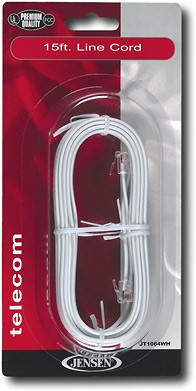
Use this line cord to connect phone devices (telephones, answering machines, modems, etc.) to wall jacks.
Customer Rating

5
connects my fax/printer to the outlet
on May 30, 2014
Posted by: Margaret
from Cambridge MA
Verified Purchase:Yes
great when your fax / printer is not right next to the outlet! (put the cord under a rug!)
My Best Buy number: 2581948276
My Best Buy number: 2581948276
I would recommend this to a friend!
Share this review:


0points
0of 0voted this as helpful.
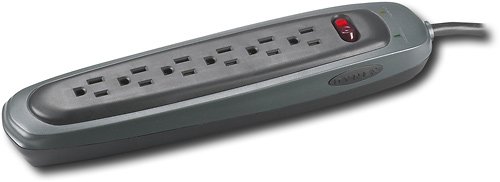
Protect your PC, phone and other electronics from power surges and brownouts with this 6-outlet PC home/office surge protector.
Customer Rating
5
exactly what it says and what you'd expect
on May 30, 2014
Posted by: Margaret
from Cambridge MA
Verified Purchase:Yes
i plug several electronics into this and there's plenty of room for all of them
My Best Buy number: 2581948276
My Best Buy number: 2581948276
I would recommend this to a friend!
Share this review:


0points
0of 0voted this as helpful.
Margaret's Review Comments
Margaret has not submitted comments on any reviews.
Margaret's Questions
Margaret has not submitted any questions.
Margaret's Answers
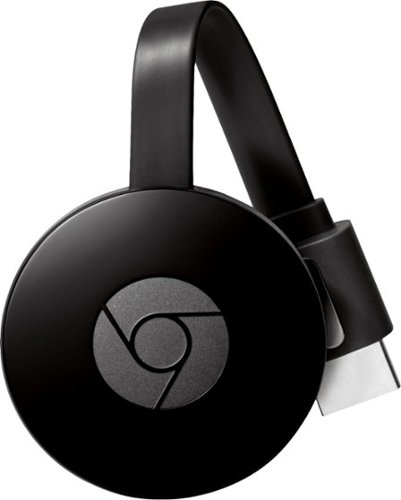
Enjoy a world of entertainment with Google Chromecast. Just connect to your HDTV's HDMI interface and your home Wi-Fi network to get started. You can stream your favorite apps from your compatible phone, tablet or laptop, plus use your phone as a remote to search, play and pause content.