
Share MikeP's profile


MikeP
MikeP's stats
- Review count21
- Helpfulness votes1
- First reviewMarch 13, 2015
- Last reviewAugust 13, 2018
- Featured reviews0
- Average rating4.9
Reviews comments
- Review comment count0
- Helpfulness votes0
- First review commentNone
- Last review commentNone
- Featured review comments0
Questions
- Question count0
- Helpfulness votes0
- First questionNone
- Last questionNone
- Featured questions0
- Answer count2
- Helpfulness votes0
- First answerAugust 5, 2015
- Last answerSeptember 14, 2017
- Featured answers0
- Best answers0
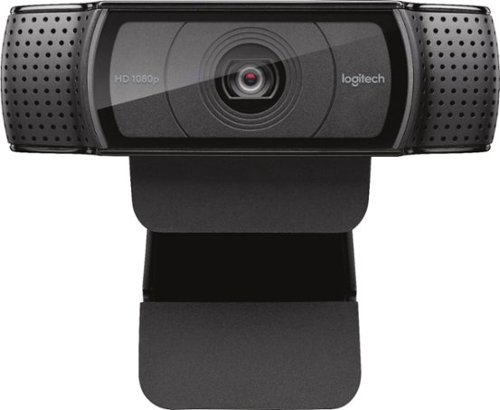
Stay connected with this Logitech C920 Pro webcam that features 1080p resolution when video chatting via Skype and 15.0-megapixel still image capture for crisp visuals. The built-in microphone offers stereo sound for video chatting with loved ones.
Customer Rating

5
Excellent product
on March 13, 2015
Posted by: MikeP
Verified Purchase:Yes
The webcam is easy to set up and works as soon as you install the software. Picture is great and not choppy when connected to a USB3 port. However, the software controls do not work with Win 8.1 but that is because of Logitech. I highly recommend this webcam.
My Best Buy number: 2366269732
My Best Buy number: 2366269732
I would recommend this to a friend!
Share this review:


+1point
1of 1voted this as helpful.
MikeP's Review Comments
MikeP has not submitted comments on any reviews.
MikeP's Questions
MikeP has not submitted any questions.
MikeP's Answers
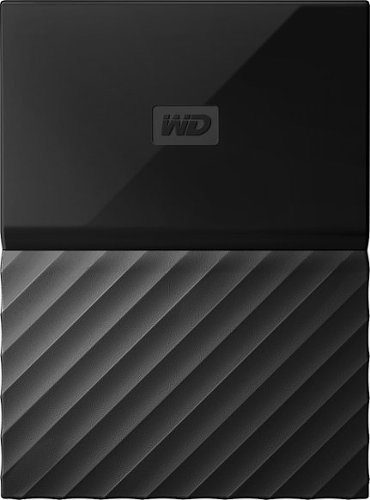
Free up space on your computer with this Western Digital My Passport portable hard drive. This 4TB drive can handle full system backups, or you can use it to transfer a few select files between computers. The slim design of this Western Digital My Passport portable hard drive makes it easy to carry in a backpack, briefcase or purse.
I just received my "My Passport 4TB" and it works great. However, I am not sure of removal for transport. So far, twice I have just disconnected it by pulling the cord, but I'm afraid of damaging it this way. Is this okay to do?
Stay connected with this Logitech C920 Pro webcam that features 1080p resolution when video chatting via Skype and 15.0-megapixel still image capture for crisp visuals. The built-in microphone offers stereo sound for video chatting with loved ones.
How do I get this camera to dispay Full Screen on my monitor?
The video only displays in a small window on my monitor, which is nearly useless for my purposes (recording drawing sessions). I need a full screen option--how do I get this?
There is no way to make this full screen. Logitech tends to leave out features that people do not normally use. This webcam is intended for Skype calls and a few other limited uses. You have to find other software that can do full screen.
10 years, 10 months ago
by
MikeP
Morton Grove Illinois