
Share Karen's profile


Karen
Karen's stats
- Review count72
- Helpfulness votes29
- First reviewDecember 1, 2019
- Last reviewOctober 21, 2022
- Featured reviews0
- Average rating4.9
Reviews comments
- Review comment count0
- Helpfulness votes0
- First review commentNone
- Last review commentNone
- Featured review comments0
Questions
- Question count0
- Helpfulness votes0
- First questionNone
- Last questionNone
- Featured questions0
- Answer count1
- Helpfulness votes0
- First answerDecember 31, 2019
- Last answerDecember 31, 2019
- Featured answers0
- Best answers0
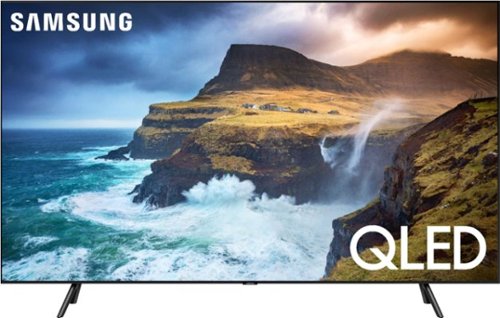
An unbelievably brilliant picture made possible by millions of colors, producing images you have to see to believe. Picture quality and color volume have been elevated to incredible levels.
Customer Rating

5
MOVIE THEATER IN OUR ROOM
on December 1, 2019
Posted by: Karen
Verified Purchase:Yes
This product looks great in our master bedroom. It looks like we have our personal movie theater room. The quality of the pictures are definitely great. You can see every little color and I love that a lot
Length of ownership: 6
Mobile Submission: true
I would recommend this to a friend!
Quality

5
Value
5
Ease of Use
5
Share this review:


0points
0of 0voted this as helpful.
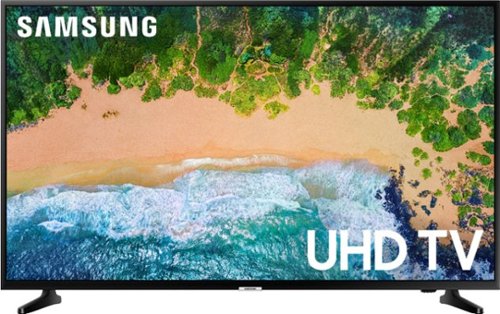
Be amazed by stunning lifelike scenes with this 55-inch Samsung smart 4K Ultra HD TV. It supports HDR content for a cinematic viewing experience, and its Ultra HD Engine feature optimizes non-4K images for enhanced visual quality. Connect high-definition media sources to this Samsung smart 4K Ultra HD TV via the two HDMI inputs.
Customer Rating
5
GREAT PRESENT
on December 1, 2019
Posted by: Karen
Verified Purchase:Yes
This was a great present for my parents. I was going to get them 65” but I realized that would take up their entire wall so this size was perfect for them.
Length of ownership: 4
Mobile Submission: true
I would recommend this to a friend!
Quality
5
Value
5
Ease of Use
5
Share this review:


0points
0of 0voted this as helpful.
Karen's Review Comments
Karen has not submitted comments on any reviews.
Karen's Questions
Karen has not submitted any questions.
Karen's Answers
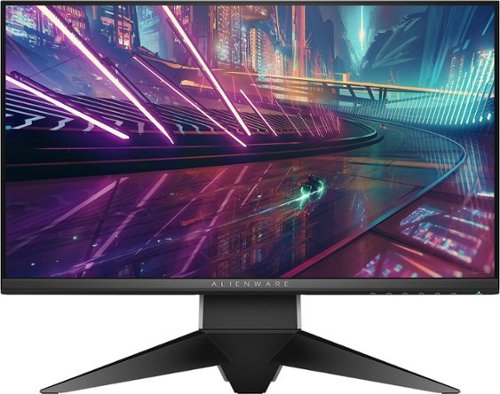
Load high-resolution game graphics with this 25-inch Dell Alienware gaming monitor. Its 240Hz refresh rate and 1 ms response time handle high definition game titles smoothly, and its NVIDIA G-Sync technology is compatible with GeForce GTX graphics cards. Customize preset game modes with the easy-to-use dashboard of this Dell Alienware gaming monitor.