
Share JanetL's profile


JanetL
JanetL's stats
- Review count14
- Helpfulness votes4
- First reviewDecember 31, 2022
- Last reviewMarch 13, 2026
- Featured reviews0
- Average rating4.5
Reviews comments
- Review comment count0
- Helpfulness votes0
- First review commentNone
- Last review commentNone
- Featured review comments0
- Question count1
- Helpfulness votes0
- First questionMarch 9, 2024
- Last questionMarch 9, 2024
- Featured questions0
- Answer count4
- Helpfulness votes0
- First answerFebruary 9, 2026
- Last answerMarch 13, 2026
- Featured answers0
- Best answers0

Best Buy Totaltech~ is the membership you and your tech deserve: around-the-clock tech support, up to 24 months of product protection with active membership,~ free delivery and standard installation,~ plus so much more. It~s the plan you need to protect the tech you love.
Customer Rating

5
Should Have Gotten This Sooner!
on August 10, 2023
Posted by: JanetL
Verified Purchase:Yes
WOW! Basically, no more tech headaches! Our Geeks have been helpful, personable, friendly and extremely knowledgeable. My husband got a tutorial for his new computer, and has been a confident user since! We appreciate the ability to have them handle any and all of our tech needs! This membership is well worth the $$ and more!
Mobile Submission: False
I would recommend this to a friend!
Share this review:


0points
0of 0voted this as helpful.
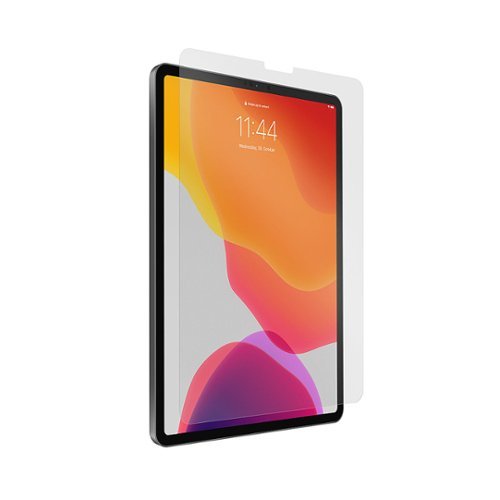
The iPad is a great device, especially if you pair it with an Apple Pencil. A full-fledged computer, the power of a digital work environment literally at your fingertips. But one thing is still not great: the Apple Pencil slipping around on the iPad's glass surface feels unnatural and the pencil tip gets stuck on fingerprints and smudges. It simply doesn't feel right. If you're like us, you miss the accuracy of writing on paper. Paperlike, a screen protector that emulates the natural feel of paper when writing and drawing on the iPad. The most significant challenges in developing the Paperlike were finding the right friction while keeping light refractions at a minimum. And keeping the material smooth enough, so it doesn't eat up the pencil tip like sandpaper (a lot of regular matte screen protectors do that). That's why we developed a unique surface technology called Nanodots. These microbeads are evenly distributed across the foil and allow for a natural paper-feel while keeping as much of your iPad's brilliant display quality as possible. Join tens of thousands of artists, students, and notetakers around the world who love Paperlike. And finally, make your iPad the truly magnificent device it can be.
Customer Rating

3
Bubbles remain
on December 31, 2022
Posted by: JanetL
Verified Purchase:Yes
Geek Squad application resulted in less than perfect results.
It's Geek Squad, why is it so difficult?!
It's Geek Squad, why is it so difficult?!
Length of ownership: 17
Mobile Submission: False
No, I would not recommend this to a friend.
Quality

4
Value

3
Ease of Use

2
Share this review:


0points
0of 0voted this as helpful.
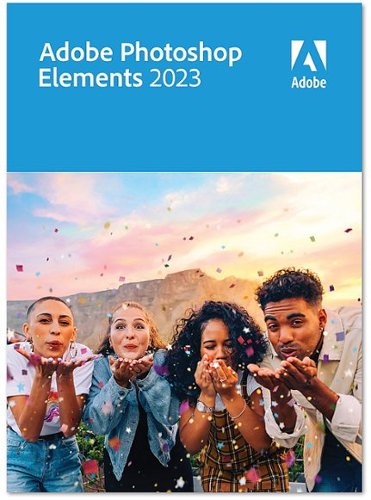
From simple tweaks to advanced artistic options and adjustments, it~s never been easier to create photos you~ll love to share. Bring motion to your photos with Adobe Sensei AI*, add peek-through overlays, and showcase your photos with new collage and slideshow templates. Plus, go beyond your desktop with new web and mobile companion apps (English-only beta), and enjoy faster installation and performance plus Apple M1 chip support. You~ll find all your photo essentials in this easy picture editor.
Customer Rating
5
Excellent option for editting
on December 31, 2022
Posted by: JanetL
Verified Purchase:Yes
Practice is proving this is a terrific option for editting and creating new images.
Length of ownership: 23
Mobile Submission: False
I would recommend this to a friend!
Share this review:


0points
0of 0voted this as helpful.
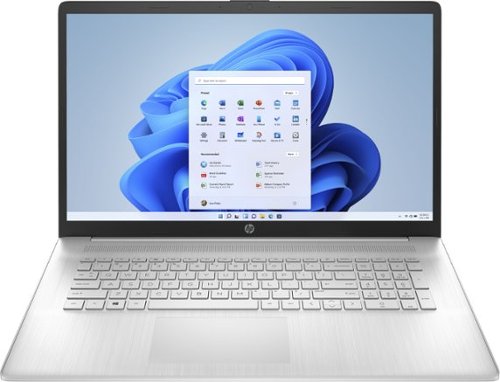
Purposefully designed: See more and enjoy flicker-free images on a FHD IPS screen with a narrow bezel, and get comfy while you type with a new lift-hinge that elevates the keyboard. Performance you can trust: Multitasking feels easy and fast with the performance of an AMD processor, powerful graphics, and speedy Wi-Fi technology. Store more of what you love with a lot of storage. Breathe easy: Everyday computing made easy, with a wide array of comfort features like HP Fast Charge and an enlarged click pad. It makes it so all you need to do is you, and not think about anything else.
Customer Rating

4
Better ad Faster
on December 31, 2022
Posted by: JanetL
Verified Purchase:Yes
My husband is satisfied with this gift. It still shuts down now and then, but it is better than the old machine previously used.
Length of ownership: 23
Mobile Submission: False
I would recommend this to a friend!
Battery Life

5
Speed
5
Display
5
Share this review:


+1point
1of 1voted this as helpful.
JanetL's Review Comments
JanetL has not submitted comments on any reviews.
JanetL's Questions
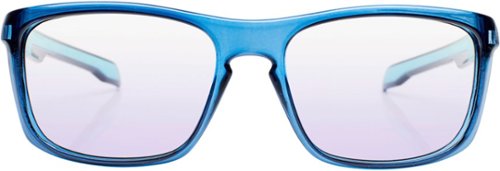
WaveBalance. Outplay. Outlast. Revolutionary Lens Technology for Advanced Gamers. The Ghostwave Lens is designed specifically for eSports. This advanced gamer lens contains optical filtering pigments that helps the eye differentiate specific colors more easily and quickly by improving the color saturation on the screen while minimizing the distraction from off-screen ambient light. Frames are unisex with durable construction and all day comfort. The blue light protection is best in class.
The description states this blocks blue light…does it?
2 years, 3 months ago
by
JanetL
JanetL's Answers

This bella Fits-anywhere Kitchenware 2-Slice Slim Toaster with Long Wide Slot won~t crowd the counter. With one long slot (instead of the traditional two) and a slim 3.58" profile, this toaster fits tight spaces and looks good while doing it. Plus, it serves up crisp toast in minutes. The slot fits two slices of bread side by side and is roomy enough for thick bagels, Texas-style toasts or even baguettes.

This bella Fits-anywhere Kitchenware 4-Slice Slim Toaster with Long Wide Slots won~t crowd the counter. With two long slots and a slim 3.58" profile, this toaster fits tight spaces and looks good while doing it. Plus, it comes with a Bagel preset for perfect toasting. The slots fits two slices of bread side by side and is roomy enough for thick bagels, slices of sourdough bread or even baguettes.
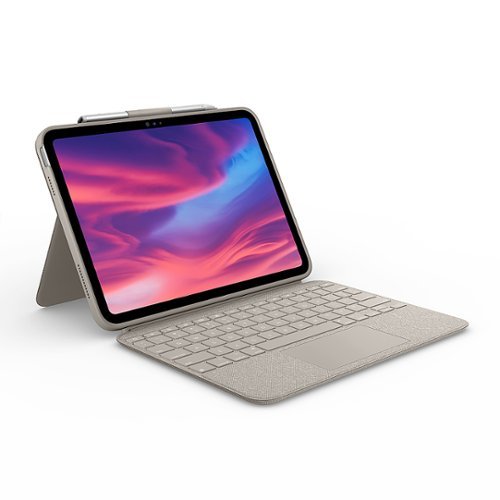
Discover what~s possible. Introducing the game-changing Combo Touch keyboard case for iPad~combining a full-size backlit keyboard with a precision Multi-Touch trackpad. Navigate iPad with familiar gestures and easily edit spreadsheets, documents and more. Plus, a flexible design with detachable Smart Connector keyboard supports four use modes for extra versatility.
how do I illuminate my keyboard background?
To illuminate the keyboard of your Magic Keyboard attached to an iPad, go to Settings > General > Keyboard > Hardware Keyboard and adjust the keyboard brightness slider. If the slider is disabled, ensure that the Keyboard Backlight Control is added to your iPad's Control Center
4 months, 1 week ago
by
JanetL
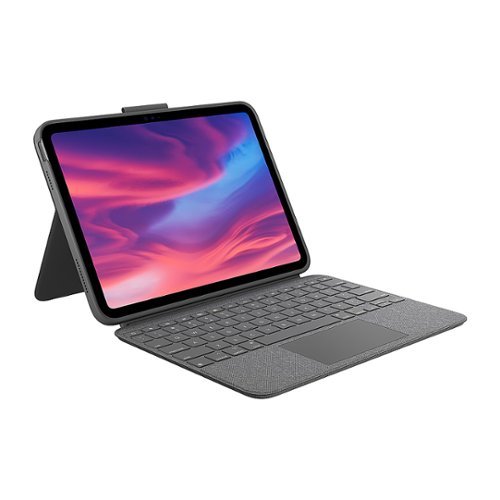
Discover what~s possible. Introducing the game-changing Combo Touch keyboard case for iPad~combining a full-size backlit keyboard with a precision Multi-Touch trackpad. Navigate iPad with familiar gestures and easily edit spreadsheets, documents and more. Plus, a flexible design with detachable Smart Connector keyboard supports four use modes for extra versatility.