WhirlpoolTeam
WhirlpoolTeam's Stats
Reviews
- Review Count0
- Helpfulness Votes0
- First ReviewNone
- Last ReviewNone
- Featured Reviews0
- Average Rating0
Reviews Comments
- Review Comment Count0
- Helpfulness Votes0
- First Review CommentNone
- Last Review CommentNone
- Featured Review Comments0
Questions
- Question Count0
- Helpfulness Votes0
- First QuestionNone
- Last QuestionNone
- Featured Questions0
- Answer Count17690
- Helpfulness Votes7,121
- First AnswerJune 16, 2015
- Last AnswerAugust 13, 2026
- Featured Answers0
- Best Answers890
WhirlpoolTeam's Reviews
WhirlpoolTeam has not submitted any reviews.
WhirlpoolTeam's Questions
WhirlpoolTeam has not submitted any questions.
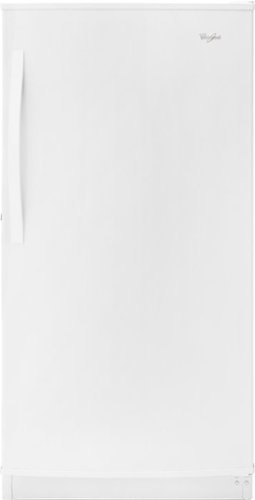
Whirlpool - 15.7 Cu. Ft. Frost-Free Upright Freezer - White
Whirlpool Upright Freezer: With a 15.7 cu. ft. capacity, you'll have plenty of room to house frozen items. Adjust the temperature to suit your needs using the electronic control. Use the fast freeze option to rapidly drop the temperature, locking in freshness and flavor.
Is 220 wiring alright to use with this freezer? Geri Pamisano

Hello Geri! A 115 Volt, 60 Hz., AC-only, 15- or 20-amp fused, grounded electrical supply is required. We hope this helps.
6 years, 5 months ago
by
Posted by:
WhirlpoolTeam
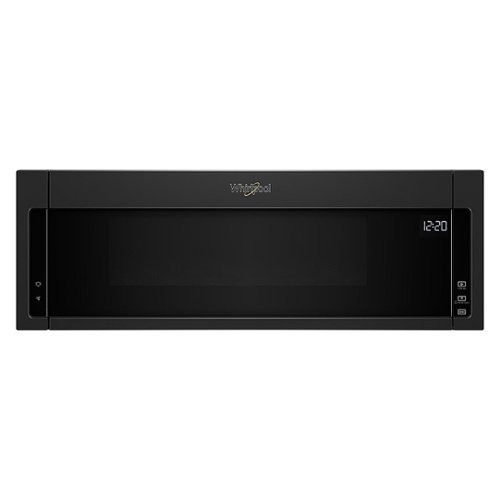
Reheat food in minutes with this Whirlpool over-the-range microwave. Its 30-inch width and 1.1 cu. ft. volume accommodates large bowls and wide plates, and its built-in venting system eliminates smoke, odors and moisture from the cooking area. This Whirlpool over-the-range microwave has electronic touch controls and an LED display for a modern appearance.
can door be opened by hand or must u use the button ?
Hello den! This microwave needs to use the button to be opened. We hope this helps.
6 years, 5 months ago
by
Posted by:
WhirlpoolTeam
Whirlpool - 15.7 Cu. Ft. Frost-Free Upright Freezer - White
Whirlpool Upright Freezer: With a 15.7 cu. ft. capacity, you'll have plenty of room to house frozen items. Adjust the temperature to suit your needs using the electronic control. Use the fast freeze option to rapidly drop the temperature, locking in freshness and flavor.
Do you need to hook up a water supply to this freezer- Whirlpool 15.7 frost free upright freezer
Hello, no you do not need to hook this up to a water line. Hopefully this information is beneficial to you. Thank you for your inquiry regarding our Whirlpool appliances!
6 years, 5 months ago
by
Posted by:
WhirlpoolTeam
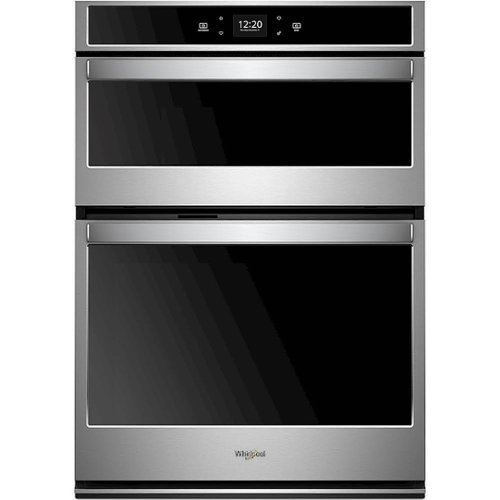
Whirlpool - 30" Single Electric Wall Oven with Built-In Microwave - Stainless Steel
Prepare dinner efficiently with this 6.4 cu. ft. Whirlpool combination wall oven. Its top microwave unit lets you reheat leftovers, and its built-in Wi-Fi lets you monitor the oven's set temperature from a smart device. This 30-inch Whirlpool combination wall oven uses convection for even heating while baking on multiple racks.
I was trying to change the time, and now am stuck in demo mode AND cannot use microwave or oven. How do I get out of the demo mode???
Select STORE DEMO MODE to enter Demo Mode.
OR
1. Select NEXT to enter into product use.
2. Follow the prompts on the display screen to select a language,
set up Wi-Fi/connect to network, accept the terms of service
and set the time.
NOTE: The display screen will show the time and date (default
screen/standby mode).
3. Select TRY THE PRODUCT to explore various features and
options of the product.
OPTIONAL: Select VIEW PRODUCT VIDEOS to view a video
about how to navigate and interact with the product and
explore Voice Control.
4. Scroll and Select EXPLORE.
5. Select the Tools keypad.
To exit Demo Mode, see the “Tools” section
OR
1. Select NEXT to enter into product use.
2. Follow the prompts on the display screen to select a language,
set up Wi-Fi/connect to network, accept the terms of service
and set the time.
NOTE: The display screen will show the time and date (default
screen/standby mode).
3. Select TRY THE PRODUCT to explore various features and
options of the product.
OPTIONAL: Select VIEW PRODUCT VIDEOS to view a video
about how to navigate and interact with the product and
explore Voice Control.
4. Scroll and Select EXPLORE.
5. Select the Tools keypad.
To exit Demo Mode, see the “Tools” section
6 years, 5 months ago
by
Posted by:
WhirlpoolTeam
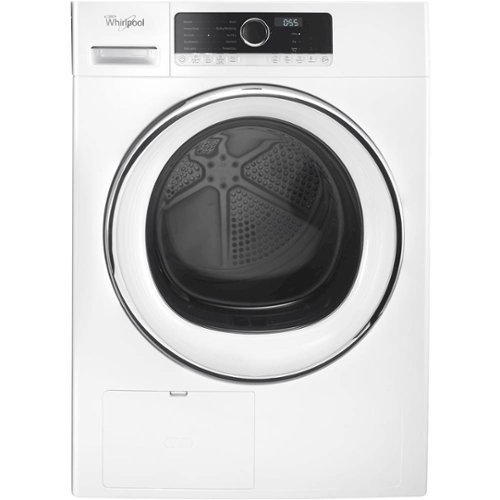
Whirlpool - 4.3 Cu. Ft. Stackable Electric Dryer with Steam and Wrinkle Shield - White
Fit your family's lifestyle and living space with the 4.3 cu. ft. compact dryer. This 24" dryer installs virtually anywhere and is our most space-saving dryer available. Tackle laundry day with this smaller washer and dryer with great features like X-Dry and the Refresh cycle. Enjoy a wrinkle-release dryer thanks to the Wrinkle Shield~ option. Better yet, this small dryer is also a very energy-efficient dryer.
Will the pedestal be strong enough to hold both units when stacked?
Hello Jett, we cannot recommend using a pedestal if you are stacking the Washer and Dryer. Hopefully this information is beneficial to you. Thank you for your inquiry regarding our Whirlpool appliances!
6 years, 5 months ago
by
Posted by:
WhirlpoolTeam
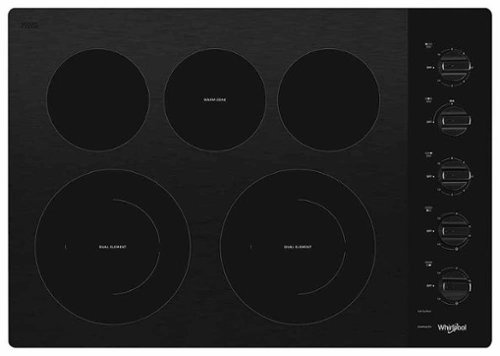
Cook all your family's favorites at once and clean up quick with a 5-burner cooktop designed to make the most of your mealtime routine. Two FlexHeat dual radiant elements give you more flexibility and the Warm Zone element keeps food warm while you're finishing the rest of the meal. Then, easily wipe messes off the ceramic glass surface.
Will the Warm element melt butter in a small pot?
Hello GusBus. The Warm Zone feature can only be used to keep cooked foods warm.
6 years, 5 months ago
by
Posted by:
WhirlpoolTeam
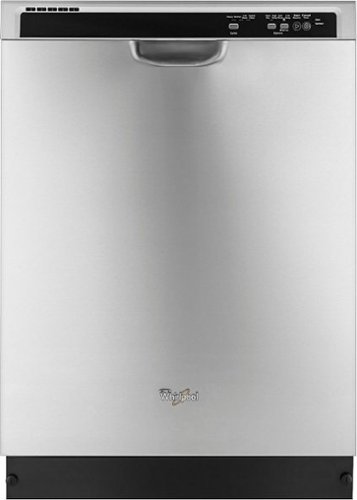
Whirlpool - 24" Tall Tub Built-In Dishwasher - Monochromatic Stainless Steel
Whirlpool 24" Tall Tub Built-In Dishwasher: Dishwashing has never been so easy with this high-performance Whirlpool dishwasher. With room for up to 14 place settings, this dishwasher comes with an adjustable silverware basket, a soil-sensing wash system, and 4 cycle options to choose from.
Before your answer, I looked up the install guide for this model and found this youtube video that shows that you CAN mount this dishwasher from the side. Here is the link: https://youtu.be/-_I7Oj9KdNc Can you please confirm side mount?
Katwoman, you can side mount this Whirlpool® Dishwasher. Please visit https://bit.ly/2U0U63N and refer to page 19 for more information.
6 years, 5 months ago
by
Posted by:
WhirlpoolTeam
Raise your Laundry Pair for easier loading and unloading. Optional laundry pedestal also provides space-saving storage for detergent, fabric softener, dryer sheets and other supplies.
Will this pedestal fit models WGD9400SU0 and WFW 9400SU01 Duet washer and dryer? If not where can they be found? Thanks
Hello Jim. Model numbers WGD9400SU and WFW9400SU use pedestal part numbers XHP1550WR.
6 years, 5 months ago
by
Posted by:
WhirlpoolTeam
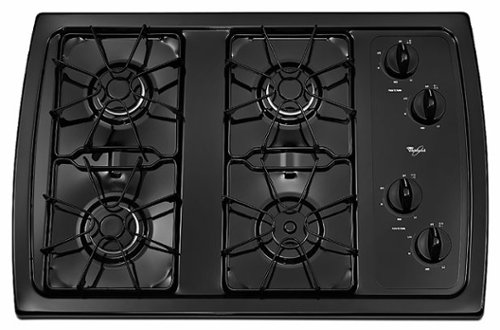
Whirlpool - 30" Built-In Gas Cooktop - Black
The secret to mastering your most delicate dishes is this gas cooktop and its specialty burners. A 5,000 BTU AccuSimmer~ burner delivers precise temperature control, so you can melt chocolate and simmer sauces perfectly. A 10,500 BTU burner also produces enough heat to quickly boil water and add the perfect sear to a steak. After your delicious meal, keep your cooktop looking like new with our dishwasher safe enamel steel grates, dishwasher-safe knobs and sealed burners.
My measurements are 28 1/2 X 18 1/2 Will this cooktop fit?
Lrod, we recommend the cutout dimensions on page 4 of the Installation Instructions. We've included the instructions below. Hopefully, this information is beneficial to you. Thank you for your inquiry regarding our Whirlpool appliances!
https://bit.ly/3cP0Ry2
https://bit.ly/3cP0Ry2
6 years, 5 months ago
by
Posted by:
WhirlpoolTeam
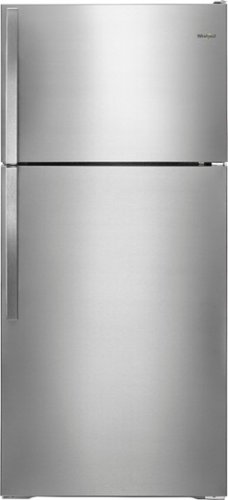
Whirlpool - 14.3 Cu. Ft. Top-Freezer Refrigerator - Monochromatic Stainless Steel
Preserve food and keep drinks cold with this 28-inch Whirlpool refrigerator. Its Quiet Cooling technology reduces kitchen noise, and its freezer controls let you easily adjust the temperature. The gallon door storage of this 14.3 cu. ft. top-freezer Whirlpool refrigerator accommodates milk and other large items, and the two crispers extend the freshness of fruits and vegetables.
This model is available now?
Model WRT134TFDM is an active model. Please check your local BestBuy to see if they have this Refrigerator available in their store.
6 years, 5 months ago
by
Posted by:
WhirlpoolTeam