Samsung
Samsung's Stats
Reviews
- Review Count0
- Helpfulness Votes0
- First ReviewNone
- Last ReviewNone
- Featured Reviews0
- Average Rating0
Reviews Comments
- Review Comment Count0
- Helpfulness Votes0
- First Review CommentNone
- Last Review CommentNone
- Featured Review Comments0
Questions
- Question Count0
- Helpfulness Votes0
- First QuestionNone
- Last QuestionNone
- Featured Questions0
- Answer Count73632
- Helpfulness Votes37,927
- First AnswerApril 24, 2013
- Last AnswerAugust 14, 2026
- Featured Answers0
- Best Answers3941
Samsung's Reviews
Samsung has not submitted any reviews.
Samsung's Questions
Samsung has not submitted any questions.
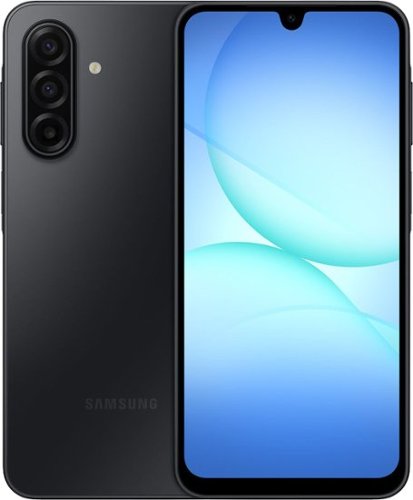
Galaxy A17 5G delivers everything you need at an awesome price for an awesome value. Capture precious memories in vivid colors and clarity with its enhanced triple lens camera. Stream your favorite movies and shows on its crystal clear 6.7" display. Now with the power of AI, Galaxy A17 5G makes web searches that much easier to seamlessly plan events, make dinner reservations, find the perfect gifts for loved ones and more with the help of Gemini. Power through your day with a reliable Super Fast Charging battery, up to 2TB of expandable storage and ultra fast 5G to stay connected with loved ones. As a Galaxy owner, you'll have access to amazing perks like Samsung Wallet, Samsung TV Plus and more. And with OS and security updates, Galaxy A17 5G keeps you protected and up to date So bring home a phone that delivers incredible value and makes every day a little more awesome.
is this phone Unlocked international? can load with 2 physical SIM card (China and Taiwan SIM card in nano size ?)

Hello Roland, thank you for taking the time to ask us your question about the Samsung Galaxy A17 5G. The advertised unlocked Galaxy A17 5G is the U.S. version of this device. It is compatible with AT&T, Boost Mobile, Cricket, Google Fi, H2O Wireless, Mint Mobile, Sprint, T-Mobile, Ultra Mobile, US Cellular, Verizon, and Visible. Please reach out to Support if you have additional questions. Thank you for being a loyal Samsung customer. - Debra
1 month, 3 weeks ago
by
Posted by:
Samsung
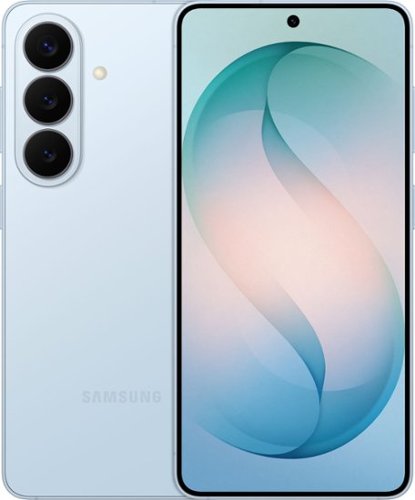
Samsung Galaxy S26 keeps things moving effortlessly. From quick replies to creative moments, everything feels smooth and responsive as you move between texting, scrolling, creating and sharing with Galaxy AI. Even better, this seamless experience comes alive on a larger, vibrant display that automatically enriches color to make photos feel more expressive and videos more engaging. When inspiration strikes, it~s easy to act on it. Photo Assist with Galaxy AI helps you clean up a photo by removing distractions while restoring details or exploring artistic styles like painting, black and white or playful illustrations to give your photos an entirely new look. And when you want to do more, Creative Studio makes it simple to create custom stickers, personalize profile pictures or generate new images from a quick prompt. No extra apps. No technical skills. Just effortless tools that help turn ideas into something uniquely yours. Samsung Galaxy S26 brings performance, immersion and creativity together ~ designed to keep everything you do feeling fast, vivid and inspired.
Can this be used with patriot mobile?
Aloha, thank you for taking the opportunity to ask us your question about the Samsung Galaxy S26. The advertised unlocked Galaxy S26 is compatible with AT&T, Boost Mobile, Cricket, Google Fi, H2O Wireless, Mint Mobile, Sprint, T-Mobile, Ultra Mobile, US Cellular, Verizon, and Visible. Please feel free to reach out to Support if you have additional questions for us. Thank you for being a steadfast Samsung customer. - Debra
1 month, 3 weeks ago
by
Posted by:
Samsung
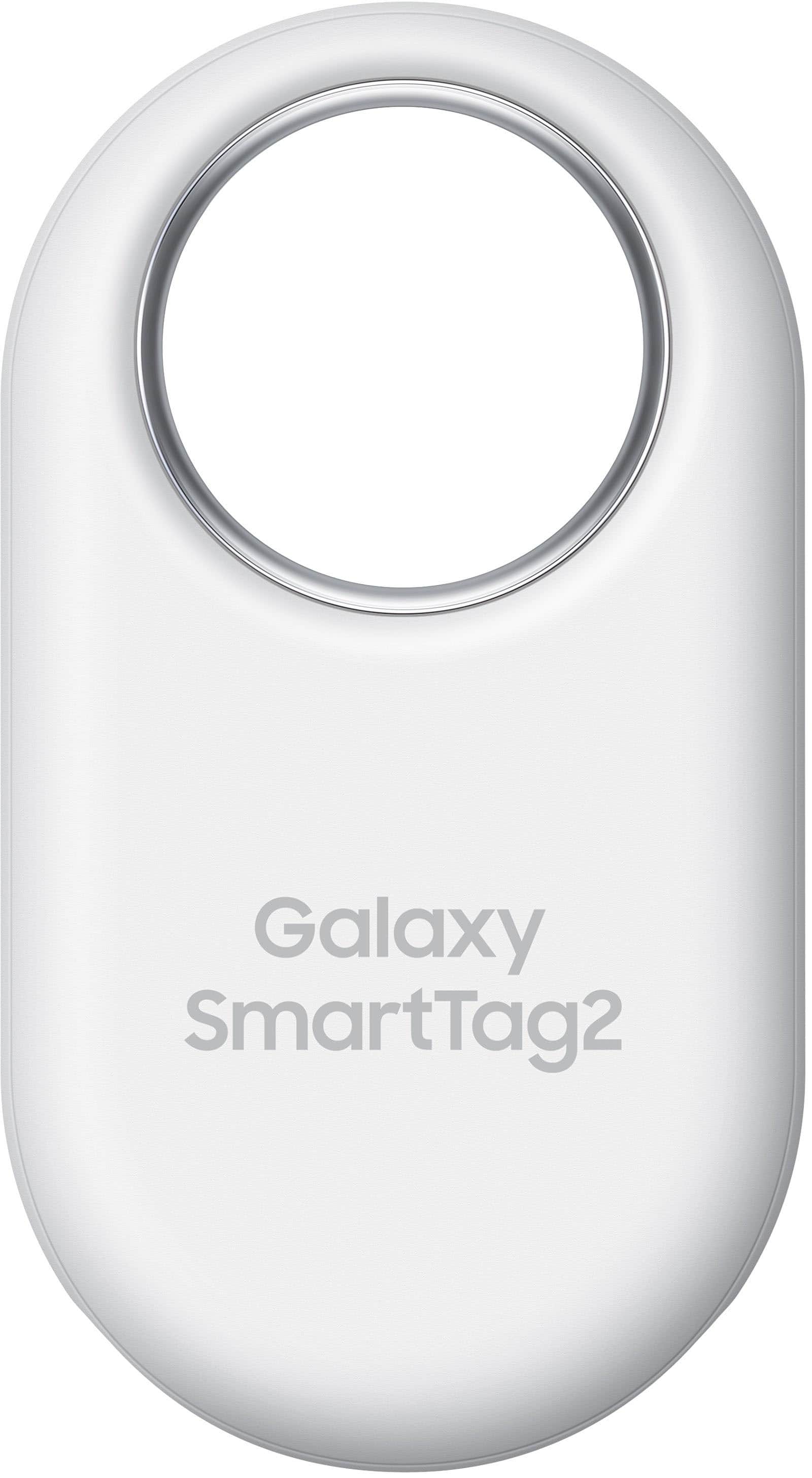
The all-new Galaxy SmartTag2 is your ultimate tool for keeping track of the things that matter most. Its innovative ring design lets you attach it practically anywhere, and its water resistance makes it ideal for outdoor adventures. Plus, with an impressive battery life that lasts up to 500 days along with Compass View and Search Nearby features, you can forget about forgetting your belongings once and for all. It also helps activate various IoT devices with just a click.
Does this item require your phone to be signed in to your Samsung account at all times, or just when you want to locate the item it's attached to?
Hey GuntherToody, thank you for asking us your question about the Samsung Galaxy SmartTag2. Yes, you must be signed into the same Samsung account on your Galaxy phone that was used to set up and register the Galaxy SmartTag2 in the SmartThings app. The SmartTag2 must be registered to your Samsung account. It can only be tracked by one SmartThings account at a time for security and privacy. Your Galaxy phone must be logged into that account to view the tag on the map or use the Compass feature to locate it. The actual tracking of the tag relies on the Samsung Find Network. The tag itself doesn't have cellular data; it pings its location by using nearby, unconnected Samsung Galaxy devices to relay its location to your account. If you don't have your phone on you, you can still track the tag by logging into Samsung Find from any web browser using your Samsung account. If you have any additional questions for us or if you would like further assistance, please let us know by reaching out to Support. Thank you for being a staunch Samsung customer. - Debra
1 month, 3 weeks ago
by
Posted by:
Samsung
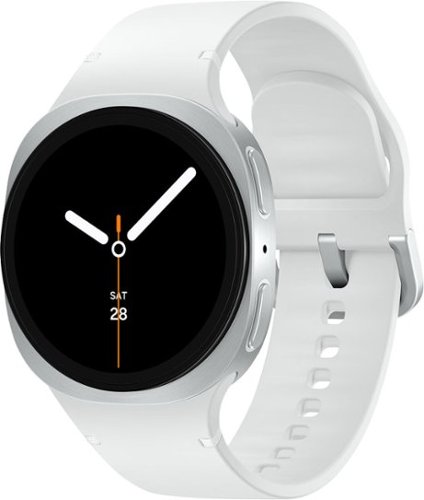
Galaxy Watch8 is built for those who never settle when it comes to self improvement. With a sporty yet sleek design, it packs a serious punch of enhanced performance, longer battery life and smart health tracking to keep you locked into your health and wellness goals, wherever they may take you. Your Watch8 works around the clock because a healthy lifestyle starts with healthy sleep. Advanced Sleep Tracking doesn~t just log hours, but it also takes a closer look at everything that happened while you snoozed. Wake up feeling lethargic? Get a full report on your sleep behavior, environment and disruptions, such as snoring. And when it~s time to get back on your feet for a new day and a new workout, you~re equipped with the insights you need to stay motivated with Energy Score. Need to multitask during your workout? Simply raise your wrist and speak naturally to send a text to meet up with a friend later, set a timer for your next mile or pull up your past run times. Watch8 is powerful and features an improved battery built to keep up with your longest bike rides without weighing you down. Thanks to a thinner, lighter body and dynamic strap system that molds to your wrist, you~ll almost forget your Watch is there as it tracks even the most intense workouts. Plus, the bright screen is visible even when you have to hit the trail in full sun. Galaxy Watch8 is more than a watch it~s a health coach and tracker that fits your wrist and your lifestyle.
Is watch band changable
Salutations Bluebird65, thank you for taking the time to ask us your question about the Samsung Galaxy Watch8. Yes, changing the band on your Samsung Galaxy Watch8 is quick and easy. Simply press the quick-release button on the back of the watch band near the connector, pull the band away from the watch body to remove it, and click your new band into place. If you have any other questions, please let us know by contacting Support. Thank you for being a valued Samsung customer. - Debra
1 month, 3 weeks ago
by
Posted by:
Samsung
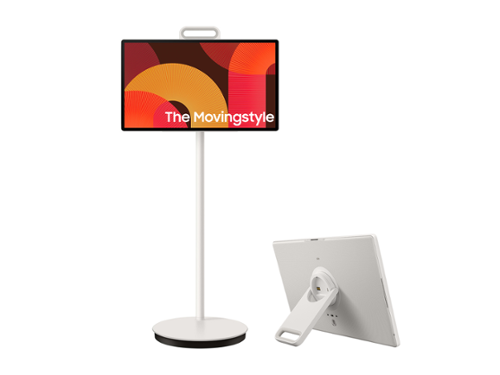
Cut the cord on how you watch, work and engage. Detach and use it like a tablet (does not support a stylus), or leave it on the roll-able floor stand and wheel it where you want to go. This portable touch screen allows you the freedom to watch and interact from room to room with up to 3 hours of battery life - based on Eco Screen Mode, volume 20, HDMI input, power saving mode on, standard video play. Results vary with set tings, usage, temperature, depth of discharge and battery age. Can be charged using the included 65W power adaptor.
Is there a webcam or is there a magnetic one like other Samsung monitors like this? If so, can I get the name and/or model?
Hi KD2026 - Please give us the opportunity to better assist with this by reaching Samsung Support at: 1-800-SAMSUNG (8AM – 9PM EST Mon – Fri, 8AM – 6PM Sat – Sun) or Chat with us on Samsung.com: https://www.samsung.com/us/support/contact/
~ Samsung Specialist
~ Samsung Specialist
1 month, 3 weeks ago
by
Posted by:
Samsung
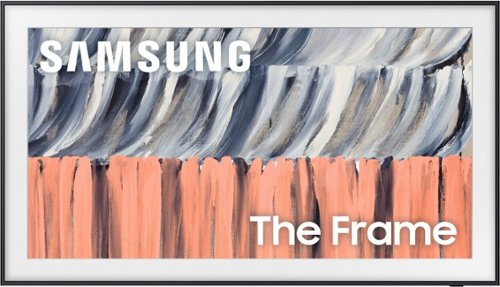
The original art TV that matches your style, with 5,000+ true-to-life curated works of art, including world-famous artists and galleries, exclusively available on the Samsung Art Store. The Glare Free display and included flush fit Slim Fit Wall Mount combine beautifully with the widest selection of customizable bezels to blend seamlessly into your d~cor like a real picture frame.
Does this tv have a wireless one connect box or no box at all?
Hi there - The Frame TV (LS03HE, 2026) features a Modern Frame Design with built-in connections, sitting flush against the wall while keeping all ports on the TV itself for easy access when connecting devices.
~ Samsung Specialist
~ Samsung Specialist
1 month, 3 weeks ago
by
Posted by:
Samsung
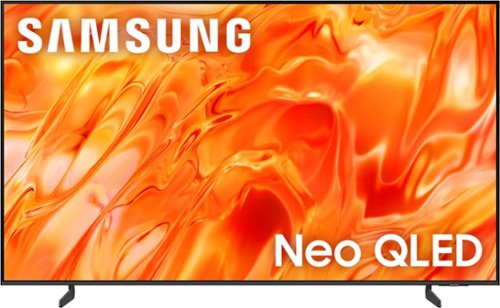
Mini LEDs are made better with Quantum Dots to deliver astonishing brightness and 100% color volume. Precise backlighting unlocks captivating contrast with dazzling highlights, while advanced AI processing dynamically adjusts how your content looks and sounds to augment what you're watching , whether it's a thrilling live soccer match or your favorite old movie.
Is this glare free?
Hi Mickey - The QN70H features Wide Viewing Angle for a more consistent picture from every seat, along with Supreme Mini LED Dimming for precise light control – keeping details clear in both deep shadows and bright highlights.
Starting with the S85H OLED, you’ll gain Ultra Viewing Angle with Anti-Reflection for enhanced color, wider viewing angles, and reduced glare. Step up to the S90H OLED for Glare Free technology with Ultra Viewing Angle, delivering even better reflection reduction and a more immersive, distraction-free viewing experience.
~ Samsung Specialist
Starting with the S85H OLED, you’ll gain Ultra Viewing Angle with Anti-Reflection for enhanced color, wider viewing angles, and reduced glare. Step up to the S90H OLED for Glare Free technology with Ultra Viewing Angle, delivering even better reflection reduction and a more immersive, distraction-free viewing experience.
~ Samsung Specialist
1 month, 3 weeks ago
by
Posted by:
Samsung
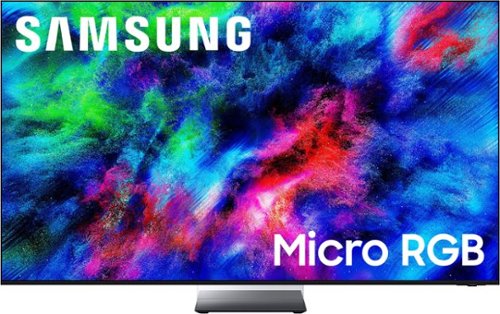
More colors than ever before possible, now on our best TV. Welcome to an expanded world of color ~ without distracting glare. Micro-sized* red, green, and blue lights deliver more colors** with pinpoint precision. Immerse yourself in vibrant visuals, incredible brightness and lifelike depth powered by our most powerful AI processor ~ all without distracting reflections thanks to Glare Free tech. Plus, ask your TV anything and get instant, personalized answers with Vision AI Companion.***
nextgen capable
Hi dog - The R95H TV has a built-in ATSC 3.0 tuner for receiving digital broadcasts.
~ Samsung Specialist
~ Samsung Specialist
1 month, 3 weeks ago
by
Posted by:
Samsung
Galaxy A17 5G delivers everything you need at an awesome price for an awesome value. Capture precious memories in vivid colors and clarity with its enhanced triple lens camera. Stream your favorite movies and shows on its crystal clear 6.7" display. Now with the power of AI, Galaxy A17 5G makes web searches that much easier to seamlessly plan events, make dinner reservations, find the perfect gifts for loved ones and more with the help of Gemini. Power through your day with a reliable Super Fast Charging battery, up to 2TB of expandable storage and ultra fast 5G to stay connected with loved ones. As a Galaxy owner, you'll have access to amazing perks like Samsung Wallet, Samsung TV Plus and more. And with OS and security updates, Galaxy A17 5G keeps you protected and up to date So bring home a phone that delivers incredible value and makes every day a little more awesome.
Is this a new phone or a refurbished?
Salutations Annmc, thank you for taking the opportunity to ask us your question about the Samsung Galaxy A17 5G. The advertised unlocked Galaxy A17 5G is a new device with a 12-month manufacture warranty for manufacturing defects in materials and workmanship. Please let us know if you have any other questions for us by contacting Support at your earliest convenience. Thank you for being a dedicated Samsung customer. - Debra
1 month, 3 weeks ago
by
Posted by:
Samsung
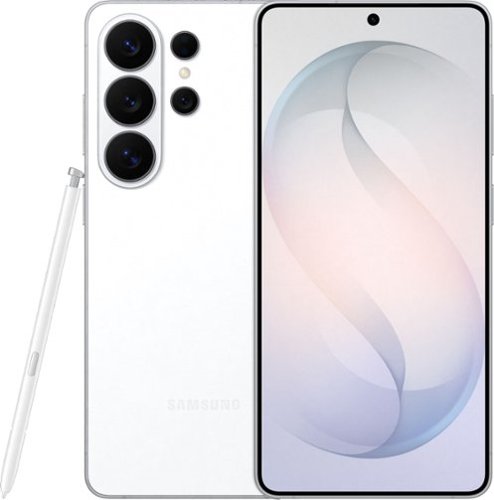
When everything just works, you stay in the moment. Samsung Galaxy S26 Ultra anticipates what you need next, empowers your creativity, delivers powerful performance with stunning, ultra-vivid viewing and even gives you the freedom to keep your screen private~whenever you choose. Out with friends and capturing the night? Nightography brings every scene to life, revealing rich detail even in low light. Snap photos or record video confidently as the night goes on, and then use Photo Assist with Galaxy AI to refine your shots in seconds ~cleaning up distractions, enhancing details and helping every memory look the way it felt. No extra apps. No slowing down. Creativity doesn~t stop once the moment is captured. Creative Studio with Galaxy AI on Galaxy S26 Ultra turns inspiration into creation, just like that. Transform photos into custom stickers, design invitations or generate entirely new images using a simple prompt ~all without switching apps or learning new tools. Whether you~re refining a memory or imagining something brand new, Galaxy AI helps bring ideas to life effortlessly, so creativity feels intuitive, not technical. When it~s time to turn ideas into plans, Galaxy S26 Ultra makes it simple. Now Nudge with Galaxy AI helps you stay on top of conversations by suggesting quick actions like adding an event, sharing a photo or finding a location ~all without slowing things down. All of this happens with privacy in mind. With the world~s first privacy display built into a phone, you can keep personal moments for your eyes only. Whether you~re creating, checking emails or just catching up, everything feels effortless and on your terms. Samsung Galaxy S26 Ultra is more than a smartphone ~it~s your companion.
Can the AI photo editor restore old pictures? Thanks.
Aloha Moncho, thank you for taking the time to ask us your question about the Samsung Galaxy S26 Ultra. Yes, the AI editor on the Galaxy S26 Ultra can restore old pictures. Using built-in features like Photo Remaster and Generative Edit, you can automatically colorize black-and-white photos, sharpen blurry details, remove scratches, and fill in missing edges without needing third-party apps. If you have any other questions for us or if you would like any further assistance, please let us know by contacting Support at your leisure. Thank you for being a treasured Samsung customer. - Debra
1 month, 3 weeks ago
by
Posted by:
Samsung