Samsung
Samsung's Stats
Reviews
- Review Count0
- Helpfulness Votes0
- First ReviewNone
- Last ReviewNone
- Featured Reviews0
- Average Rating0
Reviews Comments
- Review Comment Count0
- Helpfulness Votes0
- First Review CommentNone
- Last Review CommentNone
- Featured Review Comments0
Questions
- Question Count0
- Helpfulness Votes0
- First QuestionNone
- Last QuestionNone
- Featured Questions0
- Answer Count73673
- Helpfulness Votes37,929
- First AnswerApril 24, 2013
- Last AnswerAugust 17, 2026
- Featured Answers0
- Best Answers3941
Samsung's Reviews
Samsung has not submitted any reviews.
Samsung's Questions
Samsung has not submitted any questions.
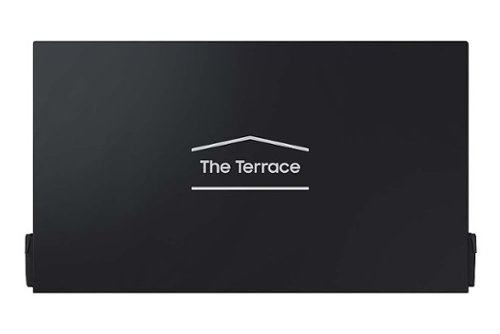
The Terrace Dust Cover
Is the cover waterproof?

Hi Kris - The Terrace Dust Cover is Water Resistant.
~ Samsung Specialist
~ Samsung Specialist
2 months ago
by
Posted by:
Samsung
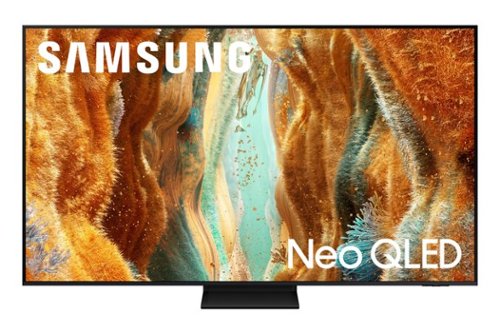
Take full advantage of Samsung Vision AI with enhanced picture and sound upscaled to 4K quality, plus experiences uniquely tailored to you - whether you're streaming your favorite show, gaming with friends, or watching live sports. And with access to free, premium channels, there's always some thing great to watch - in vivid detail brought to life by proprietary Mini LEDs.
Does this TV have a sleep timer?
The QN70F TV includes Auto Power Off, Sleep Timer, and Off Timer – each designed to reduce power use or automate shutoff. Sleep Timer and Off Timer let you schedule when the TV shuts off. Auto Power Off turns off the screen if the TV hasn’t been used for a while. To adjust these settings: Home > Settings > All Settings > General & Privacy > Power and Energy Saving.
~ Samsung Specialist
~ Samsung Specialist
2 months ago
by
Posted by:
Samsung
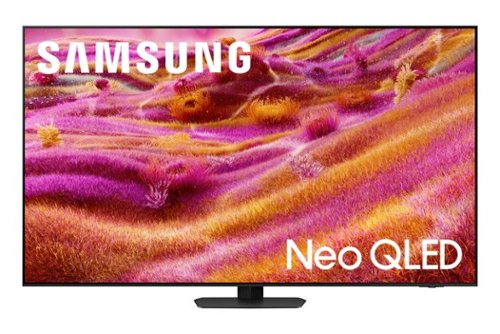
Our most advanced 4K processor powers Samsung Vision AI for enhanced picture, sound, and breakthrough TV experiences. Get amazingly detailed picture and vivid color on a glare free screen for viewing without distraction, even in the brightest rooms. Enriching new personalized TV experiences let you dive deeper into your content and get more from your TV.
What is the standard warranty
The QN90F TV comes with a 1-year Parts & Labor Manufacturer’s Warranty when purchased brand-new from an authorized dealer.
~ Samsung Specialist
~ Samsung Specialist
2 months ago
by
Posted by:
Samsung
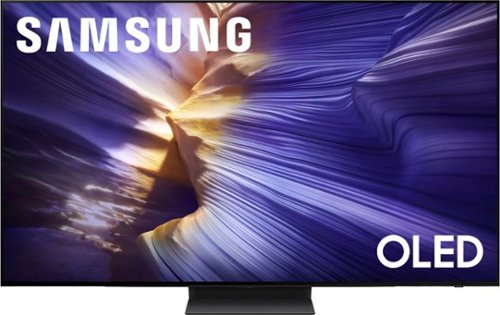
Our fastest 4K processor powers Samsung Vision AI to upscale your favorite content and put you at the center of the action. Powerful OLED HDR+ contrast and Pantone Validated color let you appreciate every detail. Dynamic motion enhancement technology delivers ultra smooth action for crisp visuals at blazing fast speeds whether you're streaming or gaming.
Can I change the base on this tv
The 55" S90F can utilize universal, separately sold stands that support a VESA pattern of 300mm x 200mm.
~ Samsung Specialist
~ Samsung Specialist
2 months ago
by
Posted by:
Samsung
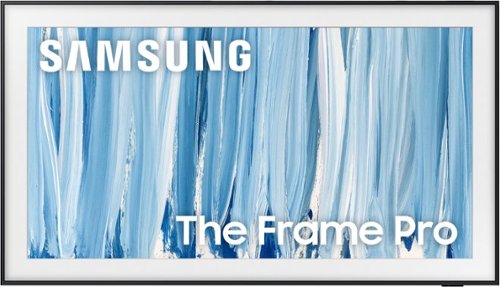
Our most advanced Art TV blurs the lines between showpiece and entertainment for art and movie lovers alike. The modern, slim-bezel frame, matte screen and wireless connection allow you to create a clutter-free gallery experience at home, featuring a selection of world-renowned artwork. Whether you're beholding a masterpiece or curling up to watch your favorite movie, enjoy spectacular, 4K Neo QLED picture and sound quality, along with personalized TV experiences powered by Samsung Vision AI.
Can it display personal photos?
Hi Janee - Yes, personal photos can be uploaded and displayed.
~ Samsung Specialist
~ Samsung Specialist
2 months ago
by
Posted by:
Samsung
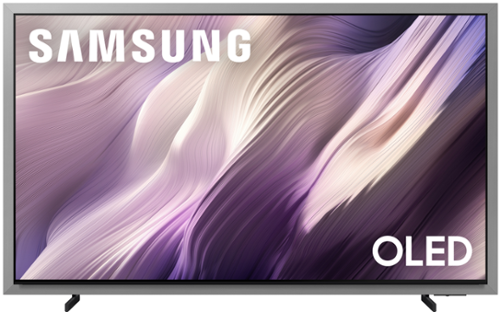
Unbeatable contrast with AI-powered pixel-level control, on a floating, glare-free screen that enhances movies, games and your home decor. Enjoy 5,000+ artworks from world-renowned artists and galleries, and you can reduce cable clutter on up to 8 HDMI devices with Wireless One Connect Ready. Also, get blazing-fast, ultra-smooth frame rates in video games with the Ultimate Gaming Pack.
What adjustable wall mount(s) would work well for this TV? Likewise, what sound bar would pair well?
Hi WillPA - The type used will depend on your preference; if you prefer the mount stationary, we recommend using a fixed mount or the Slim Fit mount (model WMN-H50EB/ZA). If you prefer the mount to move, take a look at tilting or full motion mounts. The 83" S95H TV can use any universal wall mount with a VESA Pattern of 400mm x 400mm. We recommend pairing the S95H with our Q- or S-Series Soundbars (such as the HW-Q900H or HW-S801D), as these models feature Q-Symphony and will synchronize with the speakers of theTV for an immersive 3D sound experience.
~ Samsung Specialist
~ Samsung Specialist
2 months ago
by
Posted by:
Samsung
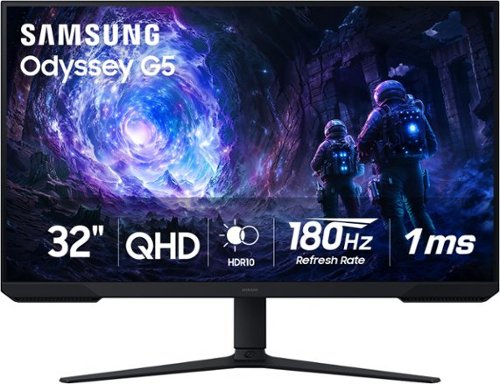
Samsung~s 32~ Odyssey G5 G51F Gaming Monitor boasts incredibly detailed, pin-sharp images with QHD resolution (2560x1440). HDR10 provides brighter highlights, improved contrast and color accuracy, making every scene feel more vivid and realistic. 180Hz Refresh Rate and near-instant 1ms Response Time (MPRT) captures all your moves with reduced lag for ultra-smooth gameplay. AMD FreeSync Premium Pro reduces choppiness, screen lag, and image tears. Black Equalizer allows you to adjust dark areas in games, so you can locate opponents hiding in the deepest shadows. Virtual Aim Point allows you to hit your marks with next-level accuracy, giving you the optimal aim with crosshairs on the screen. Auto Source Switch+ instantly switches to a new source signal when connected devices are turned on, without having to use multiple inputs. Ergonomic stand makes it simple to tilt and adjust the monitor for total gaming comfort.
Does it have speakers
Jay,
Unfortunately, the Samsung G51F does not have built-in speakers.
- Samsung Monitors
Unfortunately, the Samsung G51F does not have built-in speakers.
- Samsung Monitors
2 months ago
by
Posted by:
Samsung
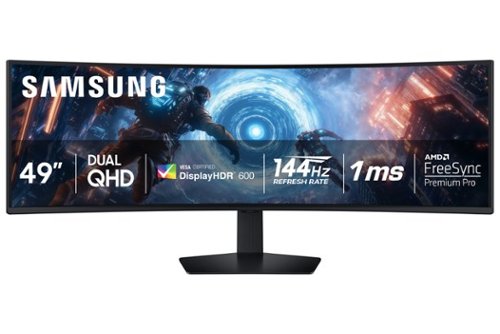
Samsung's 49" Odyssey G9 Curved Gaming Monitor with a 1000R curved display creates an immersive panoramic gaming experience. Curved Dual QHD features an ultra-wide 32:9 screen, equivalent to two side-by-side 16:9 monitors, providing a full view with unsurpassed details. VESA DisplayHDR 600 delivers more contrast with deeper blacks and brighter whites. 144Hz Refresh Rate and near-instant 1ms Response Time (GtG) captures all your moves with reduced lag for ultra-smooth gameplay. AMD FreeSync Premium Pro and VRR (variable refresh rate) reduce choppiness, screen lag, and image tears, even for the most intense fast-action gaming sessions. Picture-by-Picture enables a split screen that can be used to its maximum potential for side-by-side gameplay, while Picture-in-Picture allows seamless multitasking to manage all content on a single screen. Auto Source Switch+ instantly switches to a new source signal when connected devices are turned on, without having to use multiple inputs. The ergonomic stand makes it simple to tilt and adjust the monitor for total gaming comfort.
How many nits
Stan:
Typical brightness: 350 nits and Minimum brightness: ~280 nits
- Samsung Monitors
Typical brightness: 350 nits and Minimum brightness: ~280 nits
- Samsung Monitors
2 months ago
by
Posted by:
Samsung
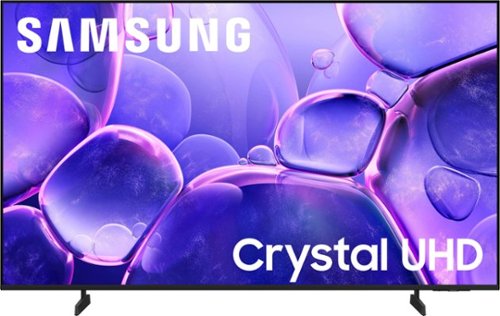
Samsung - 55 Class U8000F Series Crystal UHD 4K Smart Tizen TV (2025)
Upgrade your home theater with this stylish 4K TV featuring vibrant colors, rich contrast and an advanced 4K processor. Stay endlessly entertained with thousands of on demand shows and movies for free and enjoy peace of mind as watch thanks to our proprietary triple layer security that protects your personal data across all connected devices at once.
Can this be set to turn on in the hdmi
Hi,
You can customize what your TV does at startup by adjusting the Start Screen Options.
To do this, navigate to: Settings > All Settings > Advanced Features > Start Screen Option and choose from the following:
1. Start with Smart Hub Home – Automatically launches Smart Hub when the TV is turned on. You can enable or disable this option based on your preference.
2. Autorun Multi View Casting – If you cast YouTube content from your mobile device, the TV will automatically display the content using Multi View.
3. Autorun Multi View Mirroring – When you screen mirror your mobile device, Multi View will automatically open to show your device’s screen.
~Samsung Advisor
You can customize what your TV does at startup by adjusting the Start Screen Options.
To do this, navigate to: Settings > All Settings > Advanced Features > Start Screen Option and choose from the following:
1. Start with Smart Hub Home – Automatically launches Smart Hub when the TV is turned on. You can enable or disable this option based on your preference.
2. Autorun Multi View Casting – If you cast YouTube content from your mobile device, the TV will automatically display the content using Multi View.
3. Autorun Multi View Mirroring – When you screen mirror your mobile device, Multi View will automatically open to show your device’s screen.
~Samsung Advisor
2 months ago
by
Posted by:
Samsung
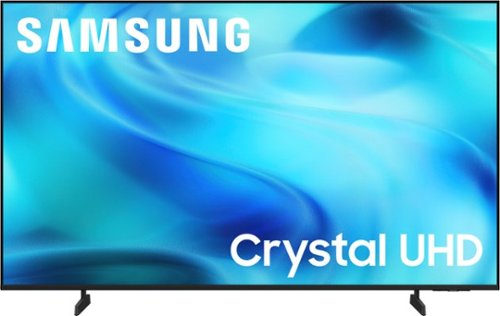
Watch all your content in crisp 4K resolution, with rich contrast, amazing color and clear picture. Discover thousands of subscription-free channels, including 700+ premium channels with Samsung TV Plus. Also, play thousands of video games without a console thanks to Samsung Gaming Hub. Enjoy peace of mind for years to come with the TV brand rated #1 in durability.
Can I mount this TV to: YOMT Universal TV Floor Stand with Mount for 27-70 Inch LCD LED OLED TVs, Swivel Height Adjustable Tall TV Stand, https://www.amazon.com/YOMT-Stand-He
Hi StandAlone,
The 43" U8000H TV requires a mount compatible with a VESA Map of 200x200mm.
~Samsung Advisor
The 43" U8000H TV requires a mount compatible with a VESA Map of 200x200mm.
~Samsung Advisor
2 months ago
by
Posted by:
Samsung