Samsung
Samsung's Stats
Reviews
- Review Count0
- Helpfulness Votes0
- First ReviewNone
- Last ReviewNone
- Featured Reviews0
- Average Rating0
Reviews Comments
- Review Comment Count0
- Helpfulness Votes0
- First Review CommentNone
- Last Review CommentNone
- Featured Review Comments0
Questions
- Question Count0
- Helpfulness Votes0
- First QuestionNone
- Last QuestionNone
- Featured Questions0
- Answer Count72705
- Helpfulness Votes37,803
- First AnswerApril 24, 2013
- Last AnswerJune 29, 2026
- Featured Answers0
- Best Answers3927
Samsung's Reviews
Samsung has not submitted any reviews.
Samsung's Questions
Samsung has not submitted any questions.
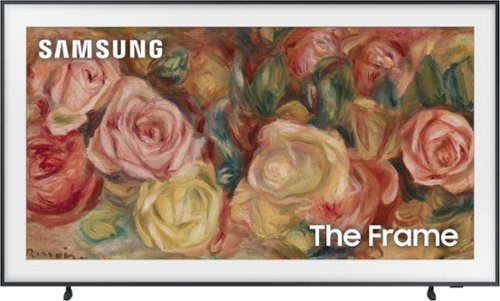
Samsung - 43 Class LS03D The Frame Series QLED 4K with Anti-Reflection and Slim Fit Wall Mount Included (2024)
This lifestyle TV helps you curate your own gallery with works of art or personal photos. It~s customizable and showcases expert validated color and 4K resolution.

Samsung - Pro Ultimate and Adapter 512GB microSDXC Memory Card
Step into a new stage of storage with the Samsung PRO Ultimate MicroSD. It supports every ambition from creative pursuits, to professional projects and personal memories with high speed and the compatibility to keep you on top of your game
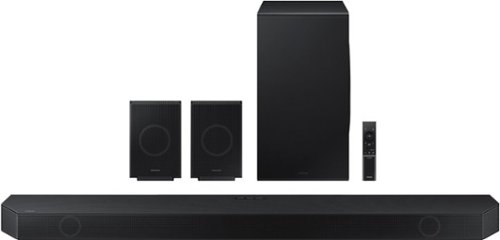
Samsung - HW-Q990D/ZA 11.1.4 Channel Q-Series Soundbar with Wireless Subwoofer and Rear Speakers, Dolby Atmos and Q-Symphony - Black
Experience our greatest of all time-level audio synchronized with your TV~s speakers* and customized to your living space. With intelligently tuned, 11.1.4 Ch. True Dolby Atmos Sound, the Q990D stands above the rest.
Samsung - 65" Class TU690T Crystal UHD 4K Smart Tizen TV (2023)
See how Crystal UHD with Smart TV elevates what you watch~at a value you~ll love. Go beyond HDTV to enjoy your content in 4K resolution, and in PurColor. With Smart TV powered by Tizen built in, it~s easy to find and stream the latest shows and movies in just a few clicks.
Does the TV have anti-glare technology?
Samsung - 65" Class TU690T Crystal UHD 4K Smart Tizen TV (2023)
See how Crystal UHD with Smart TV elevates what you watch~at a value you~ll love. Go beyond HDTV to enjoy your content in 4K resolution, and in PurColor. With Smart TV powered by Tizen built in, it~s easy to find and stream the latest shows and movies in just a few clicks.
Samsung - 43 Class CU7000 Crystal UHD 4K Smart Tizen TV (2023)
True-to-life color. Effortless connectivity. Dazzling 4K value. Samsung Crystal UHD is worth a look (and more). Effortlessly access TV shows, movies and ambient content using the Samsung Smart Hub, or find a range of great games on the Samsung Gaming Hub.* Enjoy content even more clear than it was created as its upgraded to 4K resolution
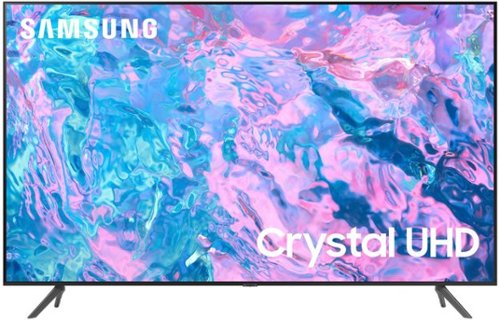
Samsung - 65 Class CU7000 Crystal UHD 4K Smart Tizen TV (2023)
True-to-life color. Effortless connectivity. Dazzling 4K value. Samsung Crystal UHD is worth a look (and more). Effortlessly access TV shows, movies and ambient content using the Samsung Smart Hub, or find a range of great games on the Samsung Gaming Hub.* Enjoy content even more clear than it was created as its upgraded to 4K resolution
my tv which i just bought does not find my network
Hi Steve,
If your CU7000 TV is having difficulties connecting to the internet, please try the following troubleshooting steps:
1) Check the network and the status of your access point.
2) On the remote control, press the button and move to Settings using the directional button.
3) Select Settings > General > Network > Network Status to check the network status.
4) If the network isn't connected, a network reset may be required.
5) Make sure that your access point is working correctly. Check the LED indicators on your access point to ensure it is operating normally.
6) Check the access point location if you use a wireless access point. If the access point is too far from the TV, move it closer.
7) Try rebooting the access point by disconnecting and reconnecting the power connector. It may take 1 to 2 minutes until the access point comes back online after a reboot.
8) If the same problem continues, select Settings > All Settings> General > Network > Network Status > IP Settings to change to a different DNS server. If a test occurs, cancel it and select IP Settings.
9) Select DNS Setting Enter manually.
10) Select DNS Server, enter 8.8.8.8, then select OK.
11) If the same problem continues, a software update or factory reset may be required.
I hope this helps. Should you need further assistance, Samsung is here for you. You can call us at 1-800-SAMSUNG, 8 AM - 12 AM EST, seven days a week.
~Samsung Advisor
If your CU7000 TV is having difficulties connecting to the internet, please try the following troubleshooting steps:
1) Check the network and the status of your access point.
2) On the remote control, press the button and move to Settings using the directional button.
3) Select Settings > General > Network > Network Status to check the network status.
4) If the network isn't connected, a network reset may be required.
5) Make sure that your access point is working correctly. Check the LED indicators on your access point to ensure it is operating normally.
6) Check the access point location if you use a wireless access point. If the access point is too far from the TV, move it closer.
7) Try rebooting the access point by disconnecting and reconnecting the power connector. It may take 1 to 2 minutes until the access point comes back online after a reboot.
8) If the same problem continues, select Settings > All Settings> General > Network > Network Status > IP Settings to change to a different DNS server. If a test occurs, cancel it and select IP Settings.
9) Select DNS Setting Enter manually.
10) Select DNS Server, enter 8.8.8.8, then select OK.
11) If the same problem continues, a software update or factory reset may be required.
I hope this helps. Should you need further assistance, Samsung is here for you. You can call us at 1-800-SAMSUNG, 8 AM - 12 AM EST, seven days a week.
~Samsung Advisor
2 years, 2 months ago
by
Posted by:
Samsung
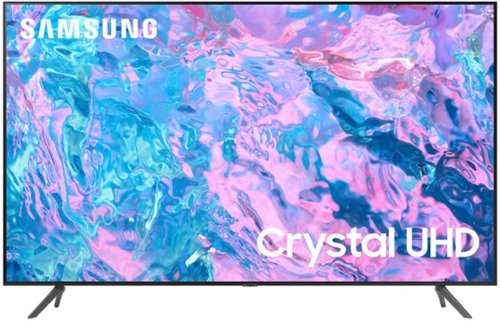
Samsung - 55 Class CU7000 Crystal UHD 4K Smart Tizen TV (2023)
True-to-life color. Effortless connectivity. Dazzling 4K value. Samsung Crystal UHD is worth a look (and more). Effortlessly access TV shows, movies and ambient content using the Samsung Smart Hub, or find a range of great games on the Samsung Gaming Hub.* Enjoy content even more clear than it was created as its upgraded to 4K resolution
I have a roku tv. Is there any way I can get all my roku channels on this tv?
Hi Scottyj,
The CU7000 TV comes with a built-in app store with hundreds of apps available for download. The ROKU TV app is available for download, but it may not include all of the channels you have on your ROKU TV. As an alternative, you can connect an external ROKU device via HDMI or USB.
~Samsung Advisor
The CU7000 TV comes with a built-in app store with hundreds of apps available for download. The ROKU TV app is available for download, but it may not include all of the channels you have on your ROKU TV. As an alternative, you can connect an external ROKU device via HDMI or USB.
~Samsung Advisor
2 years, 2 months ago
by
Posted by:
Samsung
Samsung - 55 Class CU7000 Crystal UHD 4K Smart Tizen TV (2023)
True-to-life color. Effortless connectivity. Dazzling 4K value. Samsung Crystal UHD is worth a look (and more). Effortlessly access TV shows, movies and ambient content using the Samsung Smart Hub, or find a range of great games on the Samsung Gaming Hub.* Enjoy content even more clear than it was created as its upgraded to 4K resolution
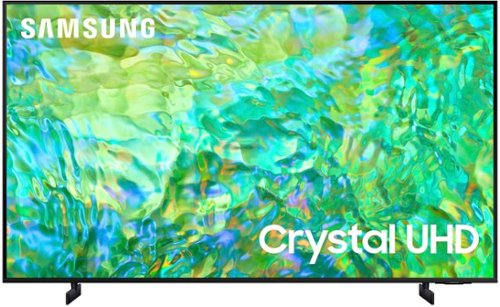
Samsung - 55" Class CU8000 Crystal UHD 4K Smart Tizen TV (2023)
One screen. All the things. With effortless performance, crowd-pleasing features and great value, you can bring home a winner~and feel like a million bucks. Watch your favorite movies and TV shows in captivating 4K resolution as the Crystal Processor automatically transforms every frame. Picture quality is improved as colors, contrast, and motion are analyzed and adjusted as you watch.
How do you turn off the lady voice off? And how do you turn the volume up?
Hi Tb,
To turn off Voice Guide, navigate to Home > Settings > All Settings> General > Accessibility > Voice Guide Settings > Voice Guide.
To turn the button up, use the + button on your remote control on the left-hand side.
You can also learn how to use your remote directly from your TV. Just go to Home> (left directional button) Settings> Support> Remote Control Guide.
~Samsung Advisor
To turn off Voice Guide, navigate to Home > Settings > All Settings> General > Accessibility > Voice Guide Settings > Voice Guide.
To turn the button up, use the + button on your remote control on the left-hand side.
You can also learn how to use your remote directly from your TV. Just go to Home> (left directional button) Settings> Support> Remote Control Guide.
~Samsung Advisor
2 years, 2 months ago
by
Posted by:
Samsung