Samsung
Samsung's Stats
Reviews
- Review Count0
- Helpfulness Votes0
- First ReviewNone
- Last ReviewNone
- Featured Reviews0
- Average Rating0
Reviews Comments
- Review Comment Count0
- Helpfulness Votes0
- First Review CommentNone
- Last Review CommentNone
- Featured Review Comments0
Questions
- Question Count0
- Helpfulness Votes0
- First QuestionNone
- Last QuestionNone
- Featured Questions0
- Answer Count74411
- Helpfulness Votes37,980
- First AnswerApril 24, 2013
- Last AnswerSeptember 18, 2026
- Featured Answers0
- Best Answers3947
Samsung's Reviews
Samsung has not submitted any reviews.
Samsung's Questions
Samsung has not submitted any questions.
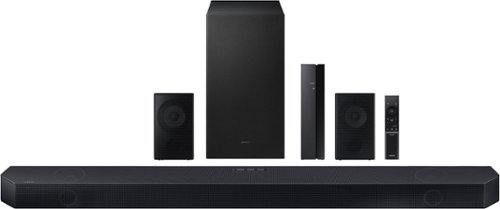
Samsung - Q series 5.1.2ch Wireless Dolby Atmos Soundbar w/ Q Symphony - Titan Black
Hear everything you see on a whole different level with this soundbar.
I just bought this yesterday, but there is no sound through the rear speaker or subwoofer, even though both of them are connected to the soundbar (both of them have solid blue lights). How do you fix this issues?

Hi Epsy,
There are a few steps you can take to troubleshoot your Soundbar.
First make sure that your Soundbar has the latest firmware as we do release software throughout the year. You can download the firmware directly from Samsung’s website by clicking “Support” in the top right corner. Then go to “Manuals & Software” > “TVs & Home Theater” > “Home Theater” > “Sound Bars”. From there, you can select the HW-Q750C under Q Series.
Download the update and install it via USB thumb stick to your soundbar. If you need additional help, there are how-to instructions on this page. Please know that Samsung Customer Service is here to assist as well.
Then try doing a soft reset, unplug the soundbar from the outlet for roughly 30 seconds and then plug it back in.
If this still does not correct your issue, then do a hard reset. With the Soundbar on, press the + & - Volume buttons on the body of the soundbar at the same time for at least 5 seconds. INIT OK” appears on the display and then the Soundbar is reset.
Should you have any questions, or need any other help with settings or features, please contact Samsung Customer Service via
1) 1-800-SAMSUNG, 8 AM - 12 AM EST, 7 days a week. Ask for “Soundbars.”
2) LiveChat with an agent by clicking the ‘Support’ link on www.samsung.com
~Samsung Solutions
There are a few steps you can take to troubleshoot your Soundbar.
First make sure that your Soundbar has the latest firmware as we do release software throughout the year. You can download the firmware directly from Samsung’s website by clicking “Support” in the top right corner. Then go to “Manuals & Software” > “TVs & Home Theater” > “Home Theater” > “Sound Bars”. From there, you can select the HW-Q750C under Q Series.
Download the update and install it via USB thumb stick to your soundbar. If you need additional help, there are how-to instructions on this page. Please know that Samsung Customer Service is here to assist as well.
Then try doing a soft reset, unplug the soundbar from the outlet for roughly 30 seconds and then plug it back in.
If this still does not correct your issue, then do a hard reset. With the Soundbar on, press the + & - Volume buttons on the body of the soundbar at the same time for at least 5 seconds. INIT OK” appears on the display and then the Soundbar is reset.
Should you have any questions, or need any other help with settings or features, please contact Samsung Customer Service via
1) 1-800-SAMSUNG, 8 AM - 12 AM EST, 7 days a week. Ask for “Soundbars.”
2) LiveChat with an agent by clicking the ‘Support’ link on www.samsung.com
~Samsung Solutions
2 years, 10 months ago
by
Posted by:
Samsung
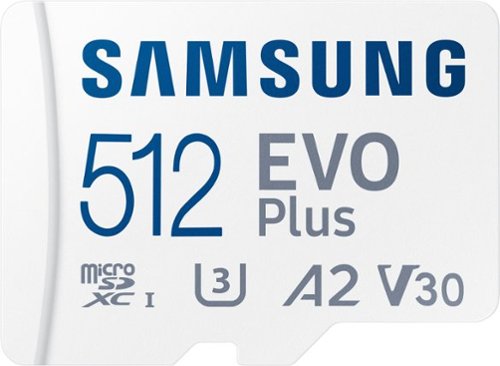
Samsung - EVO Plus 512GB microSDXC UHS-I Memory Card with Adapter
The Micro SD Memory Card EVO Plus + Adapter gives you the freedom to do more. Store huge files, load games, and download the latest apps at lightning-fast speeds. Plus, it~s designed to be incredibly durable, resistant to water, high temperatures, magnets & more. All with the performance and reliability you expect from the world~s #1 flash memory brand.
Does anyone know if this card can be used in a Nintendo Switch game system?
JC,
Yes, the EVO Plus can be used with the Nintendo Switch.
~Samsung Pro
Yes, the EVO Plus can be used with the Nintendo Switch.
~Samsung Pro
2 years, 10 months ago
by
Posted by:
Samsung
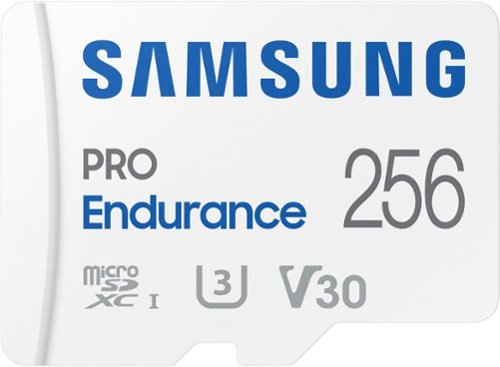
Extreme endurance for monitoring devices Built to last up to hours of recording (256GB model) Stands up against magnets, X-rays, water, drop and more. Record and play in FHD and 4K Engineered to deliver long lasting performance.
Can it be used with Samsung S9 phone
Angie,
Yes, the PRO Endurance is compatible with the S9.
~Samsung Pro
Yes, the PRO Endurance is compatible with the S9.
~Samsung Pro
2 years, 10 months ago
by
Posted by:
Samsung
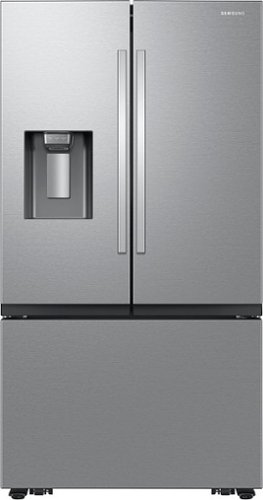
Samsung Mega Capacity 3-Door French Door refrigerator with 31 cu. ft. comes with four types of ice and a modern design. Store more groceries, including big and bulky items. The Dual Auto Ice Maker makes two types of ice ~ cubed, or Ice Bites while the external dispenser offers two additional ice options, curved and crushed.
Where is the settings and temperture display located?
Hi Chu,
I got what you need about the control display's location.
When facing the door, you'll find the control panel in the right corner inside the refrigerator.
Have a great day!
^Chrystel
I got what you need about the control display's location.
When facing the door, you'll find the control panel in the right corner inside the refrigerator.
Have a great day!
^Chrystel
2 years, 10 months ago
by
Posted by:
Samsung
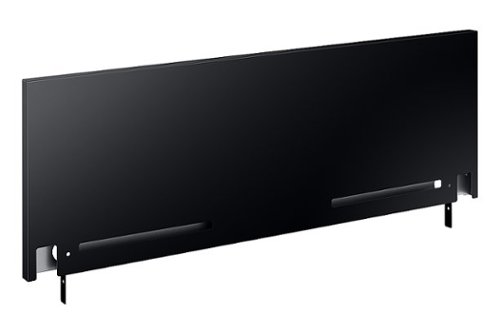
Now you can easily beautify your backsplash and give it the upgrade it deserves. Choose a premium, professional look or cover up any unfinished backsplash area with a sleek 9" backguard for your 30" Front Control Slide-in Range.
Will this fit the NX60A8711QN/AA GAS RANGE?
Hi there,
No, the backguard is not compatible with model number NX60A8711QN/AA.
Have a great day.
^Aloe
No, the backguard is not compatible with model number NX60A8711QN/AA.
Have a great day.
^Aloe
2 years, 10 months ago
by
Posted by:
Samsung
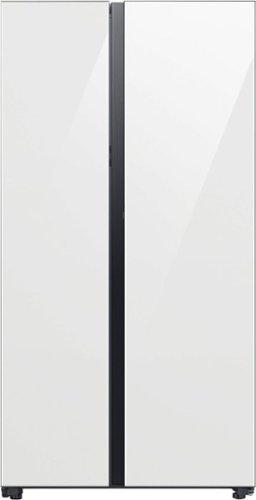
A Bespoke Side-by-Side refrigerator lets you create a stylish kitchen with your choice of color and finish: White Glass or Fingerprint Resistant Stainless Steel. The Beverage Center provides quick and easy access to refreshing cold and filtered water. Dual Auto Ice Maker makes two types of ices - cubed or Ice Bites. Plus, Power Touch Sensor lets you open doors effortlessly with a light touch.
Is the freezer frost free
Hi Candy,
No, this refrigerator model isn't frost-free.
Have a great day!
^Chrystel
No, this refrigerator model isn't frost-free.
Have a great day!
^Chrystel
2 years, 10 months ago
by
Posted by:
Samsung
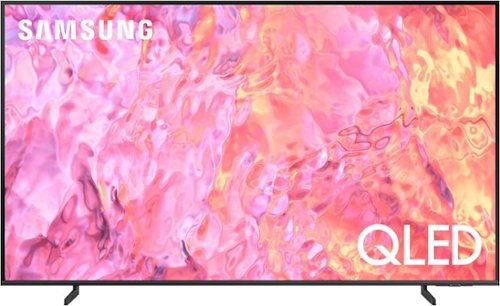
Samsung - 43" Class Q60C QLED 4K UHD Smart Tizen TV (2023)
This lean, mean 4K machine is primed for your leap into Quantum Dot technology~and a bold new world of color and contrast. Take your entire viewing experience to the next level with the elevated audio and astounding picture quality of Samsung QLED. Not only will you see your TV shows and movies instantly transformed into 4K, but you~ll also take in a billion shades of unwavering color. Beyond amazing visuals, you~ll be drawn in by 3D surround sound that moves with the action.
CAN THIS TV HOOK UP TO CABLE (FIOS) AND AN INDOOR ANTENNA? AND SWITCH BACK AND FORTH WITHOUT CHANGING CABLES
NICK - So that we can better understand and assist with this, please reach out to Samsung Support at: 1-800-SAMSUNG, 8AM - 12AM EST, 7 days a week, or Chat with us on Samsung.com: https://www.samsung.com/us/support/contact/
~ Samsung Specialist
~ Samsung Specialist
2 years, 10 months ago
by
Posted by:
Samsung
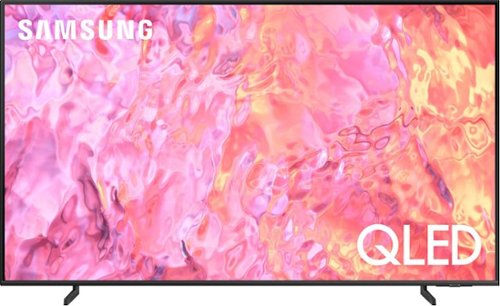
Samsung - 55" Class Q60C QLED 4K UHD Smart Tizen TV (2023)
This lean, mean 4K machine is primed for your leap into Quantum Dot technology~and a bold new world of color and contrast. Take your entire viewing experience to the next level with the elevated audio and astounding picture quality of Samsung QLED. Not only will you see your TV shows and movies instantly transformed into 4K, but you~ll also take in a billion shades of unwavering color. Beyond amazing visuals, you~ll be drawn in by 3D surround sound that moves with the action.
Can you install the xfinity stream app on this tv?
JohnnyM - Yes, the Xfinity Stream app can be installed directly from the built-in App Store.
~ Samsung Specialist
~ Samsung Specialist
2 years, 10 months ago
by
Posted by:
Samsung
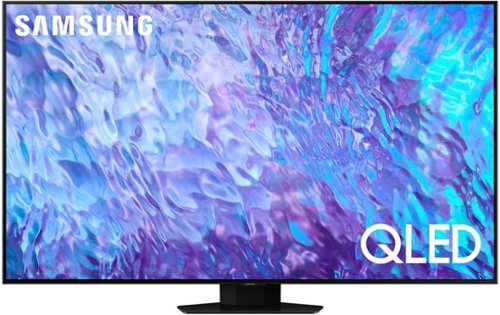
Samsung - 65 Class Q80C QLED 4K UHD Smart Tizen TV (2023)
Don~t settle for basic. Punch up the contrast with super-precise LEDs and elevate the ordinary to something more impressive. Direct Full Array and Dolby Atmos technology headline Samsung QLED~s refined audio/visual experience
What is the distance between the bottom of the TV (without the stand) and the bottom mounting holes on the back of the TV?
Tvbuyer - On the 65" Q80C, the distance from the bottom VESA holes to the bottom of the TV is 12.0".
~ Samsung Specialist
~ Samsung Specialist
2 years, 10 months ago
by
Posted by:
Samsung
Samsung - 65 Class Q80C QLED 4K UHD Smart Tizen TV (2023)
Don~t settle for basic. Punch up the contrast with super-precise LEDs and elevate the ordinary to something more impressive. Direct Full Array and Dolby Atmos technology headline Samsung QLED~s refined audio/visual experience
Would I be able to change from this tv stand that comes on the tv to more of the 2 wider v legs further from the center?
Aiden - The Q80C only supports a center stand.
~ Samsung Specialist
~ Samsung Specialist
2 years, 10 months ago
by
Posted by:
Samsung