Samsung
Samsung's Stats
Reviews
- Review Count0
- Helpfulness Votes0
- First ReviewNone
- Last ReviewNone
- Featured Reviews0
- Average Rating0
Reviews Comments
- Review Comment Count0
- Helpfulness Votes0
- First Review CommentNone
- Last Review CommentNone
- Featured Review Comments0
Questions
- Question Count0
- Helpfulness Votes0
- First QuestionNone
- Last QuestionNone
- Featured Questions0
- Answer Count74536
- Helpfulness Votes37,988
- First AnswerApril 24, 2013
- Last AnswerSeptember 25, 2026
- Featured Answers0
- Best Answers3951
Samsung's Reviews
Samsung has not submitted any reviews.
Samsung's Questions
Samsung has not submitted any questions.

Samsung - 43" Class The Frame QLED 4K UHD Smart Tizen TV (2022)
Artwork, shows, movies and memories display what you love on The Frame, the picture frame like TV. See everything on the QLED 4K TV at 100% Color Volume with Quantum Dot that saturates your screen with a billion colors. Switch on Art Mode and transform your TV into your own personal art exhibit.~ ~QLED televisions can produce 100% Color Volume in the DCI P3 color space, the format for most cinema screens and HDR movies for television.
Can this tv sit on a tv stand also? Thanks

Hi Andy - In addition to the included Slim Fit Wall Mount, The Frame TV also includes a (2-legged) stand.
~ Samsung Specialist
~ Samsung Specialist
3 years, 7 months ago
by
Posted by:
Samsung
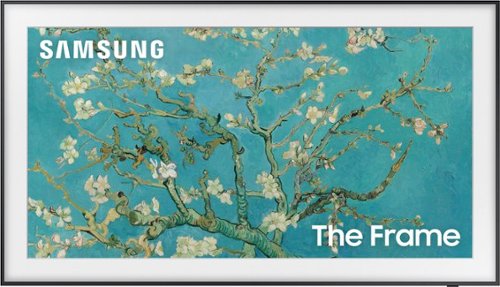
Samsung - 55" Class The Frame QLED 4K UHD Smart Tizen TV (2022)
Artwork, shows, movies and memories display what you love on The Frame, the picture frame like TV. See everything on the QLED 4K TV at 100% Color Volume with Quantum Dot that saturates your screen with a billion colors. Switch on Art Mode and transform your TV into your own personal art exhibit.~ ~QLED televisions can produce 100% Color Volume in the DCI P3 color space, the format for most cinema screens and HDR movies for television.
I saw the stand for this TV is adjustable for height, can this be confirmed? If so, what is the height from lowered to fully extended
Hi Mike - The 55" Frame TV legs are height adjustable for a total height of 29.3" (1.4" of clearance) or 30.3" (2.4" of clearance).
~ Samsung Specialist
~ Samsung Specialist
3 years, 7 months ago
by
Posted by:
Samsung
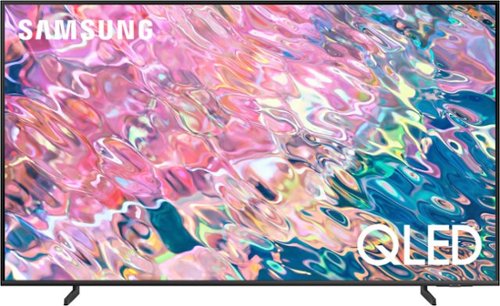
Samsung - 43 Class Q60B QLED 4K Smart Tizen TV (2022)
Leap into the world of bold contrast and vivid color with QLED 4K. Together, cool and warm Dual LEDs shine a billion shades of Quantum Dot color for a natural looking picture. Enjoy it all upscaled to glorious 4K, in details and colors that stay true even in bright scenes, thanks to 100% Color Volume.~ ~QLED televisions can produce 100% Color Volume in the DCI P3 color space, the format for most cinema screens and HDR movies for television.
Can I use a cable remote (Spectrum) to control this tv?
Kat - Yes, you can use your Spectrum remote to control the Q60B.
~ Samsung Specialist
~ Samsung Specialist
3 years, 7 months ago
by
Posted by:
Samsung
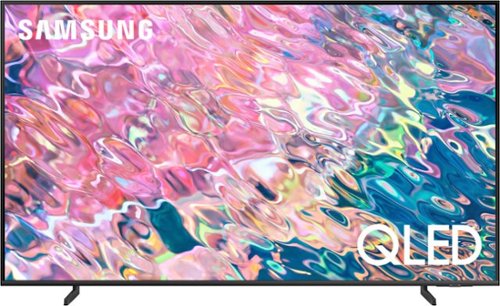
Samsung - 50 Class Q60B QLED 4K Smart Tizen TV (2022)
Leap into the world of bold contrast and vivid color with QLED 4K. Together, cool and warm Dual LEDs shine a billion shades of Quantum Dot color for a natural looking picture. Enjoy it all upscaled to glorious 4K, in details and colors that stay true even in bright scenes, thanks to 100% Color Volume.~ ~QLED televisions can produce 100% Color Volume in the DCI P3 color space, the format for most cinema screens and HDR movies for television.
Can this screen be viewed from an angle?
Mordaal - The Q60B offers Dual LED backlighting to deliver vivid images with improved contrast, off-axis viewing, and color accuracy. When stepping up to the 55" Q80B, you'll gain Wide Viewing Angle and Adaptive Picture technology which optimizes your picture with a lighting system that automatically senses, reacts, and adjusts to the brightness of the space you're in. Starting with our 55” QN90B TV, you’ll gain Ultra Viewing Angle with Anti Reflection technology which provides wider viewing angles, enhances color, and minimizes glare to help you enjoy shows without distractions.
~ Samsung Specialist
~ Samsung Specialist
3 years, 7 months ago
by
Posted by:
Samsung
Samsung - 50 Class Q60B QLED 4K Smart Tizen TV (2022)
Leap into the world of bold contrast and vivid color with QLED 4K. Together, cool and warm Dual LEDs shine a billion shades of Quantum Dot color for a natural looking picture. Enjoy it all upscaled to glorious 4K, in details and colors that stay true even in bright scenes, thanks to 100% Color Volume.~ ~QLED televisions can produce 100% Color Volume in the DCI P3 color space, the format for most cinema screens and HDR movies for television.
I'm not sure if all TV's are capable of being mounted on a wall, but if this one is for it's size what TV Mount would one recommend?
The 50" Q60B can use any type of universal wall mount that supports a VESA pattern of 200mm x 200mm.
~ Samsung Specialist
~ Samsung Specialist
3 years, 7 months ago
by
Posted by:
Samsung
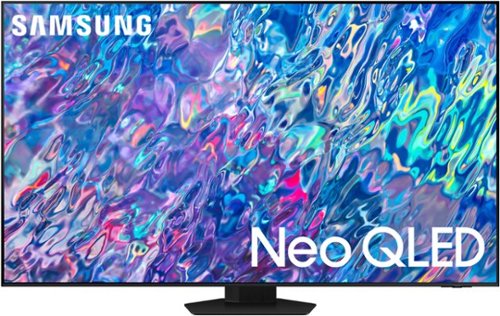
Samsung - 65 Class QN85B Neo QLED 4K Smart Tizen TV (2022)
Get next-level premium 4K experiences powered by Quantum Matrix. By using precision Mini LEDs, color and contrast come alive for details that shine. For all you watch, AI-processing refines your Smart TV Hub and sound, while upscaling your content to 4K - for a brilliant picture, even in bright daylight.
Does this TV support eARC?
KEG - eARC is located in HDMI port #3 on the QN85B.
~ Samsung Specialist
~ Samsung Specialist
3 years, 7 months ago
by
Posted by:
Samsung
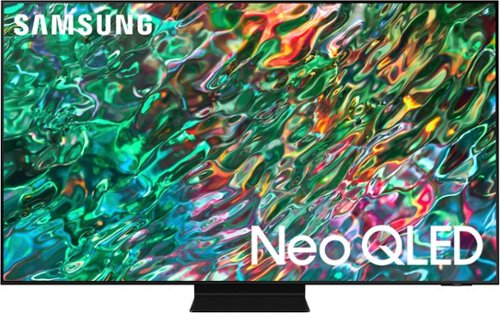
Samsung - 55 Class QN90B Neo QLED 4K Smart Tizen TV (2022)
Dive into our most brilliantly intense 4K experience, powered by Quantum Matrix Technology. By using precision Mini LEDs to create a wide range of color and contrast, rich details are revealed. Marvel at all that emerges from your darkest and brightest scenes thanks to 14 bit processing for deep blacks and over a billion shades of color. From daytime sports to movie night, your picture amazes in any light with AI processing that expertly upscales content to 4K and refines your Smart Hub and sound.
Is this the best option for a bright room? Is that what QLED is for?
Hi Sreed - If you're planning on placing your TV in a bright room, we do recommend our QN90B Neo QLED 4K or Neo QLED 8K lineup.
~ Samsung Specialist
~ Samsung Specialist
3 years, 7 months ago
by
Posted by:
Samsung
Samsung - 55 Class QN90B Neo QLED 4K Smart Tizen TV (2022)
Dive into our most brilliantly intense 4K experience, powered by Quantum Matrix Technology. By using precision Mini LEDs to create a wide range of color and contrast, rich details are revealed. Marvel at all that emerges from your darkest and brightest scenes thanks to 14 bit processing for deep blacks and over a billion shades of color. From daytime sports to movie night, your picture amazes in any light with AI processing that expertly upscales content to 4K and refines your Smart Hub and sound.
Can I remove the stand to mount in the wall?
sReed - Yes, the stand can be removed when you're ready to mount the QN90B.
~ Samsung Specialist
~ Samsung Specialist
3 years, 7 months ago
by
Posted by:
Samsung
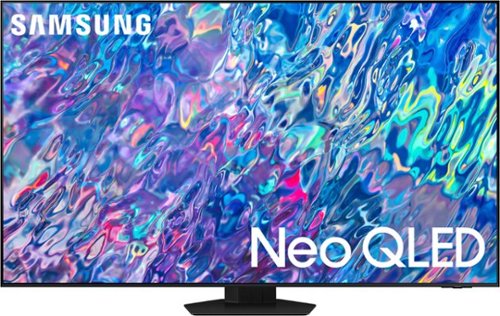
Samsung - 85 Class QN85B Neo QLED 4K Smart Tizen TV (2022)
Get next-level premium 4K experiences powered by Quantum Matrix. By using precision Mini LEDs, color and contrast come alive for details that shine. For all you watch, AI-processing refines your Smart TV Hub and sound, while upscaling your content to 4K - for a brilliant picture, even in bright daylight.
How deep is the middle stand of this TV?
Sonny - Here is the 85" QN85B TV's stand footprint (WxHxD in inches): 16.5 x 10.6 x 12.9
~ Samsung Specialist
~ Samsung Specialist
3 years, 7 months ago
by
Posted by:
Samsung
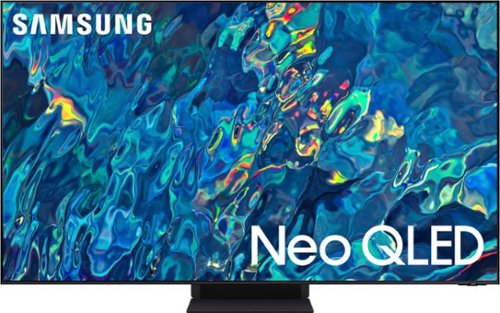
Samsung - 65" Class QN95B Neo QLED 4K Smart TV (2022)
Brilliant details shine even in daylight with Samsung~s ultra-precise Quantum Mini LEDs. Immerse yourself in a next level viewing experience with an impossibly slim profile. Experience everything you watch transformed to 4K by AI-powered neural networks.
My viewing area is in a relatively darkened setting. Is this TV going to be too bright to view comfortably?
JayG - Powered by a huge grid of Samsung’s ultra-precise Quantum Mini LEDs, the QN95B TV takes exact control of the individual zones of light in your picture for breathtaking color and contrast. Should you ever want to customize your brightness, you can adjust the level between 0 – 50 to your preference. Go to: Home > Menu > Settings > All Settings > Picture > Expert Settings > Brightness
~ Samsung Specialist
~ Samsung Specialist
3 years, 7 months ago
by
Posted by:
Samsung