Samsung
Samsung's Stats
Reviews
- Review Count0
- Helpfulness Votes0
- First ReviewNone
- Last ReviewNone
- Featured Reviews0
- Average Rating0
Reviews Comments
- Review Comment Count0
- Helpfulness Votes0
- First Review CommentNone
- Last Review CommentNone
- Featured Review Comments0
Questions
- Question Count0
- Helpfulness Votes0
- First QuestionNone
- Last QuestionNone
- Featured Questions0
- Answer Count74582
- Helpfulness Votes37,990
- First AnswerApril 24, 2013
- Last AnswerSeptember 28, 2026
- Featured Answers0
- Best Answers3951
Samsung's Reviews
Samsung has not submitted any reviews.
Samsung's Questions
Samsung has not submitted any questions.
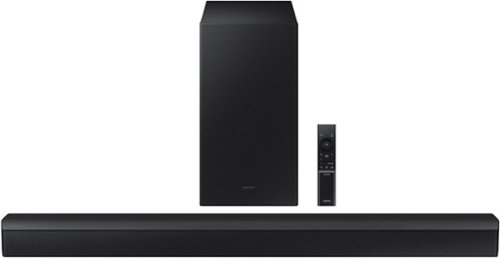
Samsung - HW-B450/ZA 2.1ch Soundbar with DOLBY AUDIO/ DTS 2.0 CHANNEL - Black
Take your audio setup to the next level with the B450. Bass tones come alive and create a more well rounded sound with the included subwoofer~. And if you want to crank it up even more, Bass Boost amplifies the deeper tones at the touch of a button. Whether you~re playing games or kicking back with your favorite show, Adaptive Sound Lite enhances and optimizes your entertainment. Plus, you can seamlessly pair mobile devices with Bluetooth~ TV Connection~. ~Applicable on Q series, B models and S8 series. ~Please check whether your TV is Bluetooth~ compatible.
What is the power of the subwoofer? Watts?

Hi GBaBa,
The wattage of the subwoofer is 220W.
~Samsung Solutions
The wattage of the subwoofer is 220W.
~Samsung Solutions
3 years, 8 months ago
by
Posted by:
Samsung
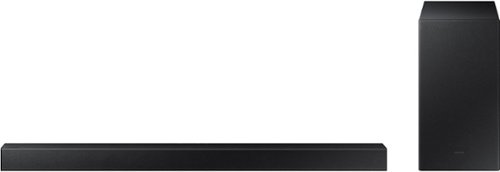
Samsung - 2.1-Channel Soundbar with Wireless Subwoofer and DOLBY AUDIO / DTS 2.0 - Black
Elevate your audio experience with high-quality optimized sound. The power of Samsung sound bar HW-A430/ZA makes surround soundbar comes to life with speakers that fire all around you.
Is there no changing of the settings manually on this sound bar? Pushing the settings button on this remote doesn’t do anything. Nothing shows up.
Hello Art,
The SOUND CONTROL button is the one that looks like a gear. It will allow you to change the TREBLE, BASS, and AUDIO SYNC are displayed in sequence. The desired settings can be adjusted using the Up/Down buttons.
If you press and hold the same button for about 5 seconds to adjust the sound for each frequency band. 150Hz, 300Hz, 600Hz, 1.2kHz, 2.5kHz, 5kHz, and 10kHz are selectable using the Left/Right buttons and each can be adjusted to a setting between -6 to +6 using the Up/Down buttons. (Make sure the Sound mode is set to “STANDARD”.
When you use the SOUND MODE button it will allow you to change the different pre-equalized sound modes, STANDARD, SURROUND or BASS BOOST.
You can download the full user manual directly from Samsung’s website by clicking “Support” in the top right corner. Then go to “Manuals & Software” > “TVs & Home Theater” > “Home Theater” > “Sound Bars”. From there, you can select the HW-A430 under A Series.
~Samsung Solutions
The SOUND CONTROL button is the one that looks like a gear. It will allow you to change the TREBLE, BASS, and AUDIO SYNC are displayed in sequence. The desired settings can be adjusted using the Up/Down buttons.
If you press and hold the same button for about 5 seconds to adjust the sound for each frequency band. 150Hz, 300Hz, 600Hz, 1.2kHz, 2.5kHz, 5kHz, and 10kHz are selectable using the Left/Right buttons and each can be adjusted to a setting between -6 to +6 using the Up/Down buttons. (Make sure the Sound mode is set to “STANDARD”.
When you use the SOUND MODE button it will allow you to change the different pre-equalized sound modes, STANDARD, SURROUND or BASS BOOST.
You can download the full user manual directly from Samsung’s website by clicking “Support” in the top right corner. Then go to “Manuals & Software” > “TVs & Home Theater” > “Home Theater” > “Sound Bars”. From there, you can select the HW-A430 under A Series.
~Samsung Solutions
3 years, 8 months ago
by
Posted by:
Samsung

Samsung - HW-B650/ZA 3.1 Channel Soundbar with Wireless Subwoofer, Dolby 5.1 / DTS Virtual:X - Black
Dolby Atmos creates realistic 3D sound by projecting it from all around you, including from above, while DTS Virtual: X expands your listening experience without having to add extra speakers. Boost the bass with a touch of a button. The built-in center speaker delivers enhanced dialogue so you won't miss a word. Experience the intensity of action movies with the powerful bass coming from the included subwoofer. Enjoy optimized audio with enhanced voice clarity on all your favorite video content.
Is this compatible with the Samsung - 65" Class 7 Series LED 4K UHD Smart Tizen TV
Hi Billy,
The HW-B650 Soundbar can connect using Bluetooth, Digital Optical or HDMI. Your 7 Series Samsung can use any of these inputs as well. We do recommend using HDMI as this will offer the best audio and user experience.
~Samsung Solutions
The HW-B650 Soundbar can connect using Bluetooth, Digital Optical or HDMI. Your 7 Series Samsung can use any of these inputs as well. We do recommend using HDMI as this will offer the best audio and user experience.
~Samsung Solutions
3 years, 8 months ago
by
Posted by:
Samsung
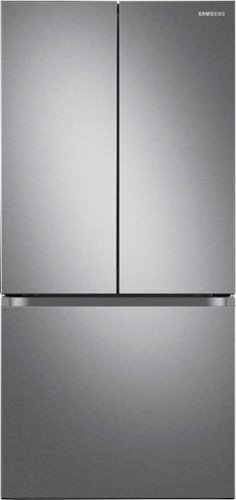
33" wide Smart Counter Depth 3-Door French Door Refrigerator with a modern look that blends seamlessly into your kitchen.
I have had fridge for abou a month. Love it but noticed that the center bar that slides to seal door seam doesn’t always go across to seal. Anyone else have this issue?
Dear Valued BestBuy Client,
We are glad to know that you love our Samsung refrigerator, Db.
To better assist you with this concern, please contact the BestBuy customer service department at 888 237-8289. Call us any time 24 hours a day.
They can either answer your question or transfer you to your local store to answer your specific questions.
^Rainly
We are glad to know that you love our Samsung refrigerator, Db.
To better assist you with this concern, please contact the BestBuy customer service department at 888 237-8289. Call us any time 24 hours a day.
They can either answer your question or transfer you to your local store to answer your specific questions.
^Rainly
3 years, 8 months ago
by
Posted by:
Samsung
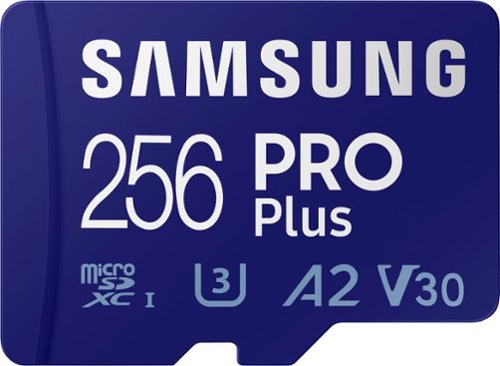
Samsung - PRO Plus 256GB microSDXC UHS-I Memory Card With Adapter
Your new go-to card + adapter combo, the Micro SD PRO Plus + Adapter makes capturing seamless 4K video on compatible phones or drones a breeze. Plus, the expanded storage provides you the freedom to play more high-performance and intensive games on your tablet or gaming device. It~s all the extra space you need from a brand you can count on.
Will this work on canon EOS M200 camera?
Hi Ali,
When using the included SD card adapter, the PRO Plus microSD card is compatible with the Canon EOS M200 camera.
~Samsung Pro
When using the included SD card adapter, the PRO Plus microSD card is compatible with the Canon EOS M200 camera.
~Samsung Pro
3 years, 8 months ago
by
Posted by:
Samsung
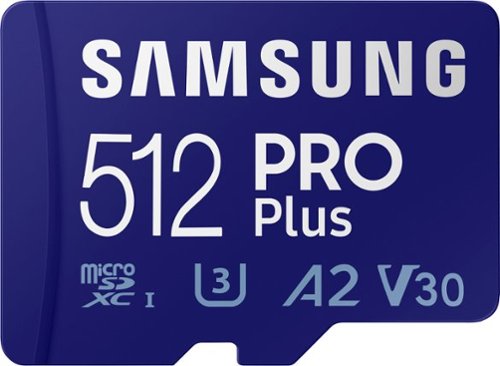
Samsung - PRO Plus 512GB microSDXC UHS-I Memory Card with Adapter
Your new go-to card + adapter combo, the Micro SD PRO Plus + Adapter makes capturing seamless 4K video on compatible phones or drones a breeze. Plus, the expanded storage provides you the freedom to play more high-performance and intensive games on your tablet or gaming device. It~s all the extra space you need from a brand you can count on.
Is the class 10 micro SD card?
Hello,
The PRO Plus microSD card has Class 10 compatibility.
~Samsung Pro
The PRO Plus microSD card has Class 10 compatibility.
~Samsung Pro
3 years, 8 months ago
by
Posted by:
Samsung
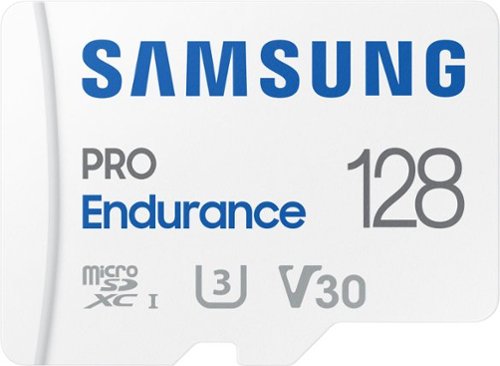
Extreme endurance for monitoring devices Built to last up to hours of recording (256GB model) Stands up against magnets, X-rays, water, drop and more. Record and play in FHD and 4K Engineered to deliver long lasting performance.
I need a 128gb microSD with a FAT 32 format for a security camera. Will this chip fit the bill?
Hi SAS72,
The PRO Endurance can be formatted to FAT32 format.
~Samsung Pro
The PRO Endurance can be formatted to FAT32 format.
~Samsung Pro
3 years, 8 months ago
by
Posted by:
Samsung
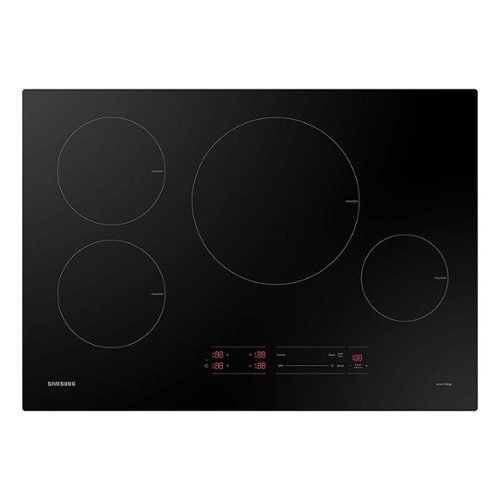
Samsung - 30" Smart Induction Cooktop with Wi-Fi - Black
This powerful, smart, energy-efficient induction cooktop offers fast performance and innovative technology that gives you peace of mind in the kitchen. Save energy, time, and cook worry-free with induction technology.
Why are the electrical requirements conflicting and what are the minimum requirements for installation? The specification sheet says 30 amps 240 volts however the installation guide indicates 40 or 45 amp 240 volt minimum.
Hi There,
We're happy to clarify your question!
As per checking, single-pole breakers are intended to accommodate 30 amps with a minimum of 240 volts. While a power supply is required on a dedicated double pole circuit breaker of at least 40 amps and 240 volt AC.
Have a great day!
^Chrystel
We're happy to clarify your question!
As per checking, single-pole breakers are intended to accommodate 30 amps with a minimum of 240 volts. While a power supply is required on a dedicated double pole circuit breaker of at least 40 amps and 240 volt AC.
Have a great day!
^Chrystel
3 years, 8 months ago
by
Posted by:
Samsung
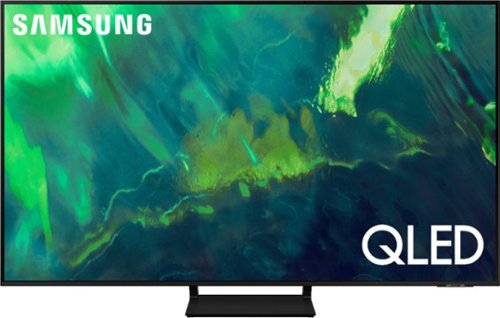
Samsung - 55" Class Q70A Series QLED 4K UHD Smart Tizen TV (2021)
As intelligent as it is beautiful. A Smart TV interface learns the content you like and makes suggestions based on what you watch.
Does this TV support Paramount+, Nexflix and have an apps download
Courios - Both apps you've mentioned are available on this model, which also features a built-in App Store that allows you to choose and download from hundreds of available apps.
~ Samsung Specialist
~ Samsung Specialist
3 years, 8 months ago
by
Posted by:
Samsung
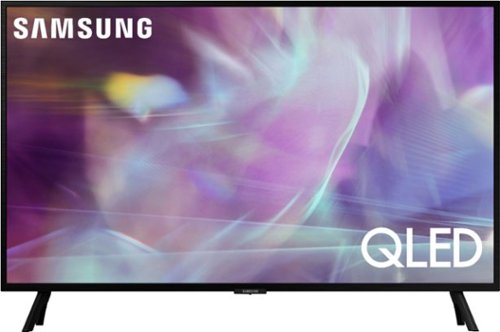
Samsung - 32" Class Q60A Series QLED 4K UHD Smart Tizen TV (2021)
Enjoy ultra-intense 4K vivid color and sharpened clarity with the Q60A / Q60AB. It combines Quantum Dot Technology with the power of 100% Color Volume to deliver a billion of shades for colorful, razor-sharp visuals. The ultra-smart Quantum Processor 4K Lite automatically upscales and transforms your content into 4K. Dual LED backlighting adjusts and coordinates with content in real time to enhance contrast and detail. Plus, with the rechargeable SolarCell Remote, you can easily access and control Smart TV and all your connected devices.
Hi, I'm having trouble with the remote - I can't get the volume to go higher. Thank you for your help.
joan - Below the Back button and above the Netflix hotkey, you'll see a thin rocker button with (+) on the top and (-) below; simply push up on this button to increase, and down to decrease volume.
~ Samsung Specialist
~ Samsung Specialist
3 years, 8 months ago
by
Posted by:
Samsung