Samsung
Samsung's Stats
Reviews
- Review Count0
- Helpfulness Votes0
- First ReviewNone
- Last ReviewNone
- Featured Reviews0
- Average Rating0
Reviews Comments
- Review Comment Count0
- Helpfulness Votes0
- First Review CommentNone
- Last Review CommentNone
- Featured Review Comments0
Questions
- Question Count0
- Helpfulness Votes0
- First QuestionNone
- Last QuestionNone
- Featured Questions0
- Answer Count73778
- Helpfulness Votes37,946
- First AnswerApril 24, 2013
- Last AnswerAugust 21, 2026
- Featured Answers0
- Best Answers3946
Samsung's Reviews
Samsung has not submitted any reviews.
Samsung's Questions
Samsung has not submitted any questions.
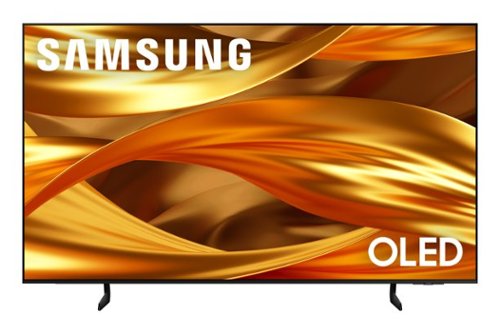
Self-illuminating pixels deliver the dramatic contrast of OLED and dazzling, expert-validated color, driven by our advanced AI processor. Experience a stunning picture with enhanced brightness and depth, all in a sleek design with a thin bezel. Dive into your content with Samsung Vision AI experiences and immerse yourself in multi-dimensional audio with top-firing speakers.
is the hulu and peacock streaming apps on this series

Yes, Hulu and Peacock are available.
~ Samsung Specialist
~ Samsung Specialist
4 months, 3 weeks ago
by
Posted by:
Samsung
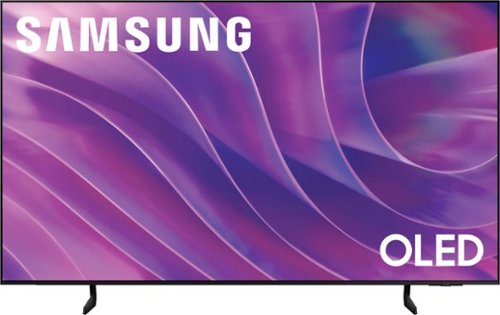
Self-illuminating pixels deliver the dramatic contrast of OLED and dazzling, expert-validated color, driven by our advanced AI processor. Experience a stunning picture with enhanced brightness and depth, all in a sleek design with a thin bezel. Dive into your content with Samsung Vision AI experiences and immerse yourself in multi-dimensional audio with top-firing speakers.
How do I get a replacement remote
Please give us the opportunity to better assist with this by reaching Samsung Support at: 1-800-SAMSUNG (8AM – 9PM EST Mon – Fri, 8AM – 6PM Sat – Sun) or Chat with us on Samsung.com: https://www.samsung.com/us/support/contact/
~ Samsung Specialist
~ Samsung Specialist
4 months, 3 weeks ago
by
Posted by:
Samsung
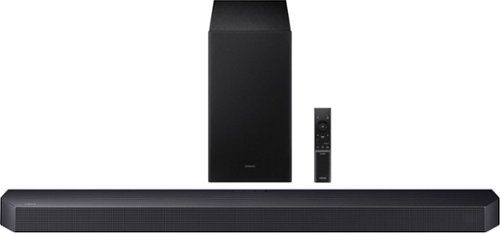
Get swept away into any film, concert or soundtrack with Dolby Atmos 3D sound that reveals rich depth and intricate details. Be surrounded by sound and feel at the center of it all with up-firing channels that project audio overhead, a dedicated center channel for clear dialogue and a wireless subwoofer that delivers room-shaking bass. Pair the soundbar with a Samsung TV to experience powerful, robust audio with Q-Symphony and level up your entertainment a notch or two or three.
I loaded a usb flashdrive into this bar to play music ..is there a way to turn the shuffle off? I want it to play the folders as they are on the flash drive...no repeat no ff...seems its barebones when it comes to usb playback...thanks
Hello Headhunter! At this time, there isn’t a way to turn shuffle on or off or control how files are played beyond basic functions. The soundbar does not support folder navigation, custom playback order, or advanced controls like fast-forward or repeat customization through USB. Playback is handled in a simple, automatic sequence based on how the files are read from the flash drive.
If you’re looking for more control over your music (such as playing songs in a specific order or disabling shuffle), we recommend connecting a device via Bluetooth. This allows you to manage playback directly from your phone or tablet with full control over playlists and track order.
~ Samsung Solutions
If you’re looking for more control over your music (such as playing songs in a specific order or disabling shuffle), we recommend connecting a device via Bluetooth. This allows you to manage playback directly from your phone or tablet with full control over playlists and track order.
~ Samsung Solutions
4 months, 3 weeks ago
by
Posted by:
Samsung
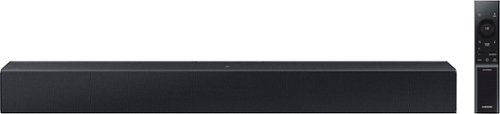
Add a soundbar. Enjoy everything more. From concerts to cooking competitions, for binging shows and streaming music, this soundbar is loaded with clever features that you~ll use every day.
Can I play music from my phone?
Hi Graffe! Yes, simply connect your phone to the HW-C400 Soundbar via Bluetooth. ~ Samsung Solutions
4 months, 3 weeks ago
by
Posted by:
Samsung

Samsung - 43 The Frame Customizable Bezel - Modern Teak
The Frame offers a variety of customizable, magnetic bezels so you can easily choose or even change your favorite color to best suit your space. This bezel is teak and only fits the 2021 Samsung QN43LS03AAFXZA TV.
What's is this product. Exactly.
Duzit2397,
The Frame Customizable Bezel is an additional accessory to the Frame TV, allowing you to customize your Frame TV to match your decor.
~Samsung Pro
The Frame Customizable Bezel is an additional accessory to the Frame TV, allowing you to customize your Frame TV to match your decor.
~Samsung Pro
4 months, 3 weeks ago
by
Posted by:
Samsung

The Frame offers a variety of customizable, magnetic bezels so you can easily choose or even change your favorite color to best suit your space. This bezel is brown and only fits the 2021 Samsung QN50LS03AAFXZA TV.
Does this Modern Brown bezel work with the 50" Samsung Frame LS03FA (2025)?
Sam,
Yes, this Customizable Bezel is compatible with standard Frame TVs from 2025.
~Samsung Pro
Yes, this Customizable Bezel is compatible with standard Frame TVs from 2025.
~Samsung Pro
4 months, 3 weeks ago
by
Posted by:
Samsung
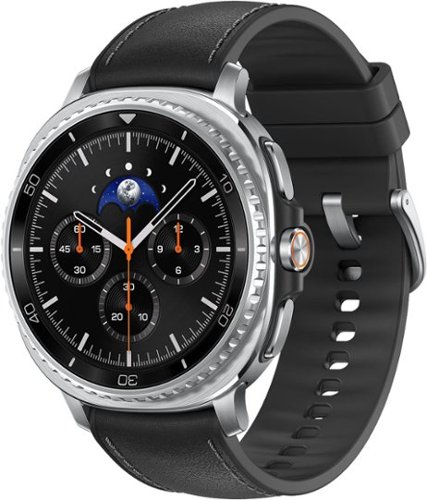
Galaxy Watch8 Classic is more than a watch- it~s an elegant timepiece with traditional style that helps keep your day on track. Now brighter and incredibly comfortable, it~s the perfect blend of fashion and function that offers enhanced performance without compromise. Backed by Galaxy AI, this watch does more than track- it understands and helps you act. Wake up to meaningful sleep insights, not just data- because when your sleep improves, so does everything else. Then confidently head out the door with quick briefings on weather, sports scores and more, all at a glance on your Watch screen. You can also send texts and knock out multiple tasks while you walk with an assistant you activate by raising your wrist. Whether you~re focused on productivity, health or performance, Watch8 Classic fits better, lasts longer and helps you get the most out of every day. Galaxy Watch8 Classic redefines what a timepiece can do.
Why won't the watch allow me to use hands free text messaging or calling.I ask it to text someone and it does nothing.I ask it to call someone and it does nothing. Before purchasing, I asked this question. And it was answered that it could do that.
Aloha Jango, thank you for asking us your question about the Samsung Galaxy Watch8 Classic. The advertised Galaxy Watch8 Classic has been designed to handle hands-free calling and texting, however, this functionality may not work properly if you're experiencing connection issues with the phone or have incorrect settings in place. For a Bluetooth-only watch, it must be connected to your phone via Bluetooth and the Galaxy Wearable app. If the connection is broken, voice commands will not work. If you are away from your phone, the watch may not be correctly connected via Wi-Fi, preventing texts from sending. Toggle Bluetooth off and on, or restart both your phone and watch to restore the link. Hands-free requires the assistant to be fully activated, with permissions allowed for the microphone, contacts, and phone. If you are doing this for the first time, you must permit the mic function when prompted, or voice typing will not start. Open Bixby or Google Assistant and ensure it is fully set up, including passing the voice recognition test. Hope that helps! Feel free to reach out to Support if you have any other questions. Thanks for choosing Samsung! - Debra
4 months, 3 weeks ago
by
Posted by:
Samsung
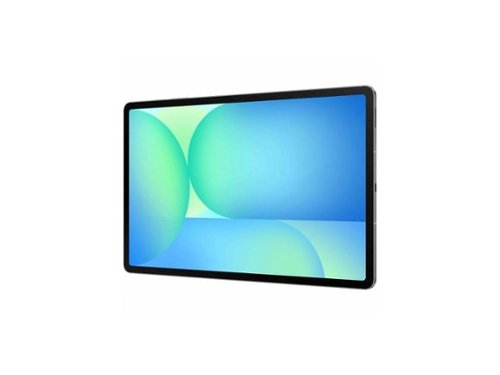
Samsung - Galaxy Tab S10 FE - 10.9" - Exynos 1580 - 8GB RAM - 128GB - 5G - Gray
Samsung Galaxy Tab S10 FE SM-X528U Tablet - 10.9" WUXGA+ - Samsung Exynos 1580 (S5E8855) Octa-core - 8 GB - 128 GB Storage - Android 15 - 5G - Gray - Cortex A720 Single-core (1 Core) 2.90 GHz + C
Does it have sim card slot??
Hello there Vk, thank you for finding the time to ask us your questions about the Samsung Galaxy Tab S10 FE. No, the advertised Galaxy Tab S10 FE is the Wi-Fi/Bluetooth Only version of this device. This version lacks a SIM card tray so it is unable to be added to a wireless carrier's network. If you have any other questions for us, please feel free to contact Support. Thank you for being a steadfast Samsung customer. - Debra
4 months, 3 weeks ago
by
Posted by:
Samsung

With room to hold three devices at once ~ a smartwatch and two phones, or a smartwatch, earbuds, and phone ~ you can power up your ecosystem all at once**. So when you~re done for the day, just put your devices down in one place to be ready for tomorrow.
Why don't my Galaxy s24 work on my charging pad
Good day, thank you for taking the time to ask us your question about the Samsung Wireless Charger Pad Trio. Your Galaxy S24 may not be charging on the Wireless Charger Pad Trio due to improper alignment, a thick protective case, or disabled fast wireless charging settings. Position your phone directly in the center of the pad, remove any cases, and ensure "Fast Wireless Charging" is enabled in your settings under Battery -> Charging Settings. If you would like any further assistance, please feel free to contact Support. Thanks for being a devoted Samsung customer. - Debra
4 months, 3 weeks ago
by
Posted by:
Samsung
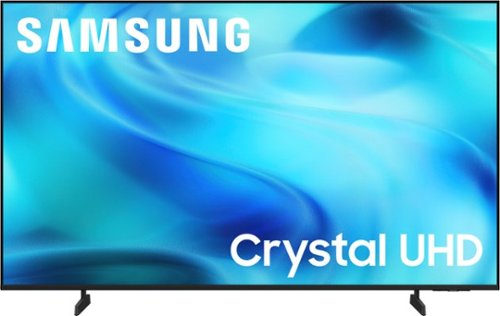
Watch all your content in crisp 4K resolution, with rich contrast, amazing color and clear picture. Discover thousands of subscription-free channels, including 700+ premium channels with Samsung TV Plus. Also, play thousands of video games without a console thanks to Samsung Gaming Hub. Enjoy peace of mind for years to come with the TV brand rated #1 in durability.
How does the Samsung - 50" Class U8000F LED 4K UHD Smart Tizen TV MODEL: UN50U8000 respond directly to Voice Commands ? It has a built-in microphone but the User Manual says that I have to speak to Bixby on a mobile phone app.
Hi Stan,
The U8000H TV does not come with a voice remote. However, you can use a voice remote to control the TV, connect a standalone Alexa device, or use Bixby on the SmartThings App.
~Samsung Advisor
The U8000H TV does not come with a voice remote. However, you can use a voice remote to control the TV, connect a standalone Alexa device, or use Bixby on the SmartThings App.
~Samsung Advisor
4 months, 3 weeks ago
by
Posted by:
Samsung