Samsung
Samsung's Stats
Reviews
- Review Count0
- Helpfulness Votes0
- First ReviewNone
- Last ReviewNone
- Featured Reviews0
- Average Rating0
Reviews Comments
- Review Comment Count0
- Helpfulness Votes0
- First Review CommentNone
- Last Review CommentNone
- Featured Review Comments0
Questions
- Question Count0
- Helpfulness Votes0
- First QuestionNone
- Last QuestionNone
- Featured Questions0
- Answer Count73778
- Helpfulness Votes37,946
- First AnswerApril 24, 2013
- Last AnswerAugust 21, 2026
- Featured Answers0
- Best Answers3946
Samsung's Reviews
Samsung has not submitted any reviews.
Samsung's Questions
Samsung has not submitted any questions.
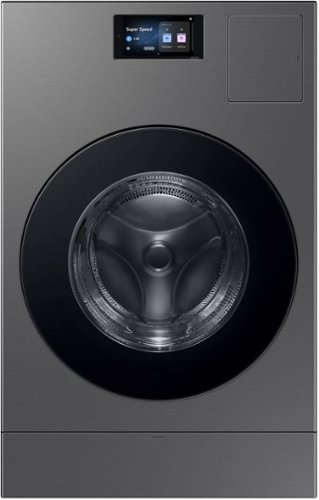
The Bespoke AI Vented Laundry Combo makes life easier to manage. Forget waiting at home to switch clothes to the dryer, this All in One washes and dries in one machine leaving your clothes clean and dry in 68 minutes. Designed to save space and time, it's fast drying performance combined with an intelligent wash system makes laundry day less of a chore. Enjoy an easy installation by simply swapping your existing washer and electric dryer with one AI Vented Laundry Combo. Based on using a Super Speed cycle only with an 10 lb. DOE load (cotton 50% + polyester 50%). Individual results may vary based on actual load content.
Can you get a longer hose and longer hot and cold lines than what this comes with? Mine are a few inches too short

Hi Melly,
We acknowledge the time you took to share your question of your Samsung Washer and Dryer combo.
Samsung washers are designed to connect to standard hot and cold water supply hoses, and you may use longer hoses if the included ones do not comfortably reach your connections. Choosing hoses that fit your space properly can help support smooth installation and everyday performance.
For general water connection and setup guidance, you may find this Samsung support resource helpful for reference: https://www.samsung.com/us/support/troubleshoot/TSG10007295/
Please keep this reference number for your records: 1152295239.
Thank you for raising your question.
Meneleo
Samsung Care
We acknowledge the time you took to share your question of your Samsung Washer and Dryer combo.
Samsung washers are designed to connect to standard hot and cold water supply hoses, and you may use longer hoses if the included ones do not comfortably reach your connections. Choosing hoses that fit your space properly can help support smooth installation and everyday performance.
For general water connection and setup guidance, you may find this Samsung support resource helpful for reference: https://www.samsung.com/us/support/troubleshoot/TSG10007295/
Please keep this reference number for your records: 1152295239.
Thank you for raising your question.
Meneleo
Samsung Care
4 months, 3 weeks ago
by
Posted by:
Samsung
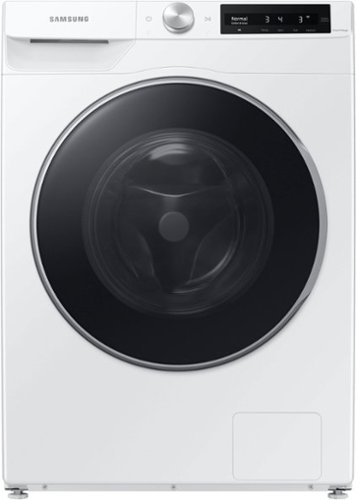
Samsung - 2.5 Cu. Ft. High-Efficiency Stackable Smart Front Load Washer with Steam and AI Smart Dial - White
Samsung's 2.5 cu. ft. capacity compact Front Load Washer gives you the perfect mix of size and function. It is equipped with our AI Smart Dial, which learns and recommends your favorite cycles and simplifies the control panel, to make controlling your washer a breeze. It also has our Super Speed Wash, which powerfully cleans a full load of laundry in just 40 minutes.
What are the decibel levels for washing and for spinning?
Hello Reba22, we value your interest in your Samsung washer and the information you are seeking.
Samsung does not publish official decibel (dBA) ratings for the wash and spin cycles of this model. Sound levels can vary depending on the selected cycle, load size, installation conditions, and spin speed, so there is no single fixed noise rating provided in Samsung US specifications or product documentation.
For model specific guidance or if you need additional details based on your intended setup and usage, our team can assist directly.
Please keep this reference number for your records:1152294602. Feel free to reach us through the following channels:
Facebook Messenger: https://m.me/samsungsupport
X: https://x.com/messages/compose?recipient%20id=18768513
Samsung Community: https://us.community.samsung.com/t5/samsung-community/ct-p/us
Samsung Care: 1-800-726-7864 (1-800-SAMSUNG)
We appreciate hearing from you and Samsung truly values your business.
Rachel
Samsung Care
Samsung does not publish official decibel (dBA) ratings for the wash and spin cycles of this model. Sound levels can vary depending on the selected cycle, load size, installation conditions, and spin speed, so there is no single fixed noise rating provided in Samsung US specifications or product documentation.
For model specific guidance or if you need additional details based on your intended setup and usage, our team can assist directly.
Please keep this reference number for your records:1152294602. Feel free to reach us through the following channels:
Facebook Messenger: https://m.me/samsungsupport
X: https://x.com/messages/compose?recipient%20id=18768513
Samsung Community: https://us.community.samsung.com/t5/samsung-community/ct-p/us
Samsung Care: 1-800-726-7864 (1-800-SAMSUNG)
We appreciate hearing from you and Samsung truly values your business.
Rachel
Samsung Care
4 months, 3 weeks ago
by
Posted by:
Samsung
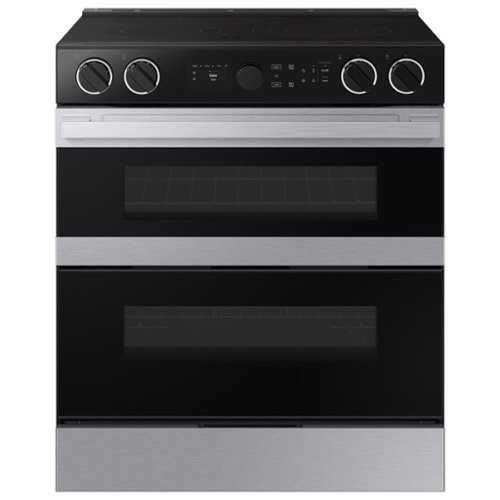
Samsung - Bespoke 6.3 Cu. Ft. Slide-In Electric Convection Range with Flex Duo Convertible Double Oven Technology - Stainless Steel
Samsung's smart electric range features a Flex DuoTM dual oven that lets you convert one oven into two so you can cook multiple meals at once at different temperatures. Illuminated Precision Knobs let you know if your cooktop is on from a distance and precisely control and ensure proper activation of your cooktop. The range's stylish and contemporary Bespoke design will give your kitchen a premium look.
Does this stove plug in the floor or the wall?
Hi Rose,
We value your interest in your Samsung range.
Samsung ranges are designed to connect to a dedicated range outlet installed on the wall behind the appliance. The installation guide explains how the electrical connection is arranged and where the outlet should be placed, along with other key requirements for proper setup.
You can explore the full guide here:
Install your Samsung gas or electric range
https://www.samsung.com/us/support/answer/ANS10002323/
Please keep this reference number for your records: 1152294154.
We appreciate hearing from you and truly value your business.
Christian
Samsung Care
We value your interest in your Samsung range.
Samsung ranges are designed to connect to a dedicated range outlet installed on the wall behind the appliance. The installation guide explains how the electrical connection is arranged and where the outlet should be placed, along with other key requirements for proper setup.
You can explore the full guide here:
Install your Samsung gas or electric range
https://www.samsung.com/us/support/answer/ANS10002323/
Please keep this reference number for your records: 1152294154.
We appreciate hearing from you and truly value your business.
Christian
Samsung Care
4 months, 3 weeks ago
by
Posted by:
Samsung
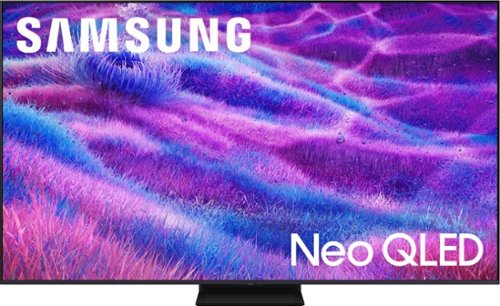
Samsung - 85 Class QN80F Series Neo QLED Mini LED 4K UHD SamsungVision AI Smart Tizen TV (2025)
Samsung Vision AI enhances picture, sound and breakthrough TV experiences. Get amazingly detailed picture powered by individual mini LED zones that unlock hidden details on screen. Enjoy multi dimensional sound that tracks to the action. Plus get enriching new personalized TV experiences that let you dive deeper into your content and get more from your TV.
Hello, bought the Samsung 85" QN80F and set it up. I did not see a port to plug in an optical cable for my Bose sound system. Does it have one? There is a port that looks like its it but there is a plastic piece in front of it. Thanks in advance.
Hi HENRYJ - The Optical (Digital Audio Out) port is located below the second USB port and above HDMI 4. What may look like “plastic” inside the port is actually a small built-in dust cover - this is normal and does not need to be removed. The optical cable will gently push this cover inward when inserted, so just align the cable and press it in with light, steady pressure until it’s fully seated.
~ Samsung Specialist
~ Samsung Specialist
4 months, 3 weeks ago
by
Posted by:
Samsung
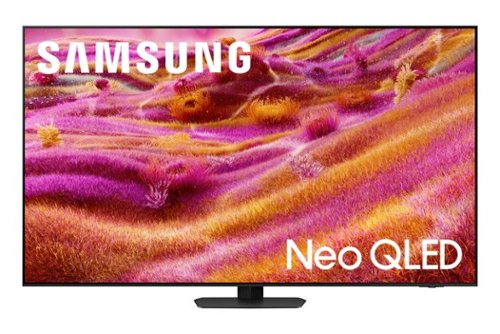
Our most advanced 4K processor powers Samsung Vision AI for enhanced picture, sound, and breakthrough TV experiences. Get amazingly detailed picture and vivid color on a glare free screen for viewing without distraction, even in the brightest rooms. Enriching new personalized TV experiences let you dive deeper into your content and get more from your TV.
directions for stand installation
For step-by-step instructions, refer to the Installation Guide included in the box or download it at:
https://www.samsung.com/us/support/downloads/
~ Samsung Specialist
https://www.samsung.com/us/support/downloads/
~ Samsung Specialist
4 months, 3 weeks ago
by
Posted by:
Samsung
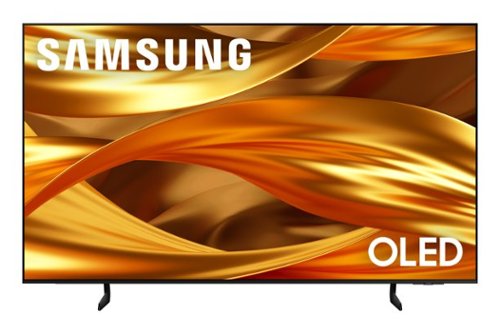
Self-illuminating pixels deliver the dramatic contrast of OLED and dazzling, expert-validated color, driven by our advanced AI processor. Experience a stunning picture with enhanced brightness and depth, all in a sleek design with a thin bezel. Dive into your content with Samsung Vision AI experiences and immerse yourself in multi-dimensional audio with top-firing speakers.
Can motion enhancement be disabled?
Hi Max - Within Picture Clarity Settings, you can select Picture Clarity (formerly Auto Motion Plus) to change the setting to Off, Auto, or Custom. If you select Custom, three additional options are available: Blur Reduction, Judder Reduction, and LED Clear Motion.
~ Samsung Specialist
~ Samsung Specialist
4 months, 3 weeks ago
by
Posted by:
Samsung
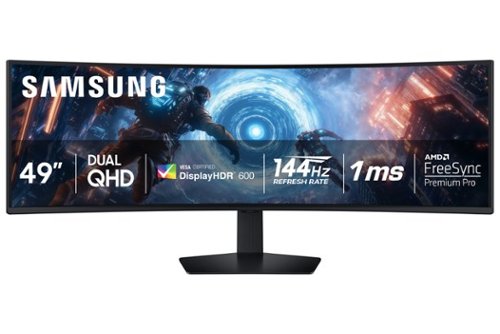
Samsung's 49" Odyssey G9 Curved Gaming Monitor with a 1000R curved display creates an immersive panoramic gaming experience. Curved Dual QHD features an ultra-wide 32:9 screen, equivalent to two side-by-side 16:9 monitors, providing a full view with unsurpassed details. VESA DisplayHDR 600 delivers more contrast with deeper blacks and brighter whites. 144Hz Refresh Rate and near-instant 1ms Response Time (GtG) captures all your moves with reduced lag for ultra-smooth gameplay. AMD FreeSync Premium Pro and VRR (variable refresh rate) reduce choppiness, screen lag, and image tears, even for the most intense fast-action gaming sessions. Picture-by-Picture enables a split screen that can be used to its maximum potential for side-by-side gameplay, while Picture-in-Picture allows seamless multitasking to manage all content on a single screen. Auto Source Switch+ instantly switches to a new source signal when connected devices are turned on, without having to use multiple inputs. The ergonomic stand makes it simple to tilt and adjust the monitor for total gaming comfort.
I saw a thread that showed using it as a business monitor, you can split into 3 screens. How does that work? Can it be done with a Lenovo Yoga laptop?
Higgii:
The Samsung G91F (Odyssey G9 series) supports PBP (Picture‑by‑Picture) and PIP, but this is limited to 2 hardware sources at the same time, not three. However, if you see people using it as a “3‑screen monitor,” it is not through the monitor’s built‑in firmware.
- Samsung Monitors
The Samsung G91F (Odyssey G9 series) supports PBP (Picture‑by‑Picture) and PIP, but this is limited to 2 hardware sources at the same time, not three. However, if you see people using it as a “3‑screen monitor,” it is not through the monitor’s built‑in firmware.
- Samsung Monitors
4 months, 3 weeks ago
by
Posted by:
Samsung
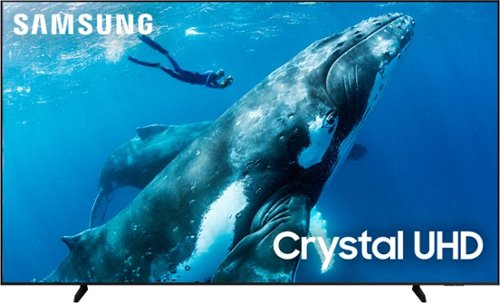
Make the most of your big screen with a wide picture ratio that displays every color in crisp 4K resolution. Add ultra smooth action and improved contrast to the mix for a hugely impressive view.
is the VESA pattern centered on the back of the TV?
Hi,
The VESA Map of the DU9000 TV is 600 x 400mm. The bottom holes are 18.9" from the bottom of the TV and 31.1" from their respective sides of the TV. The top holes are 14.3" from the top of the TV and 31.1" from their respective sides of the TV.
I hope this helps!
~Samsung Advisor
The VESA Map of the DU9000 TV is 600 x 400mm. The bottom holes are 18.9" from the bottom of the TV and 31.1" from their respective sides of the TV. The top holes are 14.3" from the top of the TV and 31.1" from their respective sides of the TV.
I hope this helps!
~Samsung Advisor
4 months, 3 weeks ago
by
Posted by:
Samsung
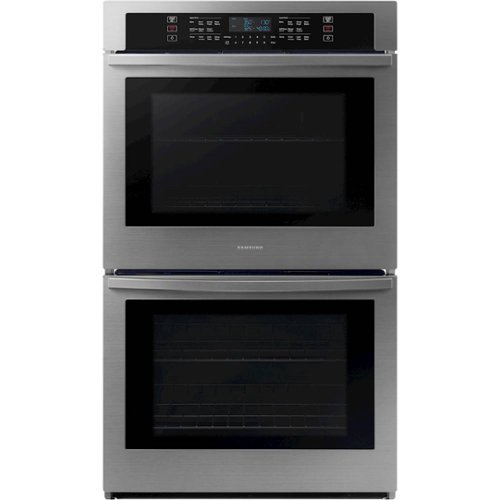
From multiple casserole dishes to two full racks of cookies, these large 5.1 cu. ft. ovens easily accommodate the busy home kitchens.
Does it have shabbat mode
Hi Avi,
We appreciate you reaching out with your question about the Double Wall Oven.
Yes, this model is equipped with a Sabbath (Shabbat) mode.
For additional information, please refer to pages 26-27 of the user manual under "Using the Sabbath feature" section:
https://downloadcenter.samsung.com/content/UM/202502/20250214141106684/O_01._DG68-01126A-05_IB_FULL_NV51R5511D_AA_EN.pdf
For your records, your Samsung reference number is 1152294003.
We value your business.
Jeffrey
Samsung Care
We appreciate you reaching out with your question about the Double Wall Oven.
Yes, this model is equipped with a Sabbath (Shabbat) mode.
For additional information, please refer to pages 26-27 of the user manual under "Using the Sabbath feature" section:
https://downloadcenter.samsung.com/content/UM/202502/20250214141106684/O_01._DG68-01126A-05_IB_FULL_NV51R5511D_AA_EN.pdf
For your records, your Samsung reference number is 1152294003.
We value your business.
Jeffrey
Samsung Care
4 months, 3 weeks ago
by
Posted by:
Samsung
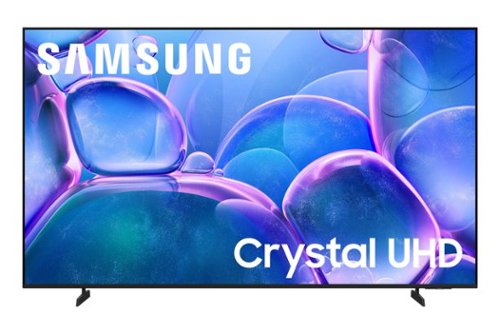
Upgrade your home theater with this stylish 4K TV featuring vibrant colors, rich contrast and an advanced 4K processor. Stay endlessly entertained with thousands of on demand shows and movies for free and enjoy peace of mind as watch thanks to our proprietary triple layer security that protects your personal data across all connected devices at once.
Can I use the Angel App on this tv?
Hi Monte,
The Angel Studios app is available for download.
~Samsung Advisor
The Angel Studios app is available for download.
~Samsung Advisor
4 months, 3 weeks ago
by
Posted by:
Samsung