Samsung
Samsung's Stats
Reviews
- Review Count0
- Helpfulness Votes0
- First ReviewNone
- Last ReviewNone
- Featured Reviews0
- Average Rating0
Reviews Comments
- Review Comment Count0
- Helpfulness Votes0
- First Review CommentNone
- Last Review CommentNone
- Featured Review Comments0
Questions
- Question Count0
- Helpfulness Votes0
- First QuestionNone
- Last QuestionNone
- Featured Questions0
- Answer Count74867
- Helpfulness Votes37,958
- First AnswerApril 24, 2013
- Last AnswerOctober 16, 2026
- Featured Answers0
- Best Answers3944
Samsung's Reviews
Samsung has not submitted any reviews.
Samsung's Questions
Samsung has not submitted any questions.
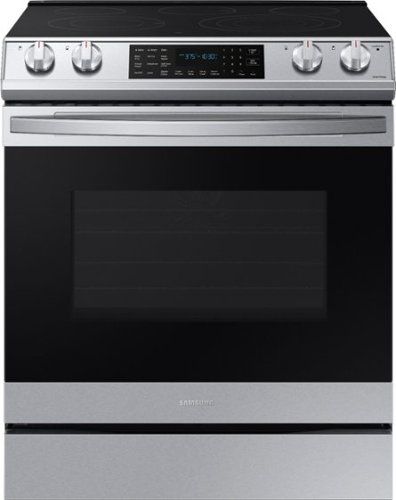
Samsung - 6.3 cu. ft. Front Control Slide-In Electric Convection Range with Air Fry & Wi-Fi, Fingerprint Resistant - Stainless Steel
The Samsung Front Control Slide-In Electric Convection Range with Air Fry is fully Wi-Fi connected and voice enabled, making it easy to create delicious and healthier* meals for your family. *As compared to deep frying.
What manuals come with the range and the built in Air Fryer? I only received one and nothing regarding operating the Air Fryer. Disappointed since I’ve never owned any type of Air Fryer. Sample recipes would’ve been nice.

I'm so glad you asked, Cook! Samsung now provides all of our user manuals online in a downloadable form. This is to help reduce paper waste. However, I can provide this link (https://bit.ly/3mFYzIP) that will take you directly to the manual for this model. Page 35 has detailed information on how and when to use the air fry feature. ^Jecca
4 years, 8 months ago
by
Posted by:
Samsung
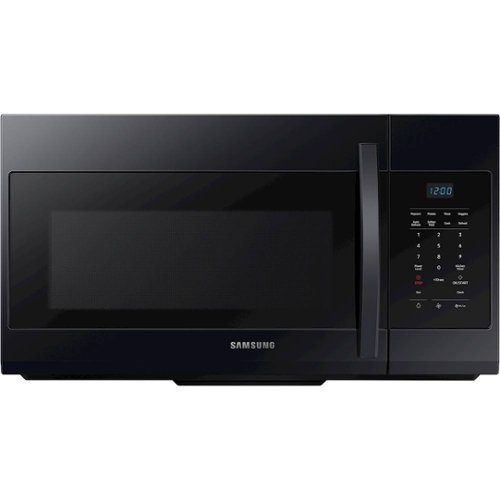
Samsung - 1.7 Cu. Ft. Over-the-Range Microwave - Black
A stylish design for a seamless and modern look, this over-the-range microwave features large 1.7 cu. ft. capacity.
my microwave door latch brock can these be replaced with out it wont work
Hello luz! We're happy to help with this. Depending on how the latch is broken, it may require replacement of the whole door. We'd like to speak with you directly to determine the best resolution. Please reference ticket number 1144121222, and reach out to us through either Facebook Messenger: http://m.me/samsungsupport; or Twitter: https://twitter.com/messages/compose?recipient_id=18768513. ^Jecca
4 years, 8 months ago
by
Posted by:
Samsung
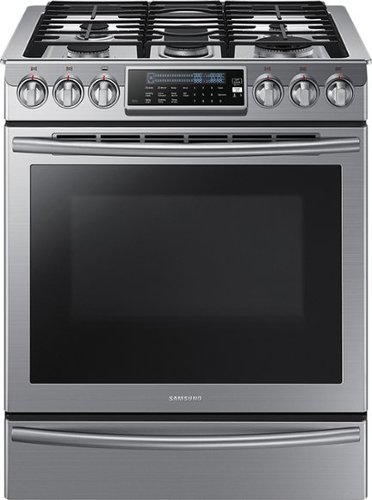
Samsung - 5.8 Cu. Ft. Self-Cleaning Slide-In Gas Convection Range - Stainless Steel
Create new recipes every day. This spacious Samsung range is equipped with all the tools you need to expand your culinary skills. The Guiding Light controls, reversible cast iron griddle, custom wok grate, and more, will help you bring variety to every mealtime.
Pot of water Spilled on oven top and went down back air vents on back of oven too …should i be concerned?
Hi there, Sally! We'd like to speak with you directly about this, to better help. If you would like, please reference ticket number 1144121221, and contact us through either Facebook Messenger: http://m.me/samsungsupport; or Twitter: https://twitter.com/messages/compose?recipient_id=18768513. ^Jecca
4 years, 8 months ago
by
Posted by:
Samsung
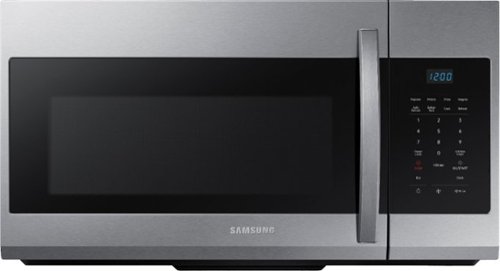
A stylish design for a seamless and modern look, this over-the-range microwave features large 1.7 cu. ft. capacity and a fingerprint-resistant finish.
I have no cabinet over my stove. Can this microwave just be mounted to the wall behind my stove, or do I need an overhead cabinet to mount it to? Thanks.
Thanks so much for asking, Oletrusty! To help answer this, I'm providing this link (https://bit.ly/3cvcw6g) to the installation manual for this model. Beginning on page 7 you can find detailed information about the location requirements for this microwave. ^Jecca
4 years, 8 months ago
by
Posted by:
Samsung
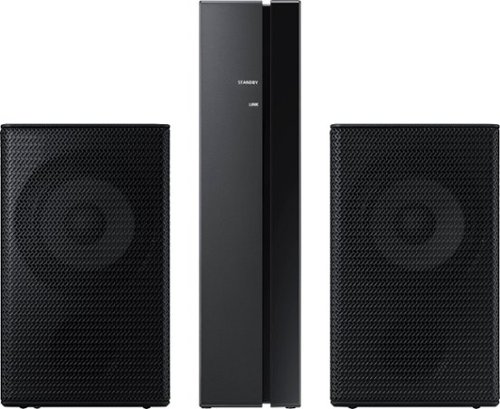
Samsung - 2.0-Channel Wireless Rear Speaker Kit with Surround Sound - Black
Connect easily and wirelessly to optional Samsung speakers for room-filling sound.
How to connect to HW-A650 sound bar? Instructions are very poor. Receiver blinks blue but can not get the sound bar to show "ID SET". What else can I do?
Hi! To setup the SWA-9100S Wireless Rear Speaker Kit with your HW-A650, first use the color-coded speaker wires to connect the rear speakers to its wireless module and place these three in the back of your room. Plug the wireless receiver module power cord into an electrical outlet and into the wireless receiver module to turn on the wireless receiver module.
Turn off your soundbar and press the Up button on the remote for 5 seconds. The ID SET message will appear on the soundbar for a short time and then disappear. After the ID SET process, the soundbar power is automatically turned on. The LINK LED indicator stops blinking and glows a solid blue when a connection is established between the soundbar and the wireless receiver module.
Should you need additional assistance, please reach out to Samsung Support at: 1-800-SAMSUNG, available 8AM - 12AM EST, 7 days a week, or Chat with us on Samsung.com: https://www.samsung.com/us/support/contact/ ^Tim
Turn off your soundbar and press the Up button on the remote for 5 seconds. The ID SET message will appear on the soundbar for a short time and then disappear. After the ID SET process, the soundbar power is automatically turned on. The LINK LED indicator stops blinking and glows a solid blue when a connection is established between the soundbar and the wireless receiver module.
Should you need additional assistance, please reach out to Samsung Support at: 1-800-SAMSUNG, available 8AM - 12AM EST, 7 days a week, or Chat with us on Samsung.com: https://www.samsung.com/us/support/contact/ ^Tim
4 years, 8 months ago
by
Posted by:
Samsung

Samsung - HW-S50A 3.0ch Sound bar with Dolby Digital 5.1 - Deep Gray
Experience virtual 3D sound with the S Series, S50A all-in-one premium soundbar, a versatile soundbar that delivers sharp and realistic audio. Dialogue sounds crisp and super clean thanks to a built-in center speaker, so you won~t miss a word. Whether you~re playing games, watching sports, or kicking back with your favorite show, Adaptive Sound Lite enhances and optimizes your entertainment to a new level of audio. Plus, you can seamlessly pair mobile devices with Bluetooth~ TV Connection~. ~Please check whether your TV is Bluetooth~ compatible.
will the Soundbar work with an xfinity X1 remote?
Hi rich, You can adjust the HW-S50A Soundbar volume using the TV’s remote control or a compatible universal remote. This function can be used with IR remote controls only. Bluetooth remote controls (remote controls that require pairing) are not supported. Set the TV speaker to External Speaker to use this function. 1) Turn Off the Soundbar. 2) Push up and hold the WOOFER button for 5 seconds. Each time you push the WOOFER button up and hold it for 5 seconds, the mode switches in the following order: “Samsung-TV Remote” (Default mode), “Off-TV Remote”, “All-TV Remote”. The LED indicator status changes each time the mode is changed. Alternatively, if the soundbar is connected to the TV via HDMI, adjusting the volume of the TV will also control the volume of the soundbar, eliminating the need to use multiple remotes. Should you need further assistance, please contact Samsung Support at 1-800-SAMSUNG. ^Tim
4 years, 8 months ago
by
Posted by:
Samsung
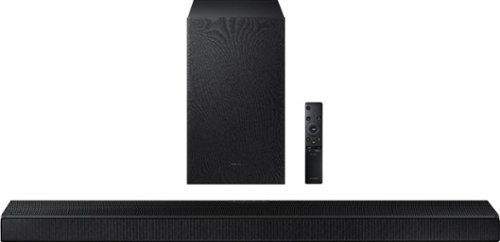
Samsung - HW-A650 3.1ch Sound bar - Black
Elevate your experience with 3D virtual surround sound and built-in center speaker.
Is this bar fully adjustable from very quiet to very loud? Some volume controls restrict how loud or quiet you can get.
Hi MoJo! Using the included remote control for the soundbar you can adjust the volume from 0 to 100 giving you the ability to fine tune the audio level to your liking.
^Tim
^Tim
4 years, 8 months ago
by
Posted by:
Samsung
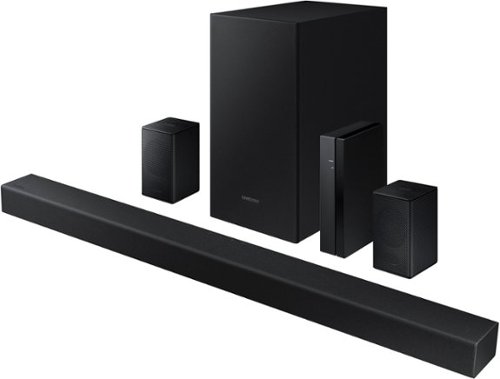
Samsung - 4.1-Channel Soundbar with Wireless Rear Speaker Kit and DOLBY AUDIO / DTS 2.0 - Black
Elevate your audio experience with high-quality optimized sound.
Can this system connect wirelessly to an Apple TV ?
Hi Alex! The HW-A470 Soundbar features an Optical port as well as Bluetooth connectivity; if your device can transmit a Bluetooth wireless audio signal, you can connect it wirelessly to the HW-A470 soundbar ^Tim
4 years, 8 months ago
by
Posted by:
Samsung
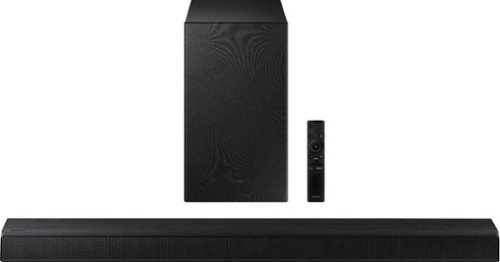
Samsung - HW-A550 2.1ch Sound bar with Dolby 5.1 - Black
Elevate your experience with virtual 3D surround sound.
Is this sound bar compatible with older (2015ish) Samsung LCD's?
Hi Scott! Hi! The HW-A550 features three ways to connect to an external device: HDMI (ARC), digital optical audio, and Bluetooth wireless audio technology. If your TV is compatible with one of these three audio connections, you should have no issue connecting the soundbar to your TV. ^Tim
4 years, 8 months ago
by
Posted by:
Samsung
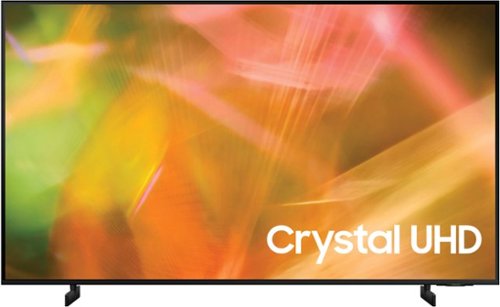
Samsung - 55" Class 8000 Series LED 4K UHD Smart Tizen TV (2021)
Step up to the world of Crystal UHD from Samsung. Elevated color and clarity offer you a picture that has to be seen to be believed. Add in smart features that make watching TV even easier, and you have a TV that is essential.
I have an existing TV mount SLT3 AV wall mount but lost the screws that go into the TV. I can't find the TV mount screws M8 inside the box. Where can I buy them?
Hi KT! To mount this TV, you will need 4 M8 screws, 11-13mm depth, 1.25mm pitch. Please also consider the thickness of your bracket when choosing the optimal screw length. If these screws did not come included with your wall mount, stop by the nearest hardware store to purchase the correct screws for mounting your TV.
^Tim
^Tim
4 years, 8 months ago
by
Posted by:
Samsung