Samsung
Samsung's Stats
Reviews
- Review Count0
- Helpfulness Votes0
- First ReviewNone
- Last ReviewNone
- Featured Reviews0
- Average Rating0
Reviews Comments
- Review Comment Count0
- Helpfulness Votes0
- First Review CommentNone
- Last Review CommentNone
- Featured Review Comments0
Questions
- Question Count0
- Helpfulness Votes0
- First QuestionNone
- Last QuestionNone
- Featured Questions0
- Answer Count74875
- Helpfulness Votes37,960
- First AnswerApril 24, 2013
- Last AnswerOctober 16, 2026
- Featured Answers0
- Best Answers3944
Samsung's Reviews
Samsung has not submitted any reviews.
Samsung's Questions
Samsung has not submitted any questions.
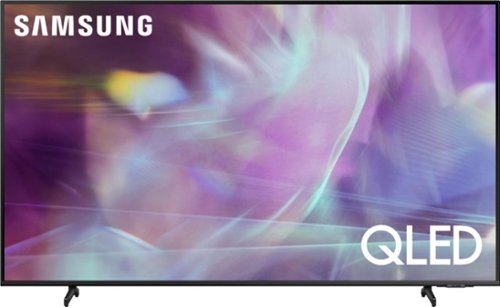
Samsung - 50" Class Q60A Series QLED 4K UHD Smart Tizen TV
Enter a world saturated with color and sharpened to refreshing clarity, all of it made possible through the power of Quantum Dot technology
On the 50 inch Q60A. What are the dimensions of the feet. I know they are 30.1 inches apart but how long are the feet from front to back.?

Foose07 - The depth of the 50" Q60A TV legs is 8.5". ^Gina
4 years, 9 months ago
by
Posted by:
Samsung
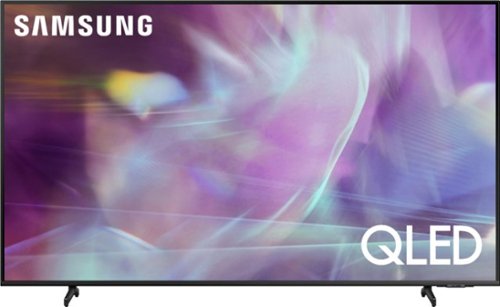
Samsung - 43" Class Q60A Series QLED 4K UHD Smart Tizen TV (2021)
Enter a world saturated with color and sharpened to refreshing clarity, all of it made possible through the power of Quantum Dot technology
My TV Stand is 29 and a half inch es wide so wood the legs of the TV fit the stand
Hooty - The leg width of the 43" Q60A TV is 26.9" and will fit on your TV stand. ^Gina
4 years, 9 months ago
by
Posted by:
Samsung
Samsung - 43" Class Q60A Series QLED 4K UHD Smart Tizen TV (2021)
Enter a world saturated with color and sharpened to refreshing clarity, all of it made possible through the power of Quantum Dot technology
I am considering this model for a travel trailer. It would be mounted to a wall mount. The current tv is strapped during travel since the mount will swivel. How sturdy is the back of the tv for wall mounting and will a strap hurt the screen?
UncleBuck - So that we can best assist with this question, please reach out to Samsung Support at: 1-800-SAMSUNG (ask for TVs), available 8AM - 12AM EST, 7 days a week, or Chat with us on Samsung.com: https://www.samsung.com/us/support/contact/ ^Gina
4 years, 9 months ago
by
Posted by:
Samsung
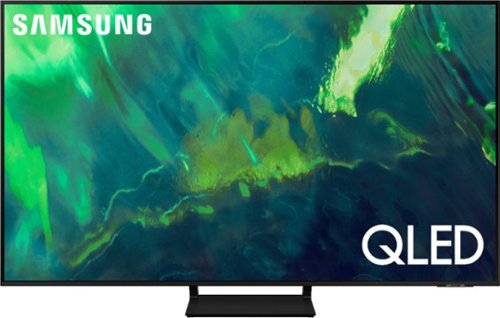
Samsung - 55" Class Q70A Series QLED 4K UHD Smart Tizen TV (2021)
As intelligent as it is beautiful. A Smart TV interface learns the content you like and makes suggestions based on what you watch.
does this model support q-symphony on the samsung sound bar HW-Q700A ? or would i need to buy a newer samsung tv?
lizby - When paired with the HW-Q700A Soundbar, Q-Symphony is absolutely supported on the Q70A TV! ^Gina
4 years, 9 months ago
by
Posted by:
Samsung
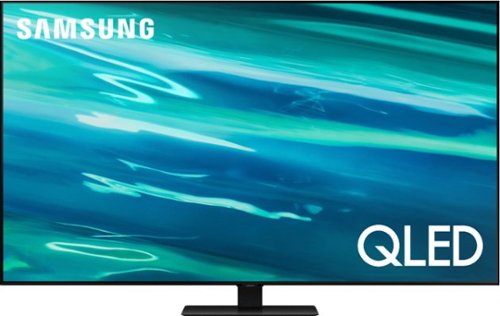
Samsung - 65" Class Q80A Series QLED 4K UHD Smart Tizen TV (2021)
Nothing will get by you with the precise visible details, even in the darkest scenes, and sound that moves around you.
Can this TV send sound to Bluetooth headphones?
ToddR - It sure can! The Q80A is a Bluetooth enabled TV, allowing you to seamlessly pair it with any other Bluetooth devices. ^Gina
4 years, 9 months ago
by
Posted by:
Samsung
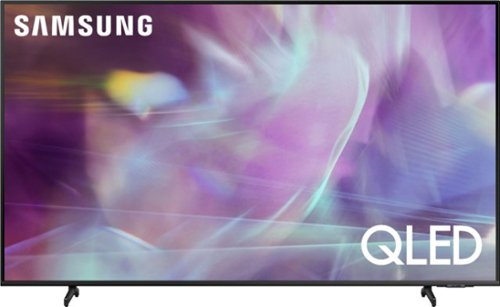
Samsung - 75" Class Q60A Series QLED 4K UHD Smart Tizen TV (2021)
Enjoy ultra-intense 4K vivid color and sharpened clarity with the Q60A / Q60AB. It combines Quantum Dot Technology with the power of 100% Color Volume to deliver a billion of shades for colorful, razor-sharp visuals. The ultra-smart Quantum Processor 4K Lite automatically upscales and transforms your content into 4K. Dual LED backlighting adjusts and coordinates with content in real time to enhance contrast and detail. Plus, with the rechargeable SolarCell Remote, you can easily access and control Smart TV and all your connected devices.
Is the stand height adjustable? If so, how high will it go?
Hi there! The 75" Q60A TV legs are height adjustable for a total TV height of 39.6" (1.8" of clearance) or 40.6" (2.8" of clearance). ^Gina
4 years, 9 months ago
by
Posted by:
Samsung
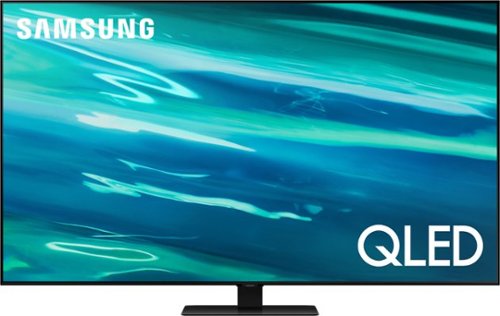
Samsung - 85" Class Q80A Series QLED 4K UHD Smart Tizen TV (2021)
Nothing will get by you with the precise visible details, even in the darkest scenes, and sound that moves around you.
Will this connect to a Axiim Link wireless audio transmitter? I have a Klipsch wireless system and curious if this will connect?
Tucker - So that we can best assist with this question, please reach out to Samsung Support at: 1-800-SAMSUNG (ask for TVs), available 8AM - 12AM EST, 7 days a week, or Chat with us on Samsung.com: https://www.samsung.com/us/support/contact/ ^Gina
4 years, 9 months ago
by
Posted by:
Samsung
Samsung - 50" Class Q60A Series QLED 4K UHD Smart Tizen TV
Enter a world saturated with color and sharpened to refreshing clarity, all of it made possible through the power of Quantum Dot technology
How do I raise the volume on the remote
Kel - To increase the volume, simply push up on the volume rocker. To decrease, push down. ^Gina
4 years, 9 months ago
by
Posted by:
Samsung
Samsung - 50" Class Q60A Series QLED 4K UHD Smart Tizen TV
Enter a world saturated with color and sharpened to refreshing clarity, all of it made possible through the power of Quantum Dot technology
How do I increase the volume on the remote
Kelw - To increase the volume, simply push up on the volume rocker. To decrease, push down. ^Gina
4 years, 9 months ago
by
Posted by:
Samsung
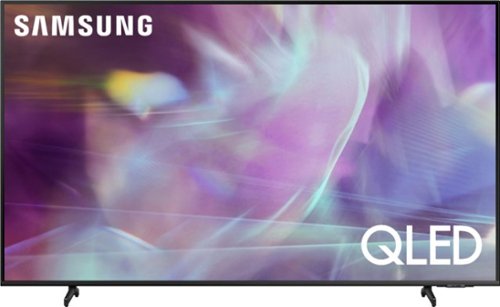
Samsung - 65" Class Q60A Series QLED 4K UHD Smart Tizen TV (2021)
Enter a world saturated with color and sharpened to refreshing clarity, all of it made possible through the power of Quantum Dot technology
Is this tv Alexa built in?
Atp1 - Yes, Alexa, Google Assistant, and Bixby voice assistants are built in. ^Gina
4 years, 9 months ago
by
Posted by:
Samsung