Samsung
Samsung's Stats
Reviews
- Review Count0
- Helpfulness Votes0
- First ReviewNone
- Last ReviewNone
- Featured Reviews0
- Average Rating0
Reviews Comments
- Review Comment Count0
- Helpfulness Votes0
- First Review CommentNone
- Last Review CommentNone
- Featured Review Comments0
Questions
- Question Count0
- Helpfulness Votes0
- First QuestionNone
- Last QuestionNone
- Featured Questions0
- Answer Count74976
- Helpfulness Votes37,968
- First AnswerApril 24, 2013
- Last AnswerOctober 22, 2026
- Featured Answers0
- Best Answers3946
Samsung's Reviews
Samsung has not submitted any reviews.
Samsung's Questions
Samsung has not submitted any questions.
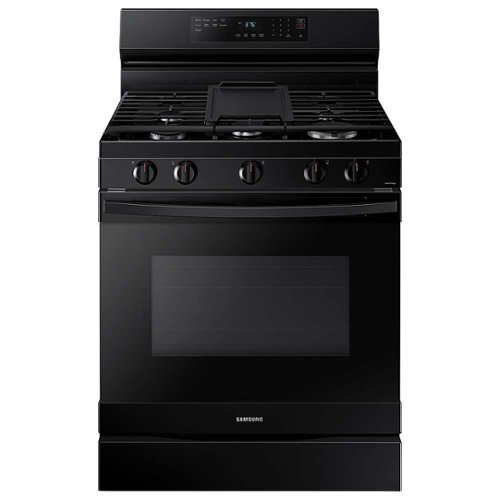
Samsung - 6.0 cu. ft. Freestanding Gas Range with WiFi, No-Preheat Air Fry & Convection - Black
Elevate the look of your kitchen with Samsung~s new Smart Freestanding Gas Range. Upgraded technology makes cooking simple and fun.
Does this come with the air fry tray?

We appreciate you asking, Kim! This model does not list an air fry tray as an included accessory. If you would like, you can check with SamsungParts.com or call 1-800-627-4368 for information on purchasing additional parts or accessories. ^Jecca
4 years, 11 months ago
by
Posted by:
Samsung
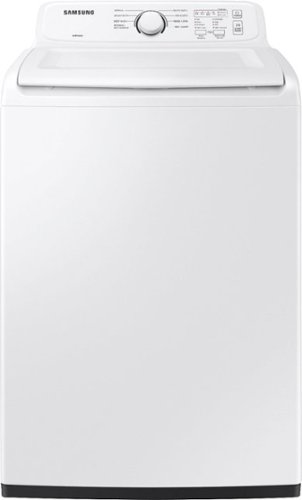
Samsung~s large 4.0 cu. ft. capacity Top Load Washer is equipped with our ActiveWave Agitator that is designed to reduce noise, vibration, and tangling while delivering powerful cleaning and also features a premium Soft-Close Lid that closes safely, gently and quietly
I purchased this washer in late July and it works great, but it keeps stopping before finishing the delicate cycle. I have to power it off and move to the rinse and spin cycle to finish the load. Has anyone else experienced this?
Thanks so much for asking, Todd! There are a few things that could cause your washer to be unable to finish the cycle. But not to worry, this link (https://bit.ly/3FmVUtK) can walk you through what to check, as well as what steps to take to resolve the issue. ^Jecca
4 years, 11 months ago
by
Posted by:
Samsung
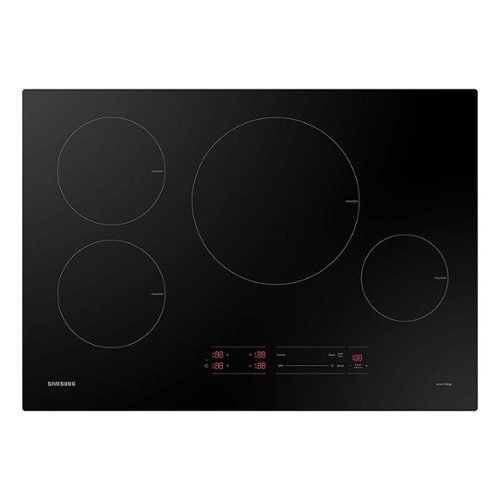
Samsung - 30" Smart Induction Cooktop with Wi-Fi - Black
This powerful, smart, energy-efficient induction cooktop offers fast performance and innovative technology that gives you peace of mind in the kitchen. Save energy, time, and cook worry-free with induction technology.
Does this work by 110-120V outlet? You didn’t even put that in the specifications
I'm happy to help with this, BestBuycustomer! First, here is a link (https://bit.ly/3nqbAGI) to the installation manual for this model. Page 7 has detailed information about the electrical requirements for this model. ^Jecca
4 years, 11 months ago
by
Posted by:
Samsung
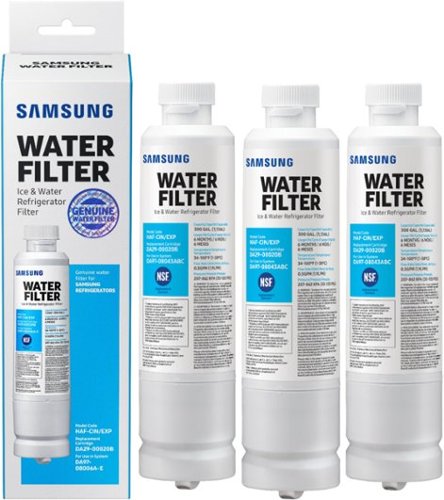
Water Filter for Select Samsung Refrigerators (3-Pack) - White
Give your family safe, fresh-testing water with Samsung genuine filters. Samsung water filters remove over 99% of numerous harmful contaminants, including lead. Each filter lasts for 6 months or 300 gallons - 3 pack gives you 18 months of filtered water.
What water filter will go with my Samsung RF32FMQDBSR/AA
I have great news for you, Ali! I checked our parts website (https://bit.ly/3DufqUR) and it confirmed that this water filter (HAF-CIN) is compatible with refrigerator model RF32FMQDBSR. ^Jecca
4 years, 11 months ago
by
Posted by:
Samsung
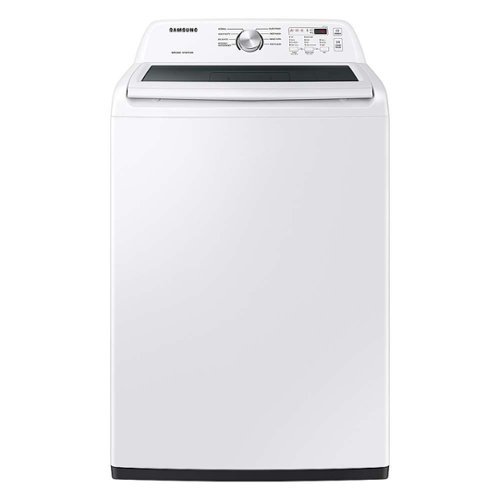
Equipped with the ActiveWave Agitator, Samsung~s large 4.4 cu. ft. capacity Top Load Washer is designed to reduce noise and vibration while delivering powerful cleaning, and features a premium Soft-Close Lid.
The Best Buy web page on this washing machine says High Eff. / low water. Is this really a washing machine with impeller machinery and gimmick agitator?
Thanks so much for asking, Rexx! Many users prefer the use of an agitator in their washer instead of the impeller technology. Because of this, we now offer models such as this one that have a standard agitator. These washers still use our High Efficiency technology, and therefore will still require the use of HE detergent. ^Jecca
4 years, 11 months ago
by
Posted by:
Samsung
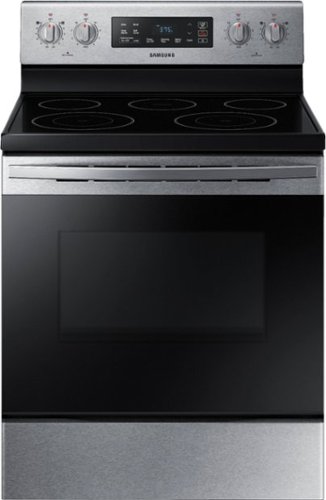
Samsung - 5.9 cu. ft. Freestanding Electric Range with Self-Cleaning - Stainless Steel
The Samsung freestanding range with a large 5.9 cu. ft. capacity oven can easily accommodate a big roast, multiple casserole dishes, or two racks of cookies. It also has a powerful and flexible cooktop with five heating elements, including two dual elements, to provide an element that accommodates multiple pan sizes, whether you're boiling water, melting chocolate, or simmering sauce. The self-cleaning setting has 3 different options, depending on your cleaning needs.
is this a smooth top range
Thanks so much for asking! The cooktop on this model is a flat, smooth, electric cooktop. ^Jecca
4 years, 11 months ago
by
Posted by:
Samsung
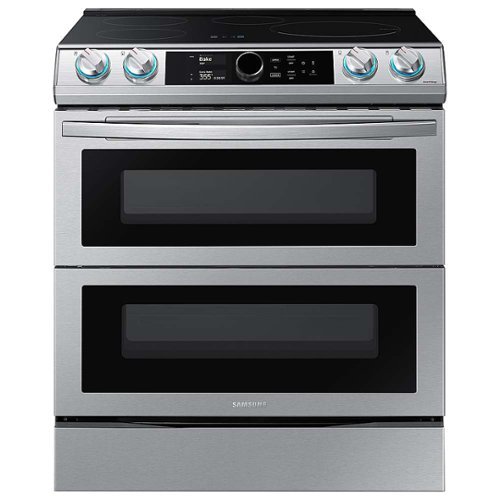
Samsung - 6.3 cu. ft. Slide-In Induction Range with WiFi, Flex Duo, Smart Dial & Air Fry - Stainless Steel
The Samsung Smart Slide-In Induction range with Flex Duo, Smart Dial and Air fry is fully Wi-Fi connected and voice-enabled, giving you the tools you need to simplify the cooking experience in the kitchen. This Slide-In range features Virtual Flame technology giving the visual of gas cooking, with the precision of induction cooking.
Does the middle rack that separates the upper and lower oven move? Can it be removed to cook something large across both ovens? Or adjusted? Or is it fixed. Thanks
I'm so glad you asked, elmnyc! The partition in this model can be removed, allowing you to use the whole oven as one. This is called "Single Mode". In "Twin Mode" the partition is inserted creating two separate smaller ovens that can be set at different temperatures. The partition can only be inserted in the center slot. ^Jecca
4 years, 11 months ago
by
Posted by:
Samsung
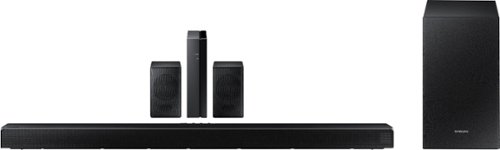
Samsung - HW-Q65T 7.1ch Soundbar with Dolby 5.1 / DTS Virtual:X - Black
Elevate your entertaining experience with immersive 3D sound. The power of Samsung sound bar Q65T makes surround soundbar comes to life with speakers that fire all around you.
what surround sound system will work with Samsung tv's 65" older than 6 years please?
Hi! This will depend on which model TV you have. Most Samsung TVs will support a digital optical output allowing you to connect to the HW-Q65T. Your TV may also support HDMI ARC allowing you to connect using an HDMI cable. For additional assistance with this, please contact Samsung Customer Support at 1-800-SAMSUNG, available 8AM - 12AM EST, 7 days a week, or Chat with us on Samsung.com: https://www.samsung.com/us/support/contact/ ^Tim
4 years, 11 months ago
by
Posted by:
Samsung
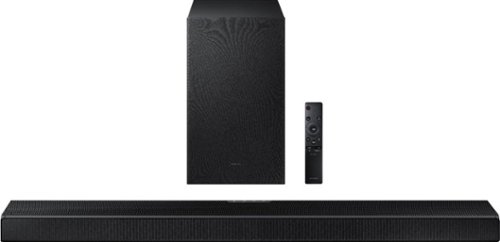
Samsung - HW-Q600A 3.1.2ch Sound bar with Dolby Atmos - Carbon Mid Silver
Elevate your entertaining experience with immersive 3D sound. The power of Samsung sound bar Q600A makes surround soundbar comes to life with speakers that fire from front, side and above.
what are the measurements on samsung HW-G600A/2A
Hi Joyce! Here are the dimensions of the HW-Q600A soundbar from Samsung: (W x H x D)
38.6" x 2.3" x 4.1"
^Tim
38.6" x 2.3" x 4.1"
^Tim
4 years, 11 months ago
by
Posted by:
Samsung
Samsung - HW-Q65T 7.1ch Soundbar with Dolby 5.1 / DTS Virtual:X - Black
Elevate your entertaining experience with immersive 3D sound. The power of Samsung sound bar Q65T makes surround soundbar comes to life with speakers that fire all around you.
How do I get the back wireless speaker box connect to the system?
Hi Chuck! Use the color-coded speaker wires to connect the rear speakers to the wireless module and place these three in the back of your room. Plug the wireless receiver module power cord into an electrical outlet and into the wireless receiver module to turn on the wireless receiver module.
Turn off your soundbar and press the Up button on the remote for 5 seconds. The ID SET message will appear on the soundbar for a short time and then disappear. After the ID SET process, the soundbar power is automatically turned on. The LINK LED indicator stops blinking and glows a solid blue when a connection is established between the soundbar and the wireless receiver module.
^Tim
Turn off your soundbar and press the Up button on the remote for 5 seconds. The ID SET message will appear on the soundbar for a short time and then disappear. After the ID SET process, the soundbar power is automatically turned on. The LINK LED indicator stops blinking and glows a solid blue when a connection is established between the soundbar and the wireless receiver module.
^Tim
4 years, 11 months ago
by
Posted by:
Samsung