Samsung
Samsung's Stats
Reviews
- Review Count0
- Helpfulness Votes0
- First ReviewNone
- Last ReviewNone
- Featured Reviews0
- Average Rating0
Reviews Comments
- Review Comment Count0
- Helpfulness Votes0
- First Review CommentNone
- Last Review CommentNone
- Featured Review Comments0
Questions
- Question Count0
- Helpfulness Votes0
- First QuestionNone
- Last QuestionNone
- Featured Questions0
- Answer Count75054
- Helpfulness Votes37,976
- First AnswerApril 24, 2013
- Last AnswerOctober 26, 2026
- Featured Answers0
- Best Answers3949
Samsung's Reviews
Samsung has not submitted any reviews.
Samsung's Questions
Samsung has not submitted any questions.
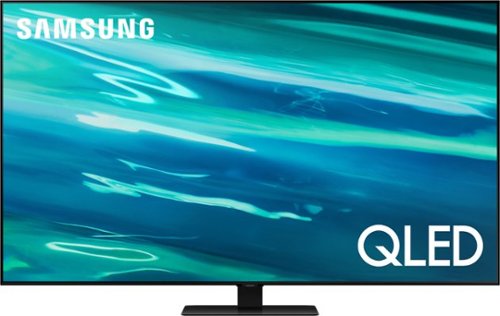
Samsung - 85" Class Q80A Series QLED 4K UHD Smart Tizen TV (2021)
Nothing will get by you with the precise visible details, even in the darkest scenes, and sound that moves around you.
Is this TV anti-glare, I am in the market for two of these TV's. I am in hanging them in my Church to use for reading scripture and praise & worship songs. Is this the best TV for that purpose? Thank you,

Hi Russ! The Q80A offers Wide Viewing Angle, as well as Adaptive Picture technology which optimizes your picture with a lighting system that automatically adjusts to the brightness of the space you're in. Starting with our QN90A TV, you will gain Ultra Viewing Angle with anti-reflective technology which provides wider viewing angles, reduces glare and enhances color. ^Gina
5 years ago
by
Posted by:
Samsung
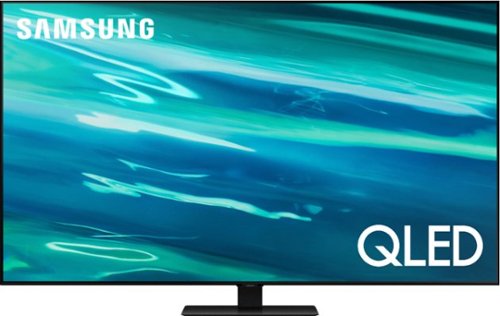
Samsung - 55" Class Q80A Series QLED 4K UHD Smart Tizen TV (2021)
Nothing will get by you with the precise visible details, even in the darkest scenes, and sound that moves around you.
THE BRIGHTNESS OF THE PICTURE SEEMS EXCESSIVE ESPECIALLLY THE COLOR WHITE. CAN THIS BE CORRECTED?
BILLY - If you are uncomfortable with the default brightness settings, you can customize the brightness level between 0 – 50 to your preference. Go to Home > Settings > Picture > Expert Settings > Brightness. If you would like further assistance with image adjustments, please reach out to Samsung Customer Support at 1-800-SAMSUNG (ask for TVs), available 8AM - 12AM EST, 7 days a week, Chat with us on Samsung.com, or Email: https://www.samsung.com/us/support/#contact_us_for_support ^Gina
5 years ago
by
Posted by:
Samsung
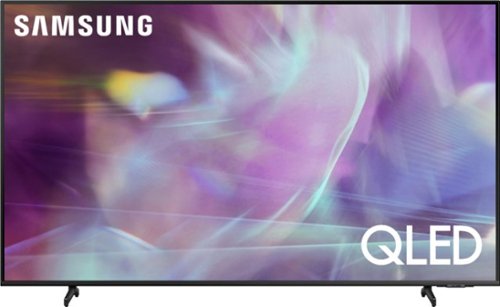
Samsung - 43" Class Q60A Series QLED 4K UHD Smart Tizen TV (2021)
Enter a world saturated with color and sharpened to refreshing clarity, all of it made possible through the power of Quantum Dot technology
Can I turn Bluetooth OFF on the 43" Q60A so it does not show up in Devices for BT Pairing?
YesApple - The Bluetooth feature cannot be disabled on Samsung TVs; however, Bluetooth will disconnect from any paired device when the TV turns off, and the TV won’t reconnect automatically unless you choose to pair the device again. The Bluetooth source will not be remembered for future connectivity, as these devices are used on demand. ^Gina
5 years ago
by
Posted by:
Samsung
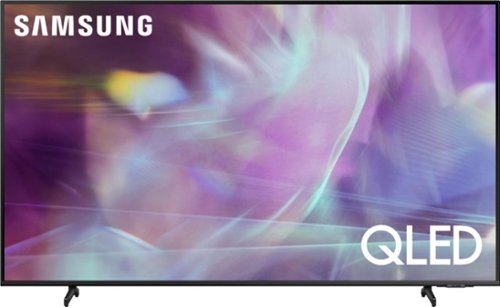
Samsung - 50" Class Q60A Series QLED 4K UHD Smart Tizen TV
Enter a world saturated with color and sharpened to refreshing clarity, all of it made possible through the power of Quantum Dot technology
Hi - Does this TV enable me to download AppleTV, Paramount TV, HBOMax, Netflix, Amazon Prime, Hulu, Disney Plus, etc. Right now my TV (Samsung from 2014) doesn't allow me to download those services. Thank you.
NJLady - The Apple TV, Disney+, Hulu, Netflix, and Prime Video apps will come preinstalled on the Q60A TV's App Launcher upon setup. You can download the HBO Max and Paramount+ apps (and many more!) directly from the built-in App Store on the Q60A. ^Gina
5 years ago
by
Posted by:
Samsung
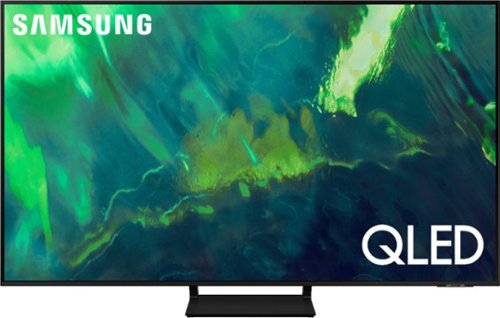
Samsung - 55" Class Q70A Series QLED 4K UHD Smart Tizen TV (2021)
As intelligent as it is beautiful. A Smart TV interface learns the content you like and makes suggestions based on what you watch.
How much does the unit weigh.
Hi - The 55" Q70A TV weighs 34.2lbs without the stand attached. ^Gina
5 years ago
by
Posted by:
Samsung
Samsung - 55" Class Q70A Series QLED 4K UHD Smart Tizen TV (2021)
As intelligent as it is beautiful. A Smart TV interface learns the content you like and makes suggestions based on what you watch.
Does this model come with built-in speakers
Hi - The Q70A TV features 20 Watt 2 Channel speakers. ^Gina
5 years ago
by
Posted by:
Samsung
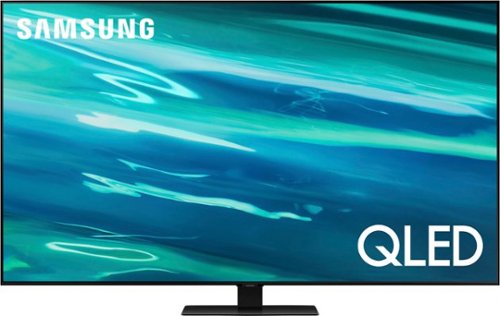
Samsung - 50" Class Q80A Series QLED 4K UHD Smart Tizen TV (2021)
Nothing will get by you with the precise visible details, even in the darkest scenes, and sound that moves around you.
Does this TV support all streaming apps, Netflix, HBO Max, Hulu, Amazon Prime?
Robin - The Hulu, Netflix, and Prime Video apps will come preinstalled on the Q80A TV's App Launcher upon setup. You can download the HBO Max app (and many more!) directly from the built-in App Store on the Q80A. ^Gina
5 years ago
by
Posted by:
Samsung
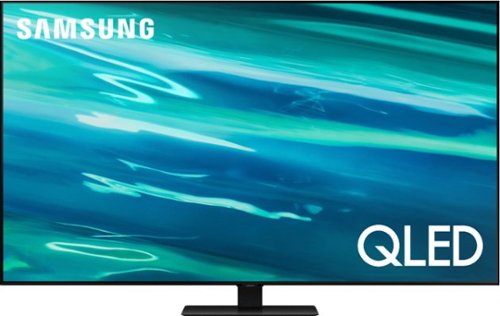
Samsung - 65" Class Q80A Series QLED 4K UHD Smart Tizen TV (2021)
Nothing will get by you with the precise visible details, even in the darkest scenes, and sound that moves around you.
Am I able to screen mirror from my iPhone?
PotentialNewCustomer - You can screen mirror from iOS devices via AirPlay. ^Gina
5 years ago
by
Posted by:
Samsung
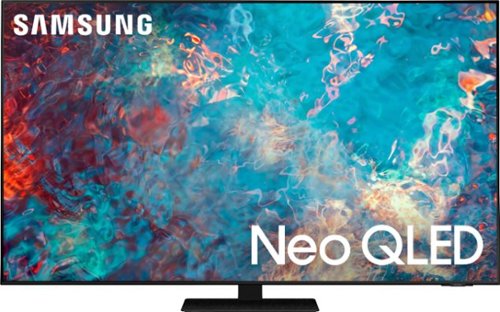
Samsung - 65" Class QN85A Series Neo QLED 4K UHD Smart Tizen TV
The QN85A upgrades your home entertainment experience with super charged 4K, an anti-glare screen, and an ultra-high contrast picture. These Advanced-Premium Samsung models feature a breakthrough matrix of Quantum Mini LEDs that focus light precisely where needed for breathtaking contrast. With the QN85A, our most advanced Samsung 4K TV processor powers Next-Gen Gaming capabilities, a new generation of apps, and sound that moves with the onscreen action. And with HDR10+, colors are adjusted scene-by-scene to enhance what you watch.
Major problem with judder/stutter on the picture, esp watching football on cable. During replay, the picture stutters, and going back live the stutter continues. See link. May need to return tv. https://us.community.samsung.com/t5/Qled-and-Frame/Samsung-
Vince - I’m sorry to see that you are having difficulties with motion adjustments on your QN85A TV. So that we can better troubleshoot towards a solution, please reach out to Samsung Support at: 1-800-SAMSUNG (ask for TVs), available 8AM - 12AM EST, 7 days a week, Chat with us on Samsung.com, or Email: https://www.samsung.com/us/support/#contact_us_for_support ^Gina
5 years ago
by
Posted by:
Samsung
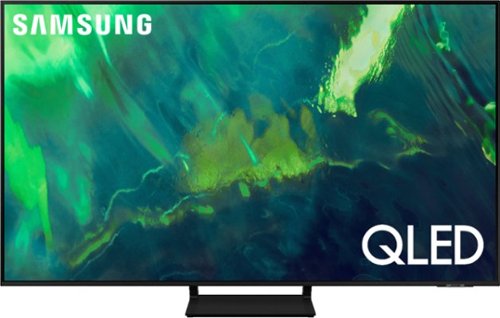
Samsung - 85" Class Q70A Series QLED 4K UHD Smart Tizen TV (2021)
As intelligent as it is beautiful. A Smart TV interface learns the content you like and makes suggestions based on what you watch.
Does remote control light up?
93230 - The Solar Cell Remote is not backlit. ^Gina
5 years ago
by
Posted by:
Samsung