Samsung
Samsung's Stats
Reviews
- Review Count0
- Helpfulness Votes0
- First ReviewNone
- Last ReviewNone
- Featured Reviews0
- Average Rating0
Reviews Comments
- Review Comment Count0
- Helpfulness Votes0
- First Review CommentNone
- Last Review CommentNone
- Featured Review Comments0
Questions
- Question Count0
- Helpfulness Votes0
- First QuestionNone
- Last QuestionNone
- Featured Questions0
- Answer Count75067
- Helpfulness Votes37,976
- First AnswerApril 24, 2013
- Last AnswerOctober 26, 2026
- Featured Answers0
- Best Answers3949
Samsung's Reviews
Samsung has not submitted any reviews.
Samsung's Questions
Samsung has not submitted any questions.
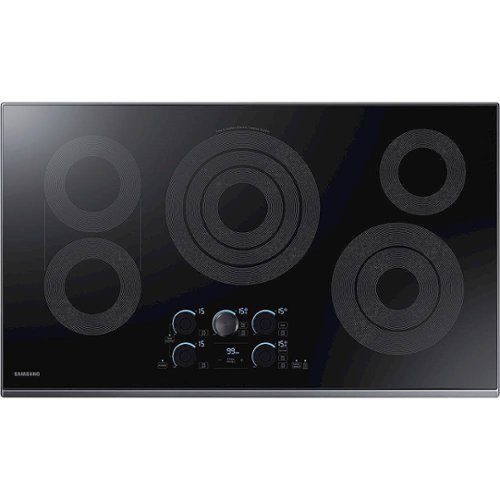
Samsung - 36" Electric Cooktop with WiFi and Rapid Boil - Black Stainless Steel
The Samsung Electric Cooktop offers flexible cooking technology. Fine tuned control makes quick adjustments between rapid boil and a low, even, simmer. Enjoy the comfort of Analog-Knobs combined with the advanced technology of digital touch display. Dual burner sync control allows easy heating for long pots or griddles.
Do all 5 burners have Rapid Boil, or is it just one? (My old GE just had one Power Boil burner.)

Thanks so much for asking, RAY1! According to our specifications, only the center burner has the rapid boil feature. ^Jecca
5 years, 1 month ago
by
Posted by:
Samsung
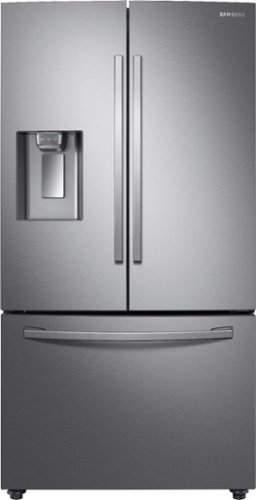
Samsung - 28 Cu. Ft. French Door Refrigerator with CoolSelect Pantry - Stainless Steel
A full-depth refrigerator that is beautifully designed with a minimal dispenser, sleek-edge doors, and modern handles. CoolSelect Pantry provides a full-width drawer to chill or defrost food to ideal temperatures.
Does this fridge have a locking mechanism on the ice/water dispenser to prevent kids from using it?
It sure does, sboaten! In fact, this model offers two different ways to lock the dispenser. On the actual dispenser, you can press and hold the "Water" button for 3 seconds. And on the control panel located inside the refrigerator holding the "Water/Ice" button for 3 seconds will lock/unlock the dispenser. When the dispenser is locked, the buttons on the dispenser will not activate, and pressing the lever will not dispense anything. ^Jecca
5 years, 1 month ago
by
Posted by:
Samsung
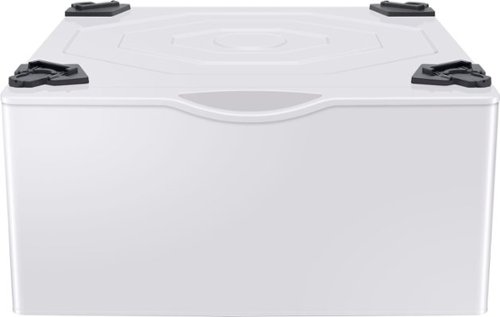
This 27" wide pedestal will allow you to lift your Samsung front-load washer or dryer by more than a foot for a more convenient height. Tidy up your laundry space with an easily accessible built-in storage drawer.
Is this compatible with the Samsung WA52M8650A washer and Samsung DVE(G)52M8650 dryer?
Thanks so much for asking! I can provide this link (https://bit.ly/3nBk2n6) to a full list of all the models currently compatible with this pedestal. ^Jecca
5 years, 1 month ago
by
Posted by:
Samsung
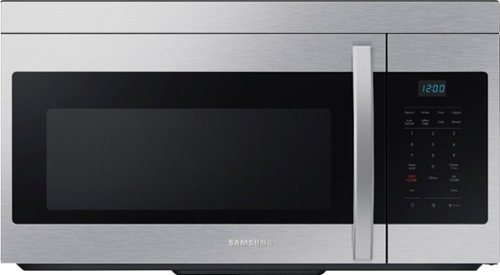
This 1.6 cu. ft. capacity Over-the-Range Microwave with Auto Cook takes the guesswork out of cook time with pre-programmed settings. Its powerful 2-speed 300 CFM ventilation system quickly and quietly reduces unwanted cooking odors.
Does this model have a trim kit?
Hi there Hossai! I recommend checking with SamsungParts.com or calling 1-800-627-4368 for information on available parts and accessories for Samsung appliances. ^Jecca
5 years, 1 month ago
by
Posted by:
Samsung
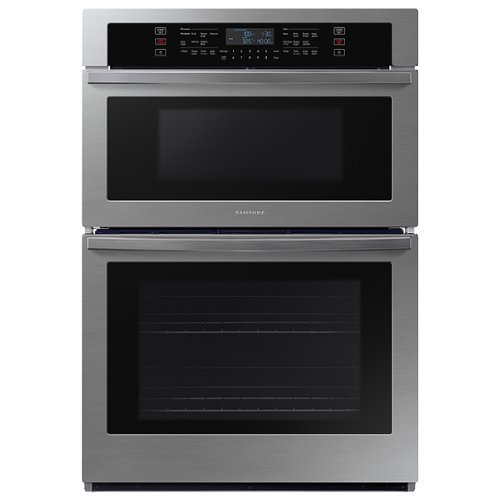
From multiple casserole dishes to two full racks of cookies, this combination microwave and wall oven easily accommodates the busy home kitchens.
My microwave came with a round metal turnstile, , with rubber pegs on bottom legs,,,is this still safe to use in microwave as its metal
I'm so glad you asked, Will! You are correct that metal objects normally should not be used in the microwave. However, the round wire rack that comes with this model is made specifically to be safe to use in this model on the modes specified in the user manual (https://bit.ly/3AkPfOY). ^Jecca
5 years, 1 month ago
by
Posted by:
Samsung

Samsung - HW-S50A 3.0ch Sound bar with Dolby Digital 5.1 - Deep Gray
Experience virtual 3D sound with the S Series, S50A all-in-one premium soundbar, a versatile soundbar that delivers sharp and realistic audio. Dialogue sounds crisp and super clean thanks to a built-in center speaker, so you won~t miss a word. Whether you~re playing games, watching sports, or kicking back with your favorite show, Adaptive Sound Lite enhances and optimizes your entertainment to a new level of audio. Plus, you can seamlessly pair mobile devices with Bluetooth~ TV Connection~. ~Please check whether your TV is Bluetooth~ compatible.
can this sound bar Samsung - HW-S50A 3.0ch Sound bar with Dolby Digital 5.1 - Deep Gray be used as a stand alone sound system using bluetooth from mobile device without hooking it up to the TV??
Hi darbbiss! Yes, the HW-S50A is compatible with Bluetooth technology allowing you to wirelessly stream audio from a mobile device. You do not need to have the soundbar connected to a TV for this to work. ^Tim
5 years, 1 month ago
by
Posted by:
Samsung
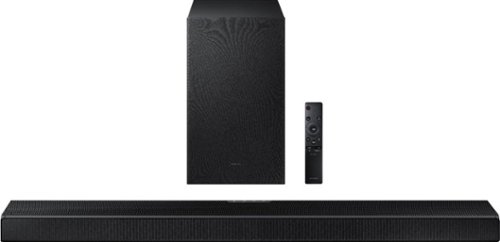
Samsung - HW-Q600A 3.1.2ch Sound bar with Dolby Atmos - Carbon Mid Silver
Elevate your entertaining experience with immersive 3D sound. The power of Samsung sound bar Q600A makes surround soundbar comes to life with speakers that fire from front, side and above.
Good Morning! I just purchased the HW-600 and connected it with a Q90 tv. I'm wired through HDMI Arc and it is connected to the HDMI 3 port (ARC) but I am not able to see the TV+ Soundbar option for Q-symphony. Anything I need to do? Thanks!
Hi, Thank you for sharing your concerns with the Q Symphony connection. Please know this feature is only available on select 2020 and 2021 TVs, and will not be available on a Q90R or prior years.
So that we can better troubleshoot towards a solution, please reach out to Samsung Support at: 1-800-SAMSUNG (ask for Soundbars), available 8AM -12AM EST. 7 days a week. Or text “SUPPORT” to 800-726-7864, LiveChat on Samsung.com, or Email: https://www.samsung.com/us/support/#contact_us_for_support
We look forward to hearing from you.
^Tim
So that we can better troubleshoot towards a solution, please reach out to Samsung Support at: 1-800-SAMSUNG (ask for Soundbars), available 8AM -12AM EST. 7 days a week. Or text “SUPPORT” to 800-726-7864, LiveChat on Samsung.com, or Email: https://www.samsung.com/us/support/#contact_us_for_support
We look forward to hearing from you.
^Tim
5 years, 1 month ago
by
Posted by:
Samsung
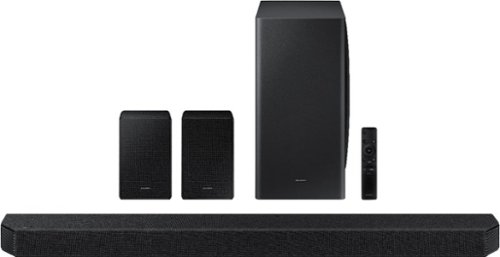
Samsung - HW-Q950A 11.1.4ch Sound bar with Dolby Atmos - Black
Breakthrough innovation with True 11.1.4ch sound.
I recently set up my sound system and I did say connect with Alexa. However, even if I just want to set a timer on my kitchen echo dot, the sound system turns on. I thought it would only work if you told Alexa to "turn on sound bar" Any help?
Hi ANnie! Thank you for sharing your concerns with the Alexa function on your new soundbar.
So that we can better troubleshoot towards a solution, please reach out to Samsung Support at: 1-800-SAMSUNG (ask for Soundbars), available 8AM -12AM EST. 7 days a week. Or text “SUPPORT” to 800-726-7864, LiveChat on Samsung.com, or Email: https://www.samsung.com/us/support/#contact_us_for_support
We look forward to hearing from you.
^Tim
So that we can better troubleshoot towards a solution, please reach out to Samsung Support at: 1-800-SAMSUNG (ask for Soundbars), available 8AM -12AM EST. 7 days a week. Or text “SUPPORT” to 800-726-7864, LiveChat on Samsung.com, or Email: https://www.samsung.com/us/support/#contact_us_for_support
We look forward to hearing from you.
^Tim
5 years, 1 month ago
by
Posted by:
Samsung
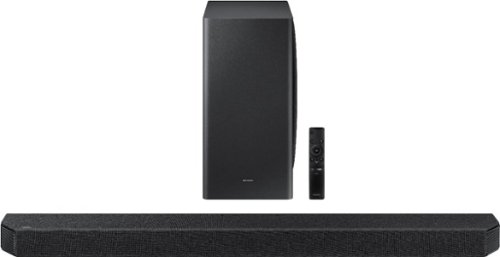
Samsung - HW-Q900A 7.1.2ch Soundbar with Dolby Atmos - Black
The next level of sound immersion.
I cannot for the life of me figure how to get a complete display of this soundbar on my Q800A screen. I've tried every conceivable loop and toggle; WIFI, BT, D-IN, Optical. Someone please HALP!! :)
Hi Madelsperger! The HW-Q900A does not feature an on screen display. For optimal connection to the TV we suggest using the included HDMI cable connected to the HDMI ARC port on your TV. From there, change the source on the soundbar to D-IN, and select the HW-Q900A as the audio device through your TVs sound settings. Should you need additional assistance please reach out to Samsung Support at: 1-800-SAMSUNG (ask for Soundbars), available 8AM -12AM EST. 7 days a week. Or text “SUPPORT” to 800-726-7864. ^Tim
5 years, 1 month ago
by
Posted by:
Samsung

Samsung - 5.1.2-Channel Soundbar with Dolby Atmos/DTS:X
Explore realistic 3D audio with sound precisely projected from above, in front, behind and to the side of you with the latest acoustic technologies.
Are there any wires that have to go from the sound bar or sub woofer to the rear speakers? I don't want to have to run wires around the edge of my carpet to get to the speakers behind each side of my couch.
Hi Rob! The rear speakers will wire to a transmitter base, which is then a wireless connection to the soundbar. This allows you to discretely wire the speakers behind the seating and maintain a wire free look from the rear to the front. ^Tim
5 years, 1 month ago
by
Posted by:
Samsung