Samsung
Samsung's Stats
Reviews
- Review Count0
- Helpfulness Votes0
- First ReviewNone
- Last ReviewNone
- Featured Reviews0
- Average Rating0
Reviews Comments
- Review Comment Count0
- Helpfulness Votes0
- First Review CommentNone
- Last Review CommentNone
- Featured Review Comments0
Questions
- Question Count0
- Helpfulness Votes0
- First QuestionNone
- Last QuestionNone
- Featured Questions0
- Answer Count73548
- Helpfulness Votes37,918
- First AnswerApril 24, 2013
- Last AnswerAugust 10, 2026
- Featured Answers0
- Best Answers3939
Samsung's Reviews
Samsung has not submitted any reviews.
Samsung's Questions
Samsung has not submitted any questions.
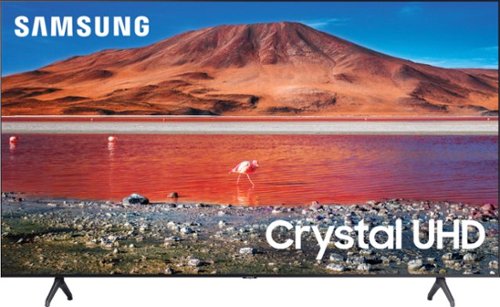
Samsung - 50" Class 7 Series LED 4K UHD Smart Tizen TV (2020)
Build an immersive media room with this 50-inch Samsung Smart TV. The Crystal 4K processor automatically improves the image quality of everything you watch, and the HDR technology makes colors look vivid and lifelike. This Samsung Smart TV has a universal guide that organizes live and streamed content so you can find what you're looking for quickly.
Would this tv work overseas where the voltage is 240?

Hi Conrad, this Samsung TV model is intended for use in the U.S. and will only support 120V. ^Val
5 years, 5 months ago
by
Posted by:
Samsung
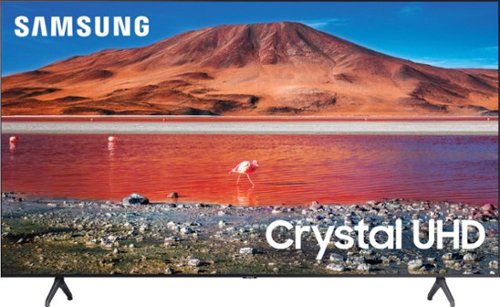
Samsung - 58" Class 7 Series LED 4K UHD Smart Tizen TV
Make every movie night special with this 58-inch Samsung smart TV. Native 4K UHD resolution makes shows look sharp and detailed, and the Crystal 4K processor enhances image quality in real time. This Samsung smart TV has a variety of features that let you access and play content from your favorite streaming services.
Can I use my airprods or headset and connect with this Bluetooth would it support?
Hi Meet, you can absolutely connect your AirPods or wireless headsets via Bluetooth. You can even use the Multi-Output Audio feature to use both TV and Bluetooth headsets simultaneously if you have viewers who want two different volume levels. ^Val
5 years, 5 months ago
by
Posted by:
Samsung
Samsung - 50" Class 7 Series LED 4K UHD Smart Tizen TV (2020)
Build an immersive media room with this 50-inch Samsung Smart TV. The Crystal 4K processor automatically improves the image quality of everything you watch, and the HDR technology makes colors look vivid and lifelike. This Samsung Smart TV has a universal guide that organizes live and streamed content so you can find what you're looking for quickly.
Is this an Energy Start Certified Television? If not, does Samsung make any that are larger than 45"?
Hi BCTERESA, Samsung TVs provide a balance of high-quality display technology and energy efficiency. We offer a number of features on our TVs to deliver an optimal viewing experience, while contributing to energy consumption reduction. Anticipated energy costs are available in the EnergyGuide label: https://image-us.samsung.com/SamsungUS/PVI/20200214/common-energylabel-un43tu7000fxza-energylabel.pdf ^Val
5 years, 5 months ago
by
Posted by:
Samsung
Samsung - 50" Class 7 Series LED 4K UHD Smart Tizen TV (2020)
Build an immersive media room with this 50-inch Samsung Smart TV. The Crystal 4K processor automatically improves the image quality of everything you watch, and the HDR technology makes colors look vivid and lifelike. This Samsung Smart TV has a universal guide that organizes live and streamed content so you can find what you're looking for quickly.
Can I use CAT 6 for the Video/Audio IN? Or is it only for an internet connection?
Hi AB, a CAT 6 cable is for internet. If you are only going to be streaming channels such as Netflix, Hulu, etc., you should be ok. However, if you plan on watching OTA channels or have a cable device, you will need either a coaxial cable, HDMI cable, etc. ^Val
5 years, 5 months ago
by
Posted by:
Samsung
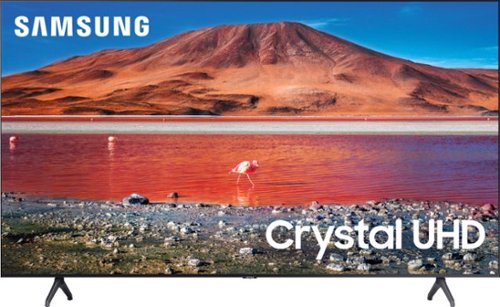
Samsung - 75" Class 7 Series LED 4K UHD Smart Tizen TV (2020)
Immerse yourself in stunning visuals with this 75" Samsung UHD 7 Series Smart TV. The Crystal Processor 4K scales up low-resolution scenes to deliver crisp visuals, while Wi-Fi connectivity expands your entertainment options across streaming services. This Samsung UHD 7 Series Smart TV allows voice-activated control for easy setting adjustment, and support for Dolby Digital Plus ensures powerful sound for an all-round experience.
Is thus tv compatible with an LG sound bar?
Hi Soundbar, you can connect an LG soundbar to this TV via HDMI, Optical, or Bluetooth connections. ^Val
5 years, 5 months ago
by
Posted by:
Samsung
Samsung - 50" Class 7 Series LED 4K UHD Smart Tizen TV (2020)
Build an immersive media room with this 50-inch Samsung Smart TV. The Crystal 4K processor automatically improves the image quality of everything you watch, and the HDR technology makes colors look vivid and lifelike. This Samsung Smart TV has a universal guide that organizes live and streamed content so you can find what you're looking for quickly.
Is tis TV compatible to all streaming services, U Tube TV, Hulu, apple, etc?
Hi MisterG, The TU70000 has a built-in App Store which allows you to choose from and download hundreds of apps such as discovery+, fuboTV, HBO Max, ESPN and many more. YouTube TV, Hulu, and Apple TV are all Recommended apps that are already come pre-installed. We are continuously adding more premium content and new services to our Smart TV platform. Some apps will require that you have a separate subscription. ^Val
5 years, 5 months ago
by
Posted by:
Samsung
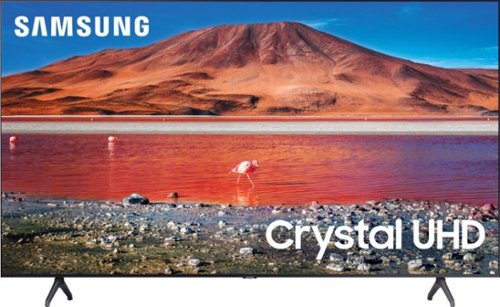
Samsung - 65" Class 7 Series LED 4K UHD Smart Tizen TV (2019)
Get enhanced smart capabilities with the TU7000 . Crystal Processor 4K automatically upscales your favorite movies, TV shows and sports events to 4K. Smart TV powered by Tizen lets you find content and navigate streaming services easily. PurColor fine tunes colors while HDR steps up to millions of shades of color that go beyond what HDTV can offer. And Direct Lit backlighting technology sharpens visuals and improves clarity.
Where is the manual on and off switch?
Hi Cliff, the power button is on the bottom-center of the TV directly under the Samsung logo. ^Val
5 years, 5 months ago
by
Posted by:
Samsung
Samsung - 75" Class 7 Series LED 4K UHD Smart Tizen TV (2020)
Immerse yourself in stunning visuals with this 75" Samsung UHD 7 Series Smart TV. The Crystal Processor 4K scales up low-resolution scenes to deliver crisp visuals, while Wi-Fi connectivity expands your entertainment options across streaming services. This Samsung UHD 7 Series Smart TV allows voice-activated control for easy setting adjustment, and support for Dolby Digital Plus ensures powerful sound for an all-round experience.
Does this TV have a removable screen protector on it out of the box?
Hi Bebo, if there is a protective film on your screen, it will be indicated with a large blue triangle in the upper left corner. The triangle will have an illustration showing how to remove the protective film.
If you do not have a blue triangle in the upper left corner, then that means there is no protective film on the screen, so please do not try to peel off anything. You will damage what is actually the screen. ^Val
If you do not have a blue triangle in the upper left corner, then that means there is no protective film on the screen, so please do not try to peel off anything. You will damage what is actually the screen. ^Val
5 years, 5 months ago
by
Posted by:
Samsung
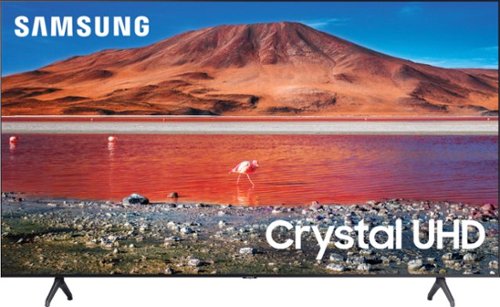
Samsung - 55" Class 7 Series LED 4K UHD Smart Tizen TV
Improve your viewing experience with this 55-inch Samsung smart TV. The variety of applications offer easy access to content on popular streaming services, and the intuitive interface makes finding your favorite shows simple. Boasting native 4K resolution and advanced HDR technology, this Samsung smart TV enriches your movie nights with stunningly detailed visuals and lifelike colors.
'will the quality be sacrificed going to a roof top antennae from the store quality you see. And why don't you see picture in a picture any more?
Hi, the picture quality you see will depend on the signal strength of your antennae vs. the quality of your network connection. There are pros and cons to both. The TU7000 Series does not have PIP (or split-screen). Split-screen capability to view two different content side-by-side is available starting from our QLED Q60T Series and up using our Multi View feature. ^Val
5 years, 5 months ago
by
Posted by:
Samsung
Samsung - 65" Class 7 Series LED 4K UHD Smart Tizen TV (2019)
Get enhanced smart capabilities with the TU7000 . Crystal Processor 4K automatically upscales your favorite movies, TV shows and sports events to 4K. Smart TV powered by Tizen lets you find content and navigate streaming services easily. PurColor fine tunes colors while HDR steps up to millions of shades of color that go beyond what HDTV can offer. And Direct Lit backlighting technology sharpens visuals and improves clarity.
Does this TV connect to ring doorbell and show cameras?
Hi Bonita, you can use the SmartThings app on your smartphone to control this TV, but the TU7000 TV does not support the SmartThings app which monitors and configures other smart devices in your home. This feature is found in our Q60T models and higher. ^Val
5 years, 5 months ago
by
Posted by:
Samsung