Samsung
Samsung's Stats
Reviews
- Review Count0
- Helpfulness Votes0
- First ReviewNone
- Last ReviewNone
- Featured Reviews0
- Average Rating0
Reviews Comments
- Review Comment Count0
- Helpfulness Votes0
- First Review CommentNone
- Last Review CommentNone
- Featured Review Comments0
Questions
- Question Count0
- Helpfulness Votes0
- First QuestionNone
- Last QuestionNone
- Featured Questions0
- Answer Count75164
- Helpfulness Votes37,976
- First AnswerApril 24, 2013
- Last AnswerNovember 2, 2026
- Featured Answers0
- Best Answers3950
Samsung's Reviews
Samsung has not submitted any reviews.
Samsung's Questions
Samsung has not submitted any questions.
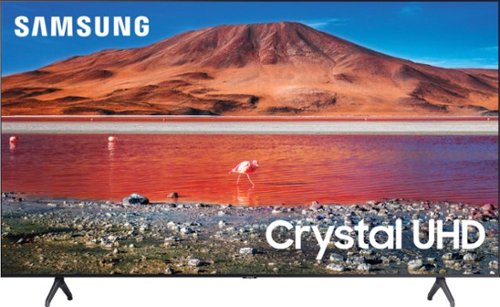
Samsung - 58" Class 7 Series LED 4K UHD Smart Tizen TV
Make every movie night special with this 58-inch Samsung smart TV. Native 4K UHD resolution makes shows look sharp and detailed, and the Crystal 4K processor enhances image quality in real time. This Samsung smart TV has a variety of features that let you access and play content from your favorite streaming services.
How many bluetooth headphones can i use at the same time and do the headphones have to be the same models? I want to use at least two at the same time....

Hi WillyT! You are only able to pair one set of Bluetooth headphones to the TU7000 at one time. You can, however, use both TV and Bluetooth device audio simultaneously on the TU7000. When this function is active, you can set the volume of the Bluetooth headphones higher than the volume of the TV speaker. First, make sure your Bluetooth headphones are paired. Press HOME on your TU7000 remote. Then go to Settings > General > Accessibility > Multi-output Audio. Find the device you'd like to pair. ^Gina
5 years, 7 months ago
by
Posted by:
Samsung
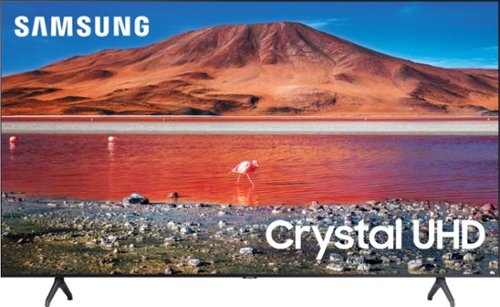
Samsung - 70 Class 7 Series LED 4K UHD Smart Tizen TV (2020)
Enhance your viewing experience with this 70-inch Samsung 4K UHD smart TV. The HDR technology and 4K UHD resolution render sharp details and realistic colors, while a Crystal processor delivers exceptional picture quality on the flat-panel display. This Bluetooth-enabled Samsung 4K UHD smart TV is voice controllable for hands-free operation and seamless wireless streaming.
Does this TV have the standard Samsung guide for over the air channels like other Samsung TV, showing the current show and the future shows for the day.
Hi Nickofhf! If you are referring to the Samsung TV Plus app, this is indeed available on the TU7000. The Samsung TV Plus app will come preinstalled in your TV's App Launcher upon setup. ^Gina
5 years, 7 months ago
by
Posted by:
Samsung
Samsung - 70 Class 7 Series LED 4K UHD Smart Tizen TV (2020)
Enhance your viewing experience with this 70-inch Samsung 4K UHD smart TV. The HDR technology and 4K UHD resolution render sharp details and realistic colors, while a Crystal processor delivers exceptional picture quality on the flat-panel display. This Bluetooth-enabled Samsung 4K UHD smart TV is voice controllable for hands-free operation and seamless wireless streaming.
I have a 70" CLASS TU7000 CRYSTAL UHD 4K SMART TV (2020) UN70TU7000FXZA. I am trying to access the HBO Max app, but i can't find it in the app store in the Hub. Can you tell me how to access it? Thanks.
Hi Eddiel89! From the TV's Home screen, navigate to and select APPS, and then select the Search icon in the top-right corner. Next, enter the app you want to download and select it. You will see detailed information about the app. From here, select Install. If you are still having issues downloading the HBO Max app, please reach out to Samsung Support at:
― Phone: 1-800-SAMSUNG / Available 8AM - 12AM EST, 7 days a week
― LiveChat or Email: https://www.samsung.com/us/support/#contact_us_for_support
We look forward to hearing from you.
^Gina
― Phone: 1-800-SAMSUNG / Available 8AM - 12AM EST, 7 days a week
― LiveChat or Email: https://www.samsung.com/us/support/#contact_us_for_support
We look forward to hearing from you.
^Gina
5 years, 7 months ago
by
Posted by:
Samsung
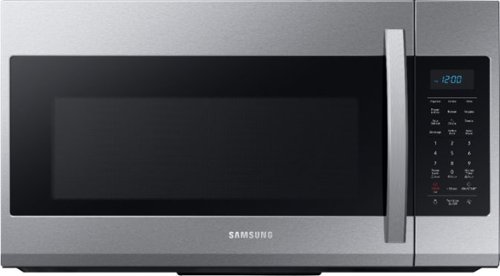
Samsung - 1.9 Cu. Ft. Over-the-Range Microwave with Sensor Cook - Stainless Steel
Samsung 1.9 Cu. Ft. Over-the-Range Microwave: This Samsung over-the-range microwave makes preparing multiple dishes effortless with a large 1.9 cu. ft. capacity, accommodating even your big dishes. The Sensor Cook technology automatically adjusts your cooking time for optimal results. Additionally, the fingerprint-resistant finish helps reduce smudges and minimizes cleaning.
What is the "settings icon /3 sec" for on the control pad
Great question Allan! The settings icon you see is a secondary feature of the "0" button. This means, if you press and hold the "0" button for about 3 seconds, you will access the "options menu". Page 10 of the user manual (https://bit.ly/3d81N1t) has details about what settings and features you can change in this menu. ^Jecca
5 years, 7 months ago
by
Posted by:
Samsung
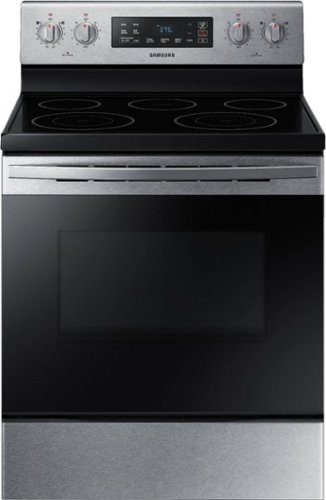
Samsung - 5.9 cu. ft. Freestanding Electric Range with Self-Cleaning - Stainless Steel
The Samsung freestanding range with a large 5.9 cu. ft. capacity oven can easily accommodate a big roast, multiple casserole dishes, or two racks of cookies. It also has a powerful and flexible cooktop with five heating elements, including two dual elements, to provide an element that accommodates multiple pan sizes, whether you're boiling water, melting chocolate, or simmering sauce. The self-cleaning setting has 3 different options, depending on your cleaning needs.
Which Samsung microwave matches this range (same style handle, etc.)?
I'm happy to help with this, dotare! Here is a link (https://bit.ly/3lWZhiS) to the matching over the range microwave, model ME19R7041FS. ^Jecca
5 years, 7 months ago
by
Posted by:
Samsung
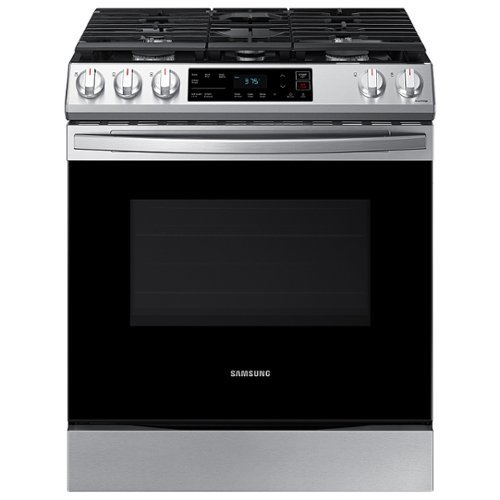
Samsung - 6.0 cu. ft. Front Control Slide-in Gas Range with Wi-Fi, Fingerprint Resistant - Stainless Steel
The Samsung Front Control Slide-in Gas Range is fully Wi-Fi connected and voice enabled, making it easy to create delicious meals for your family.
What is the oven cooking type
Hi Sam! This model runs on natural gas, though it can be converted to use liquid propane instead. ^Jecca
5 years, 7 months ago
by
Posted by:
Samsung
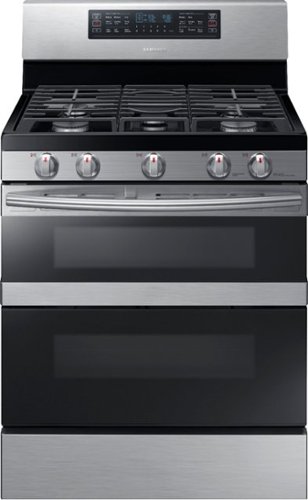
Samsung - Flex Duo 5.8 cu. ft. Self-Cleaning Freestanding Gas Convection Range - Stainless Steel
Flex-Duo with Dual Door gives you flexible oven capacity by splitting one oven into two. The removable Smart Divider creates two independent ovens and temperature controls to cook multiple dishes simultaneously, with little to no transfer of heat or aroma. A hinged door gives you access to just the top compartment or the full oven. Dual Fan Convection distributes heat throughout the oven for faster and more even cooking. The powerful flexible cooktop has five burners with 16K BTU and 15K BTU power burners that can handle multiple dishes, in different-sized pans, simultaneously.
Is the broiler gas or electric? Is it located in the top of the top oven?
Hi Debster! This model uses gas for all the heating elements, and it does have a broiler element in the top of the oven compartment. ^Jecca
5 years, 7 months ago
by
Posted by:
Samsung
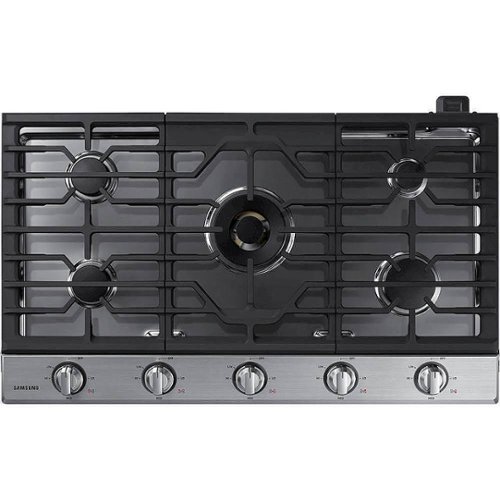
This Samsung Gas Cooktop offers a full range of burners for all of your cooking needs. Its 22K BTU true dual-power burner with two heat options quickly boils water or maintains a simmer. Use the griddle to cook breakfast foods, grill sandwiches or saut~ vegetables. Easily accommodate a round bottom wok on the custom wok grate. Blue LED illuminated knobs visually let you know your cooktop is on even at a distance.
Does this cooktop come with a downdraft vent? Is it sold separately?
Hi SellaRB! I'd like to provide this link (https://bit.ly/3srg93E) to the user manual for this model. On page 12 you can find a full list of everything that is included with this cooktop. ^Jecca
5 years, 7 months ago
by
Posted by:
Samsung
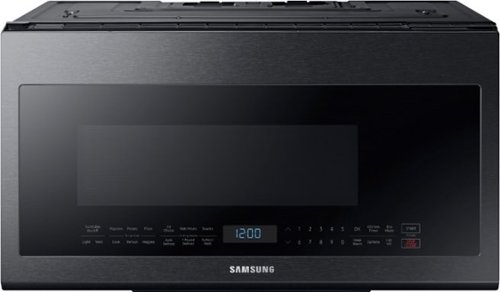
Samsung - 2.1 Cu. Ft. Over-the-Range Microwave with Sensor Cook - Black Stainless Steel
This Samsung Over-the-Range Microwave makes preparing multiple dishes effortless with its large 2.1cu. ft. capacity, accommodating even your biggest dishes. The Glass Control panel provides a seamless, integrated look, ensuring all design elements will match in your kitchen. Sensor Cook technology automatically adjusts your cooking time for optimal results. Additionally, the Ceramic Enamel Interior provides a durable, scratch-resistant and easy to clean interior, making everyday maintenance simple.
Would I be able to use a Magnetic Microwave Splatter Guard?
Hi Sly! We are not able to confirm compatibility with non-Samsung products. We recommend checking with the manufacturer of the product to ensure it is microwave safe before using. ^Jecca
5 years, 7 months ago
by
Posted by:
Samsung
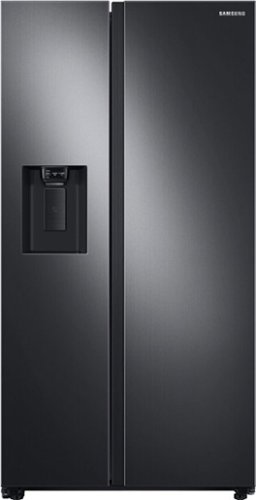
Samsung 27.4 cu. ft. large capacity Side-by-Side refrigerator that is beautifully designed with a minimal display dispenser, modern design that blends beautifully into your kitchen, and a finish that withstands everyday smudges.
Why doesnt this make ice right out of the box? Water dispenses cold...no air in system good water pressure ...ice maker is turned on...yet unless i hit the test button nothing happens. Test buttn makes it dump ice and then refill tray.
I'd like to help with this! Typically we allow 24-48 hours after installation for ice production to begin. This is to ensure the internal temperatures are low enough to keep the ice frozen. Also keep in mind that pressing the "Test" button resets the ice maker and can delay ice production up to 24 hours. If your ice maker is still not producing ice after the full 24 hours, I recommend following the steps in this link: https://bit.ly/31noLMS. ^Jecca
5 years, 7 months ago
by
Posted by:
Samsung