Samsung
Samsung's Stats
Reviews
- Review Count0
- Helpfulness Votes0
- First ReviewNone
- Last ReviewNone
- Featured Reviews0
- Average Rating0
Reviews Comments
- Review Comment Count0
- Helpfulness Votes0
- First Review CommentNone
- Last Review CommentNone
- Featured Review Comments0
Questions
- Question Count0
- Helpfulness Votes0
- First QuestionNone
- Last QuestionNone
- Featured Questions0
- Answer Count75195
- Helpfulness Votes37,977
- First AnswerApril 24, 2013
- Last AnswerNovember 2, 2026
- Featured Answers0
- Best Answers3950
Samsung's Reviews
Samsung has not submitted any reviews.
Samsung's Questions
Samsung has not submitted any questions.
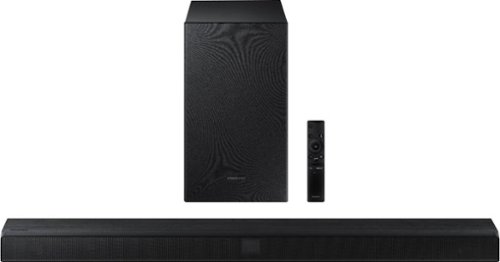
Samsung - 2.1-Channel Soundbar with Wireless Subwoofer and Dolby Audio/DTS Virtual:X (2020) - Black
Elevate your sound system with this Samsung 2.1-channel sound bar. Dolby Audio and DTS Virtual technologies produce accurate audio and simulate a complete surround sound experience, while Bluetooth multi-connection lets you connect two devices and easily switch between them. This 320W Samsung 2.1-channel sound bar features a wireless subwoofer for enhanced bass.
Will this connect via bluetooth to my Samsung smart TV so there are NO cables going up my wall? I want my wall clean.

Hi Jeffrey, The soundbar does have a Bluetooth pairing option, so you can easily connect it wirelessly to your TV. ^Jeremy
5 years, 9 months ago
by
Posted by:
Samsung
Samsung - 2.1-Channel Soundbar with Wireless Subwoofer and Dolby Audio/DTS Virtual:X (2020) - Black
Elevate your sound system with this Samsung 2.1-channel sound bar. Dolby Audio and DTS Virtual technologies produce accurate audio and simulate a complete surround sound experience, while Bluetooth multi-connection lets you connect two devices and easily switch between them. This 320W Samsung 2.1-channel sound bar features a wireless subwoofer for enhanced bass.
My Samsung TV model no. is - UN55J620DAF will it work with it? I only see two HDMI cable connections on my TV which both have something plugged into them already. There’s No ARC HDMI inputs. I’m not sure if my television has an optical cord connection...
Hi there, The TV does have a Digital Optical Output which will connect to a soundbar with no problem. ^Jeremy
5 years, 9 months ago
by
Posted by:
Samsung
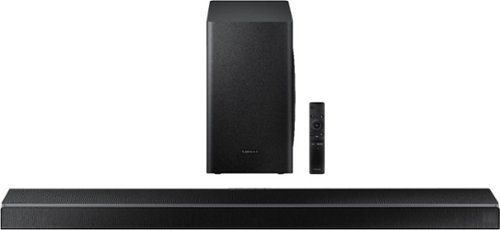
Samsung - 5.1-Channel Soundbar with Wireless Subwoofer and Acoustic Beam - Black
Upgrade your entertainment room with this Samsung soundbar. The 6.5-inch subwoofer and 1.5-inch tweeters deliver powerful well-balanced sound, and Bluetooth connectivity lets you stream audio wirelessly. This Samsung soundbar includes a remote control for handling playback easily, while the HDMI and USB ports allow for flexible connectivity to a wide range of devices.
how many speakers can be added to this soundbar, and can they all be wireless
Hi there, You can add a pair of rear speakers for additional surround sound to this soundbar. The model that works with this soundbar is the SWA-8500S. You can see them and order them here: https://www.bestbuy.com/site/samsung-wireless-rear-loudspeakers-black/5754510.p?skuId=5754510 ^Jeremy
5 years, 9 months ago
by
Posted by:
Samsung
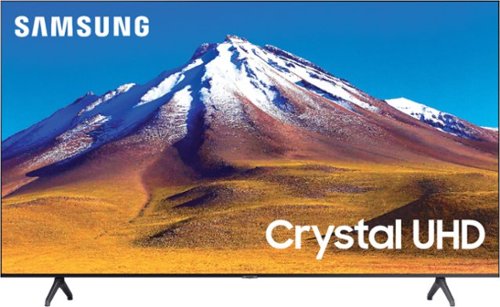
Samsung - 70" Class 6 Series LED 4K UHD Smart Tizen TV
Enhance your viewing experience with this 70-inch Samsung 4K UHD smart TV. The HDR technology and 4K UHD resolution render sharp details and realistic colors, while a Crystal processor delivers exceptional picture quality on the flat-panel display.
What screws can you use to mount this tv? It’s not working with the screws that came with my Mount
Hi there, The model would use the follow screw size: For TVs 43 - 88 inches, the screw size is M8.
1.25 length. You can find these at your local hardware store. ^Jeremy
1.25 length. You can find these at your local hardware store. ^Jeremy
5 years, 9 months ago
by
Posted by:
Samsung
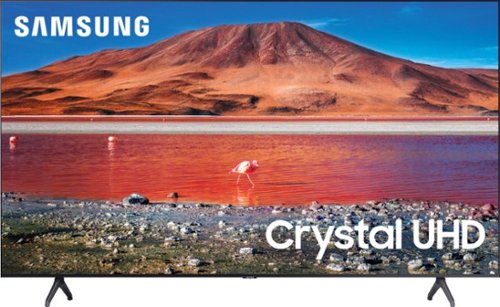
Samsung - 65" Class 7 Series LED 4K UHD Smart Tizen TV (2019)
Get enhanced smart capabilities with the TU7000 . Crystal Processor 4K automatically upscales your favorite movies, TV shows and sports events to 4K. Smart TV powered by Tizen lets you find content and navigate streaming services easily. PurColor fine tunes colors while HDR steps up to millions of shades of color that go beyond what HDTV can offer. And Direct Lit backlighting technology sharpens visuals and improves clarity.
Is this tv wireless
Hi Amber, This TV does have WiFi built in. You just need to plug in the power cable and you are good to go. ^Jeremy
5 years, 9 months ago
by
Posted by:
Samsung
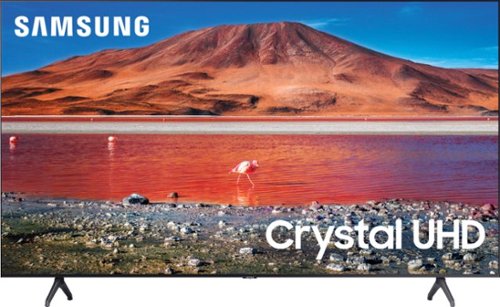
Samsung - 50" Class 7 Series LED 4K UHD Smart Tizen TV (2020)
Build an immersive media room with this 50-inch Samsung Smart TV. The Crystal 4K processor automatically improves the image quality of everything you watch, and the HDR technology makes colors look vivid and lifelike. This Samsung Smart TV has a universal guide that organizes live and streamed content so you can find what you're looking for quickly.
How do I use Alexa commands on the TV? I've paired the Alexa app with SmartThings, but I can only turn the TV off and on. The remote doesn't have a voice button nor is there one on the screen keypad. I've tried everything!
Hi there, I am very sorry that you are having an issue with your TV. The TU7000 can have Alexa turn the TV on and off (as you are doing), operate volume and change channel. The TU8000 and up are the models with the voice remote and they have Alexa Built In so you can access many more features. If you want to talk directly to the TV via Alexa then you would need to upgrade to the TU8000 or above. ^Jeremy
5 years, 9 months ago
by
Posted by:
Samsung
Samsung - 50" Class 7 Series LED 4K UHD Smart Tizen TV (2020)
Build an immersive media room with this 50-inch Samsung Smart TV. The Crystal 4K processor automatically improves the image quality of everything you watch, and the HDR technology makes colors look vivid and lifelike. This Samsung Smart TV has a universal guide that organizes live and streamed content so you can find what you're looking for quickly.
Does this TV work with Direct TV w/DVR and does the remote work to turn Direct TV box on and off?
Hi Terry, There is a DirecTV app you can download to the TV to use, but the Samsung Remote will not control the actual box. ^Jeremy
5 years, 9 months ago
by
Posted by:
Samsung
Samsung - 65" Class 7 Series LED 4K UHD Smart Tizen TV (2019)
Get enhanced smart capabilities with the TU7000 . Crystal Processor 4K automatically upscales your favorite movies, TV shows and sports events to 4K. Smart TV powered by Tizen lets you find content and navigate streaming services easily. PurColor fine tunes colors while HDR steps up to millions of shades of color that go beyond what HDTV can offer. And Direct Lit backlighting technology sharpens visuals and improves clarity.
Does this TV have 3D capability ?
Hi Jimlex, The Samsung 2020 TV models do not feature 3D. If you are playing a 3D movie you should have the option to watch it without the 3D on. ^Jeremy
5 years, 9 months ago
by
Posted by:
Samsung
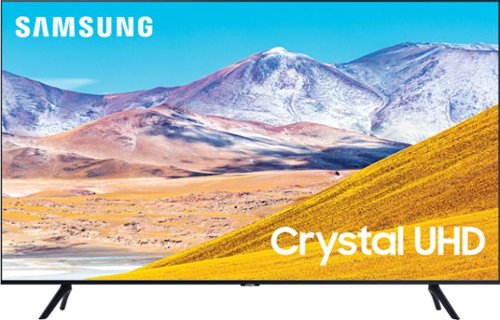
Samsung - 85" Class 8 Series LED 4K UHD Smart Tizen TV (2020)
Experience audiovisual entertainment in stunning quality with this Samsung Ultra HD smart TV. The HDR engine ensures accurate color reproduction, while compatibility with popular virtual assistants enables voice control. This Samsung Ultra HD smart TV features Wi-Fi and Bluetooth functions for flexible wireless connectivity, and the large 85-inch 4K display provides an immersive viewing experience in living rooms and home theaters.
Any tips on how to switch HDMI Ports using a cable box? When I connected my cable box (Xfinity) to the TV and tried to use the HDMI ports on the Cable box for my game consoles, the Samsung TV wouldn't recognize them when going to the source feature.
Hi AC, You can switch the source on the TV by switching to the input you are trying to watch. You cannot switch the source by using the cable box. The TV will automatically switch the source to a game system when it is turned on. It doesn't matter which HDMI input you are using. If you are still having an issue, you can call Samsung Support through these outlets: Phone: 1-800-SAMSUNG
Available 8 AM - 12 AM EST 7 days a week
LiveChat or Text: https://www.samsung.com/us/support/contact/
Facebook Messenger: https://www.facebook.com/samsungsupport
Twitter: https://twitter.com/SamsungSupport
The Samsung TV Community is also a great resource for getting help from Samsung moderators and customers: https://us.community.samsung.com/ ^Jeremy
Available 8 AM - 12 AM EST 7 days a week
LiveChat or Text: https://www.samsung.com/us/support/contact/
Facebook Messenger: https://www.facebook.com/samsungsupport
Twitter: https://twitter.com/SamsungSupport
The Samsung TV Community is also a great resource for getting help from Samsung moderators and customers: https://us.community.samsung.com/ ^Jeremy
5 years, 9 months ago
by
Posted by:
Samsung
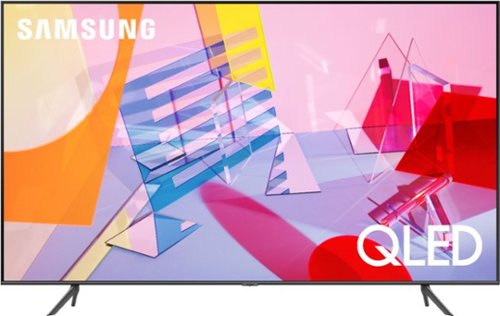
Samsung - 75" Class Q60T Series QLED 4K UHD Smart Tizen TV (2020)
Stay entertained with this 75-inch Samsung 4K UHD HDR smart TV. The Quantum Dot technology provides a rich palette of color for vibrant, detailed images, while the built-in Wi-Fi lets you stream your favorite shows and movies. This QLED Samsung 4K UHD HDR smart TV has USB, Ethernet and HDMI ports for flexible connectivity to a range of devices.
I was wondering if this tv is Bluetooth enabled. Our current tv is not so want to make sure. Also, it is voice activated and I am wondering if i can say please mute and will it mute?
Hi Face, This TV does have a voice remote and even has the digital assistants Alexa, Google and Bixby built in. You can set it up to hold the button on the remote to talk to it or set it to listen to commands all the time in the menu. This model (and all our 2020 lineup) have Bluetooth built in, so you can connect wireless headphones or soundbar to the TV. ^Jeremy
5 years, 9 months ago
by
Posted by:
Samsung