Samsung
Samsung's Stats
Reviews
- Review Count0
- Helpfulness Votes0
- First ReviewNone
- Last ReviewNone
- Featured Reviews0
- Average Rating0
Reviews Comments
- Review Comment Count0
- Helpfulness Votes0
- First Review CommentNone
- Last Review CommentNone
- Featured Review Comments0
Questions
- Question Count0
- Helpfulness Votes0
- First QuestionNone
- Last QuestionNone
- Featured Questions0
- Answer Count75164
- Helpfulness Votes37,976
- First AnswerApril 24, 2013
- Last AnswerNovember 2, 2026
- Featured Answers0
- Best Answers3950
Samsung's Reviews
Samsung has not submitted any reviews.
Samsung's Questions
Samsung has not submitted any questions.
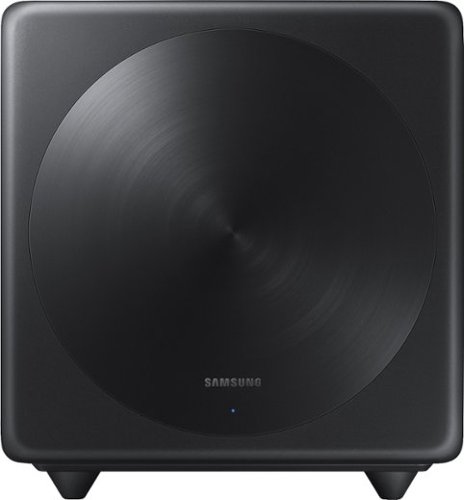
Samsung - Wireless Subwoofer - Black
Turn up the bass in your home theater or audio system with this 6.5-inch Samsung subwoofer. Wireless connectivity allows a neat cable-free setup, while compatibility with select Samsung S Series sound bars enables seamless integration with your system. With an output of up to 130W, this Samsung subwoofer offers powerful sound.
I have a T450 soundbar Samsung can I connect this to that soundbar?

Hi nick! The SWA-W500 Subwoofer is only compatible with the HW-S40T and HW-S60T Soundbars. The HW-T450 includes the compatible subwoofer. ^Gina
5 years, 10 months ago
by
Posted by:
Samsung
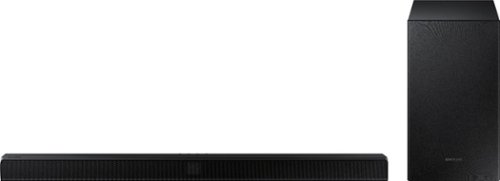
Samsung - 2.1-Channel Soundbar with Wireless Subwoofer and Dolby Audio - Black
Go beyond what you see and experience more powerful sound with clear tones and deep bass in the HW-T510 Soundbar. Pairs seamlessly with your Samsung TV. Feel the rumble of deep bass from the wireless sub-woofer and stream music from your mobile, no strings attached.
How does this sound bar pair to my AppleTv?
TonyProvo, you can connect the HW-T510 Soundbar to your TV via HDMI or Optical cable - when the source is set to your soundbar while streaming AppleTV, the sound will come from your soundbar. ^Gina
5 years, 10 months ago
by
Posted by:
Samsung
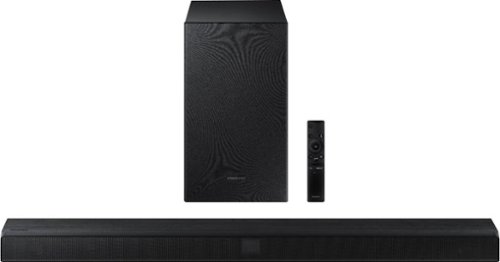
Samsung - 2.1-Channel Soundbar with Wireless Subwoofer and Dolby Audio/DTS Virtual:X (2020) - Black
Elevate your sound system with this Samsung 2.1-channel sound bar. Dolby Audio and DTS Virtual technologies produce accurate audio and simulate a complete surround sound experience, while Bluetooth multi-connection lets you connect two devices and easily switch between them. This 320W Samsung 2.1-channel sound bar features a wireless subwoofer for enhanced bass.
Can I connect my Apple 11 pro iTunes music to this product? And other sound bars that have same connectivity?
Hi there! You can stream music from your phone's music app of your choice to the HW-T550 Soundbar via Bluetooth. ^Gina
5 years, 10 months ago
by
Posted by:
Samsung
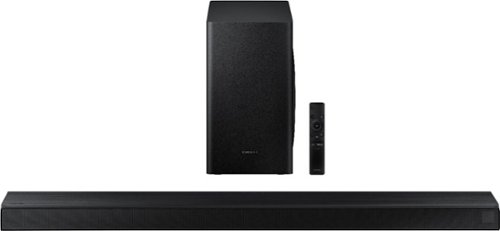
Samsung - 3.1-Channel Soundbar with Wireless Subwoofer and DTS Virtual:X/Dolby Digital - Black
Enjoy high-grade audio at home with this Samsung T Series acoustic beam sound bar. Dolby Audio and DTS provide rich, robust sound for a 3-D surround sound experience, and the center-channel speaker provides clear dialog reproduction. Game mode automatically adjusts the output of this Samsung T Series acoustic beam sound bar in real time for complete audio immersion.
Do you have to have it hooked up to a TV to work? Or can you use the t650 without one as an outside speaker and Bluetooth to your cellphone?
Hi jonathan! The HW-T650 does not need to be connected to your TV if you are pairing your phone via Bluetooth to stream music. ^Gina
5 years, 10 months ago
by
Posted by:
Samsung
Samsung - 2.1-Channel Soundbar with Wireless Subwoofer and Dolby Audio/DTS Virtual:X (2020) - Black
Elevate your sound system with this Samsung 2.1-channel sound bar. Dolby Audio and DTS Virtual technologies produce accurate audio and simulate a complete surround sound experience, while Bluetooth multi-connection lets you connect two devices and easily switch between them. This 320W Samsung 2.1-channel sound bar features a wireless subwoofer for enhanced bass.
Looking for a sound bar for a 75 inch tv with speaker length of 60inch
Hi there! The soundbar you utilize with your TV will vastly depend on the audio experience you desire. If you are looking for something to heighten your TV sound, the HW-T550 is a great option! If you are looking for room-filling sound with Dolby Atmos/DTS:X, Acoustic Beam Technology, and Rear Speakers for surround sound, we recommend checking out the HW-Q850T! See it here at Best Buy: https://www.bestbuy.com/site/samsung-hw-q850t-5-1-2ch-soundbar-with-dolby-atmos-dtsx-and-wireless-rear-speakers-2020-black/6400657.p?skuId=6400657 ^Gina
5 years, 10 months ago
by
Posted by:
Samsung
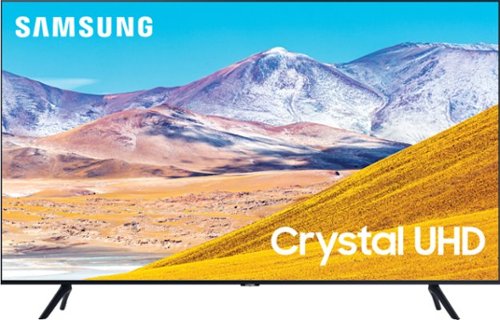
Samsung - 43" Class 8 Series LED 4K UHD Smart Tizen TV
Watch immersive content with this 43-inch Samsung Smart 4K TV. Auto Motion Plus smoothing enhances fast-moving images digitally to reduce blur and ghosting, and the HDMI, USB and Ethernet ports make connectivity easy. This Samsung smart 4K TV features the Tizen OS for hassle-free access to online movies and TV shows.
Does the 43" UHD 8000 series support PCM or LPCM audio formats allowing me to hook-up to an optical audio to RCA converter so I can listen to the TV through my old style stereo (i.e., no optical or HDMI sockets)?
Hi SkipperA! You should have no issues in connecting your stereo with a converter connected to the TU8000. ^Gina
5 years, 10 months ago
by
Posted by:
Samsung
Samsung - 43" Class 8 Series LED 4K UHD Smart Tizen TV
Watch immersive content with this 43-inch Samsung Smart 4K TV. Auto Motion Plus smoothing enhances fast-moving images digitally to reduce blur and ghosting, and the HDMI, USB and Ethernet ports make connectivity easy. This Samsung smart 4K TV features the Tizen OS for hassle-free access to online movies and TV shows.
How can I screen mirror with a Samsung UN 43T8000?
Hi Sunny! You can screen mirror from a mobile device or tablet by using AirPlay on iOS devices, or SmartThings on Android devices. ^Gina
5 years, 10 months ago
by
Posted by:
Samsung
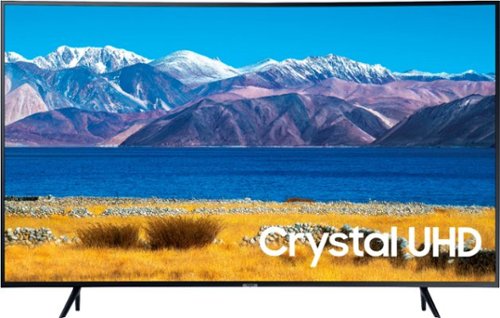
Samsung - 65" Class TU8300 Curved LED 4K UHD Smart Tizen TV (2020)
Samsung 65" TU8300 Curved 4K UHD Smart TV
What does the term Crystal mean
Hi John - Crystal UHD is a term Samsung utilizes for specific models in the 2020 Samsung lineup (TU6950, TU6980, TU7000, TU8000, RU9000). The Crystal UHD Processor brings stunning clarity to everything you already watch. Movies and shows from your cable box, video streaming apps, blu-ray / DVD player, and video games are all displayed in 4K resolution. Crystal Display allows you to experience crystal-clear colors that are fine-tuned to deliver a naturally crisp and vivid picture. ^Gina
5 years, 10 months ago
by
Posted by:
Samsung
Samsung - 43" Class 8 Series LED 4K UHD Smart Tizen TV
Watch immersive content with this 43-inch Samsung Smart 4K TV. Auto Motion Plus smoothing enhances fast-moving images digitally to reduce blur and ghosting, and the HDMI, USB and Ethernet ports make connectivity easy. This Samsung smart 4K TV features the Tizen OS for hassle-free access to online movies and TV shows.
What does the term Tizen mean?
Hi DOC19 - Tizen is the Operating System used in Samsung Smart TVs. ^Gina
5 years, 10 months ago
by
Posted by:
Samsung
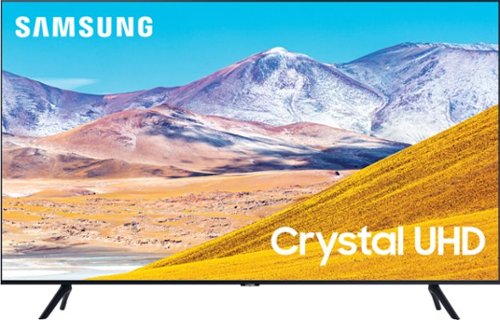
Samsung - 75" Class 8 Series LED 4K UHD Smart Tizen TV
Experience immersive entertainment with this 75-inch Samsung UHD 8 Series Smart TV. Crystal Processor 4K provides vivid visuals, and the Dolby Digital Plus sound technology delivers crisp, powerful sound through the 20W speakers. This Samsung UHD 8 Series Smart TV has Wi-Fi connectivity for streaming movies easily, while Bixby, Alexa, and Google Assistant support enables voice-activated control.
What are the exact dimensions of the TV horizontally?
Hi Christopher - the width of the 75TU8000 is 65.9". The leg width of the 75TU8000 is 65.4". ^Gina
5 years, 10 months ago
by
Posted by:
Samsung