Samsung
Samsung's Stats
Reviews
- Review Count0
- Helpfulness Votes0
- First ReviewNone
- Last ReviewNone
- Featured Reviews0
- Average Rating0
Reviews Comments
- Review Comment Count0
- Helpfulness Votes0
- First Review CommentNone
- Last Review CommentNone
- Featured Review Comments0
Questions
- Question Count0
- Helpfulness Votes0
- First QuestionNone
- Last QuestionNone
- Featured Questions0
- Answer Count73914
- Helpfulness Votes37,959
- First AnswerApril 24, 2013
- Last AnswerAugust 28, 2026
- Featured Answers0
- Best Answers3950
Samsung's Reviews
Samsung has not submitted any reviews.
Samsung's Questions
Samsung has not submitted any questions.
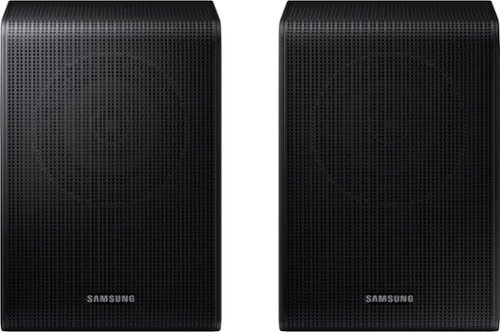
Get a truly cinematic experience from your home theater with rear speakers that connect wirelessly to your soundbar for simple setup and less clutter. With true surround sound, add audio depth and dimension with sound that comes from all sides, making you feel like you're in the scene.
Does the SWA-9250s replace the SWA-9200S and therefore follow the same compatibilities? The SWA-9200S seems discontinued.

Hi MBBarnesAL! The SWA-9250S Wireless Rear Speakers are compatible with the HW-Q600F, HW-B750F, HW-B650F, HW-B630F, and HW-B550F 2025 Samsung Soundbars. ~ Samsung Solutions
9 months ago
by
Posted by:
Samsung
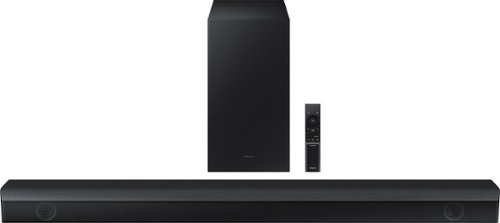
Samsung - HW-B650/ZA 3.1 Channel Soundbar with Wireless Subwoofer, Dolby 5.1 / DTS Virtual:X - Black
Dolby Atmos creates realistic 3D sound by projecting it from all around you, including from above, while DTS Virtual: X expands your listening experience without having to add extra speakers. Boost the bass with a touch of a button. The built-in center speaker delivers enhanced dialogue so you won't miss a word. Experience the intensity of action movies with the powerful bass coming from the included subwoofer. Enjoy optimized audio with enhanced voice clarity on all your favorite video content.
Will I be able to use Roku remote instead of the included remote?
Hi Bett! You will need to use the soundbar remote to make audio adjustments. If the soundbar is connected to the TV using HDMI ARC you should have no issues controlling the volume with your ROKU remote. ~ Samsung Solutions
9 months ago
by
Posted by:
Samsung
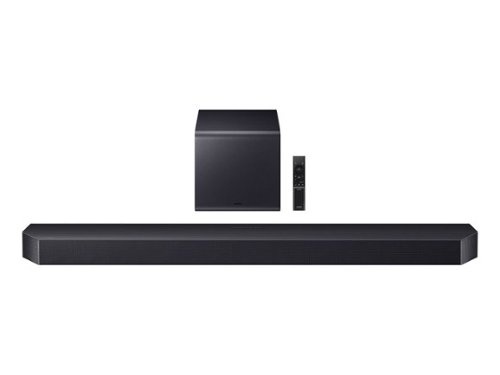
Samsung HW-Q900F - True 7.1.2 Ch Sound - Wireless Dolby Atmos - Q-Symphony - SpaceFit Sound Pro Plus - Smart Integration - Active Voice Amplifier Pro - Subwoofer With Dynamic Bass Control - Game Mode Pro - Wireless TV Connection - Adaptive Sound - DTS:X - Wi-Fi - Bluetooth - HDMI In x2 - HDMI Out x1 - Spotify Connect - Wall Mount Kit - 4K Video Pass (120Hz) - HDR 10+ - Remote Control - Soundbar: (48.5"W x 5.43"D x 2.79"H) - Subwoofer: (9.8"W x 9.8"D x 9.91"H) - (Black)
Can I add two additional wireless speakers to this system?
Hi RAMT! No, you can only have 1 set of rear speakers connected at the same time. ~ Samsung Solutions
9 months ago
by
Posted by:
Samsung
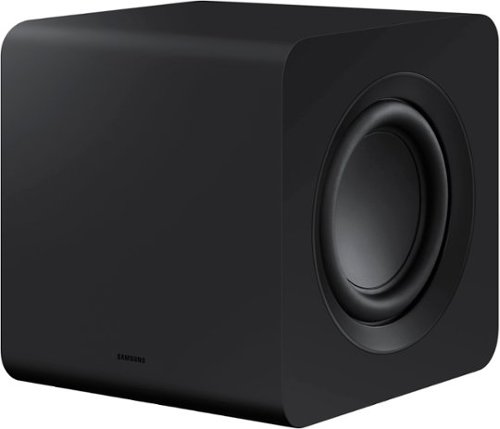
Designed to complement the S-series soundbar, the W510 subwoofer brings the sound even deeper. Listen to sound as you should - wirelessly.
Is this subwoofer compatible with the HW-930C
Hi there! No, the SWA-W510 is exclusively compatible with the HW-S61B/S61D, HW-S60B/S60D & HW-S50B Soundbars. ~Samsung Solutions
9 months ago
by
Posted by:
Samsung
Designed to complement the S-series soundbar, the W510 subwoofer brings the sound even deeper. Listen to sound as you should - wirelessly.
Is this subwoofer compatible with the HW 930C?
Hi there! No, the SWA-W510 is exclusively compatible with the HW-S61B/S61D, HW-S60B/S60D & HW-S50B Soundbars. ~Samsung Solutions
9 months ago
by
Posted by:
Samsung
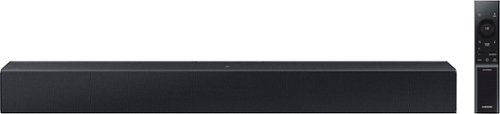
Add a soundbar. Enjoy everything more. From concerts to cooking competitions, for binging shows and streaming music, this soundbar is loaded with clever features that you~ll use every day.
can this be connected to an older TV (not flat screen)?
Hi Jay! The HW-C400 Soundbar is not brand-specific and features an Optical port and Bluetooth connectivity; if your TV supports Bluetooth or has an Optical port, you can connect this soundbar to your TV via either. ~Samsung Solutions
9 months ago
by
Posted by:
Samsung
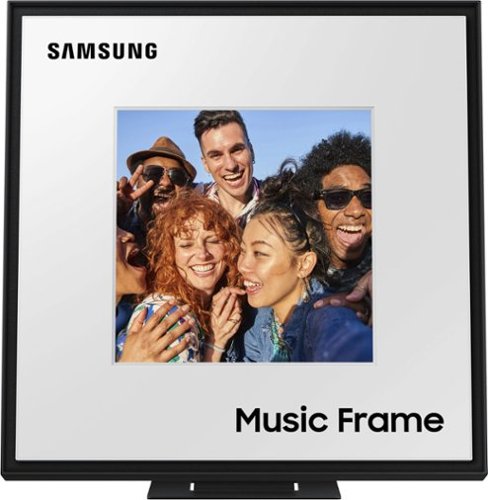
A speaker that expresses your style personalize it with your own photos and a different color bezel to vibe with your space while enjoying rich sound. Stream music from your smart device or sync with your 2024 Samsung TV. Additional bezel sold separately. Holds photos 10" high x 8" wide; 8"x8" can be displayed on front panel. Q Symphony using the Music Frame is available only when connected with a (1) 2024 Samsung TV, or (2) 2024 Samsung TV and 2024 Samsung Soundbar.
How does this charge?
Hello Sparlinv! The Music Frame does not have an internal battery to charge and needs to be plugged into a power outlet. ~ Samsung Solutions
9 months ago
by
Posted by:
Samsung
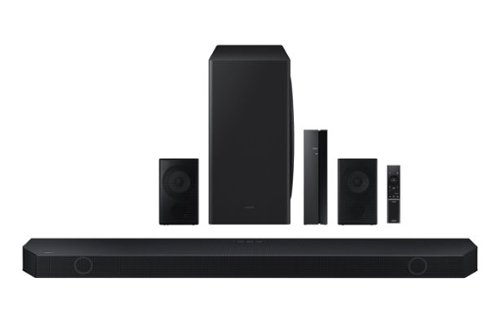
Samsung - HW-Q850D/ZA 7.1.2 Channel Wireless Dolby ATMOS Soundbar + Rear Speakers w/ Q Symphony - Black
This soundbar adapts rich, wireless audio to your space while staying in sync with your TV~s speakers* to amplify your experience.
Can I add two additional wirelss speakers to this system?
Hi there RAMT! The HW-Q990D Soundbar is exclusively compatible with its' included rear speakers and subwoofer. ~Samsung Solutions
9 months ago
by
Posted by:
Samsung
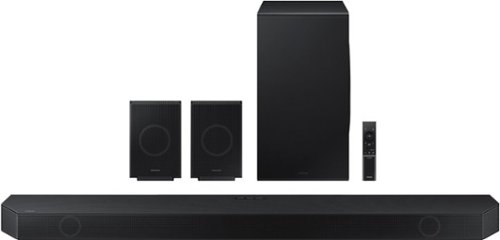
Samsung - HW-Q990D/ZA 11.1.4 Channel Q-Series Soundbar with Wireless Subwoofer and Rear Speakers, Dolby Atmos and Q-Symphony - Black
Experience our greatest of all time-level audio synchronized with your TV~s speakers* and customized to your living space. With intelligently tuned, 11.1.4 Ch. True Dolby Atmos Sound, the Q990D stands above the rest.
Is this soundbar system compatible with the 75" Neo QLED QN70F tv?
Hi there! The HW-Q990D features four ways to connect to an external device: Wi-Fi, HDMI (eARC), digital optical audio, and Bluetooth wireless audio technology. If your TV is compatible with one of these four audio connections, you should have no issue connecting the soundbar to your TV. ~Samsung Solutions
9 months ago
by
Posted by:
Samsung
Samsung - HW-Q990D/ZA 11.1.4 Channel Q-Series Soundbar with Wireless Subwoofer and Rear Speakers, Dolby Atmos and Q-Symphony - Black
Experience our greatest of all time-level audio synchronized with your TV~s speakers* and customized to your living space. With intelligently tuned, 11.1.4 Ch. True Dolby Atmos Sound, the Q990D stands above the rest.
Can you put the satellite rear speakers up front with soundbar and have them all work together as one, like some similar brands allow? Essentially creating a giant soundbar with the proper channels more/less for the all facing forward position.
Hello Noah! Yes, with the HW-Q990D and its rear speakers, by activating the Sound Grouping function. ~ Samsung Solutions
9 months ago
by
Posted by:
Samsung