Samsung
Samsung's Stats
Reviews
- Review Count0
- Helpfulness Votes0
- First ReviewNone
- Last ReviewNone
- Featured Reviews0
- Average Rating0
Reviews Comments
- Review Comment Count0
- Helpfulness Votes0
- First Review CommentNone
- Last Review CommentNone
- Featured Review Comments0
Questions
- Question Count0
- Helpfulness Votes0
- First QuestionNone
- Last QuestionNone
- Featured Questions0
- Answer Count73914
- Helpfulness Votes37,959
- First AnswerApril 24, 2013
- Last AnswerAugust 28, 2026
- Featured Answers0
- Best Answers3950
Samsung's Reviews
Samsung has not submitted any reviews.
Samsung's Questions
Samsung has not submitted any questions.
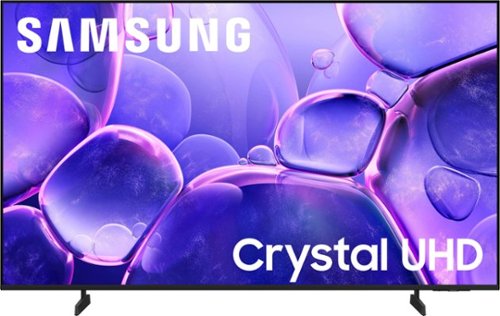
Upgrade your home theater with this stylish 4K TV featuring vibrant colors, rich contrast and an advanced 4K processor. Stay endlessly entertained with thousands of on demand shows and movies for free and enjoy peace of mind as watch thanks to our proprietary triple layer security that protects your personal data across all connected devices at once.
Can this tv be mounted on a mobile stand?

Hi Amy,
Yes, you can attach the stand via the mounting holes on the back of the TV.
~Samsung Advisor
Yes, you can attach the stand via the mounting holes on the back of the TV.
~Samsung Advisor
9 months ago
by
Posted by:
Samsung
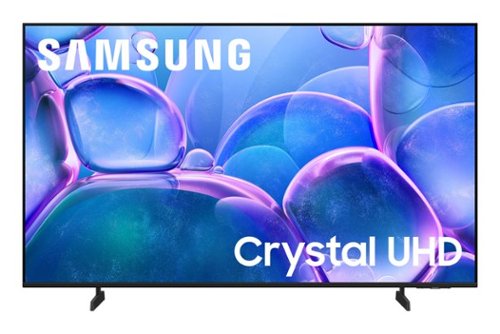
Samsung - 43" Class U7900 Series UHD 4K Smart Tizen TV (2025)
Upgrade your home theater with this stylish 4K TV featuring vibrant colors, rich contrast and an advanced 4K processor. Stay endlessly entertained with thousands of on demand shows and movies for free and enjoy peace of mind as watch thanks to our proprietary triple layer security that protects your personal data across all connected devices at once.
Ca you hook up an indoor antenna to this TV:?
Hi,
Yes, you can connect an indoor antenna to the U7900 TV.
~Samsung Advisor
Yes, you can connect an indoor antenna to the U7900 TV.
~Samsung Advisor
9 months ago
by
Posted by:
Samsung
Upgrade your home theater with this stylish 4K TV featuring vibrant colors, rich contrast and an advanced 4K processor. Stay endlessly entertained with thousands of on demand shows and movies for free and enjoy peace of mind as watch thanks to our proprietary triple layer security that protects your personal data across all connected devices at once.
Can I use an antenna on the antenna input on this tv?
Hi sc,
Yes, you can connect an external antenna.
~Samsung Advisor
Yes, you can connect an external antenna.
~Samsung Advisor
9 months ago
by
Posted by:
Samsung
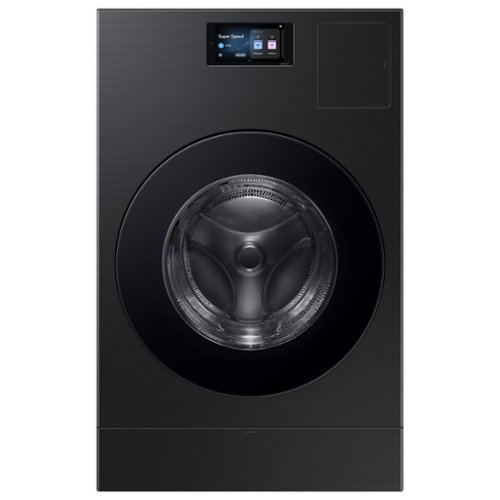
The Bespoke AI Vented Laundry Combo makes life easier to manage. Forget waiting at home to switch clothes to the dryer, this All in One washes and dries in one machine leaving your clothes clean and dry in 68 minutes. Designed to save space and time, it's fast drying performance combined with an intelligent wash system makes laundry day less of a chore. Enjoy an easy installation by simply swapping your existing washer and electric dryer with one AI Vented Laundry Combo. Based on using a Super Speed cycle only with an 10 lb. DOE load (cotton 50% + polyester 50%). Individual results may vary based on actual load content.
Where can I find a pedestal that is compatible? I am unable to get the one at the store for pick up or delivery.
Greetings!
Let us get you the details you need.
I have shared the Samsung link below, where you can check the availability of the compatible pedestal.
Pedestal for All-in-One Combo:
https://www.samsung.com/us/home-appliances/home-appliances-accessories/washers-dryers/bespoke-ai-laundry-combo-pedestal-with-storage-drawer-in-brushed-black-we702nb-us/
Leo
Let us get you the details you need.
I have shared the Samsung link below, where you can check the availability of the compatible pedestal.
Pedestal for All-in-One Combo:
https://www.samsung.com/us/home-appliances/home-appliances-accessories/washers-dryers/bespoke-ai-laundry-combo-pedestal-with-storage-drawer-in-brushed-black-we702nb-us/
Leo
9 months ago
by
Posted by:
Samsung
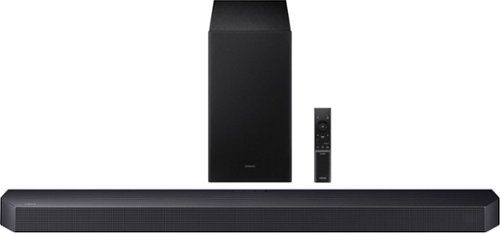
Get swept away into any film, concert or soundtrack with Dolby Atmos 3D sound that reveals rich depth and intricate details. Be surrounded by sound and feel at the center of it all with up-firing channels that project audio overhead, a dedicated center channel for clear dialogue and a wireless subwoofer that delivers room-shaking bass. Pair the soundbar with a Samsung TV to experience powerful, robust audio with Q-Symphony and level up your entertainment a notch or two or three.
The tv and sounddbar set up by installers. No sound from subwoofer. It mentions one is wireless and the other is bluetooth. Can you tell me how to pair these 2 things if that is how it is suppose to be? manual? name of bluetooth subwoofer?
Hi there! When powered on for the first time, the subwoofer should automatically connect to the soundbar wirelessly. If the auto-connection process fails, you can try manually connecting the sub to the soundbar.
Before performing the manual connection procedure, check whether the power cables for the Soundbar and subwoofer are connected properly and make sure that the Soundbar is turned off.
Press and hold ID SET on the rear of the subwoofer for at least 5 seconds. The red indicator on the rear of the subwoofer turns off and the blue indicator blinks. Press and hold the Up button on the remote control for at least 5 seconds. The ID SET message appears on the display of the Soundbar for a moment, and then it disappears. The Soundbar will automatically power on when ID SET is complete. The LINK LED indicator stops blinking and glows a solid blue when a connection is established between the Soundbar and the Wireless Subwoofer.
~ Samsung Solutions
Before performing the manual connection procedure, check whether the power cables for the Soundbar and subwoofer are connected properly and make sure that the Soundbar is turned off.
Press and hold ID SET on the rear of the subwoofer for at least 5 seconds. The red indicator on the rear of the subwoofer turns off and the blue indicator blinks. Press and hold the Up button on the remote control for at least 5 seconds. The ID SET message appears on the display of the Soundbar for a moment, and then it disappears. The Soundbar will automatically power on when ID SET is complete. The LINK LED indicator stops blinking and glows a solid blue when a connection is established between the Soundbar and the Wireless Subwoofer.
~ Samsung Solutions
9 months ago
by
Posted by:
Samsung
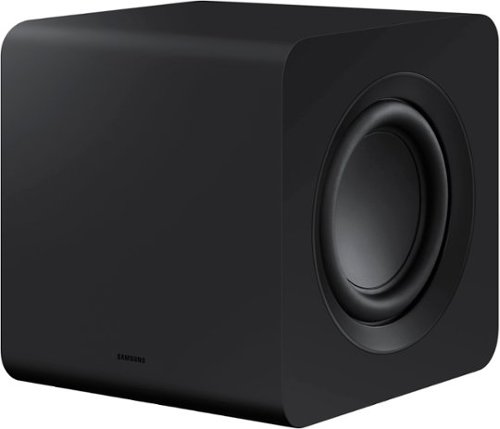
Designed to complement the S-series soundbar, the W510 subwoofer brings the sound even deeper. Listen to sound as you should - wirelessly.
Can this subwoofer be paired with soundbar HW-M450?
Hi Erock! No, the SWA-W510 is exclusively compatible with the HW-S61B/S61D, HW-S60B/S60D & HW-S50B Soundbars. ~Samsung Solutions
9 months ago
by
Posted by:
Samsung
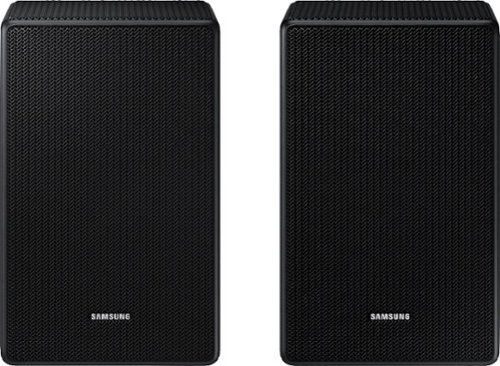
Hello, Are these speakers compatible with my HW-A430 sound bar? Thank you for your help
Hello paulie. No, the SWA-9500S is compatible with Samsung Q Series Soundbar HW-Q900F, HW-Q800F, HW-QS700F, HW-Q800D, HW-QS730D, HW-Q900C, HW-Q800C, HW-Q700C, HW-Q800B, HW-Q700B, HW-Q900A, HW-Q800A, HW-Q700A models, and S-Series models HW-S800D/S801D, HW-S800B/S801B. ~ Samsung Solutions
9 months ago
by
Posted by:
Samsung
Designed to complement the S-series soundbar, the W510 subwoofer brings the sound even deeper. Listen to sound as you should - wirelessly.
Does it work with the QSeries soundbar
Hi there BH! The SWA-W510 is exclusively compatible with the HW-S61B/S61D, HW-S60B/S60D & HW-S50B Soundbars. ~Samsung Solutions
9 months ago
by
Posted by:
Samsung

Enjoy room filling sound in an all in one design. Experience captivating 3D audio with Dolby Digital 5.1 capable and DTS Virtual :X. Perfectly synchronized TV and soundbar sound brings a new level of immersion. Plus, don't miss a word, thanks to a built in center speaker.
Will I be able to control the soundbar with my Insignia fire tv remote.
Hello Soundstarved! When connected, you can control the volume using the TV remote. ~ Samsung Solutions
9 months ago
by
Posted by:
Samsung
Enjoy room filling sound in an all in one design. Experience captivating 3D audio with Dolby Digital 5.1 capable and DTS Virtual :X. Perfectly synchronized TV and soundbar sound brings a new level of immersion. Plus, don't miss a word, thanks to a built in center speaker.
Do you have to leave tv speakers active when using this sound bar ?
Hi there Woodstock509! You do not have to have the TV speakers on. You can change the setting on the TV to only play audio from the HW-S50B Soundbar.
9 months ago
by
Posted by:
Samsung