Samsung
Samsung's Stats
Reviews
- Review Count0
- Helpfulness Votes0
- First ReviewNone
- Last ReviewNone
- Featured Reviews0
- Average Rating0
Reviews Comments
- Review Comment Count0
- Helpfulness Votes0
- First Review CommentNone
- Last Review CommentNone
- Featured Review Comments0
Questions
- Question Count0
- Helpfulness Votes0
- First QuestionNone
- Last QuestionNone
- Featured Questions0
- Answer Count73964
- Helpfulness Votes37,965
- First AnswerApril 24, 2013
- Last AnswerAugust 31, 2026
- Featured Answers0
- Best Answers3950
Samsung's Reviews
Samsung has not submitted any reviews.
Samsung's Questions
Samsung has not submitted any questions.
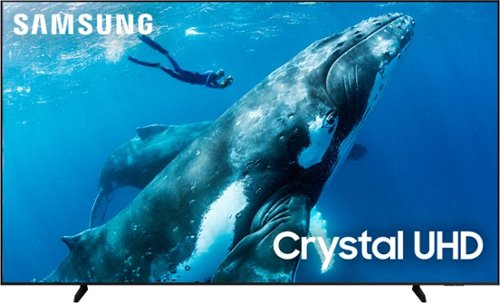
Make the most of your big screen with a wide picture ratio that displays every color in crisp 4K resolution. Add ultra smooth action and improved contrast to the mix for a hugely impressive view.
What are the dimensions of the packaging/box?

Matt:
The 98" DU9000 TV box dimensions are 93.3" x 55.3" x 10.8" (WxHxD).
~Samsung Ambassador
The 98" DU9000 TV box dimensions are 93.3" x 55.3" x 10.8" (WxHxD).
~Samsung Ambassador
11 months ago
by
Posted by:
Samsung
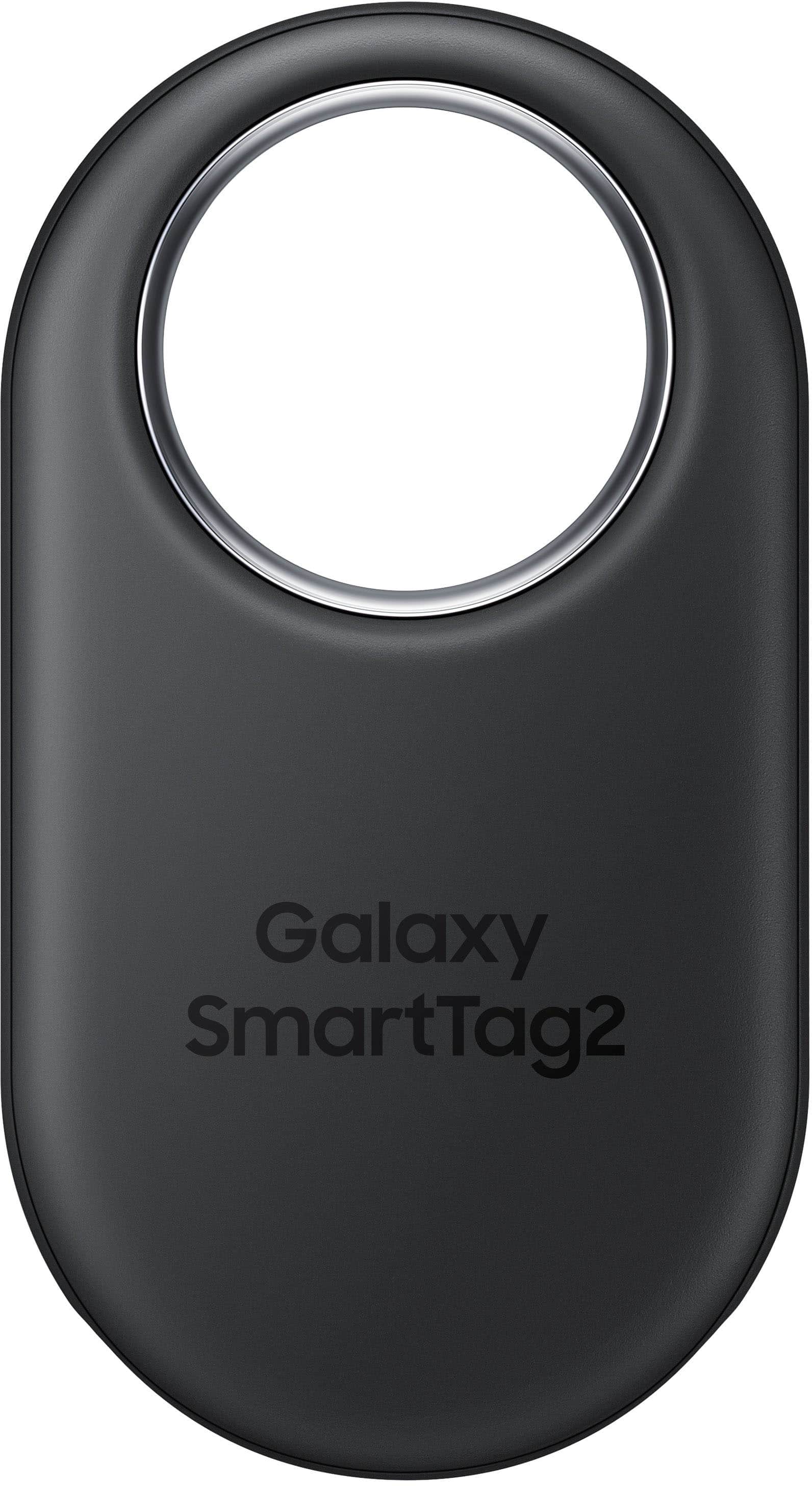
The all-new Galaxy SmartTag2 is your ultimate tool for keeping track of the things that matter most. Its innovative ring design lets you attach it practically anywhere, and its water resistance makes it ideal for outdoor adventures. Plus, with an impressive battery life that lasts up to 500 days along with Compass View and Search Nearby features, you can forget about forgetting your belongings once and for all. It also helps activate various IoT devices with just a click.
Can a Galaxy Smarttag2 be on tracked on 2 phones?
Howdy Malakai, thank you for taking the time to ask us your question about the Samsung Galaxy SmartTag2. The Samsung Galaxy SmartTag2 can only be directly tracked by one phone/Samsung account at a time but your can share access with users to your Samsung account or your SmartThings Find home within the SmartThings app to view the tag's location. If you have additional questions, please feel free to reach out to Support. Thanks for being a valued Samsung customer. - Debra
11 months ago
by
Posted by:
Samsung
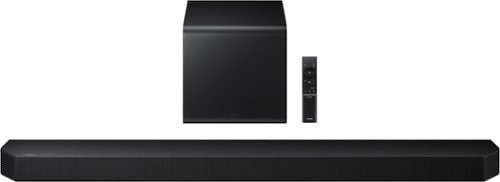
Experience expanded atmospheric sound with side and top speakers that bring added dimension. Enjoy clear, rumbling bass adds rich balance to your audio and enhances the action on screen. Immerse yourself in the scene and feel every detail come to life.
What rear speakers can i use with the HW-Q800F 5.1.2 sound bar?
Hello Dwight! The SWA-9500S Wireless Rear Speaker Kit is compatible with the HW-Q800F Soundbar. ~ Samsung Solutions
11 months ago
by
Posted by:
Samsung
Experience expanded atmospheric sound with side and top speakers that bring added dimension. Enjoy clear, rumbling bass adds rich balance to your audio and enhances the action on screen. Immerse yourself in the scene and feel every detail come to life.
Can you connect your phone via bluetooth to play music
Hello KC! Yes, the HW-Q800F Soundbar features Bluetooth connectivity and can be used to connect to your phone. ~ Samsung Solutions
11 months ago
by
Posted by:
Samsung
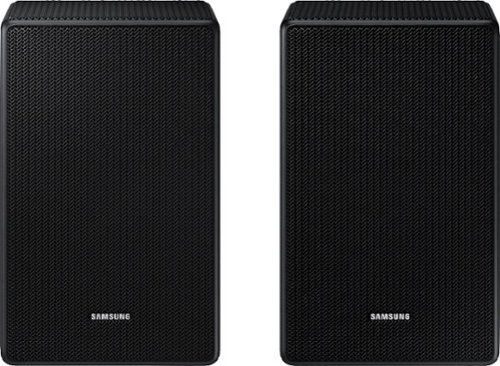
Is this compatible with Samsung Q910D Soundbar?
Hello Nel! Yes, the SWA-9500S rear speakers are compatible with the HW-Q910D Soundbar. ~ Samsung Solutions
11 months ago
by
Posted by:
Samsung
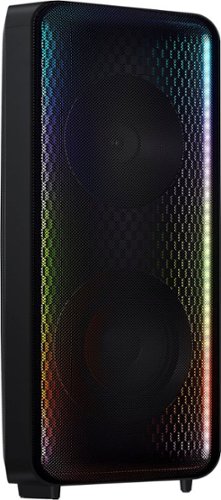
Go wall-to-wall with Samsung Sound Tower's unique Bi-directional design. Enjoy up to 18 hours of unplugged entertainment with our built-in battery. Rain or shine, enjoy year-round outdoor entertainment with this soundbar that is IPX5 rated for weather-resistant durability against water and dust.
How do I turn up just the bass without turning up the volume?
Hi there Vicky! For even more bass, press the BASS button on the remote or the unit itself. ~ Samsung Solutions
11 months ago
by
Posted by:
Samsung
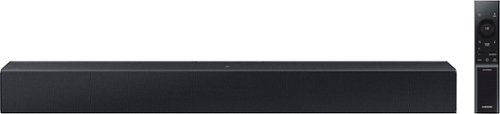
Add a soundbar. Enjoy everything more. From concerts to cooking competitions, for binging shows and streaming music, this soundbar is loaded with clever features that you~ll use every day.
Is this sound bar compatible for use with LG TV?
Hi! The HW-C400 features two ways to connect to an external device: Digital optical audio, and Bluetooth wireless audio technology. If your TV is compatible with one of these two audio connections, you should have no issue connecting the soundbar to your TV. ~Samsung Solutions
11 months ago
by
Posted by:
Samsung

Enjoy Dolby Atmos sound from above and around without requiring HDMI cables. Perfectly synchronized TV and soundbar audio~ bring s a new level of immersion. This all in one soundbar delivers sharp and rich audio with a compact design. ~ Q Symphony requires a compatible 2020 2024 Samsung TV. Please refer to samsung.com for more information.
What rear speakers are compatible to this particular samsung soundbar?
Hi there Kevo! The HW-S60D Soundbar is compatible with the SWA-9200S Wireless Rear Speakers. ~ Samsung Solutions
11 months ago
by
Posted by:
Samsung
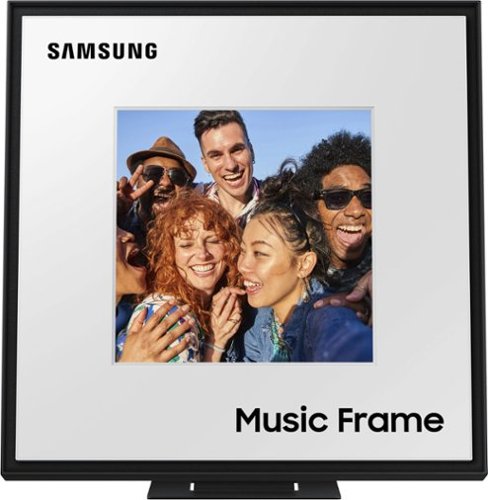
A speaker that expresses your style personalize it with your own photos and a different color bezel to vibe with your space while enjoying rich sound. Stream music from your smart device or sync with your 2024 Samsung TV. Additional bezel sold separately. Holds photos 10" high x 8" wide; 8"x8" can be displayed on front panel. Q Symphony using the Music Frame is available only when connected with a (1) 2024 Samsung TV, or (2) 2024 Samsung TV and 2024 Samsung Soundbar.
do you need a sound bar with the frame speakers
Hi there! No, the Music Frame has its own 2.0 Channel Audio and does not require a soundbar. ~ Samsung Solutions
11 months ago
by
Posted by:
Samsung
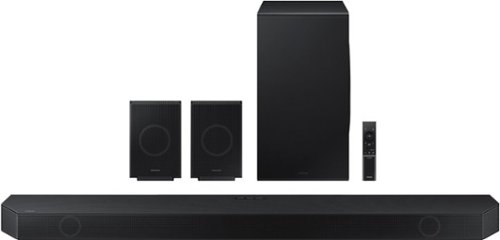
Samsung - HW-Q990D/ZA 11.1.4 Channel Q-Series Soundbar with Wireless Subwoofer and Rear Speakers, Dolby Atmos and Q-Symphony - Black
Experience our greatest of all time-level audio synchronized with your TV~s speakers* and customized to your living space. With intelligently tuned, 11.1.4 Ch. True Dolby Atmos Sound, the Q990D stands above the rest.
Do you lose connection to speakers if power goes out?
Hi Sye! Yes, however, once the power is restored, it should reconnect. ~ Samsung Solutions
11 months ago
by
Posted by:
Samsung