Lenovo Product Expert
Lenovo Product Expert's Stats
Reviews
- Review Count0
- Helpfulness Votes0
- First ReviewNone
- Last ReviewNone
- Featured Reviews0
- Average Rating0
Reviews Comments
- Review Comment Count0
- Helpfulness Votes0
- First Review CommentNone
- Last Review CommentNone
- Featured Review Comments0
Questions
- Question Count0
- Helpfulness Votes0
- First QuestionNone
- Last QuestionNone
- Featured Questions0
- Answer Count37795
- Helpfulness Votes24,818
- First AnswerApril 21, 2014
- Last AnswerOctober 8, 2026
- Featured Answers0
- Best Answers2825
Lenovo Product Expert's Reviews
Lenovo Product Expert has not submitted any reviews.
Lenovo Product Expert's Questions
Lenovo Product Expert has not submitted any questions.
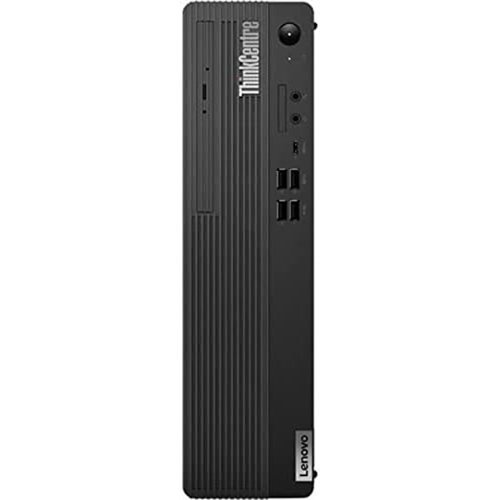
Lenovo - ThinkCentre M75s Gen 2 Desktop - AMD Ryzen 5 PRO - 8GB Memory - 256GB SSD - Black
This compact, space-saving desktop can be configured to meet a wide variety of user expectations - from basic admin use to extensive productivity tasks. It comes with thoughtful features like Smart Power-On to which enables the PC to be started via a keyboard shortcut instead of reaching for the power button.
has a cd player in this compueter?

Yes. This Lenovo ThinkCentre M75s Gen 2 Desktop Computer, model number 11R8001SUS, ships with a CD/DVD±RW Drive built in.
3 years, 10 months ago
by
Posted by:
Lenovo Product Expert
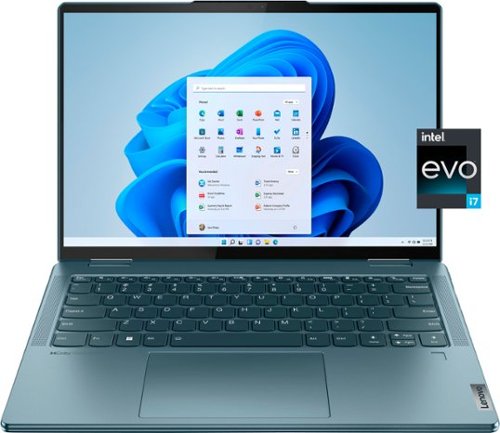
Lenovo - Yoga 7i 14" 2.2K Touch 2-in-1 Laptop - Intel Evo Platform - Core i7-1255U - 16GB Memory - 512GB SSD - Stone Blue
The Lenovo Yoga 7i combines versatile portability and enhanced productivity, thanks to the boundary-breaking performance and responsiveness of 12th generation Intel Core processors and vibrant 2.2K clarity with Intel Iris Xe graphics. Go anywhere with a sleek 2-in-1 metal chassis featuring thoughtful details including a webcam privacy shutter.
will this support connecting 2 displays/monitors?
This Intel Evo-Certified, Lenovo Yoga 7i 14, model number 82QE000KUS, supports up to 4 independent displays (native display and 3 external monitors via HDMI and Thunderbolt). • HDMI supports up to 4096x2160@60Hz. • Thunderbolt supports up to 5120x3200@60Hz.
3 years, 10 months ago
by
Posted by:
Lenovo Product Expert
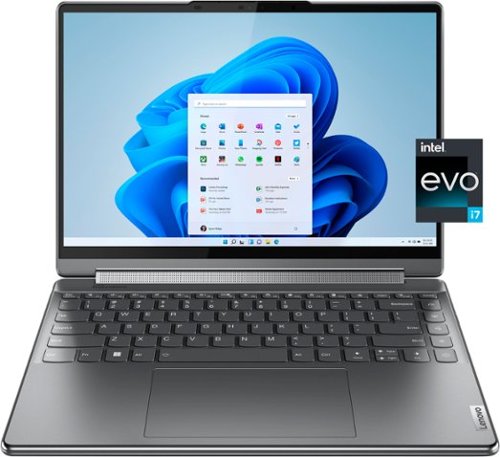
Lenovo - Yoga 9i 14" 4K OLED Touch 2-in-1 Laptop with Pen - Intel Evo Platform - Core i7-1260P - 16GB Memory - 1TB SSD - Storm Grey
The Lenovo Yoga 9i, features the world~s first Bowers & Wilkins speaker system on a laptop offering unparalleled entertainment with Dolby Atmos and powered by the advanced 12th Generation Intel Core processor. Featuring four modes, the Yoga 9i is crafted to merge comfort and aesthetics with rounded edges that allow you to grip, carry or use for longer complimenting the extended battery life and its versatility with smart features like the 1-click function keys and Windows Hello Smart Login on an FHD IR hybrid camera.
Why does one of the 9i laptop models say graphic eligible? And what's better integrated graphics or graphic eligible.?
This Intel Evo-Certified, Lenovo Yoga 9i 14, model number 82LU0000US, ships with integrated Intel Iris Xe Graphics Version graphics processing capability, integrated within the 12th Gen Intel Core i7-1260P Processor installed within this model.
3 years, 10 months ago
by
Posted by:
Lenovo Product Expert
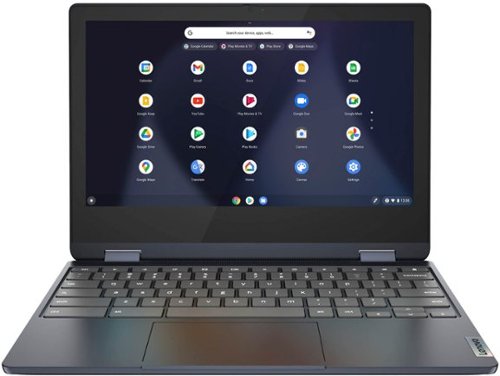
Lenovo - Flex 3 Chromebook 11.6" HD Touch-screen Laptop - Mediatek MT8183 - 4GB - 64GB eMMC - Abyss Blue
Packs what makes Chromebook so amazing into one svelte 360-degree convertible. Versatile and portable, the IdeaPad Flex 3 Chromebook measures just 19.6 mm thick and weighs 1.2 kg with a full keyboard and spacious trackpad, and can be viewed in tent, tablet, laptop or stand modes. Watch crisp visuals in high definition with its 10-point touchscreen on the 11.6" IPS display while being more productive with help from Google. Just say ~Hey Google,~ to manage tasks, enjoy your entertainment, get answers, or control smart home devices.
Would I be able to download an editing app and edit my photos on this computer for photography?
This Lenovo Flex 3 11 Chromebook, model number 82KM0003US, ships with the Chrome Operating System installed and is compatible with Google Play Store APPs. Not all Google Play Store APPs are optimized for the Chrome OS. We recommend you check with the specific photo editing APP's software publisher's web sites, of the specific APPs you want to use, for their compatibility with the Chrome operating system and the minimum/recommended hardware requirements (Is a Graphics card required, the processor speed and the minimum required system RAM and the minimum available hard drive space) to run their program, then compare those requirements to this Chromebook's configuration.
3 years, 10 months ago
by
Posted by:
Lenovo Product Expert
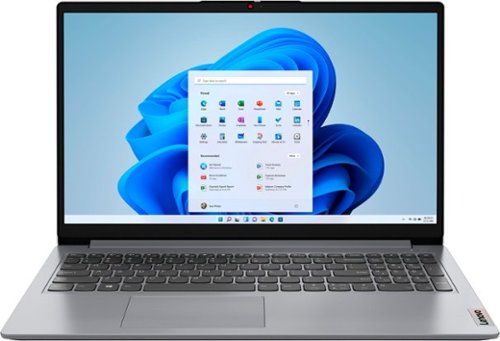
Lenovo - Ideapad 1 15.6" HD Laptop - Athlon Silver 3050U - 4GB Memory - 128GB eMMC - Cloud Grey
The Lenovo IdeaPad 1 is powered by an ultra-fast AMD Athlon Silver processor and it packs responsive performance in a thin and compact 17.9 mm chassis, making multitasking on-the-go a breeze. Get the most out of your device with a frameless display for more screen and Dolby Audio speakers, along with 10 hours of battery life and rapid charge.
Is the Microsoft Windows suite included in this laptop?
This entry-level, Lenovo IdeaPad 1 15 Laptop, model number 82R1006VUS, ships with a 30-day trial of Microsoft Office 365 included as part of the Windows 11 S-Mode operating system. To keep the program active after the trial period, you will need to purchase a product key. You will not need to download any additional software.
3 years, 10 months ago
by
Posted by:
Lenovo Product Expert

Lenovo - IdeaPad Duet 3 Chromebook 2-in-1 Laptop - 11" 2K Touchscreen - Snapdragon 7cG2 - 4G RAM - 128G eMMC - Keyboard - Misty Blue
Fast, flexible, and fun, the Lenovo Duet 3 Chromebook 11" laptop brings everyone~s favorite Chromebook features, housed in a slim chassis, running on the lightning-fast Chrome OS that boots up in seconds, updates automatically, and is protected by built-in virus protection. Powered by Snapdragon SC7180 processor offers up to 10 hours of battery life, to seamlessly run all of your favorite apps at the same time.
Does this have screen sharing?
One of the features with Chromebooks is the ability to effortlessly cast your computer screen to your TV. Screen casting or mirroring is built-in to the Chrome browser which Chromebooks are primarily centered around. Here is a link to more information: https://www.dignited.com/92509/how-to-screen-mirror-chromebook-to-your-smart-tv/#:~:text=One%20of%20the%20cool%20features,Chromebooks%20are%20primarily%20centered%20around. If you have questions about your Lenovo IdeaPad Duet 3 Chromebook, we recommend you contact Lenovo Tech Support for Chromebooks for additional information at: 800-426-7378.
3 years, 10 months ago
by
Posted by:
Lenovo Product Expert
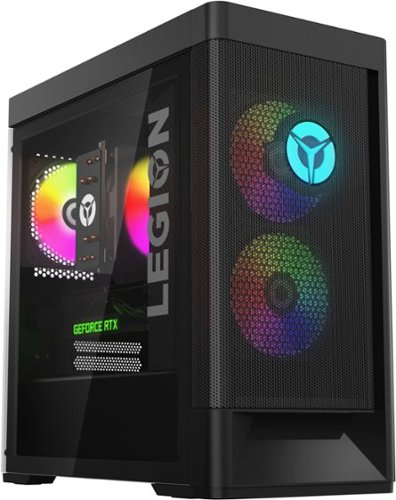
Lenovo - Legion Tower 5i Gaming Desktop - Intel Core i5-12400 - 16GB Memory - NVIDIA GeForce RTX 3050 - 256GB SSD + 1TB HDD - Black
Dominate your competition with the savage power and blistering speeds of your essential battlestation: the Lenovo Legion Tower 5i. 12th Generation Intel Core processors and the latest NVIDIA GeForce graphics cards deliver a stunning show of force with speed-barrier-breaking refresh rates at 4K, along with cool and quiet performance in a compact casing marked by a clean design and build.
Is the ram in dual channel or single channel?
This Lenovo Legion Tower 5i Gaming Desktop Computer, model number 90SU000RUS, ships with 16GB DDR5-4800MHz RAM (2x 8GB UDIMM DDR5-4800MHz RAM). There are four DDR5 UDIMM slots, dual-channel capable. The maximum RAM that this model configuration can support is: Up to 128GB DDR5-4800MHz RAM. We recommend you consult with your certified technician about your RAM upgrade options.
3 years, 10 months ago
by
Posted by:
Lenovo Product Expert
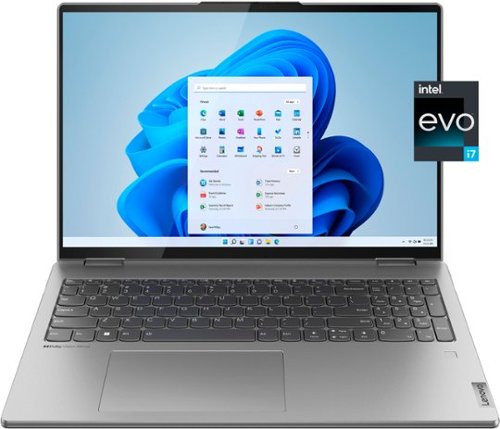
Lenovo - Yoga 7i 16" 2.5K Touch 2-in-1 Laptop - Intel Evo Platform - Core i7-12700H - 32GB Memory - Intel Arc A370M - 1TB SSD - Arctic Grey
The Lenovo Yoga 7i combines versatile portability and enhanced productivity, thanks to the boundary-breaking performance and responsiveness of 12th generation Intel Core processors and vibrant WQXGA clarity with Intel Arc A370M graphics. Go anywhere with a sleek 2-in-1 metal chassis featuring thoughtful details including an IR camera with privacy shutter.
Does it have face recognition security feature?
Yes. This Intel Evo-Certified, Lenovo Yoga 7i 16, model number 82UF0000US, has both a FHD 1080p & IR (Infrared with Windows Hello Facial Recognition Security) webcam with Privacy Shutter and Dual Array Microphones, built in as well as a touch style fingerprint reader on palm rest, for your choice of biometric secure login capabilities.
3 years, 10 months ago
by
Posted by:
Lenovo Product Expert
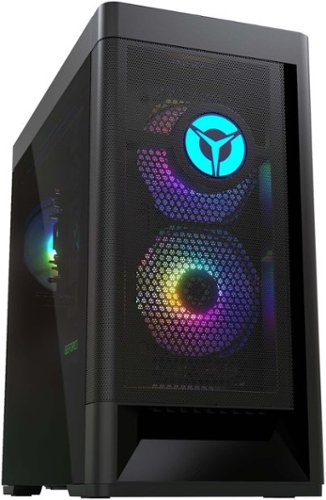
Lenovo - Legion Tower 5 AMD Gaming Desktop - AMD Ryzen 5-5600G - 8GB Memory - AMD Radeon RX 6500XT - 512GB SSD - Raven Black
Engineered out of a passion for savage power and unmatched speed, the Lenovo Legion Tower 5 AMD delivers mind-blowing performance that combines AMD Ryzen processors and AMD Radeon graphics cards for blazing-fast frame rates at up to 4K resolution. Pushing far beyond the upper bounds of smaller rig configurations while keeping things cool and whisper quiet, the Legion Tower 5 is a marvel of build and design, accentuated by its illuminated blue LED logo and lighting, as well a transparent side panel that can properly showcase your internals.
How many monitors will this support?
This Lenovo Legion Tower 5 AMD Gaming Desktop Computer, model number 90RB0027US, ships with the discrete, AMD Radeon RX 6500XT GPU, with 4GB GDDR6 VRAM on the card and has 1x HDMI 2.1 FRL (Fixed Frame Rate Link: it's a signaling technology supported in the HDMI 2.1a Specification. FRL is necessary to achieve the higher uncompressed resolutions such as those above 4k60 as well as the ultra high speed bandwidths up to 48Gbps.) connection, and 1x DisplayPort 1.4 Version connection and can support two monitors.
3 years, 10 months ago
by
Posted by:
Lenovo Product Expert
Lenovo - Ideapad 1 15.6" HD Laptop - Athlon Silver 3050U - 4GB Memory - 128GB eMMC - Cloud Grey
The Lenovo IdeaPad 1 is powered by an ultra-fast AMD Athlon Silver processor and it packs responsive performance in a thin and compact 17.9 mm chassis, making multitasking on-the-go a breeze. Get the most out of your device with a frameless display for more screen and Dolby Audio speakers, along with 10 hours of battery life and rapid charge.
Does the computer allow fingerprint as shown?
No. This entry-level, Lenovo IdeaPad 1 15 Laptop, model number 82R1006VUS, does not have a fingerprint reader built in.
3 years, 10 months ago
by
Posted by:
Lenovo Product Expert