Lenovo Product Expert
Lenovo Product Expert's Stats
Reviews
- Review Count0
- Helpfulness Votes0
- First ReviewNone
- Last ReviewNone
- Featured Reviews0
- Average Rating0
Reviews Comments
- Review Comment Count0
- Helpfulness Votes0
- First Review CommentNone
- Last Review CommentNone
- Featured Review Comments0
Questions
- Question Count0
- Helpfulness Votes0
- First QuestionNone
- Last QuestionNone
- Featured Questions0
- Answer Count37808
- Helpfulness Votes24,825
- First AnswerApril 21, 2014
- Last AnswerOctober 9, 2026
- Featured Answers0
- Best Answers2827
Lenovo Product Expert's Reviews
Lenovo Product Expert has not submitted any reviews.
Lenovo Product Expert's Questions
Lenovo Product Expert has not submitted any questions.
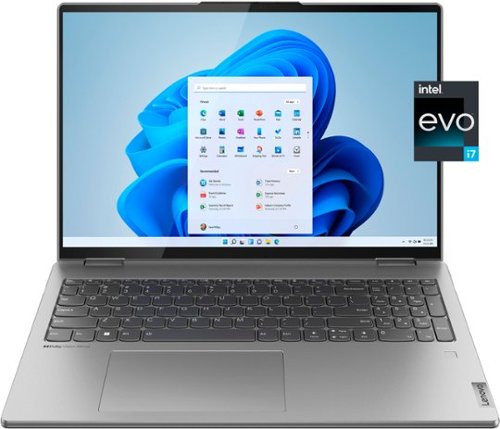
Lenovo - Yoga 7i 16" 2.5K Touch 2-in-1 Laptop - Intel Evo Platform - Core i7-12700H - 32GB Memory - Intel Arc A370M - 1TB SSD - Arctic Grey
The Lenovo Yoga 7i combines versatile portability and enhanced productivity, thanks to the boundary-breaking performance and responsiveness of 12th generation Intel Core processors and vibrant WQXGA clarity with Intel Arc A370M graphics. Go anywhere with a sleek 2-in-1 metal chassis featuring thoughtful details including an IR camera with privacy shutter.
Can you disable Intel Arc 370M GPU and only use integrated graphics?

Intel's Intel Deep Link Technology, does it for you. It automatically harnesses the power of both integrated Iris Xe graphics within the 12th Gen 12700H Processor and the discrete Intel Arc A370M GPU within this Lenovo Yoga 7i 16 to unleash new levels of performance and efficiency across a variety of workloads. The Intel Deep Link Technology Intelligently distributes power between Intel 12th Gen Core processor and Intel Arc discrete graphics, based on usage, automatically.
4 years, 2 months ago
by
Posted by:
Lenovo Product Expert

Lenovo - Chromebook 3 11.6" HD Laptop - Celeron N4020 - 4GB Memory - 64GB eMMC - Onyx Black
Fast, flexible, and fun, the Lenovo IdeaPad 3 Chromebook 11" brings everyone~s favorite Chromebook features, housed in a slim chassis, running on the lightning-fast Chrome OS that boots up in seconds, updates automatically, and is protected by built-in virus protection. Powered by Intel Celeron processor offers up to 10 hours of battery life, to seamlessly run all of your favorite apps at the same time.
Does this computer have a camera?
Yes. This Lenovo Chromebook 3 11, model number 82BA001FUS, ships with an HD (720p) webcam with built in microphone.
4 years, 2 months ago
by
Posted by:
Lenovo Product Expert
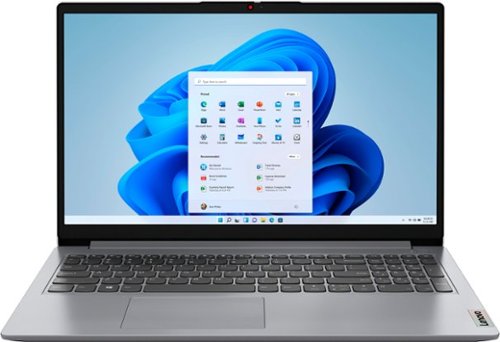
Lenovo - Ideapad 1 15.6" FHD Touch-Screen Laptop - Ryzen 7 5700U - 12GB Memory - 512GB SSD - Cloud Grey
Browse, explore and connect with confidence on the Lenovo IdeaPad 1 powered by ultra-fast AMD Ryzen~ 5000 U Series Mobile Processors on selected models. The IdeaPad 1 packs responsive performance in a thin and compact 17.9 mm chassis, making multitasking on-the-go a breeze. Get the most out of your device with a frameless display for more screen and Dolby Audio~ speakers, along with 10 hours of battery life and rapid charge. Great for video calls, the 1MP camera comes with a privacy shutter to keep out spying eyes, as well as Smart Noise Cancelling to eliminate background noise.
What are the features of the GPU of this laptop?
This Lenovo IdeaPad 1 15 Laptop, model number 82R4002PUS, ships with integrated AMD Radeon RX Vega 8 version graphics processing, integrated within the AMD Ryzen 7 5700U Processor within this model configuration.
4 years, 2 months ago
by
Posted by:
Lenovo Product Expert
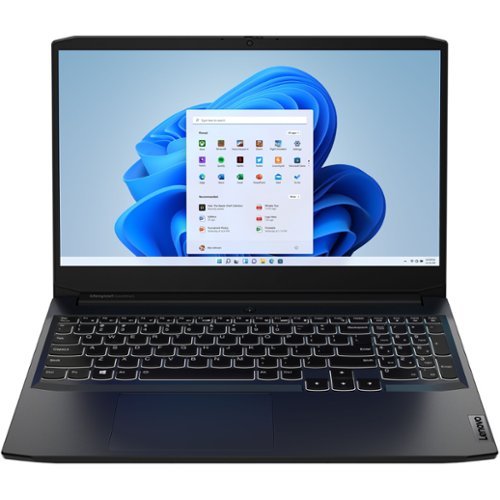
Lenovo - IdeaPad Gaming 3 15IHU6 15.6" Gaming Laptop - Intel Core i5 - 8 GB Memory - NVIDIA GeForce RTX 3050 - 256 GB SSD - Shadow Black
Lenovo Gaming 3 Series. Experience gaming like never before on the IdeaPad Gaming 3i laptop powered by an Intel Core processor. Play and stream PC games at peak performance on the IdeaPad Gaming 3i with up to 4.4GHz clock speed, 4 core, 8MB cache, NVIDIA GeForce RTX 3050 Graphics, High Definition Audio, and Wi-Fi 6 with Bluetooth 5.0.
¿If I make the purchase, I can request that the keyboard be in Spanish, with the letter ñ?
This Lenovo IdeaPad 3 15 Gaming Laptop, model number 82K1015EUS, only ships with a White Backlit, English (US) Version, standard QWERTY keyboard, with 10-Key Numeric Pad included. You can use the Special Characters Map within Windows 11 to type special characters. Here is a link to more information: https://www.theverge.com/23034476/windows-11-pc-how-to-type-special-characters
4 years, 2 months ago
by
Posted by:
Lenovo Product Expert
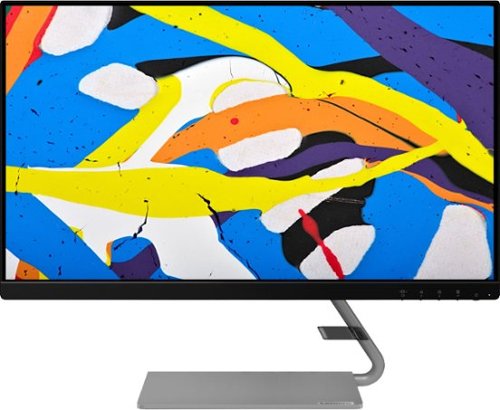
Lenovo - Q24i-1L 23.8" IPS LED FHD FreeSync Monitor Natural Low Blue Light Built-in Speakers (HDMI, VGA) - Black
Add a touch of class and confidence to your living space with the elegantly designed, ultra-slim Lenovo Q24i-1L monitor. Be it in the living room or the study, this sleek display with Full-HD resolution and NearEdgeless bezels bring beauty and functionality together in a perfect 23.8-inch package. Experience superior visuals with its In-Plane Switching display that makes the view from any angle striking. Bid goodbye to eye strain with Natural Low Blue Light and Eyesafe Display Certification that minimize harmful blue light and yellow distortions without impacting color accuracy. Moreover, T~V Rheinland Eye Comfort-certified panel ensures endless viewing comfort. Take your world of entertainment to the next level with the AMD FreeSync~ technology and dual speakers that offer seamless picture quality and rich audio for an immersive experience, every time.
How do I activate the speakers?
You will need to select your audio output within your System Settings. Here is a link to instructions for doing this: https://www.windowscentral.com/how-manage-sound-settings-windows-11. If you have questions about your Lenovo Q24i-1L Monitor, we recommend you contact Lenovo Tech Support for Monitors at: 866-426-0911.
4 years, 2 months ago
by
Posted by:
Lenovo Product Expert
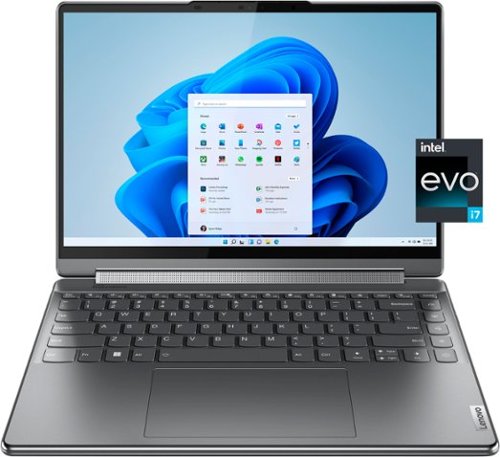
Lenovo - Yoga 9i 14" 4K OLED Touch 2-in-1 Laptop with Pen - Intel Evo Platform - Core i7-1260P - 16GB Memory - 1TB SSD - Storm Grey
The Lenovo Yoga 9i, features the world~s first Bowers & Wilkins speaker system on a laptop offering unparalleled entertainment with Dolby Atmos and powered by the advanced 12th Generation Intel Core processor. Featuring four modes, the Yoga 9i is crafted to merge comfort and aesthetics with rounded edges that allow you to grip, carry or use for longer complimenting the extended battery life and its versatility with smart features like the 1-click function keys and Windows Hello Smart Login on an FHD IR hybrid camera.
Does this model have a Bluetooth feature? If so, how many devices can connect at once?
This Intel Evo-Certified, Lenovo Yoga 9i 14, model number 82LU0000US ships with the latest Bluetooth 5.2 version capability built in. Bluetooth version 5.2 with its LC3 capability will revolutionize how consumers use Bluetooth audio accessories. Since LC3 has multi-stream capabilities and supports multiple synchronous connections by default, True Wireless users can enjoy faster pairing and much better battery life.
4 years, 2 months ago
by
Posted by:
Lenovo Product Expert
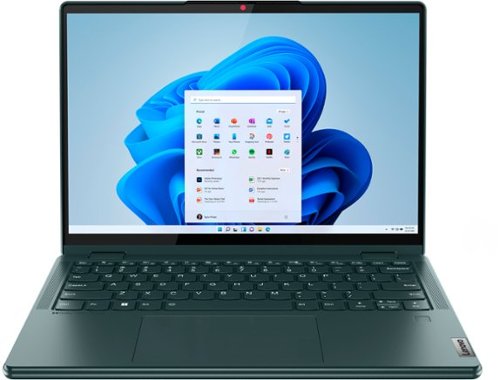
Lenovo - Yoga 6 13.3" WUXGA (1920 x 1200) Touch 2-in-1 Laptop -Ryzen 7 5700U - 16GB Memory - 512GB SSD - Dark Teal
Thin, light and framed by the comfort edge of the Lenovo Yoga 6 is both portable and comfortable to use. Add into that our commitment to sustainability, and we have the perfect on-the-go product for throwing in your bag and taking anywhere. Bring big-screen cinema to life with Dolby Vision on the breathtaking 16:10 FHD display with 100% sRGB for color accuracy paired with immersive Dolby Atmos optimized on front-firing speakers.
What warranty does this come with? Other than getting the BestBuy Totaltech service and the accidental geek squad protection. Is there any warranty from the manufacturer?
This Lenovo Yoga 6 13, model number 82UD0000US, ships with a limited, 1-year manufacturer's warranty, covering OEM hardware issues.
4 years, 2 months ago
by
Posted by:
Lenovo Product Expert
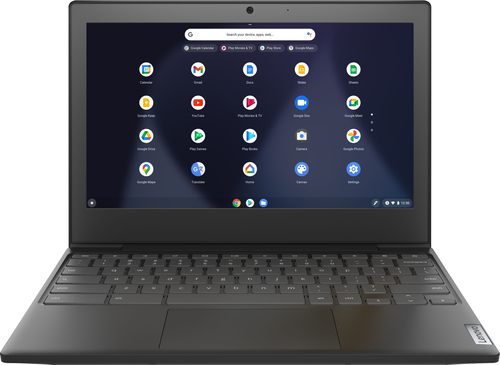
Lenovo - Chromebook 3 11" Chromebook - AMD A6 - 4GB Memory - 32GB eMMC Flash Memory
Fast, flexible, and fun, the Chromebook 3-11" brings everyone~s favorite Chromebook features, housed in a slim chassis, running on the lightning-fast Chrome OS that boots up in seconds, updates automatically, and is protected by built-in virus protection. Powered by an AMD A6 processor with up to 10 hours of battery life, the IdeaPad 3 Chromebook can seamlessly run all of your favorite apps at the same time
Is the charger included?
Yes. This Lenovo Chromebook 3 11 ships with a 45W USB-C - device side (3-pin - wall plug) AC adapter/charger included.
4 years, 2 months ago
by
Posted by:
Lenovo Product Expert
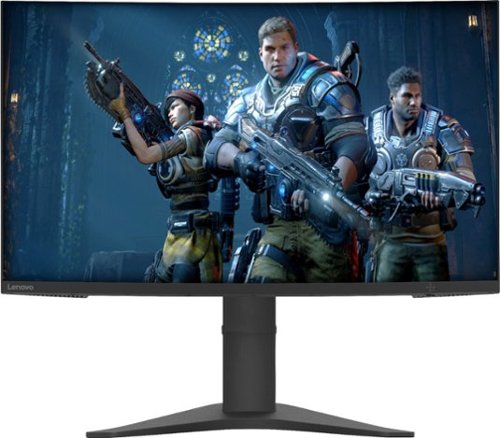
Lenovo - G27c-10 27" LED FHD Curved FreeSync Monitor (HDMI) - Raven Black
Upgrade your computer gaming experience with this 27-inch Lenovo monitor. A gently curved screen boosts immersion by engaging your peripheral vision, and the adjustable stand lets you get a comfortable angle for your gameplay. The 144Hz refresh rate provides seamlessly fluid visuals. This 27-inch Lenovo monitor boasts a Full HD resolution that brings your games to life.
I have a brand new PC and I can’t play fortnite on 240fps, only I can play on 60fps otherwise it will crash or freeze!. Is that because of the Lenovo - G27c-10 monitor? It just support 60Hz??
This Lenovo G27c-10 Monitor, model number 66A3GCCBUS, has a refresh rate of 165Hz, maximum. First, be sure you are using the included 1 x HDMI 2.0 Version cable (1.8 m) that came with the G27c-10 monitor. Next, be sure the HDMI port you are connecting this G27c-10 monitor to is compatible with HDMI 2.0 format. Next check your monitor settings within the Onscreen Menus available on the G27c-10 monitor. Here is a link to the User Guide for this Lenovo G27c-10 Monitor, the Onscreen Menus settings are illustrated on page 2.5: https://download.lenovo.com/consumer/monitor/g27c_10_ug_en.pdf. If you are still not getting the 165Hz maximum refresh rate at a resolution of 1920x1080, check your computer settings, your computer is set to 60Hz by default. To change that, go to Settings > System > Display > Advanced Display Settings > Display Adapter Properties. Then, click on “Monitor” and pick your monitor's refresh rate from the drop-down menu. There, you can select the different types of refresh rates that your monitor supports qt 1920x1080 resolution. If you continue to have issues, we recommend you contact lenovo Tech Support for Monitors for additional help at: 866-426-0911.
4 years, 2 months ago
by
Posted by:
Lenovo Product Expert
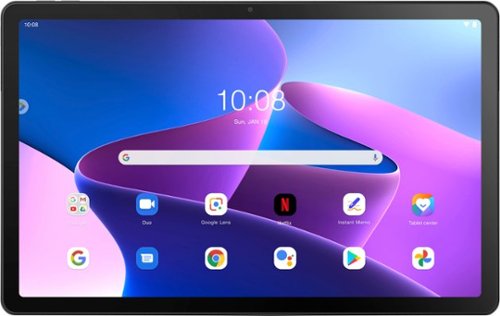
Lenovo - Tab M10 Plus (3rd Gen) - 10.61" - Tablet - 32GB - Storm Grey
Lenovo Tab M10 Plus is one impressive media tablet from the 3rd generation tab family. Its standout metal design gives you a premium look and feel with modern simplicity. Inside lies a 10.6" FHD IPS screen and four Dolby Atmos speakers for truly immersive entertainment. This is one tablet you will want to use and pass around the house.
Is this compatible with the square credit cad readers?
That really will depend on the requirements and compatibility of the device you want to use with this Lenovo Tab M10 Plus 3rd Gen Tablet, model number ZAAJ0006US. This Tab M10 Tablet ships with the Android 12.0 Operating System installed. We recommend you check with the device manufacturer's web site for their compatibility with the Android 12.0 operating system and the minimum/recommended hardware requirements (Is a Graphics card required, the processor speed and the minimum required system RAM and the minimum available hard drive space) to run their program, then compare those requirements to this tablet's configuration.
4 years, 2 months ago
by
Posted by:
Lenovo Product Expert