Lenovo Product Expert
Lenovo Product Expert's Stats
Reviews
- Review Count0
- Helpfulness Votes0
- First ReviewNone
- Last ReviewNone
- Featured Reviews0
- Average Rating0
Reviews Comments
- Review Comment Count0
- Helpfulness Votes0
- First Review CommentNone
- Last Review CommentNone
- Featured Review Comments0
Questions
- Question Count0
- Helpfulness Votes0
- First QuestionNone
- Last QuestionNone
- Featured Questions0
- Answer Count37840
- Helpfulness Votes24,841
- First AnswerApril 21, 2014
- Last AnswerOctober 13, 2026
- Featured Answers0
- Best Answers2830
Lenovo Product Expert's Reviews
Lenovo Product Expert has not submitted any reviews.
Lenovo Product Expert's Questions
Lenovo Product Expert has not submitted any questions.
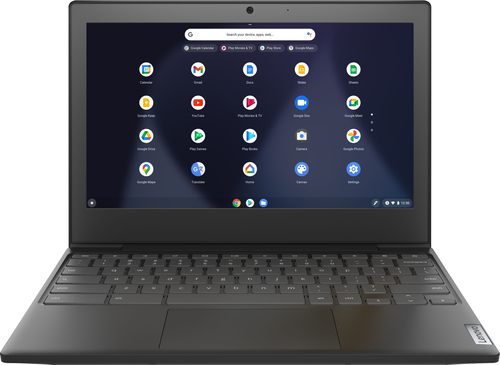
Lenovo - Chromebook 3 11" Chromebook - AMD A6 - 4GB Memory - 32GB eMMC Flash Memory
Fast, flexible, and fun, the Chromebook 3-11" brings everyone~s favorite Chromebook features, housed in a slim chassis, running on the lightning-fast Chrome OS that boots up in seconds, updates automatically, and is protected by built-in virus protection. Powered by an AMD A6 processor with up to 10 hours of battery life, the IdeaPad 3 Chromebook can seamlessly run all of your favorite apps at the same time
Is this device dual wifi compatible or limited to 2.4 only?

The Lenovo Chromebook 3 11 model number 82H40000US, ships with WiFi-5 - 2x2 WiFi 802.11 ac frequency WiFi. 802.11ac only works on 5.0 GHz. 802.11ac is backward compatible though to older a/b/d/n (2.4GHz and 5.0Ghz) so if your router is on an older frequency at 2.4GHz, this Chromebook 3 11 will still be able to connect at 2.4GHz.
4 years, 10 months ago
by
Posted by:
Lenovo Product Expert
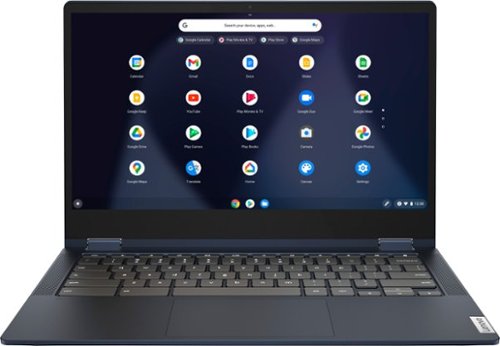
Lenovo - Flex 5 13" 2-in-1 Chromebook - Pentium 7505 - 4GB Memory - 32GB eMMC
Lenovo~ IdeaPad~ Flex 5 Chromebook 13", powered by Intel Pentium 7505 Processor, boasts up to 10 hours of battery life to let you get things done quickly and easily with all your favorite Chromebook features. Use your Google Account for seamless access to your files, photos, music and you can start an immersive entertainment experience with the user-facing stereo speakers and IPS FHD display~or you can enjoy more by apps downloaded on the Google Play Store. Any great idea pop up in mind? Just flip your Chromebook and dot your ideas with the Lenovo digital pen to catch the moment.
Can the RAM be expanded or is it soldered to the motherboard?
The Lenovo Flex 5 13 Chromebook, model number 82M70000US, ships with 4GB Soldered LPDDR4x-3733MHz RAM Memory soldered to systemboard, no slots and is not upgradeable.
4 years, 10 months ago
by
Posted by:
Lenovo Product Expert
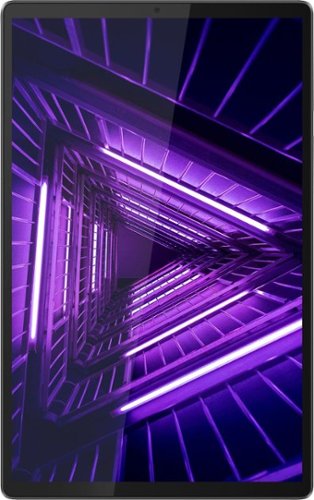
Lenovo - Tab M10 FHD Plus (2nd Gen) - 10.3" - Tablet - 32GB - Iron Gray
Lenovo~ Tab M10 Plus is one impressive media tablet from the 2nd generation tab family. Its standout metal design gives you a premium look and feel with modern simplicity. Inside lies a 10.3" FHD screen and dual speakers for truly immersive entertainment. This is one tablet you will want to use and pass around the house.
Does this tablet have a touch screen?
Yes. The Lenovo Tab M10 Plus Tablet, model number ZA5T0380US, has a 10-point Multi-touch screen.
4 years, 10 months ago
by
Posted by:
Lenovo Product Expert
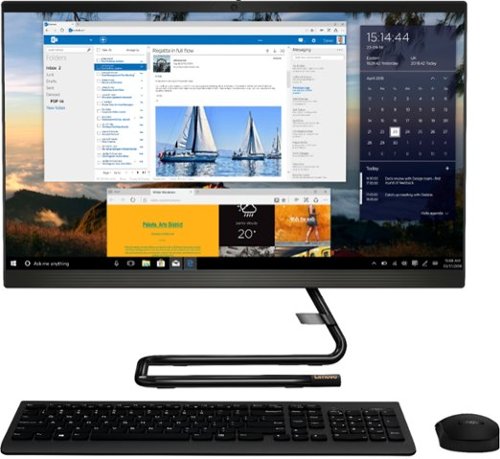
Lenovo - IdeaCentre AIO 3i 24" 23.8" Non-Touch All-In-One - Intel Core i5 - 8GB Memory - 512GB Solid State Drive - Black
For real slick performance and truly stylish engineering, take a look at the Lenovo~ IdeaCentre~ AIO 3i. It~s powered by a 10th generation Intel~ Core~ i5 processor, DDR4 memory, and a 512GB solid-state storage drive, so it can handle any task. With its streamlined stand and near-borderless display, it saves on desk space, too.
Can you mount this computer
The Lenovo IdeaCentre 3i 24 All-In-One computer system is not VESA mount compatible.
4 years, 10 months ago
by
Posted by:
Lenovo Product Expert
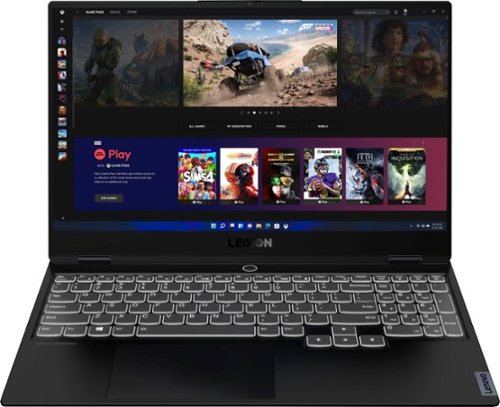
Lenovo - Legion Slim 7 15" 4K Ultra HD Gaming Laptop - AMD Ryzen 9 5900HX - 16GB Memory - NVIDIA GeForce RTX 3050 Ti - 1TB SSD - Shadow Black
The Lenovo~ Legion Slim 7 was engineered for gamers who demand mobility and performance for day and night. Sporting a finely crafted chassis machined from 100% aluminum that is shockingly thin and impressively light, the Legion Slim 7 was expertly crafted for gamers who demand more.
VRAM?
The Lenovo Legion Slim 7 15 Gaming Laptop, model number 82K80081US, ships with the NVIDIA GeForce RTX 3050 Ti GPU, with 4GB GDDR6 VRAM on the card.
4 years, 10 months ago
by
Posted by:
Lenovo Product Expert
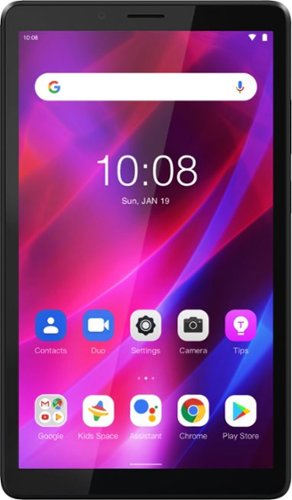
Lenovo - Tab M7 (3rd Gen) - 7" - Tablet - 32GB - Iron Grey
Fitted in a clean, compact and classic all-metal casing, the third generation Lenovo~ Tab M7 is now significantly faster and longer lasting than its predecessors, having inherited major performance boosts with the new quad-core processor and faster LPDDR4 RAM. Stream and play all day with a battery that enables up to 12 hours of video on a single charge and up to 30% faster charging speeds.
Can you download the Viber messaging app on this tablet?
That really will depend on the requirements and compatibility of the specific APP you want to use. This Lenovo Tab M7 Tablet, model number ZA8C0027US, ships with the Android 11 Go Operating System and is compatible with Google Play Store APPs. We recommend you check with the specific APPs software publisher's web site for their compatibility with the Android 11 Go operating system and the minimum/recommended hardware requirements (Is a Graphics card required, the processor speed and the minimum required system RAM and the minimum available hard drive space) to run their program, then compare those requirements to this system's configuration.
4 years, 10 months ago
by
Posted by:
Lenovo Product Expert
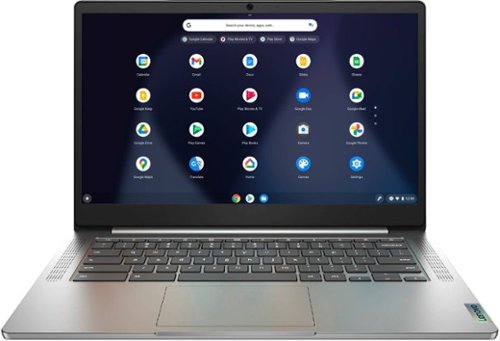
Lenovo - Chromebook 3 14" Laptop - Mediatek MT8183 - 4GB Memory - 64GB eMMC - Arctic Grey
Fast, flexible, and fun, the Chromebook 3-14" brings everyone~s favorite Chromebook features, running on the lightning-fast Chrome OS that boots up in seconds, updates automatically, and is protected by built-in virus protection. Powered by a MediaTek processor and up to 10 hours of battery life, it~ll seamlessly run all of your favorite apps at the same time.
Does this have a hard drive
Yes. The Lenovo Chromebook 3 14 model number 82KN0000US, ships with a 64GB eMMC 5.1 solid state hard drive soldered on the systemboard.
4 years, 10 months ago
by
Posted by:
Lenovo Product Expert
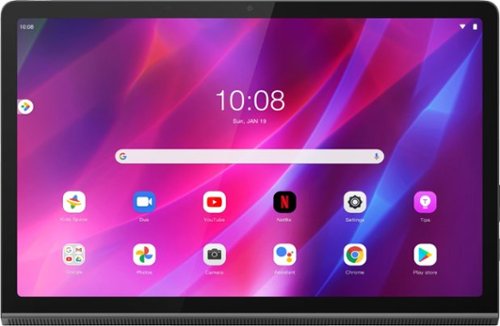
Lenovo - Yoga Tab 11 - 11" - Tablet - 128GB - Storm Gray
Recreate cinema everywhere you go on the Lenovo Yoga Tab 11. Start with the stunning 2K display with Dolby Vision. Add in quad JBL speakers with Dolby Atmos moving audio tuned by Lenovo Premium Audio. It's cinema styled for smaller spaces.
Does this tablet support HDMI out over USB?
The Lenovo Yoga Tab 11 Tablet, model number ZA8W0072US, ships with 1x USB-C 2.0 (support data transfer, OTG, and Power Delivery 2.0) port, with video out capability.
4 years, 10 months ago
by
Posted by:
Lenovo Product Expert
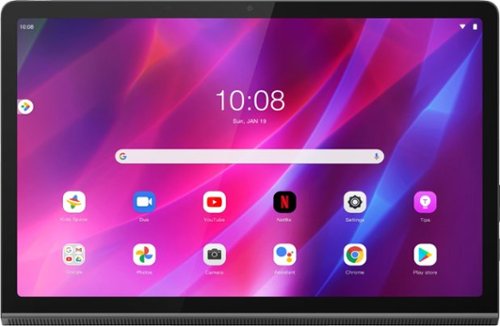
Lenovo - Yoga Tab 11 - 11" - Tablet - 256GB - Storm Gray
Recreate cinema everywhere you go on the Lenovo Yoga Tab 11. Start with the stunning 2K display with Dolby Vision. Add in quad JBL speakers with Dolby Atmos moving audio tuned by Lenovo Premium Audio. It's cinema styled for smaller spaces.
Is this tablet 4g Lte
The Lenovo Yoga Tab 11 model number ZA8W0084US, does not have any cellular/broadband data capability built in. The Yoga Tab 11 Tablet uses 2x2 802.11ac frequency WiFi for internet connectivity only. You can create a WiFi Hotspot with a compatible cell phone, then connect this Yoga Tab 11 Tablet to that WiFi signal. We recommend you contact your cellular provider for details.
4 years, 10 months ago
by
Posted by:
Lenovo Product Expert
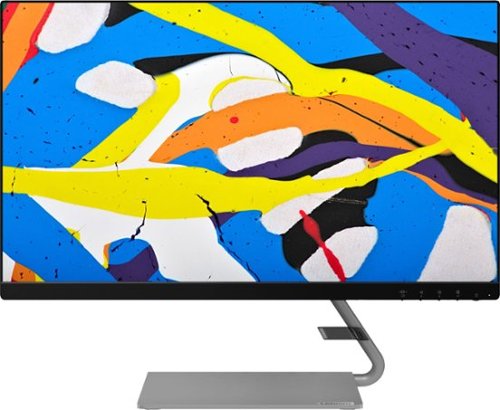
Lenovo - Q24i-10 24" IPS LED FHD FreeSync Monitor (HDMI, VGA) - Black
Modernize your workspace with this 23.8-inch Lenovo Q24i WLED monitor. With a tilting stand, NearEdgeless bezel and Full HD resolution, this graceful monitor offers sharp looks in both design and visual performance. Built-in dual speakers provide a rich audio experience for movies and games. This 23.8-inch Lenovo Q24i WLED monitor boasts in-plane switching technology, making it easy to see the screen from any viewing angle.
Can you use a Thunderbolt 4 on a laptop to connect to this monitor?
Not directly to the monitor. The Lenovo Q24i-10 Monitor, model number 65F3KCC3US, ships with both HDMI and VGA ports for connecting a compatible video source, like a computer. To connect a USB-c - Thunderbolt 4.0 video source like a computer, you will need to use a USB-c - Thunderbolt 3.0/4.0 to HDMI adapter, which is sold separately from this monitor.
4 years, 10 months ago
by
Posted by:
Lenovo Product Expert