Lenovo Product Expert
Lenovo Product Expert's Stats
Reviews
- Review Count0
- Helpfulness Votes0
- First ReviewNone
- Last ReviewNone
- Featured Reviews0
- Average Rating0
Reviews Comments
- Review Comment Count0
- Helpfulness Votes0
- First Review CommentNone
- Last Review CommentNone
- Featured Review Comments0
Questions
- Question Count0
- Helpfulness Votes0
- First QuestionNone
- Last QuestionNone
- Featured Questions0
- Answer Count37880
- Helpfulness Votes24,854
- First AnswerApril 21, 2014
- Last AnswerOctober 16, 2026
- Featured Answers0
- Best Answers2830
Lenovo Product Expert's Reviews
Lenovo Product Expert has not submitted any reviews.
Lenovo Product Expert's Questions
Lenovo Product Expert has not submitted any questions.
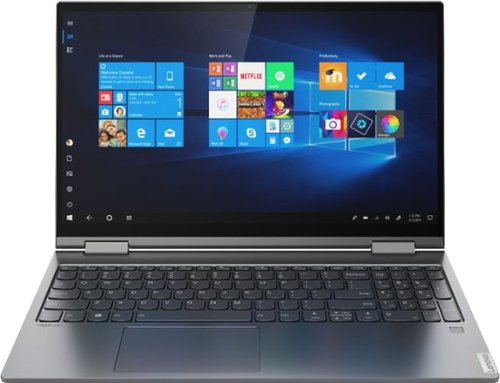
Lenovo - Yoga C740 2-in-1 15.6" Touch Screen Laptop - Intel Core i5 - 8GB Memory - 512GB SSD + 32GB Optane H10 - Iron Grey
Combining sleek design, long-lasting battery life, and smart high-speed processing, the Lenovo Yoga C740 blazes a trail with the latest 10th Generation Intel Core processors. Furthering Yoga~s famous 2-in-1 versatility, the Yoga C740 is available in both 14" and 15.6" sizes, offering the clarity of up to a FHD VESA400 HDR display, Dolby Atmos speakers, and a webcam privacy shutter for a robust user experience.
What is the 32GB Optane H10? And what are the benefits?

The Lenovo Yoga C740-15 model number 81TD0078US, ships with 32GB Optane Memory Integrated with a 512GB M.2 2280 solid state hard drive. The Optane Memory is even faster than standard M.2-2280 solid state memory, up to 5X faster. This means that the Optane memory when utilized with the Windows 10 Operating System, will provide faster boot times. Also Optane memory can learn which programs are opened most often and cache these programs within the Optane Memory to provide faster load times for the most used programs by the device.
5 years, 4 months ago
by
Posted by:
Lenovo Product Expert
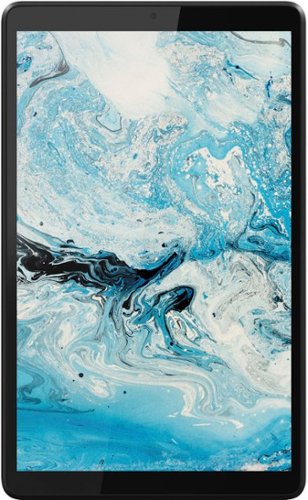
Lenovo - Tab M8 HD (2nd Gen) - 8" - Tablet - 32GB - Iron Grey
Lenovo Tab M8 is the 2nd generation mainstream tablet that comes with standout metal design, and is tailored to make your entertainment experience richer. The stunning 8" HD display brings you a crispier and brighter visual world. More than that, no matter you are watching a thrilling online movie or playing an exciting game, the fast speed and stable connection can also make your enjoyment perfect. Non-stop entertainment is just ON. Lenovo Tab M8, your best companion device with stunning performance and stylish design. The device that everyone wants to have.
Storage capacity; Is is 2 GB or 32 GB?
The Lenovo Tab M8 Tablet, model number ZA5G0060US, ships with a 32GB eMMC solid state hard drive for storage.
5 years, 4 months ago
by
Posted by:
Lenovo Product Expert
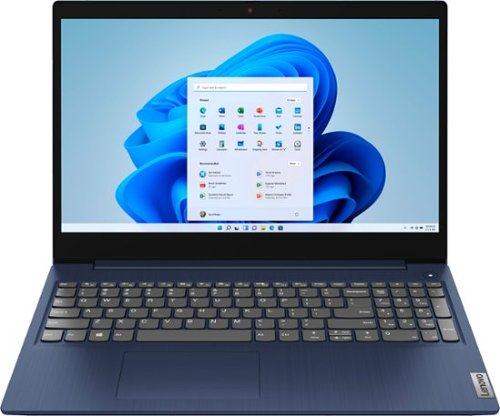
Lenovo - Ideapad 3 15 15.6" Touch-Screen Laptop - Intel Core i3 - 8GB Memory - 256GB SSD - Abyss Blue
Engineered for long-lasting performance, the Lenovo~ IdeaPad~ 3 15 delivers power in a laptop that's perfect for your everyday tasks, with features that you can depend on such as advanced mobile 10th Generation Intel Core processors and all day battery.
Per some reviews and questions, I read that this laptop has an internal fan. Does the fan make loud noises when cooling? I thought SSD drive's were quiet. Any feedback is appreciated.
The Lenovo IdeaPad 3 15 Laptop model number 81WR000FUS does ship with an internal fan to maintain the proper system operating temperature under any compatible workload. You will hear that fan when it is running.
5 years, 4 months ago
by
Posted by:
Lenovo Product Expert
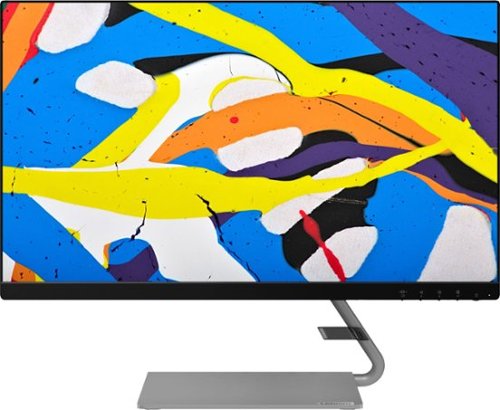
Lenovo - Q24i-10 24" IPS LED FHD FreeSync Monitor (HDMI, VGA) - Black
Modernize your workspace with this 23.8-inch Lenovo Q24i WLED monitor. With a tilting stand, NearEdgeless bezel and Full HD resolution, this graceful monitor offers sharp looks in both design and visual performance. Built-in dual speakers provide a rich audio experience for movies and games. This 23.8-inch Lenovo Q24i WLED monitor boasts in-plane switching technology, making it easy to see the screen from any viewing angle.
How much does the monitor weigh without the stand?
The weight of the monitor head only of the Lenovo Q24i-10 Monitor, model number 65F3KCC3US, is 6.10 lbs.
5 years, 4 months ago
by
Posted by:
Lenovo Product Expert
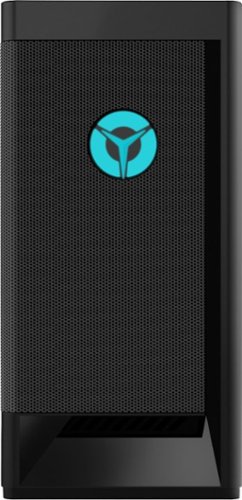
Lenovo - Legion Tower 5 AMD Gaming Desktop - AMD Ryzen 7-3700X - 16GB Memory - NVIDIA GeForce RTX 2060 - 512GB SSD - Raven Black
Engineered out of a passion for savage power and unmatched speed, the Lenovo~ Legion Tower 5 AMD delivers mind-blowing performance that combines AMD Ryzen processors and top-of-the-line NVIDIA~ GeForce~ graphics cards for blazing-fast frame rates at up to 4K resolution. Pushing far beyond the upper bounds of smaller rig configurations while keeping things cool and whisper quiet, the Legion Tower 5 is a marvel of build and design, accentuated by its illuminated blue LED logo and lighting, as well a transparent side panel that can properly showcase your internals.
What is the motherboard of this pc?
The Lenovo Legion Tower 5 AMD Gaming Desktop Computer, model number 90RB000UUS, ships with the AMD Vermeer B550 WIN DPK systemboard, Lenovo Part Number: 5B20W27654. Here is a link to the complete parts list for this configuration: https://pcsupport.lenovo.com/us/en/products/desktops-and-all-in-ones/legion-series/legion-t5-26amr5/90rb/90rb000uus/parts/display/model
5 years, 4 months ago
by
Posted by:
Lenovo Product Expert
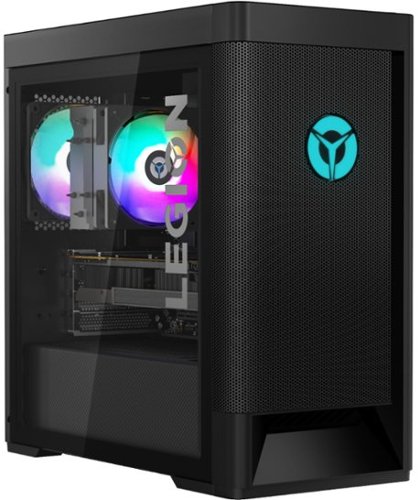
Lenovo - Legion Tower 5 AMD Gaming Desktop - AMD Ryzen 7-5800 - 16GB Memory - NVIDIA GeForce GTX 1660 Super - 256GB SSD + 1TB HDD - Raven Black
Engineered out of a passion for savage power and unmatched speed, the Lenovo~ Legion Tower 5 AMD delivers mind-blowing performance that combines AMD Ryzen processors and top-of-the-line NVIDIA~ GeForce~ graphics cards for blazing-fast frame rates at up to 4K resolution. Pushing far beyond the upper bounds of smaller rig configurations while keeping things cool and whisper quiet, the Legion Tower 5 is a marvel of build and design, accentuated by its illuminated blue LED logo and lighting, as well a transparent side panel that can properly showcase your internals.
What is the PSU of this rig?
The Lenovo Legion Tower 5 AMD Gaming Desktop model number 90RB001AUS, ships with a 400W internal power supply.
5 years, 4 months ago
by
Posted by:
Lenovo Product Expert
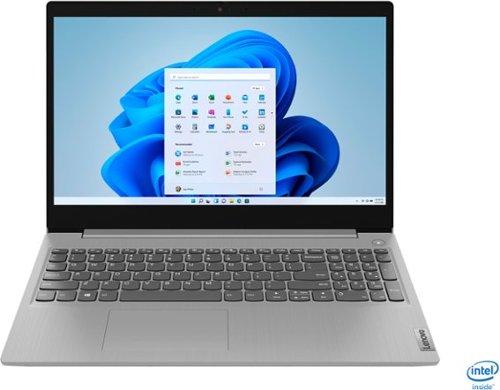
Lenovo - IdeaPad 3 15" Touch Screen Laptop - Intel Core i5-1035G1 - 12GB Memory - 256GB SSD - Platinum Grey
Engineered for long-lasting performance, the Lenovo~ IdeaPad~ 3 delivers powerful performance in a laptop that's perfect for your everyday tasks, with features that you can depend on.
Can you make it to were you can put disc in it to watch movies? If so then how? Thanks
The Lenovo IdeaPad 3 15 Laptop model number 81WE00NKUS, does not have a built in CD/DVD drive. You can use an external USB-based Windows 10 compatible CD/DVD drive with this laptop, like this one: https://www.bestbuy.com/site/lg-8x-external-usb-double-layer-dvdrw-cd-rw-drive-black/5852919.p?skuId=5852919
5 years, 4 months ago
by
Posted by:
Lenovo Product Expert
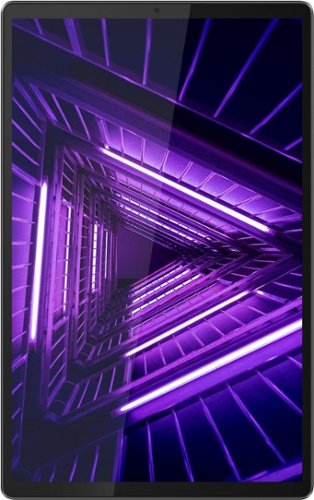
Lenovo - Tab M10 FHD Plus - 10.3" - Tablet - 32GB - Iron Gray
Lenovo~ Tab M10 Plus is one impressive media tablet from the 2nd generation tab family. Its standout metal design gives you a premium look and feel with modern simplicity. Inside lies a 10.3" FHD screen and dual speakers for truly immersive entertainment. This is one tablet you will want to use and pass around the house.
does it have gps?
The Lenovo Tab M10 Plus Tablet does not have a GPS Sensor. This tablet uses WiFi location services when it is connected to a WiFi signal.
5 years, 4 months ago
by
Posted by:
Lenovo Product Expert
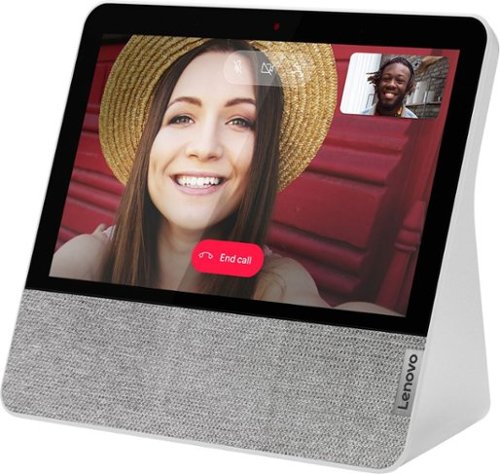
Lenovo - 7" Smart Display with Google Assistant - Blizzard White
Stay connected and entertained with this Lenovo Smart Display 7. The built-in Google Assistant enables seamless hands-free operation, while the front-facing 2.0MP camera and dual-array microphone let you make and receive video calls conveniently. This Lenovo Smart Display 7 has Wi-Fi connectivity for streaming content, and the 7-inch touch screen allows for easy menu navigation.
I can't change the network settings...
To change the network on your Lenovo 7 Inch Smart Display, 1. Make sure your phone or tablet is connected to the same Wi-Fi network as your Smart Display. 2. Open the Google Home app on your tablet or phone, then tap Devices. 3. Next to your Smart Display's name, tap More Settings. 4. Under "Device info," tap Accessibility. 5. Choose which settings you want to turn on or off. If you continue to have issues, we recommend you contact Lenovo Tech Support for Smart Devices at: 866-426-0911.
5 years, 4 months ago
by
Posted by:
Lenovo Product Expert
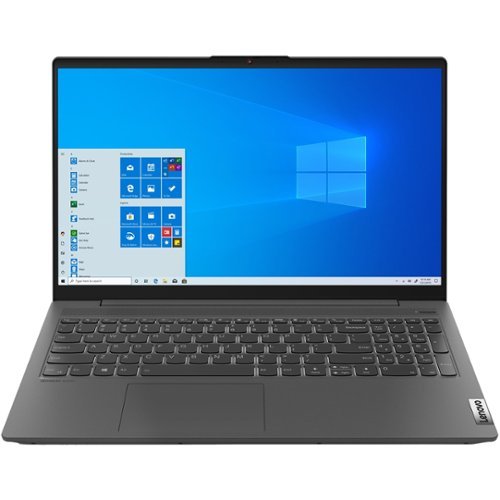
Lenovo - IdeaPad 5 15ARE05 15.6" Laptop - AMD Ryzen 5 - 8GB Memory - 512GB SSD - Platinum Gray
Lenovo IdeaPad 5 15ARE05 Laptop: Improve your productivity with this platinum gray Lenovo IdeaPad 5 laptop. The 15.6-inch Full HD twisted thematic display produces vivid visuals, while the AMD Ryzen 5 processor and 8GB of RAM run demanding applications. This Wi-Fi-enabled and Bluetooth-enabled Lenovo IdeaPad 5 laptop features a 512GB SSD for rapid data access.
Does the Idea pad 5 have a finger id if it does where?
Yes. The Lenovo IdeaPad 5 15 Laptop, model number 81YQ0008US, has a fingerprint reader within the power button on this model.
5 years, 4 months ago
by
Posted by:
Lenovo Product Expert