Lenovo Product Expert
Lenovo Product Expert's Stats
Reviews
- Review Count0
- Helpfulness Votes0
- First ReviewNone
- Last ReviewNone
- Featured Reviews0
- Average Rating0
Reviews Comments
- Review Comment Count0
- Helpfulness Votes0
- First Review CommentNone
- Last Review CommentNone
- Featured Review Comments0
Questions
- Question Count0
- Helpfulness Votes0
- First QuestionNone
- Last QuestionNone
- Featured Questions0
- Answer Count37880
- Helpfulness Votes24,854
- First AnswerApril 21, 2014
- Last AnswerOctober 16, 2026
- Featured Answers0
- Best Answers2830
Lenovo Product Expert's Reviews
Lenovo Product Expert has not submitted any reviews.
Lenovo Product Expert's Questions
Lenovo Product Expert has not submitted any questions.
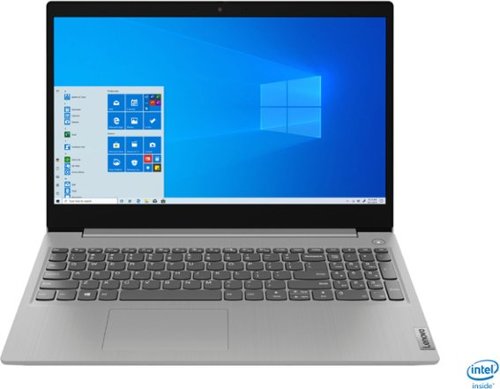
Lenovo - IdeaPad 3 15" Laptop - Intel Core i3-1005G1 - 8GB Memory - 256GB SSD
Engineered for long-lasting performance, the Lenovo~ IdeaPad~ 3 delivers powerful performance in a laptop that's perfect for your everyday tasks, with features that you can depend on.
How many ssd m.2 slots?

The Lenovo IdeaPad 3 15 laptop, model number 81WE011UUS, is not user upgradable. A certified technician must do all of the work, so as to not void the warranty. This model can support up to two drives, 1x 2.5 inch HDD + 1x M.2 2242/2280 SSD.
5 years, 4 months ago
by
Posted by:
Lenovo Product Expert

Lenovo - Yoga 7i 2-in-1 15.6" HDR Touch Screen Laptop - Intel Evo Platform Core i7 - 12GB Memory - 512GB Solid State Drive - Dark Moss
The Lenovo~ Yoga~ 7i 15" combines versatile portability and enhanced productivity, thanks to the boundary-breaking performance and responsiveness of 11th generation Intel~ Core~ i7 processors and a vibrant VESA Dolby HDR 400 display in FHD clarity with Intel~ Iris~ Xe graphics. Go anywhere with a sleek 2-in-1 metal chassis featuring thoughtful details including a webcam privacy shutter.
does it have a camera privacy cover?
Yes. The Intel Evo-Certified, Lenovo Yoga 7i-15 model number 82BJ0003US, ships with a 720p (HD) webcam with manual Privacy Shutter and Dual Array Microphones built in.
5 years, 4 months ago
by
Posted by:
Lenovo Product Expert
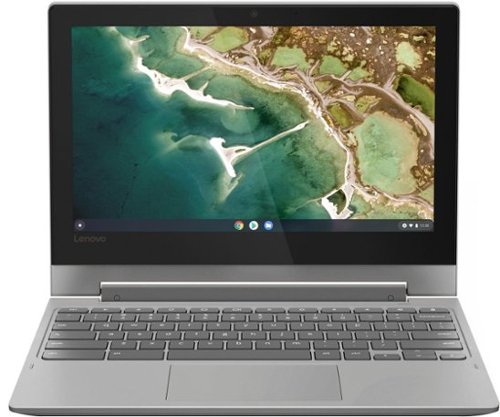
Lenovo - Chromebook Flex 3 11" MTK 2-in-1 11.6" Touch Screen Chromebook - MediaTek MT8173C - 4GB Memory - 32GB eMMC Flash Memory - Platinum Grey
Engineered for long-lasting performance, the Lenovo~ IdeaPad~ 3 delivers powerful performance in a laptop that's perfect for your everyday tasks, with features that you can depend on.
Is this chromebook corei5 or higher.
The Lenovo Chromebook Flex 3 11 model number 82HG0000US, ships with the ARM Architecture, 4-Core MediaTek MT8173C processor.
5 years, 4 months ago
by
Posted by:
Lenovo Product Expert
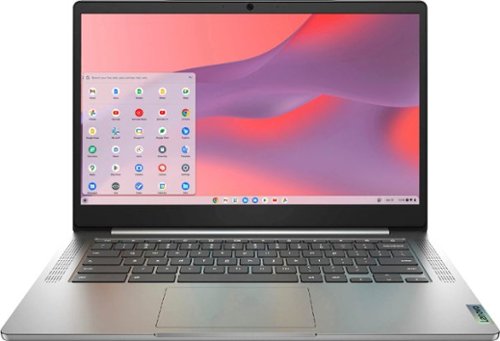
Fast, flexible, and fun, the Chromebook 3-14" brings everyone~s favorite Chromebook features, running on the lightning-fast Chrome OS that boots up in seconds, updates automatically, and is protected by built-in virus protection. Powered by a MediaTek processor and up to 10 hours of battery life, it~ll seamlessly run all of your favorite apps at the same time. Get Minecraft and 3 months of Realms Plus at no cost* with purchase of a new Chromebook. Terms Apply. *Offer valid for qualifying Chromebooks purchased on or after July 1st, 2023 through September 30th, 2023 while supplies last.
When will the device be able to upgrade the OS? It's STUCK on OS 88 (should be 90). Also, the Chromebook Recovery Utility does not recognize its model number (FENNEL14-DWCY C3B-A2B-D4D-B7Z-I3D). When will this be fixed for customers? Not listed on AUP.
Images for this Question
(click to see full-size image)


We recommend you contact Lenovo Tech Support for Chromebooks at: 800-426-7378.
5 years, 4 months ago
by
Posted by:
Lenovo Product Expert

Lenovo - IdeaPad S340 15" Touch-Screen Laptop - AMD Ryzen 7 3700U - 12GB Memory - 512GB Solid State Drive
Introducing the Lenovo~ IdeaPad~ S340 Touchscreen. Slip into something more comfortable with a thinner & lighter laptop with narrow bezels for broader viewing, it boasts state-of-the-art processing and thoughtful design elements such as a privacy shutter. Plus the convenience of touch. Power through any task with ease and in style.
Can this laptop charge via usb c?
No. The Lenovo IdeaPad S340-15 Laptop, model number 81QG000DUS, uses a dedicated 65W, barrel-type (device side connection) AC adapter/charger only.
5 years, 4 months ago
by
Posted by:
Lenovo Product Expert
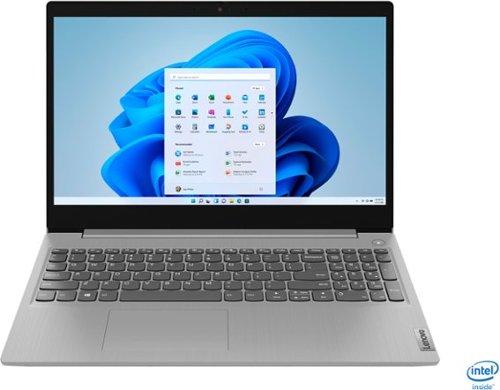
Lenovo - IdeaPad 3 15" Touch Screen Laptop - Intel Core i5-1035G1 - 12GB Memory - 256GB SSD - Platinum Grey
Engineered for long-lasting performance, the Lenovo~ IdeaPad~ 3 delivers powerful performance in a laptop that's perfect for your everyday tasks, with features that you can depend on.
the mother board is not longer working. I just bough the computer a few months ago. Where can I find a a new mother board
We recommend you contact Lenovo Tech Support for additional help at: 877-453-6686.
5 years, 4 months ago
by
Posted by:
Lenovo Product Expert
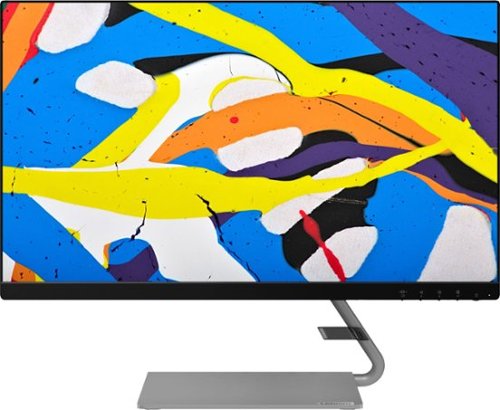
Lenovo - Q24i-10 24" IPS LED FHD FreeSync Monitor (HDMI, VGA) - Black
Modernize your workspace with this 23.8-inch Lenovo Q24i WLED monitor. With a tilting stand, NearEdgeless bezel and Full HD resolution, this graceful monitor offers sharp looks in both design and visual performance. Built-in dual speakers provide a rich audio experience for movies and games. This 23.8-inch Lenovo Q24i WLED monitor boasts in-plane switching technology, making it easy to see the screen from any viewing angle.
Can I connect an IPad to this monitor?
That will depend on the requirements and compatibility of the device you want to connect to the Lenovo Q24i-10 Monitor, model number 65F3KCC3US. This monitor is operating system independent and connects via either 1 x HDMI 1.4 version port or 1 x VGA port. We recommend you check with the device manufacturer that you want to connect the the Q24i-10 Monitor, for the specific device requirements and compatibility.
5 years, 4 months ago
by
Posted by:
Lenovo Product Expert
Lenovo - IdeaPad S340 15" Touch-Screen Laptop - AMD Ryzen 7 3700U - 12GB Memory - 512GB Solid State Drive
Introducing the Lenovo~ IdeaPad~ S340 Touchscreen. Slip into something more comfortable with a thinner & lighter laptop with narrow bezels for broader viewing, it boasts state-of-the-art processing and thoughtful design elements such as a privacy shutter. Plus the convenience of touch. Power through any task with ease and in style.
Does this have key board lighting
Yes. The Lenovo IdeaPad S340-15 model number 81QG000DUS, has a backlit keyboard.
5 years, 4 months ago
by
Posted by:
Lenovo Product Expert
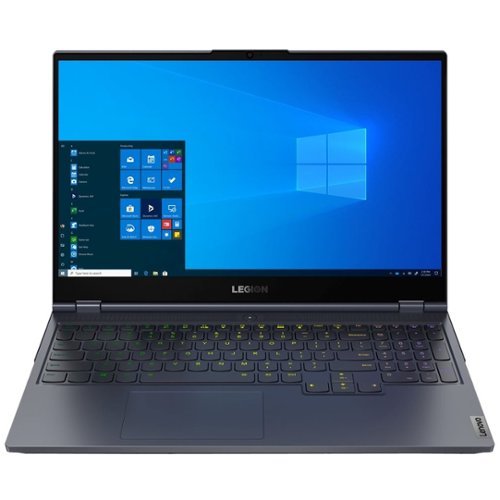
Lenovo - Legion 7 Gaming Laptop 15.6" - Intel Core i7 - 16GB Memory - NVIDIA GeForce RTX 2070 - 512GB SSD - Slate Gray
Lenovo Legion 7 15IMH05 Laptop: Enjoy an immersive gaming experience with this Lenovo Legion gaming laptop. The NVIDIA GeForce RTX 2070 Super dedicated graphics card produces high-quality visuals on the 15.6-inch full HD display, while the 16GB of RAM and Intel Core i7 processor ensure seamless performance. This Lenovo Legion gaming laptop has a 512GB SSD, which shortens load times and provides ample storage space.
Does this laptop have two SSD one 512GB and one 1TB? On the Lenovo website for this model it shows it having both. However the description here shows just 512GB.
The Lenovo Legion 7 Gaming Laptop, model number 81YT0007US, ships with one 512GB M.2 2280 PCIe 3.0x4 NVMe Solid state hard drive.
5 years, 4 months ago
by
Posted by:
Lenovo Product Expert
Lenovo - IdeaPad 3 15" Laptop - Intel Core i3-1005G1 - 8GB Memory - 256GB SSD
Engineered for long-lasting performance, the Lenovo~ IdeaPad~ 3 delivers powerful performance in a laptop that's perfect for your everyday tasks, with features that you can depend on.
What are the specs for the charger? Watts, amps...
The Lenovo IdeaPad 3 15 Laptop, model number 81WE011UUS, ships with a 65W barrel-type, device side plug, AC adapter/charger. Output Max - 20V 3.25A 65W (compatible with 20V 2.25A 45W) Input Volt Range - 100-240V
5 years, 4 months ago
by
Posted by:
Lenovo Product Expert