Lenovo Product Expert
Lenovo Product Expert's Stats
Reviews
- Review Count0
- Helpfulness Votes0
- First ReviewNone
- Last ReviewNone
- Featured Reviews0
- Average Rating0
Reviews Comments
- Review Comment Count0
- Helpfulness Votes0
- First Review CommentNone
- Last Review CommentNone
- Featured Review Comments0
Questions
- Question Count0
- Helpfulness Votes0
- First QuestionNone
- Last QuestionNone
- Featured Questions0
- Answer Count37779
- Helpfulness Votes24,795
- First AnswerApril 21, 2014
- Last AnswerOctober 5, 2026
- Featured Answers0
- Best Answers2823
Lenovo Product Expert's Reviews
Lenovo Product Expert has not submitted any reviews.
Lenovo Product Expert's Questions
Lenovo Product Expert has not submitted any questions.
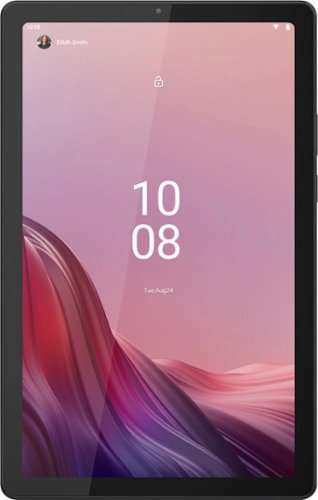
Lenovo - Tab M9 - 9" Tablet - 32GB - Arctic Grey
Entertainment with style, explore with fun. With its smart and stylish premium Dual tone metal design, its not only thin but light. Sporting a 9" HD screen that's Netflix HD certified, dual stereo speakers with Dolby Atmos provides you immersive experience. Search what you see with Google Lens.
Do apps, such as Libby, to download Audiobooks and ebooks from libraries, work on this tablet?

Hello, DES77. Not to turn your question back to you, but that would depend on the availability of the applications you plan to use on this Tab. This model ships with access to uses the Google Play Store for downloading apps and programs. While if offered, you should not have an issue running those apps on this device, we recommend that you check using Google’s online Play Store website to search and see if the applications you plan to use are available on tablet devices. Here is a link to contact Google Play Support or check within the Google Play community for more resources to reference: https://support.google.com/googleplay/?hl=en#topic=3364260.
2 years, 6 months ago
by
Posted by:
Lenovo Product Expert
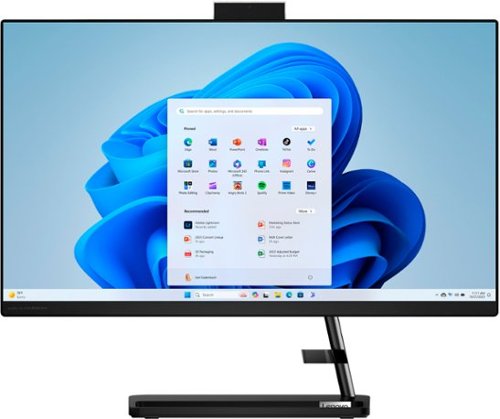
Lenovo - IdeaCentre AIO 3i 24" Touch-Screen All-In-One - Intel Core i3 - 8GB Memory - 256GB Solid State Drive - Black
A family PC for all generations, the Lenovo IdeaCentre AIO 3i seamlessly handles heavy multitasking sessions from demanding households with a 12th Generation Intel Core i3 processor, in a compact space-saving design that looks good anywhere you put it. Watch shows with the family on a vivid IPS FHD display with room-filling audio by Harman Kardon.
dies it have a headphone jack
Hello, barb. A headphone jack or 3.5mm audio connection is not listed in the product reference sheet for this model. In place of, you could use a Bluetooth device or a USB to 3.5mm adapter for a wired connection.
2 years, 6 months ago
by
Posted by:
Lenovo Product Expert
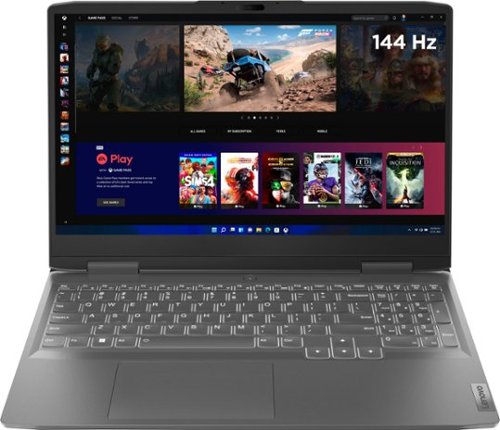
Lenovo - LOQ 15.6" Gaming Laptop FHD - AMD Ryzen 7 7840HS with 8GB Memory - NVIDIA GeForce RTX 4050 6GB - 512GB SSD - Storm Grey
Take your gaming and performance to the next level by shattering your own expectations with the Lenovo LOQ 15APH8, a PC engineered for gaming, productivity and everything in between. Equipped with up to AMD Ryzen 7 7840HS processor, NVIDIA GeForce RTX 4050 Laptop GPU and up to 32GB 5600MHz DDR5 RAM, the system is performance-tuned with the Lenovo AI Engine+ and a dedicated MUX switch with NVIDIA Advanced Optimus. Capable of delivering lightning-fast gameplay on a high resolution 144Hz 15.6" FHD 350-nit display, as well as blazing-fast precision and comfortable typing with the signature Lenovo gaming keyboard. The durable chassis is designed for simplicity and practicality, with thinner side walls and high-performance rear I/O. Dual fans and larger vents ensure quiet and powerful cooling, so you can game undetected in public areas on a future-proof machine that doesn't break the bank.
I'm assuming so-dimm because of it being a laptop, and it's sister products being so-dimm. But does this use Dimm or So-Dimm ram?
Hello, Hippy. Good observation. This model uses SO-DIMM.
2 years, 6 months ago
by
Posted by:
Lenovo Product Expert
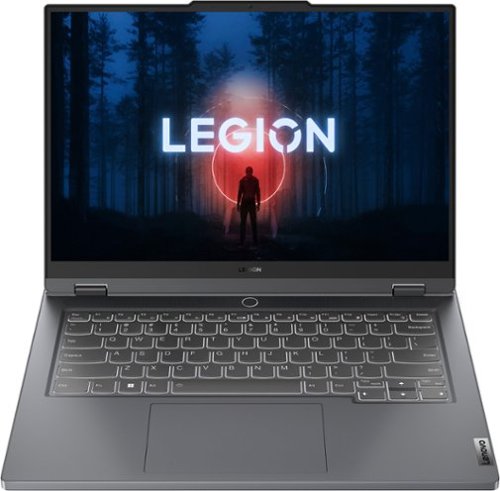
Lenovo - Legion Slim 5 14.5" OLED Gaming Laptop - Ryzen 7 7840HS with 16GB Memory - NVIDIA GeForce RTX 4060 8GB with 1 TB SSD - Storm Grey
Equipped with AMD Ryzen 7000 Series processors and NVIDIA GeForce RTX 4060 Series graphics on an OLED display, the Lenovo Legion Slim 5 is built for students and young creatives who demand a machine that can handle both extreme pro-level gaming sessions and advanced rendering work.
Hii lenovo team.. RTX 4060 TGP for this model is 105W so does it have dynamic boost to overclock and increase TGP??? If yes, then how much is Max TGP??
Hi, Nitesh! Yes, it does have dynamic boost and depending on several factors, the absolute max TGP could be around 115W.
2 years, 6 months ago
by
Posted by:
Lenovo Product Expert
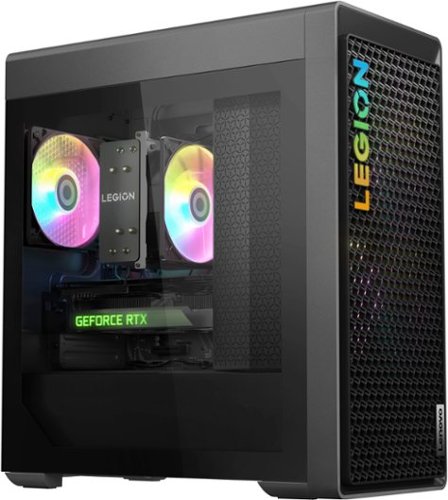
Lenovo - Legion Tower 5 AMD Gaming Desktop - AMD Ryzen 7-7700X - 16GB Memory - NVIDIA GeForce RTX 4070 12GB - 512GB SSD + 1TB HDD - Storm Gray
Stay ahead of the game with a machine that~s built for the future of gaming with the Legion Tower 5, powered by the supercharged performance of AMD Ryzen 7000 Series desktop processors and NVIDIA GeForce RTX 40 Series desktop graphics. Stay cool and whisper-quiet with high-performance air cooling and an enmeshed front bezel for improved airflow on a battle station-inspired chassis featuring an optional toolless glass panel.
The GeForce RTX 4070 12GB the 2 Fan or 3 Fan Version of the GPU?
Hello, Gavin. The 4070 is a dual fan.
2 years, 6 months ago
by
Posted by:
Lenovo Product Expert
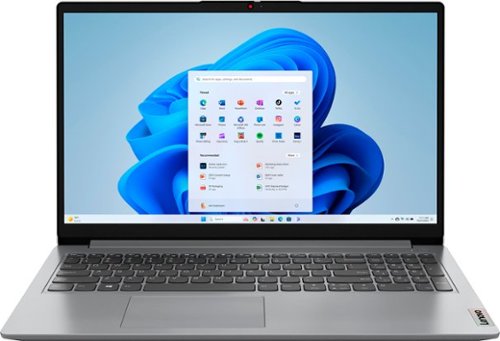
Lenovo - Ideapad 1 15.6" Full HD Touchscreen Laptop - Ryzen 7 5700U with 16GB Memory - AMD Radeon Graphics - 512GB SSD - Cloud Gray
Browse, explore and connect with confidence on the Lenovo IdeaPad 1 powered by ultra-fast AMD Ryzen 5000 Series Mobile Processors. The IdeaPad 1 packs responsive performance in a thin and compact 17.9 mm chassis, making multitasking on-the-go a breeze. Get the most out of your device with a frameless display for more screen and Dolby Audio speakers, along with 10 hours of battery life and rapid charge. Great for video calls, the 1MP camera comes with a privacy shutter to keep out spying eyes, as well as Smart Noise Cancelling to eliminate background noise.
What is the outer case made of
Hello, Yup. The case material is PC-ABS.
2 years, 6 months ago
by
Posted by:
Lenovo Product Expert
Lenovo - Legion Slim 5 14.5" OLED Gaming Laptop - Ryzen 7 7840HS with 16GB Memory - NVIDIA GeForce RTX 4060 8GB with 1 TB SSD - Storm Grey
Equipped with AMD Ryzen 7000 Series processors and NVIDIA GeForce RTX 4060 Series graphics on an OLED display, the Lenovo Legion Slim 5 is built for students and young creatives who demand a machine that can handle both extreme pro-level gaming sessions and advanced rendering work.
Can it also be used for coding? How many GB of RAM does it have?
Hello, Leo. Not to turn your first question back to you, but while it should be able to, that would depend on what the requirements for any specific type of or software for coding. We recommend reviewing the recommended requirements that that software publisher details, and/or industry standards and comparing it with the specifications of any potential computing solution to help ensure you find the right fit for your needs. Also, this model features 16GB of DDR5x-6400 RAM.
2 years, 6 months ago
by
Posted by:
Lenovo Product Expert
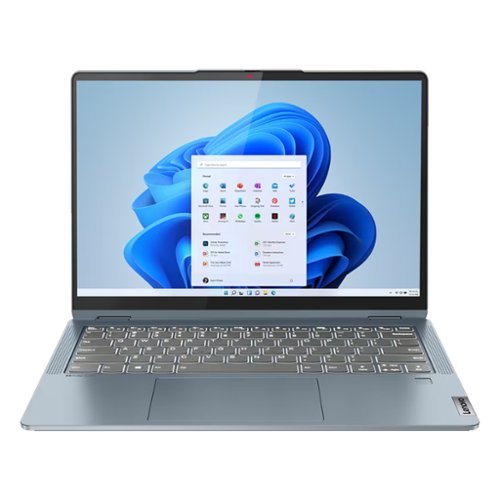
Lenovo - Refurbished Good - Flex 7 14IRU8 14" Laptop 2.2K Touch Intel Core i7-1355U 16GB 1TB SSD W11H - Stone Blue
Create, play and work on a device that adapts to whatever you're doing with 360 degrees of freedom on the convertible Lenovo Flex 7i. Rotate the hinge into tent or stand modes to watch your shows or switch to tablet mode to browse through as you hold the ultrathin-and-light Stone Blue chassis that slims down to 17.4mm and weighs just 1.5kg.
Is the charge connection usb c compatible
Hello, Bill. Yes, as a matter of fact, this model charges using USB-C exclusively. Its included power adapter is a USB-C 65W.
2 years, 6 months ago
by
Posted by:
Lenovo Product Expert
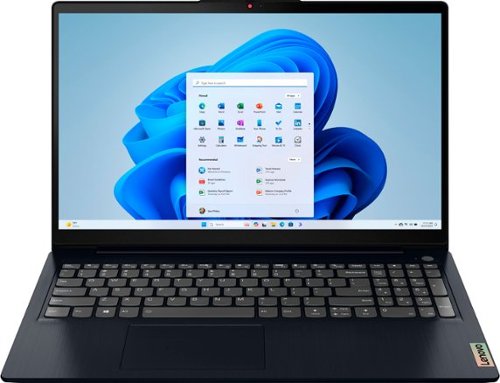
Lenovo - Ideapad 3i 15.6" FHD Touchscreen Laptop - Core i5-1155G7 with 8GB Memory - 512GB SSD - Abyss Blue
The ultimate Smart Learning notebook, the Lenovo IdeaPad 3i pairs up to 11th Generation Intel Core i5 processors with tailored work and learn from home solutions that address eye strain, posture problems and at-home distractions, while deploying intelligent thermals for a cool and whisper-quiet system. The new privacy shutter on the camera also lets you reserve complete control over your privacy in the home and beyond.
Can this laptop be used to play Disney Dreamlight valley.
Hello, Ellerr. Not to turn your question back to you, but that would depend on what the requirements for that software are. We recommend reviewing the recommended requirements that that software publisher details on their site or other resources and comparing it with the specifications of any potential computing solution to help ensure you find the right fit for your needs.
2 years, 6 months ago
by
Posted by:
Lenovo Product Expert

Lenovo - IdeaPad Duet 3 Chromebook 2-in-1 Laptop - 11" 2K Touchscreen - Snapdragon 7cG2 - 4G RAM - 128G eMMC - Keyboard - Misty Blue
Fast, flexible, and fun, the Lenovo Duet 3 Chromebook 11" laptop brings everyone~s favorite Chromebook features, housed in a slim chassis, running on the lightning-fast Chrome OS that boots up in seconds, updates automatically, and is protected by built-in virus protection. Powered by Snapdragon SC7180 processor offers up to 10 hours of battery life, to seamlessly run all of your favorite apps at the same time.
I’m trying to find a better case then what it comes with for my kid. Is there anything that fits this!? Having a hard time to find a case that accommodates a snap on keyboard.
Hello, Morgan. Unfortunately, we do not offer any case options to encompass the tablet and keyboard. A sleeve option for travel when the device is not in use could be a short-term solution.
2 years, 6 months ago
by
Posted by:
Lenovo Product Expert