Lenovo Product Expert
 
 
Lenovo Product Expert's Stats
 
Reviews
  • Review Count
    0
  • Helpfulness Votes
    0
  • First Review
    None
  • Last Review
    None
  • Featured Reviews
    0
  • Average Rating
    0
 
Reviews Comments
  • Review Comment Count
    0
  • Helpfulness Votes
    0
  • First Review Comment
    None
  • Last Review Comment
    None
  • Featured Review Comments
    0
 
Questions
  • Question Count
    0
  • Helpfulness Votes
    0
  • First Question
    None
  • Last Question
    None
  • Featured Questions
    0
 
  • Answer Count
    36581
  • Helpfulness Votes
    24,213
  • First Answer
    April 21, 2014
  • Last Answer
    April 24, 2026
  • Featured Answers
    0
  • Best Answers
    2708
 
 
Lenovo Product Expert's Reviews
 
Lenovo Product Expert has not submitted any reviews.
 
Lenovo Product Expert's Questions
 
Lenovo Product Expert has not submitted any questions.
 
Lenovo Product Expert's Answers
<<prev 1 ... 925 926 927 928 929 ... 3659 next>>
 
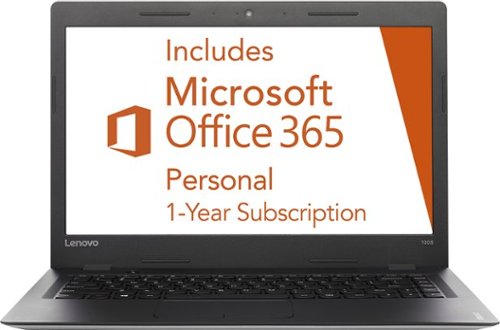
 Lenovo - 15.6&quot; ThinkPad E15 Gen 3 Laptop - AMD Ryzen 5 5500U - 8GB Memory - AMD Radeon - 256 SSD - Black
Lenovo - 15.6" ThinkPad E15 Gen 3 Laptop - AMD Ryzen 5 5500U - 8GB Memory - AMD Radeon - 256 SSD - Black
Empower your workforce to stay productive from anywhere with this sleek and sensible 15~ notebook. Powerful AMD Ryzen 5000 series mobile processors, dual SSD storage, plus integrated AMD Radeon graphics ensure a smooth computing experience.
 

Will this laptop run 2 external monitors with the addition of a hub or docking station?

This Lenovo ThinkPad E15 Gen 3 Laptop, model number 20YG003EUS, supports up to 3 independent displays (native display and 2 external monitors via HDMI and USB-C). • HDMI supports up to 4K@30Hz. • USB-C supports up to 4K@60Hz. You can convert the USB-c connection to an HDMI monitor connection by using a USB-c to HDMI adapter, like this one: https://www.bestbuy.com/site/insignia-usb-c-to-hdmi-adapter-black/6473497.p?skuId=6473497
3 years, 7 months ago
by
Posted by: 
Lenovo Product Expert
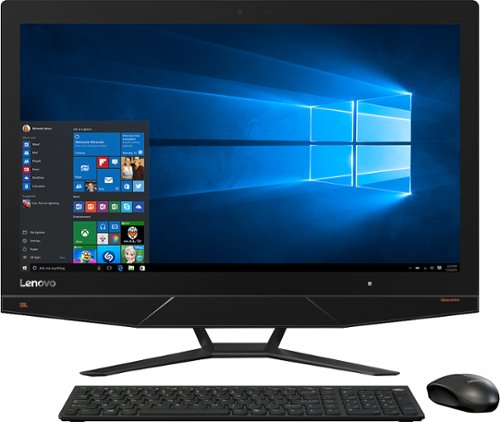
 
 Lenovo - Ideapad 1 15.6&quot; FHD Touch-Screen Laptop - Ryzen 7 5700U - 12GB Memory - 512GB SSD - Cloud Grey
Lenovo - Ideapad 1 15.6" FHD Touch-Screen Laptop - Ryzen 7 5700U - 12GB Memory - 512GB SSD - Cloud Grey
Browse, explore and connect with confidence on the Lenovo IdeaPad 1 powered by ultra-fast AMD Ryzen~ 5000 U Series Mobile Processors on selected models. The IdeaPad 1 packs responsive performance in a thin and compact 17.9 mm chassis, making multitasking on-the-go a breeze. Get the most out of your device with a frameless display for more screen and Dolby Audio~ speakers, along with 10 hours of battery life and rapid charge. Great for video calls, the 1MP camera comes with a privacy shutter to keep out spying eyes, as well as Smart Noise Cancelling to eliminate background noise.
 

Can this run farming simulator 22?

That really will depend on the requirements and compatibility of the software you want to run. This Lenovo IdeaPad 1 15 Laptop, model number 82R4002PUS, ships with Windows 11 S-Mode, 64-bit Operating System installed. Windows 11 S-Mode provides added security by only allowing APPs available ( and therefore certified by Microsoft) at the Microsoft Store. If you don't need the added security or you need to install APPs not available at the Microsoft Store, you can switch to standard Windows 11 Home 64-bit Operating System, at no additional cost. We recommend you check with the specific software publisher's web site, of the specific version of the software you want to run, for their compatibility with Windows 11 S-Mode 64-bit operating system and the minimum/recommended hardware requirements (Is a Graphics card required, the processor speed and the minimum required system RAM and the minimum available hard drive space) to run their program, then compare those requirements to this system's configuration. If you choose to switch out of S-Mode for Windows 11 Home: Here is a link to instructions for switching from Windows 11 S-Mode to Windows 11 Home: https://support.microsoft.com/en-us/windows/switching-out-of-s-mode-in-windows-4f56d9be-99ec-6983-119f-031bfb28a307#WindowsVersion=Windows_11
3 years, 7 months ago
by
Posted by: 
Lenovo Product Expert
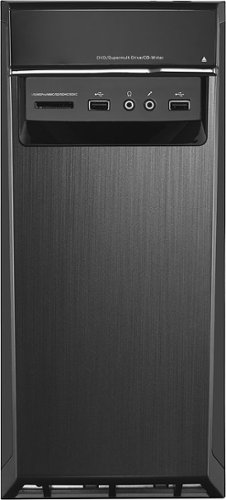
 
 Lenovo - ThinkVision T24v-20 23.8&quot; Full HD LED Backlit LCD Monitor (HDMI, DP, VGA) - Black
Lenovo - ThinkVision T24v-20 23.8" Full HD LED Backlit LCD Monitor (HDMI, DP, VGA) - Black
Built to empower the next-generation workforce, the ThinkVision T24v-20 redefines workplace collaboration with its smart, innovative features. This 23.8-inch monitor has an IR camera, which along with Windows Hello and enterprise-grade security, ensures instant and secure login.
 

Does this monitor supports VESA mount desk stand? I don't see any screws on the back.

Yes. The Lenovo ThinkVision T24v-20 Monitor, model number 61FCMAR6US is compatible with a 100 x 100 mm VESA Mount format, the VESA Mount is sold separately and the screws for the VESA Mount would come with the VESA Mount.
3 years, 7 months ago
by
Posted by: 
Lenovo Product Expert
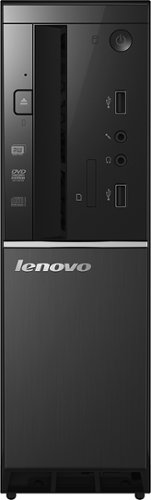
 
 Lenovo - Yoga 9i 14&quot; 4K OLED Touch 2-in-1 Laptop with Pen - Intel Evo Platform - Core i7-1260P - 16GB Memory - 1TB SSD - Storm Grey
Lenovo - Yoga 9i 14" 4K OLED Touch 2-in-1 Laptop with Pen - Intel Evo Platform - Core i7-1260P - 16GB Memory - 1TB SSD - Storm Grey
The Lenovo Yoga 9i, features the world~s first Bowers & Wilkins speaker system on a laptop offering unparalleled entertainment with Dolby Atmos and powered by the advanced 12th Generation Intel Core processor. Featuring four modes, the Yoga 9i is crafted to merge comfort and aesthetics with rounded edges that allow you to grip, carry or use for longer complimenting the extended battery life and its versatility with smart features like the 1-click function keys and Windows Hello Smart Login on an FHD IR hybrid camera.
 

How do you charge the pen that comes with this laptop?

This Intel Evo-Certified, Lenovo Yoga 9i 14, model number 82LU0000US, ships with the Lenovo Precision Pen 2 with built-in rechargeable battery, that has 4096 levels of pressure sensitivity and tilt detection. The top cap of the Lenovo Precision Pen 2 opens to reveal the USB-c charging port. You can use the included 65W USB-C slim (3-pin) AC adapter/charger, supports PD 3.0, 100-240V, 50-60Hz to charge both the Yoga 9i 14 Laptop and the Precision Pen 2. The USB-c format will deliver the right power to each device. Here is a link to the User Guide for the Yoga 9i 14, that illustrates the charging feature of the Lenovo Precision Pen 2 on pages 16 through 17: https://download.lenovo.com/consumer/mobiles_pub/yoga_9_14iap7_userguide_en.pdf. If you have questions about your Lenovo Yoga 9i 14, we recommend you contact Lenovo Premium Care for additional information at: 888-278-9707.
3 years, 7 months ago
by
Posted by: 
Lenovo Product Expert
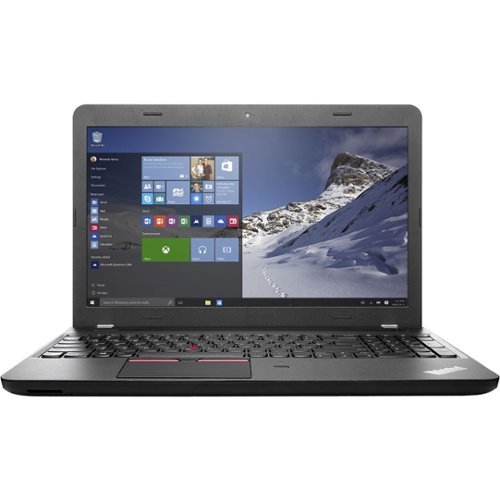
 
 Lenovo - IdeaCentre 5i Desktop - Intel Core i3 - 8GB Memory - 512GB SSD - Mineral Grey
Lenovo - IdeaCentre 5i Desktop - Intel Core i3 - 8GB Memory - 512GB SSD - Mineral Grey
Lenovo IdeaCentre 5i is a powerful, contemporary desktop powered by the latest Intel Core processors. Featuring gaming-grade graphics, fast DDR4 memory, and plenty ofstorage, it~s up to the task of having fun and will immerse you in it~and looks great in your home.
 

Does this have the ability to connect wirelessly to a Smart TV? I.e. to watch video or DVD on TV screen. Also want to verify the DVD drive is behind the silver panel as none of the pictures show this. Thanks.

This Lenovo IdeaCentre 5i Desktop Computer, model number 90RJ0080US, ships with Windows 11 Home, 64-bit Operating System installed. Windows 11 has the ability to wirelessly connect to a compatible Smart TV. Here is a link to more information: https://www.technewstoday.com/cast-to-tv-on-windows-11/#:~:text=Windows%2011%20has%20the%20option,Open%20Settings. This IdeaCentre 5i Desktop Computer does have a built in CD/DVD drive. It is behind the sliding front panel. Just slide the front panel to the right to access the CD/DVD drive. You will need to remove any devices or cables plugged in to the front of the computer before sliding the panel to the right. Here is a link to the User Guide for this IdeaCentre 5i Desktop, with additional information: https://download.lenovo.com/consumer/desktop_pub/5-14iob6_5-14acn6_ug_en_202104.pdf
3 years, 7 months ago
by
Posted by: 
Lenovo Product Expert
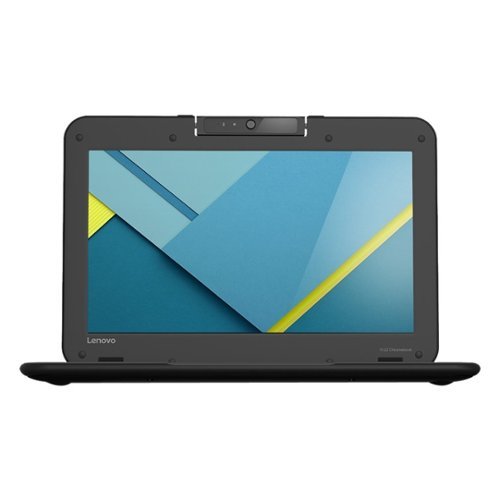
 
 Lenovo - Ideapad 1 15.6&quot; FHD Touch-Screen Laptop - Ryzen 7 5700U - 12GB Memory - 512GB SSD - Cloud Grey
Lenovo - Ideapad 1 15.6" FHD Touch-Screen Laptop - Ryzen 7 5700U - 12GB Memory - 512GB SSD - Cloud Grey
Browse, explore and connect with confidence on the Lenovo IdeaPad 1 powered by ultra-fast AMD Ryzen~ 5000 U Series Mobile Processors on selected models. The IdeaPad 1 packs responsive performance in a thin and compact 17.9 mm chassis, making multitasking on-the-go a breeze. Get the most out of your device with a frameless display for more screen and Dolby Audio~ speakers, along with 10 hours of battery life and rapid charge. Great for video calls, the 1MP camera comes with a privacy shutter to keep out spying eyes, as well as Smart Noise Cancelling to eliminate background noise.
 

What docking station is compatible with Lenovo - Ideapad 1 15.6" FHD Touch-Screen Laptop - Ryzen 7 5700U - 12GB Memory - 512GB SSD - Cloud Grey - Thank you

You can use a universal USB Type A docking station with this Lenovo IdeaPad 1 15 Laptop, like this one, there are many varieties of USB 3.0 universal docking stations available, this is just one example: https://www.bestbuy.com/site/j5create-usb-3-0-mini-docking-station-silver/5901250.p?skuId=5901250
3 years, 7 months ago
by
Posted by: 
Lenovo Product Expert
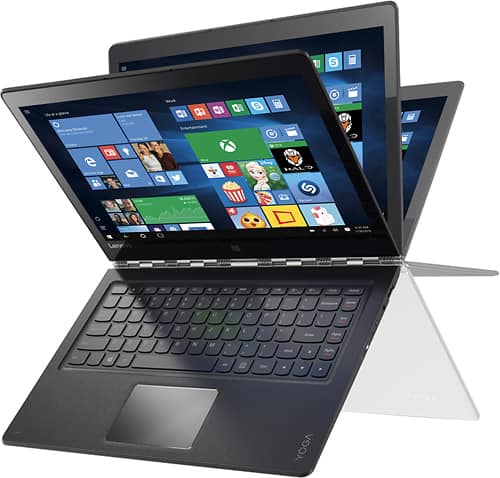
 
 Lenovo - IdeaCentre AIO 3i 22&quot; All-In-One - Intel Pentium - 8GB Memory - 256GB Solid State Drive - Black
Lenovo - IdeaCentre AIO 3i 22" All-In-One - Intel Pentium - 8GB Memory - 256GB Solid State Drive - Black
A family PC for all generations, the Lenovo IdeaCentre AIO 3i seamlessly handles heavy multitasking sessions from demanding households with Intel Pentium processors, in a compact space-saving design that looks good anywhere you put it. Watch shows with the family on a vivid IPS FHD display with room-filling audio by Harman Kardon
 

what size are the usb ports? Need to buy a SanDisk card reader to plug in, as this pc doesn't have a card reader port

This Lenovo IdeaCentre 3i 22 All-In-One System, model number F0GG000PUS, ships with these ports: 2x USB 2.0 Type A, 2x USB 3.2 Gen 2 Type A, 1x HDMI 1.4, 1x Ethernet (RJ-45), 1x power connector.
3 years, 7 months ago
by
Posted by: 
Lenovo Product Expert
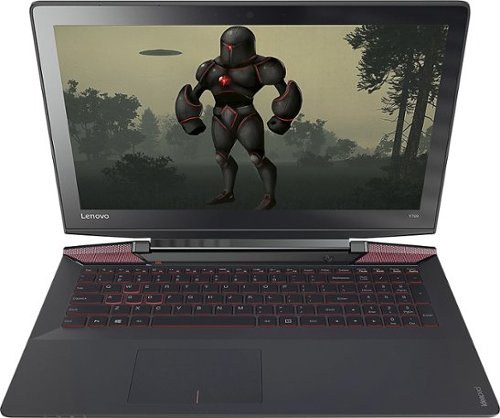
 
 Lenovo - Tab M10 Plus (3rd Gen) - 10.61&quot; - Tablet - 32GB - Storm Grey
Lenovo - Tab M10 Plus (3rd Gen) - 10.61" - Tablet - 32GB - Storm Grey
Lenovo Tab M10 Plus is one impressive media tablet from the 3rd generation tab family. Its standout metal design gives you a premium look and feel with modern simplicity. Inside lies a 10.6" FHD IPS screen and four Dolby Atmos speakers for truly immersive entertainment. This is one tablet you will want to use and pass around the house.
 

does this tablet have video t capabilities, what level of quality are the videos? Can you load excel (microsoft) on this tablet?

This Lenovo Tab M10 Plus, 3rd Gen Tablet, model number ZAAJ0006US, ships with the Android 12.0 Operating System installed. The Tab M10 Tablet ships with a 10.61 inch (screen size measured diagonally) IPS - 2K (2000x1200) 10-point Multi-touch screen, with a brightness level of 400 nits, has a refresh rate of 60 Hz. This screen provides 100 Percent of the sRGB (72 Percent NTSC) color gamut for excellent color accuracy. This screen is TUV Low Blue Light Certified. Here is a link to information about the video file formats that the Android 12.0 OS is compatible with: https://www.macxdvd.com/mac-dvd-video-converter-how-to/supported-video-format-for-android.htm. This Lenovo Tab M10 Plus Tablet is compatible with Google Play Store APPs. If you have questions about your Lenovo Tab M10 Plus Tablet, we recommend you contact Lenovo Tech Support for Tablets for more information at: 866-426-0911.
3 years, 7 months ago
by
Posted by: 
Lenovo Product Expert
 
 Lenovo - IdeaCentre 5i Desktop - Intel Core i5 - 12GB Memory - 512GB SSD - Mineral Grey
Lenovo - IdeaCentre 5i Desktop - Intel Core i5 - 12GB Memory - 512GB SSD - Mineral Grey
Lenovo IdeaCentre 5i is a powerful, contemporary desktop powered by the latest Intel Core processors. Featuring gaming-grade graphics, fast DDR4 memory, and plenty ofstorage, it~s up to the task of having fun and will immerse you in it~and looks great in your home.
 

Out of the box my optical drive isn't being recognized by the OS. Dose anyone know the brand or specs of the optical drive so I can grab the drivers from the internet?

We are sorry to hear that you are having issues with your internal CD/DVD drive within your Lenovo IdeaCentre 5i Desktop Computer. First, check to be sure you have the latest version of Windows 11 on the computer. Then update all BIOS files and drivers up to that latest version of Windows 11. You can easily accomplish this by scanning the computer with the Lenovo Utility software available on this computer. This system has Lenovo utilities installed to help maintain the health of the device and keep the operating system software up to date. Type "Lenovo Vantage" in the Cortana Search window (if Lenovo Vantage is not installed on your device, you can download the APP and install it now). Select Lenovo Vantage from the list. In the window that opens, click on "Health and Support". In the expanded menu, select "Hardware Scan" In the window that opens, select "Run Quick Tests". This will scan your entire system for errors. Follow any directions that may pop up. If the problem continues after this scan, now click on "System Update". First select Windows update from the menu. Scan your system to be sure you have the latest version of Windows 11. Once that scan is complete, select "Additional Updates". This will scan your device to be sure there are no new BIOS/Driver updates needed. Follow any instructions that may pop up. If you get a message stating that there are no available driver updates or the issue with your CD/DVD drive continues, you can manually uninstall/reinstall the drivers for the CD/DVD drive, which will also allow the drivers to be updated to the latest versions. Here is a link to information about a direct uninstall/reinstall of the CD/DVD drivers within Windows 11: https://docs.microsoft.com/en-us/windows-hardware/drivers/install/using-device-manager-to-uninstall-devices-and-driver-packages. If the issue continues, we recommend you contact Lenovo Tech Support for additional help. Let the Lenovo Customer Service Specialist know about the software troubleshooting steps you have already taken. Call at: 866-426-0911.
3 years, 7 months ago
by
Posted by: 
Lenovo Product Expert
 
 Lenovo - Yoga 9 14ITL5 2-in-1 14&quot; Touch-Screen Laptop - Intel Core i7 with 16GB Memory - 512 GB SSD - Shadow Black
Lenovo - Yoga 9 14ITL5 2-in-1 14" Touch-Screen Laptop - Intel Core i7 with 16GB Memory - 512 GB SSD - Shadow Black
The Yoga 9 14" was engineered to put your experience first. It's packed with innovative features in a sleek 2-in-1 metal chassis in Shadow Black. The 11th Gen Intel Core processor enables you to explore the reaches of your creativity and productivity. And with a 14" up to UHD display optimized with Dolby Vision, you'll enjoy powerfully immersive visuals, combined with a rotating sound bar for three-dimensional audio.
 

Will this run a 32-bit program? Example, I have a buyout (not subscription) of Adobe Audition CS6 for audio editing. Will it work on this machine?

This Intel Evo-Certified, Lenovo Yoga 9i 14, model number 82BG0091US, ships with Windows 11 Home, 64-bit Operating System installed. Windows 11 supports both 32-bit and 64-bit programs. Whether this Yoga 9i 14 is compatible with the specific software you want to run will depend on the requirements and compatibility of the specific program. We recommend you check with the specific software publisher's web site, of the version of the software you want to run, for their compatibility with Windows 11 Home 64-bit operating system and the minimum/recommended hardware requirements (Is a Graphics card required, the processor speed and the minimum required system RAM and the minimum available hard drive space) to run their program, then compare those requirements to this system's configuration.
3 years, 7 months ago
by
Posted by: 
Lenovo Product Expert
