Lenovo Product Expert
Lenovo Product Expert's Stats
Reviews
- Review Count0
- Helpfulness Votes0
- First ReviewNone
- Last ReviewNone
- Featured Reviews0
- Average Rating0
Reviews Comments
- Review Comment Count0
- Helpfulness Votes0
- First Review CommentNone
- Last Review CommentNone
- Featured Review Comments0
Questions
- Question Count0
- Helpfulness Votes0
- First QuestionNone
- Last QuestionNone
- Featured Questions0
- Answer Count37785
- Helpfulness Votes24,804
- First AnswerApril 21, 2014
- Last AnswerOctober 6, 2026
- Featured Answers0
- Best Answers2824
Lenovo Product Expert's Reviews
Lenovo Product Expert has not submitted any reviews.
Lenovo Product Expert's Questions
Lenovo Product Expert has not submitted any questions.
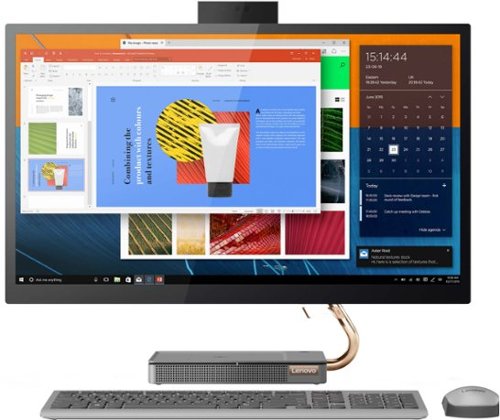
Lenovo - IdeaCentre AIO 5i 27" Touch-Screen All-In-One - Intel Core i5 - 12GB Memory - 512GB Solid State Drive - Mineral Gray
Inspired by the great outdoors, the eye-catching Lenovo IdeaCentre AIO 5i takes its cue from the mighty Cypress tree. Perfectly balanced and durable without sacrificing an ounce of performance with 10th generation Intel Core i5 processor, this all-in-one PC represents an appealing addition to any home.
can I download Photoshop on this computer? amd will it work ok

That really will depend on the requirements and compatibility of the specific software you want to use. We recommend you check with the specific versions of the software publisher's web sites, of the specific software you want to use, for their compatibility with Windows 11 Home 64-bit operating system and the minimum/recommended hardware requirements (Is a Graphics card required, the processor speed and the minimum required system RAM and the minimum available hard drive space) to run their program, then compare those requirements to this system's configuration.
3 years, 7 months ago
by
Posted by:
Lenovo Product Expert
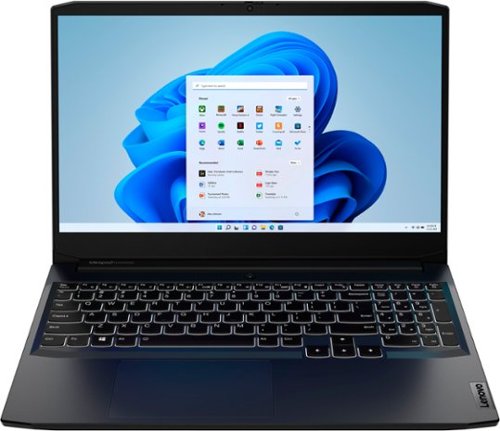
Lenovo - IdeaPad Gaming 3 15.6" FHD 120Hz Laptop - AMD Ryzen 5 5600H - NVIDIA GeForce GTX 1650 - 8GB Memory - 256GB SSD - Shadow Black
Time to elevate your game and esports experience beyond the realm of the ~just acceptable~ with a PC that stands tall amongst your gaming circle. Engineered with AMD Ryzen~ 5600H processor, NVIDIA~ GeForce~ GTX 1650 graphics, DDR4 memory and M.2 NVMe SSD storage options, the Lenovo~ IdeaPad~ Gaming 3 projects a quiet and serene confidence with smooth, crystal-clear visuals and seamless gameplay that stays cool through improved thermals. The IdeaPad Gaming 3 is also stunning visually turned on or off with an 120 Hz clear FHD display and an advanced gaming keyboard.
can this computer run steam and steam games?
That really will depend on the requirements and compatibility of the specific versions of the games you want to play. This Lenovo IdeaPad 3 15 Gaming laptop, model number 82K201QMUS, ships with Windows 11 Home, 64-bit Operating System installed. We recommend you check with the game's software publisher's web sites, of the specific versions of the games you want to play, for their compatibility with Windows 11 Home 64-bit operating system and the minimum/recommended hardware requirements (Is a Graphics card required, the processor speed and the minimum required system RAM and the minimum available hard drive space) to run their program, then compare those requirements to this system's configuration.
3 years, 7 months ago
by
Posted by:
Lenovo Product Expert
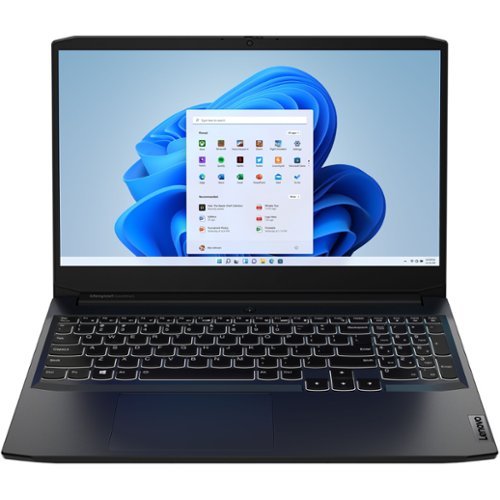
Lenovo - IdeaPad Gaming 3 15IHU6 15.6" Gaming Laptop - Intel Core i5 - 8 GB Memory - NVIDIA GeForce RTX 3050 - 256 GB SSD - Shadow Black
Lenovo Gaming 3 Series. Experience gaming like never before on the IdeaPad Gaming 3i laptop powered by an Intel Core processor. Play and stream PC games at peak performance on the IdeaPad Gaming 3i with up to 4.4GHz clock speed, 4 core, 8MB cache, NVIDIA GeForce RTX 3050 Graphics, High Definition Audio, and Wi-Fi 6 with Bluetooth 5.0.
Can this laptop run low vr title games like gorrila tag?
That really will depend on the requirements and compatibility of the specific version of the game you want to play. This Lenovo IdeaPad 3 15 Gaming laptop, model number 82K1015EUS, ships with Windows 11 Home, 64-bit Operating System installed. We recommend you check with the specific game's software publisher's web site, of the specific version of the game you want to play, for their compatibility with Windows 11 Home 64-bit operating system and the minimum/recommended hardware requirements (Is a Graphics card required, the processor speed and the minimum required system RAM and the minimum available hard drive space) to run their program, then compare those requirements to this system's configuration.
3 years, 7 months ago
by
Posted by:
Lenovo Product Expert
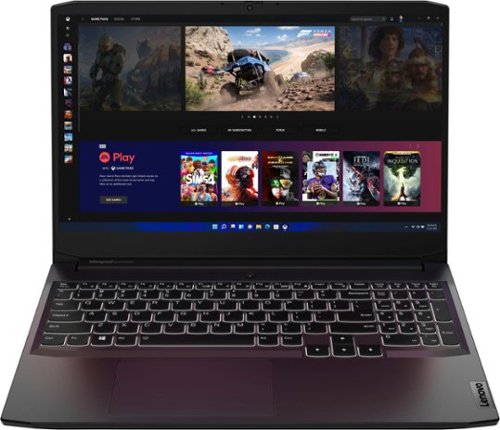
Lenovo - Ideapad Gaming 3 15.6" FHD Laptop - Ryzen 5 5600H - 8GB Memory - NVIDIA GeForce RTX 3050 Ti - 256GB SSD - Shadow Black
Time to elevate your game and esports experience beyond the realm of the ~just acceptable." Engineered with the latest generation AMD Ryzen processor and NVIDIA GeForce graphics, DDR4 memory and SSD storage options, the Lenovo IdeaPad Gaming 3 stays cool with a reengineered high-performance thermal system.
Can it run fortnite or war zone and fps games like that?
That will depend on the requirements and compatibility of the specific games you want to play. This Lenovo IdeaPad 3 15 Gaming Laptop ships with Windows 11 Home, 64-bit Operating System installed. We recommend you check with the specific game's software publisher's web sites, of the specific versions of the games you want to play, for their compatibility with Windows 11 Home 64-bit operating system and the minimum/recommended hardware requirements (Is a Graphics card required, the processor speed and the minimum required system RAM and the minimum available hard drive space) to run their program, then compare those requirements to this system's configuration.
3 years, 7 months ago
by
Posted by:
Lenovo Product Expert
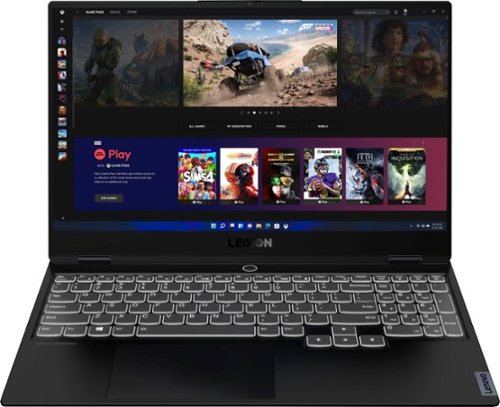
Lenovo - Legion Slim 7 15" 4K Ultra HD Gaming Laptop - AMD Ryzen 9 5900HX - 16GB Memory - NVIDIA GeForce RTX 3050 Ti - 1TB SSD - Shadow Black
The Lenovo~ Legion Slim 7 was engineered for gamers who demand mobility and performance for day and night. Sporting a finely crafted chassis machined from 100% aluminum that is shockingly thin and impressively light, the Legion Slim 7 was expertly crafted for gamers who demand more.
Installed ram is 16GB DDR4. Can the ram be increased by adding DDR5 8-16GB ram? Wil it void the Lenovo warranties. I have totaltech w/Best Buy.
No. This Lenovo Legion Slim 7 15, model number 82K80081US, does not support DDR5 RAM. It ships with 8GB Soldered DDR4-3200 + 8GB SO-DIMM DDR4-3200, and supports up to 16GB (8GB soldered + 8GB SO-DIMM) DDR4-3200 offering.
3 years, 8 months ago
by
Posted by:
Lenovo Product Expert
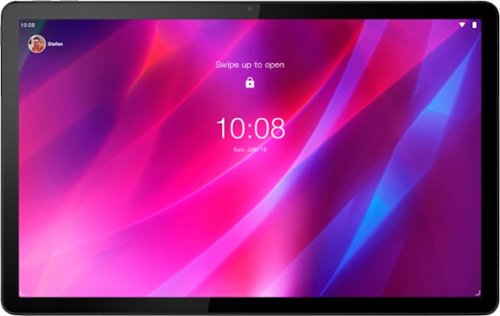
Lenovo - Tab P11 Plus - 11" - Tablet - 128GB - Slate Grey
Get bumped up to first-class experiences through the Lenovo Tab P11 Plus's eye-catching 2K visuals on its 11" display, quad speakers with persistent user-facing stereo tuned by Dolby Atmos~ and 15 hours of battery life*, all housed in a slim aluminum-alloy casing with contemporary dual-tone finish. . And it also comes with the latest new kids mode with Google Kids Space, featuring content that helps kids discover, create and grow.
What stylus works with this tablet?
Yes, this Lenovo P11 Plus, model number ZA940188US, supports AES 2.0 protocol active pens/stylus purchased separately.
3 years, 8 months ago
by
Posted by:
Lenovo Product Expert
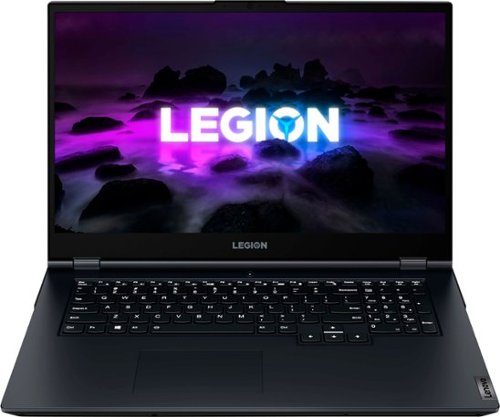
Lenovo - Legion 5 17.3" 144Hz Gaming Laptop FHD - AMD Ryzen 7 with 8GB Memory - NVIDIA GeForce RTX 3050 - 512GB SSD - Phantom Blue
Experience today~s top AAA games on the Lenovo Legion 5. Inside the clean, minimalist chassis of the Legion 5, available in Phantom Blue, is everything you ever need to compete on equal footing with the pros, including the latest generation AMD Ryzen processor and NVIDIA GeForce RTX graphics for performance that~s AI-optimized by the Legion AI Engine powering the revolutionary Legion Coldfront 3.0 and Q Control. Excel across every AAA title with a 17" FHD display at 144 Hz refresh rate, featuring 72% NTSC color accuracy and Nahimic 3D audio.
Does this laptop have DLSS ?
Yes. This Lenovo Legion 5 17, model number 82K000ANUS, ships with the NVIDIA RTX 3050, which has 3rd gen Tensor Cores for DLSS and AI built-in.
3 years, 8 months ago
by
Posted by:
Lenovo Product Expert
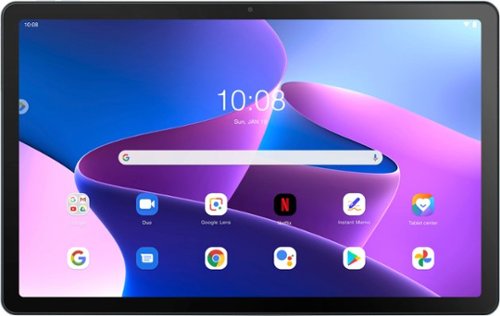
Lenovo - Tab M10 Plus (3rd Gen) - 10.61" - Tablet - 32GB - Frost Blue
Lenovo Tab M10 Plus is one impressive media tablet from the 3rd generation tab family. Its standout metal design gives you a premium look and feel with modern simplicity. Inside lies a 10.6" FHD IPS screen and four Dolby Atmos speakers for truly immersive entertainment. This is one tablet you will want to use and pass around the house.
Does this have Windows? Is it touchscreen?
This Lenovo Tab M10 Plus 3rd Gen, model number ZAAJ0006US, ships with the Android 12.0 Operating System installed, and is not compatible with the Windows Operating System. This Tab M10 Plus ships with a 10.61" 2K (2000x1200) IPS 400nits Anti-fingerprint, 72% NTSC, Touch Display.
3 years, 8 months ago
by
Posted by:
Lenovo Product Expert
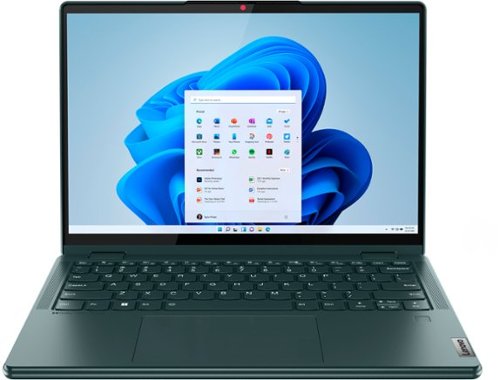
Lenovo - Yoga 6 13.3" WUXGA (1920 x 1200) Touch 2-in-1 Laptop -Ryzen 7 5700U - 16GB Memory - 512GB SSD - Dark Teal
Thin, light and framed by the comfort edge of the Lenovo Yoga 6 is both portable and comfortable to use. Add into that our commitment to sustainability, and we have the perfect on-the-go product for throwing in your bag and taking anywhere. Bring big-screen cinema to life with Dolby Vision on the breathtaking 16:10 FHD display with 100% sRGB for color accuracy paired with immersive Dolby Atmos optimized on front-firing speakers.
Can I use this in a country where the power outlet is 220 volts
This Lenovo Yoga 6 13, model number 82UD0000US, ships with a Dual Voltage, 45W USB-C, device side (3-pin, wall side - USA compatible) AC adapter/charger, supports PD 3.0, 100-240V, 50-60Hz. To use this computer outside the USA, you will need to add a compatible wall side plug adapter, compatible with the Country where the computer will be used. This wall side plug adapter is sold separately.
3 years, 8 months ago
by
Posted by:
Lenovo Product Expert
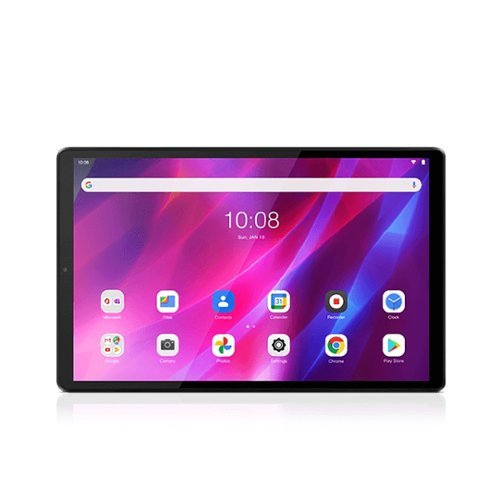
Lenovo - 10.3" Tab K10 - Tablet - Wifi - 4GB RAM - 64GB Storage - Android 11 - Abyss Blue
Bring your operations to the next level with the Lenovo Tab K10 tablet. It's enterprise-ready and highly customizable to the needs of your business, with a battery that lasts all day, as well as a battery-less option for stationary and always-on displays. Enjoy a spacious and clear workspace on its spacious 10.3" FHD touchscreen as well.
What temperatures does this operate in safely?
This Lenovo Tab K10, model number ZA8N0044US, is intended to operate in temperatures between 0°C (32°F) to 40°C (104°F).
3 years, 8 months ago
by
Posted by:
Lenovo Product Expert