CommunityAnswer
CommunityAnswer's Stats
Reviews
- Review Count0
- Helpfulness Votes0
- First ReviewNone
- Last ReviewNone
- Featured Reviews0
- Average Rating0
Reviews Comments
- Review Comment Count0
- Helpfulness Votes0
- First Review CommentNone
- Last Review CommentNone
- Featured Review Comments0
Questions
- Question Count0
- Helpfulness Votes0
- First QuestionNone
- Last QuestionNone
- Featured Questions0
- Answer Count188434
- Helpfulness Votes121,852
- First AnswerJune 12, 2014
- Last AnswerJuly 15, 2020
- Featured Answers0
- Best Answers12552
CommunityAnswer's Reviews
CommunityAnswer has not submitted any reviews.
CommunityAnswer's Questions
CommunityAnswer has not submitted any questions.
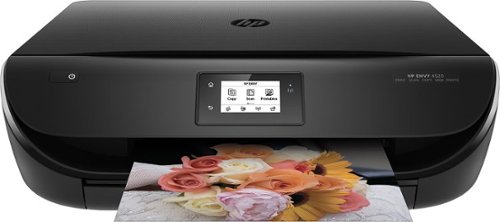
HP - ENVY 4520 Wireless All-In-One Instant Ink Ready Printer - Black
HP ENVY 4520 All-In-One Printer: With the ability to print, copy and scan photos and documents using a single device, you'll be able to complete office tasks with ease. Plus, print directly from your smartphone or tablet using Apple~ AirPrint and HP ePrint.
I know you have to scan one page at a time, but does it allow you to "add next page" as you scan? Or does each page have to be a separate PDF?
It is possible to scan multiple pages to a PDF file. Scan preview must be enabled. Click scan and once the preview of the scan displays, click the + sign to add additional pages. Click Save to capture the scanned file and leave the program open. Click Done once all files are captured and will close the program.
10 years ago
by
Posted by:
CommunityAnswer
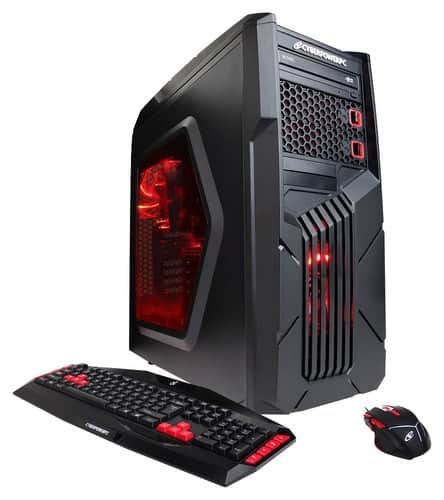
CyberPowerPC - Gamer Ultra Desktop - AMD FX-Series - 8GB Memory - 1TB Hard Drive - Black/Red
CyberPowerPC Gamer Ultra Desktop: Take your gaming experience to another level with this desktop, which features 8GB of memory and 1GB of dedicated graphics for smooth operation. Bluetooth lets you easily pair with compatible devices, and the HDMI output allows connection to your HDTV or high-definition monitor for playing on the big screen.
Would this be able to play sims 4, minecraft, and warframe at a good fps? Need to know if this would be a good buy or a waste of money. First time gaming pc buyer and trying to find a pc to be able to play the three games and have no lag or any problems.
This will be able to play sim4, minecraft, and warframe.
10 years ago
by
Posted by:
CommunityAnswer
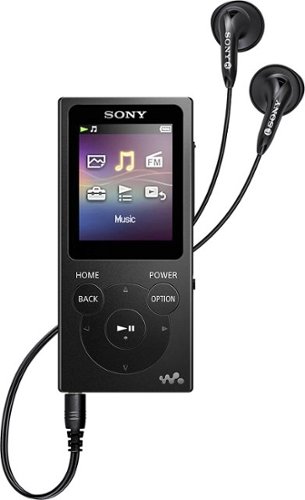
Sony - Walkman NW-E393 4GB* MP3 Player - Black
Get your run on and take your tunes with you with this Sony Walkman digital music player. The 4GB internal flash memory offers plenty of space for all of your playlists, and drag-and-drop file storage lets you easily transfer songs from Windows or Mac systems to this Sony Walkman digital music player.
Will this play on a car stereo via usb jack?
No, this will not play on a car stereo via USB jack.
10 years ago
by
Posted by:
CommunityAnswer
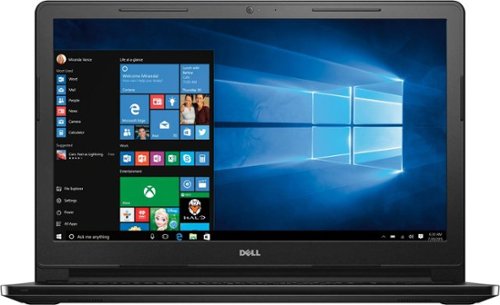
Dell - Inspiron 15.6" Laptop - Intel Core i3 - 4GB Memory - 1TB Hard Drive - Black
Boost your productivity with this Dell Inspiron laptop. Its 15-inch screen delivers crisp, vibrant graphics, and it uses award-winning Waves MaxxAudio technology to provide crystal-clear sound. Enjoy up to eight hours of battery life on a single charge. The slim 22mm edge on this Dell Inspirion laptop lets you easily slip it into your briefcase or backpack.
Can I hook up a wireless printer to this computer
Yes, you can hook up a wireless printer to this computer.
10 years ago
by
Posted by:
CommunityAnswer
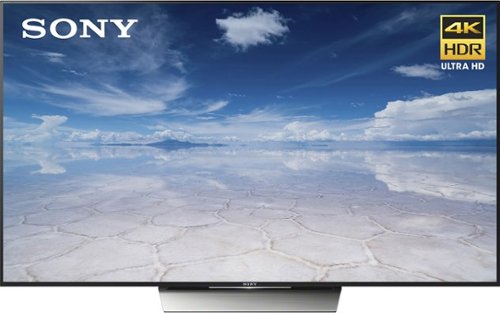
Sony - XBR X850D Series 75" Class (74.5 diag) - LED - 2160p - Smart - 4K Ultra HD TV with High Dynamic Range
Using Android technology, this Sony 4K HDR TV includes an array of film, TV and app choices. This 75-inch ultra-slim design features wall mounting or tabletop display, with wires hidden cleanly behind the console. The 4K technology in this Sony 4K HDR TV produces coloring similar to natural lighting.
what are the width and height of this 75" TV
The dimensions are
Height With Stand 40.35 inches
Depth With Stand 11.26 inches
Height Without Stand 38.11 inches
Depth Without Stand 1.89 inches
Width 65.98 inches.
Height With Stand 40.35 inches
Depth With Stand 11.26 inches
Height Without Stand 38.11 inches
Depth Without Stand 1.89 inches
Width 65.98 inches.
10 years ago
by
Posted by:
CommunityAnswer
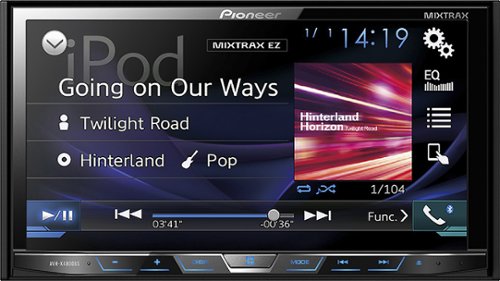
Pioneer - 7" - CD/DVD - Built-in Bluetooth - Apple iPod- and Satellite Radio-Ready - In-Dash Receiver - Black
Pioneer In-Dash CD/DVD Receiver: Play your favorite movies and music with this in-dash receiver. The USB port, auxiliary input, composite A/V input and Bluetooth provide a wide range of connectivity options for your Apple iPhone or Android device.Geek Squad~ installation is strongly recommended for this product. Please visit your local Best Buy store for details.
Is this compatible with the 2006 Ford expedition eddie Bauer?
Yes, this is compatible with the 2006 Ford Expedition.
10 years ago
by
Posted by:
CommunityAnswer
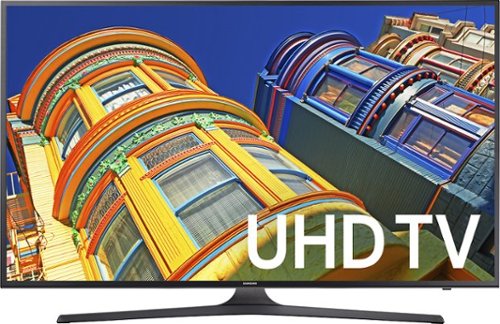
Samsung - 55" Class (54.6" Diag.) - LED - 2160p - Smart - 4K Ultra HD TV
Enjoy taking in the beautiful colors and imagery on your Samsung UHD TV. It has an expansive 55-inch screen, 2160p resolution and a 60Hz refresh rate so you can enjoy smooth images without stuttering. Add a laptop, gaming console or Blu-ray player by connecting it to one of the different ports on the Samsung UHD TV.
Does this TV have biue tooth?What other TV have blue tooth?
No, this TV does not have bluetooth.
10 years ago
by
Posted by:
CommunityAnswer

Logitech - G230 Over-the-Ear Gaming Headset - Black/Red
Immerse yourself in high-quality audio while gaming with this Logitech G230 981-000541 over-the-ear headset that features a sound-isolating design to reduce background noise. The noise-cancelling boom mic enables simple in-game voice communication.
Can these be used with a portable cd player?
Yes, this can be used a with a portable cd player.
10 years ago
by
Posted by:
CommunityAnswer

HoMedics - Deep Sleep Sleep Therapy Machine - White
Drift off to sleep peacefully and wake up relaxed with the HoMedics Deep Sleep sound machine. It provides white noise, water and nature sounds, as well as combinations of both, so you can personally select what will help you sleep best. The HoMedics Deep Sleep sound machine has a timer that shuts it off after you go to sleep.
What does this run on? Battery, ac adapter?
This runs on an AC adapter.
10 years ago
by
Posted by:
CommunityAnswer
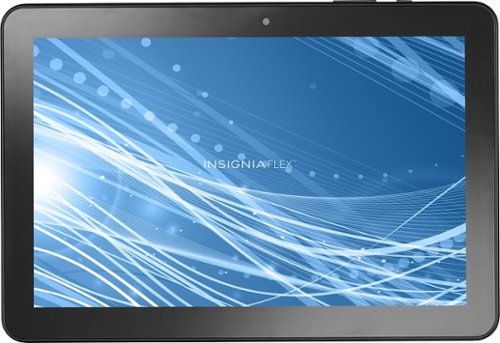
Insignia - 8" - Tablet - 16GB - Black
Enjoy the Internet on this Insignia Flex Android tablet. The 8-inch tablet is ideal for watching videos or playing games, and Wi-Fi and Bluetooth connectivity lets you connect this device to networks and accessories. This Insignia Flex Android tablet is compatible with Google Play, so you have access to apps, games and other entertainment.
Can you capture screenshot IP
Yes, you can capture a screenshot with this tablet.
10 years ago
by
Posted by:
CommunityAnswer