Samsung
Samsung's Stats
Reviews
- Review Count0
- Helpfulness Votes0
- First ReviewNone
- Last ReviewNone
- Featured Reviews0
- Average Rating0
Reviews Comments
- Review Comment Count0
- Helpfulness Votes0
- First Review CommentNone
- Last Review CommentNone
- Featured Review Comments0
Questions
- Question Count0
- Helpfulness Votes0
- First QuestionNone
- Last QuestionNone
- Featured Questions0
- Answer Count74095
- Helpfulness Votes37,972
- First AnswerApril 24, 2013
- Last AnswerSeptember 4, 2026
- Featured Answers0
- Best Answers3950
Samsung's Reviews
Samsung has not submitted any reviews.
Samsung's Questions
Samsung has not submitted any questions.
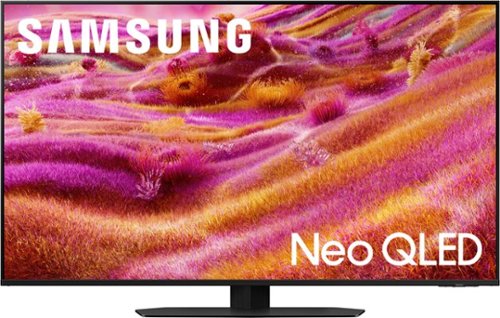
Our most advanced 4K processor powers Samsung Vision AI for enhanced picture, sound, and breakthrough TV experiences. Get amazingly detailed picture and vivid color on a glare free screen for viewing without distraction, even in the brightest rooms. Enriching new personalized TV experiences let you dive deeper into your content and get more from your TV.
What is the difference between this TV and the previous model QN90D?

Hi Jorb - Great question. Processing & Picture: The 2024 50” QN90D uses our NQ4 AI Gen2 Processor with 4K AI Upscaling; our 2025 50” QN90F upgrades to the NQ4 AI Gen3 Processor with 4K AI Upscaling Pro, providing improved AI-driven enhancements. While both models feature Neo Quantum HDR+ and Quantum Matrix with Mini LEDs, the QN90F adds Auto HDR Remastering Pro for enhanced HDR optimization and Glare Free Technology, making it a great option for bright rooms. Motion: QN90D features Motion Xcelerator 144Hz for smoother gaming and fast-motion content. QN90F steps up to Motion Xcelerator 165Hz, offering slightly better refresh rates for compatible PC gaming. Audio: Both models have Dolby Atmos with Object Tracking Sound Lite and 40W, 2.2Ch audio. Design: Both models feature our NeoSlim design that’s made to blend into any room. Smart: QN90F adds new features like Live Translate, Pet & Family Care, Universal Gesture Control, and Home Insight for an AI-driven experience. Gaming: QN90F adds AI Auto Game Mode for more intelligent gaming optimizations.
~ Samsung Specialist
~ Samsung Specialist
1 year, 5 months ago
by
Posted by:
Samsung
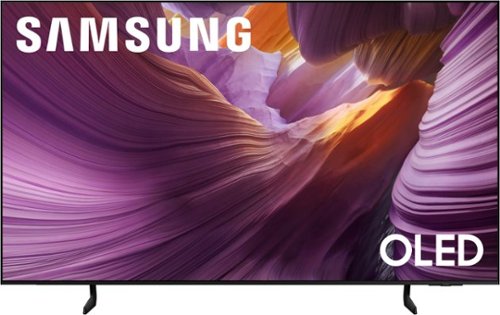
Samsung - 55 Class S85F Series OLED 4K UHD SamsungVision AI Smart Tizen TV (2025)
Self illuminating pixels deliver bright, expert validated color and the dramatic contrast of OLED, driven by our advanced AI processor. Experience a stunning picture with enhanced brightness and depth, all in a sleek design with a thin bezel. Dive into your content with Samsung Vision AI experiences and immerse yourself in multi dimensional audio with top firing speakers.
Is the 55 inch version of this tv QDOLED or WOLED?
Hi Iceman - We’re continually evolving our TV portfolio to provide our customers with new and exciting innovations and experiences. Samsung OLED TVs consistently offer a premium experience while delivering excellent viewing performance, regardless of the specific panels that are integrated into the product.
~ Samsung Specialist
~ Samsung Specialist
1 year, 5 months ago
by
Posted by:
Samsung
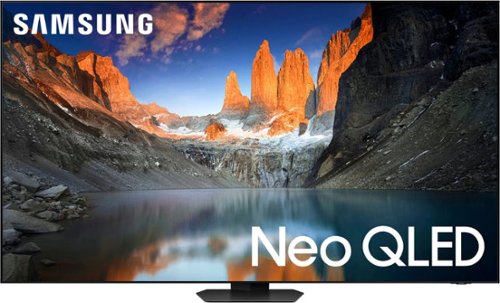
Samsung - 55" Class QN90D Series Neo QLED 4K Mini LED Smart Tizen TV (2024)
This Samsung AI TV features crisp resolution, clear motion and high contrast. It has a brilliant and smooth picture made possible by ultra-fine lighting and brightness ~ all with a 3D-like image and sound to enhance your viewing experience.
Can the TV be set up to play Hulu?
Yes, the Hulu app comes pre-installed.
~ Samsung Specialist
~ Samsung Specialist
1 year, 5 months ago
by
Posted by:
Samsung
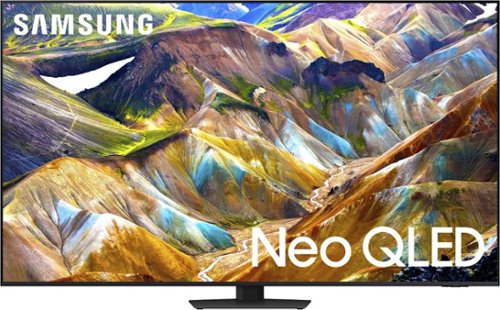
Samsung - 85 Class QN85D Series NEO QLED 4K Mini LED Smart Tizen TV (2024)
This Samsung AI TV uses individual zones of light for impressive color and contrast for an optimized viewing experience. Clear motion is matched with synced sound, all with more picture dimensions to draw you in.
Does this model have ATSC3.0 aka nextgen?
The QN85D has a built-in ATSC 1.0/ClearQAM tuner; when stepping up to our Neo QLED 8K Series, you’ll gain a built-in ATSC 3.0 tuner for receiving digital broadcasts.
~ Samsung Specialist
~ Samsung Specialist
1 year, 5 months ago
by
Posted by:
Samsung

Samsung - 75 Class Q70D Series QLED 4K Smart Tizen TV (2024)
This advanced TV is a casual gamer's dream with 4K upscaling, little lag and access to thousands of video games no console required.
Does this model have a ATSC3.0 tuner?
The Q70D has a built-in ATSC 1.0/ClearQAM tuner; when stepping up to our Neo QLED 8K Series, you’ll gain a built-in ATSC 3.0 tuner for receiving digital broadcasts.
~ Samsung Specialist
~ Samsung Specialist
1 year, 5 months ago
by
Posted by:
Samsung

Samsung - 55 Class Q60D Series QLED 4K Smart Tizen TV (2024)
This advanced TV features a bright new world of color and contrast, with 4K upscaling and seamless motion for crisp, smooth content.
Is this a curved TV?
Anette - The Q60D (and all 2024 Samsung TVs) are flat panels.
~ Samsung Specialist
~ Samsung Specialist
1 year, 5 months ago
by
Posted by:
Samsung
Samsung - 55 Class Q60D Series QLED 4K Smart Tizen TV (2024)
This advanced TV features a bright new world of color and contrast, with 4K upscaling and seamless motion for crisp, smooth content.
Warranty Period for 55" QLED TV?
The Q60D TV is backed with a limited 1-year Manufacturer’s Warranty when purchased brand-new from an authorized dealer. You can enter the model number to review the full warranty details here: https://www.samsung.com/us/support/legal/LGL10000312/#standard-limited-warranty
~ Samsung Specialist
~ Samsung Specialist
1 year, 5 months ago
by
Posted by:
Samsung
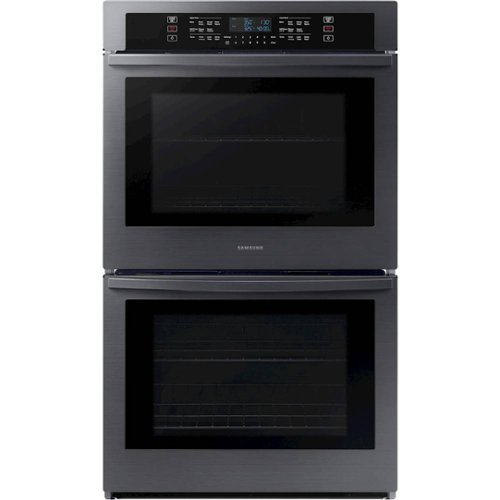
From multiple casserole dishes to two full racks of cookies, these large 5.1 cu. ft. ovens easily accommodate the busy home kitchens.
Does this oven have smooth glide racks?
Hi Boxiebabe,
No, the unit has regular wire racks for multiple racking options in the rack shelf positions.
Please see page 16 of the manual for more details by zooming in on the page.
https://downloadcenter.samsung.com/content/UM/202502/20250214141106684/O_01._DG68-01126A-05_IB_FULL_NV51R5511D_AA_EN.pdf
Should you need more assistance, please feel free to get back to us via the following options:
1. Facebook Messenger: http://m.me/Samsungsupport
2. Twitter: https://twitter.com/messages/compose?recipient_id=18768513
3. Samsung Community: https://us.community.Samsung.com/t5/Samsung-Community/ct-p/us
When you message us, please provide us with this reference number (1148708858) to help our team gather your information.
Have a great day.
^Charles
No, the unit has regular wire racks for multiple racking options in the rack shelf positions.
Please see page 16 of the manual for more details by zooming in on the page.
https://downloadcenter.samsung.com/content/UM/202502/20250214141106684/O_01._DG68-01126A-05_IB_FULL_NV51R5511D_AA_EN.pdf
Should you need more assistance, please feel free to get back to us via the following options:
1. Facebook Messenger: http://m.me/Samsungsupport
2. Twitter: https://twitter.com/messages/compose?recipient_id=18768513
3. Samsung Community: https://us.community.Samsung.com/t5/Samsung-Community/ct-p/us
When you message us, please provide us with this reference number (1148708858) to help our team gather your information.
Have a great day.
^Charles
1 year, 5 months ago
by
Posted by:
Samsung
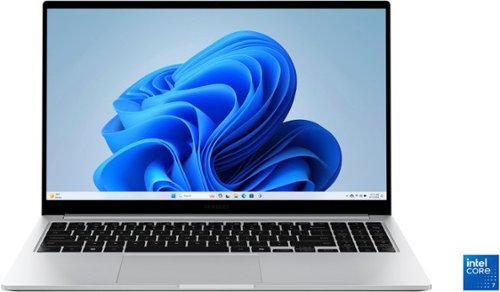
Samsung - Galaxy Book4 15.6" FHD Laptop - Intel Core 7- 16GB Memory - 512GB SSD - Silver
Get a little more out of your everyday with Galaxy Book4. This laptop delivers on all the top features you need with the premium design you want. The gorgeous display, ample processing power and seamless connectivity with your other Galaxy devices make your next laptop choice a no brainer. Powered by the latest Intel Core processor and a long lasting battery, this laptop allows you to stay on top of your inbox, listen to your favorite music and check in on what your friends are up to on social media. Need more storage? You~re in luck! You can expand your storage up to 2TB with a microSD card, so this laptop will support your needs no matter what you decide to take on next. Enjoy browsing the web or streaming video on the gorgeous full HD display that will be sure to spark screen envy wherever you go. And you~ll see every detail of that new movie you~ve been looking forward to on the large 15.6" screen. Plus, you can easily sync with your other Galaxy devices to create a seamlessly connected and aesthetically pleasing premium Galaxy ecosystem. Power and premium design to elevate your world that~s Galaxy Book4.
What is the manufacturer warranty on the SamSUng laptop?
Hey there GoingFast, thank you for taking the time to ask us your question about the Samsung Galaxy Book4. Samsung provides a 12-month warranty on our products for manufacturing defects in materials and workmanship. Feel free to reach out to Support if you think of any other questions. Thanks for choosing Samsung! - Debra
1 year, 5 months ago
by
Posted by:
Samsung
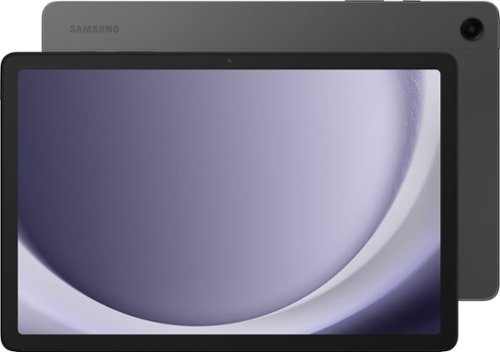
Samsung - Galaxy Tab A9+ 11" 128GB - Wi-Fi - Graphite
Meet your go to device for on-the-go family fun Galaxy Tab A9+. A bright, engaging 11" screen is perfect for every family member to do what they love. Whether they~re enjoying a show, unwinding with a game, or catching up on schoolwork or day to day tasks, an upgraded chipset makes every experience feel smooth and easy. You can even open multiple apps at the same time and get all your everyday tasks done quickly. Use it for hours without worrying about power and keep everything you love together with plenty of storage space. Plus, the preloaded Samsung Kids app provides a safe digital environment for your little ones to happily learn and play. Give your family a great all in one Tab that perfectly meets all their everyday needs without taking a bite out of your wallet Galaxy Tab A9+.
Does this one have a flash on the camera?
Howdy, thanks for asking us your question about the Samsung Galaxy Tab A9+. Yes, you have the flash feature available on your front-facing camera. If you have any other questions or if you would like any further assistance, please feel free to contact Support. Thank you for being a dedicated Samsung customer. - Debra
1 year, 5 months ago
by
Posted by:
Samsung