Samsung
Samsung's Stats
Reviews
- Review Count0
- Helpfulness Votes0
- First ReviewNone
- Last ReviewNone
- Featured Reviews0
- Average Rating0
Reviews Comments
- Review Comment Count0
- Helpfulness Votes0
- First Review CommentNone
- Last Review CommentNone
- Featured Review Comments0
Questions
- Question Count0
- Helpfulness Votes0
- First QuestionNone
- Last QuestionNone
- Featured Questions0
- Answer Count73699
- Helpfulness Votes37,932
- First AnswerApril 24, 2013
- Last AnswerAugust 18, 2026
- Featured Answers0
- Best Answers3943
Samsung's Reviews
Samsung has not submitted any reviews.
Samsung's Questions
Samsung has not submitted any questions.
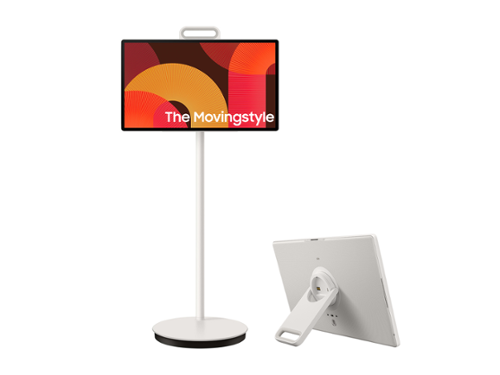
Cut the cord on how you watch, work and engage. Detach and use it like a tablet (does not support a stylus), or leave it on the roll-able floor stand and wheel it where you want to go. This portable touch screen allows you the freedom to watch and interact from room to room with up to 3 hours of battery life - based on Eco Screen Mode, volume 20, HDMI input, power saving mode on, standard video play. Results vary with set tings, usage, temperature, depth of discharge and battery age. Can be charged using the included 65W power adaptor.
Does this have access to the Google Play app store?

LaurenMB - Samsung TVs utilize our Tizen operating system.
~ Samsung Specialist
~ Samsung Specialist
2 months, 3 weeks ago
by
Posted by:
Samsung
Discover a new level of visual and auditory brilliance with our next level smart TV. Powered by Pantone certified color accuracy, witness over one billion authentic hues burst forth in beautiful detail. Quantum HDR takes things further, elevating contrast for lifelike imagery. Add to that our advanced 3D audio system syncing flawlessly with on screen motion, all intelligently powered by Samsung Vision AI. And rest assured, Knox keeps your private info safe and secure.
I cant find option to auto turn on timer for television every morning at a set time, its just turn off timers. Is there an option? Im used to this on my lg
Hi LJ - Samsung TVs do not feature On Timers.
~ Samsung Specialist
~ Samsung Specialist
2 months, 3 weeks ago
by
Posted by:
Samsung
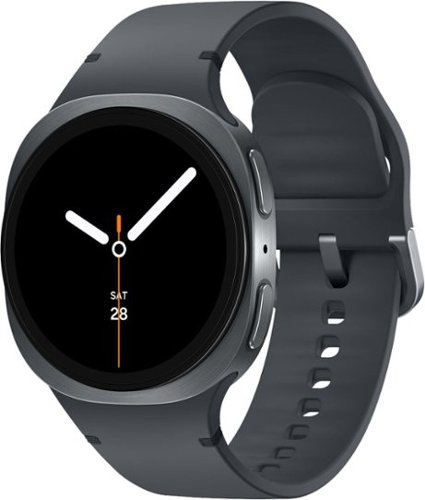
Galaxy Watch8 is built for those who never settle when it comes to self improvement. With a sporty yet sleek design, it packs a serious punch of enhanced performance, longer battery life and smart health tracking to keep you locked into your health and wellness goals, wherever they may take you. Your Watch8 works around the clock because a healthy lifestyle starts with healthy sleep. Advanced Sleep Tracking doesn~t just log hours, but it also takes a closer look at everything that happened while you snoozed. Wake up feeling lethargic? Get a full report on your sleep behavior, environment and disruptions, such as snoring. And when it~s time to get back on your feet for a new day and a new workout, you~re equipped with the insights you need to stay motivated with Energy Score. Need to multitask during your workout? Simply raise your wrist and speak naturally to send a text to meet up with a friend later, set a timer for your next mile or pull up your past run times. Watch8 is powerful and features an improved battery built to keep up with your longest bike rides without weighing you down. Thanks to a thinner, lighter body and dynamic strap system that molds to your wrist, you~ll almost forget your Watch is there as it tracks even the most intense workouts. Plus, the bright screen is visible even when you have to hit the trail in full sun. Galaxy Watch8 is more than a watch it~s a health coach and tracker that fits your wrist and your lifestyle.
Can this watch connect using wifi?
Hello there Millieg, thank you for taking the time to ask us your question about the Samsung Galaxy Watch8. Yes, the advertised Bluetooth/Wi-Fi Only version of the Galaxy Watch8 can connect to Wi-Fi. It has built-in Wi-Fi and can connect directly to networks independently of your phone to access the internet, stream music, or download apps. If you have additional questions, please feel free to reach out to Support. Thank you for being a steadfast Samsung customer. - Debra
2 months, 3 weeks ago
by
Posted by:
Samsung
Watch all your content in crisp 4K resolution, with rich contrast, amazing color and clear picture. Discover thousands of subscription-free channels, including 700+ premium channels with Samsung TV Plus. Also, play thousands of video games without a console thanks to Samsung Gaming Hub. Enjoy peace of mind for years to come with the TV brand rated #1 in durability.
Is this tv compatible with direct tv remote?
Hi Sam,
Yes, you should be able to connect your infrared DIRECTV remote to the U8000H TV.
~Samsung Advisor
Yes, you should be able to connect your infrared DIRECTV remote to the U8000H TV.
~Samsung Advisor
2 months, 3 weeks ago
by
Posted by:
Samsung
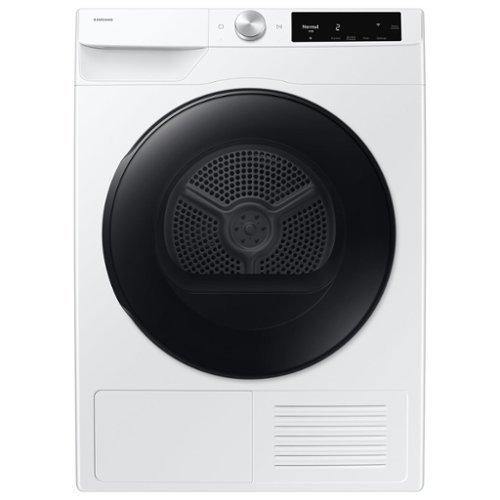
Samsung's 4.0 cu. ft. Large Capacity Heat Pump Dryer gives you a ventless, more energy-efficient, cost-effective and gentle way to dry your clothes. It is equipped with our AI Smart Dial, which learns and recommends your favorite cycles and simplifies the control panel to make controlling your dryer a breeze. It is also Wi-Fi connected, so you can get end of cycle alerts, remotely start, schedule and more from your smartphone with the SmartThings App.
Is this a gas dryer?
Hi Gas, this model is not a gas dryer. It is a ventless electric dryer, designed to operate without an external vent and typically uses advanced drying technology such as a heat pump system.
You can check out the full specs and features on the official specification sheet here:
https://images.samsung.com/is/content/samsung/p6pim/us/dv25fg62b0bea2/specsheet/us-specsheet-dv25fg62b0bea2-551090480.pdf
Glad to help clarify this for you.
Khristine
Samsung Care
You can check out the full specs and features on the official specification sheet here:
https://images.samsung.com/is/content/samsung/p6pim/us/dv25fg62b0bea2/specsheet/us-specsheet-dv25fg62b0bea2-551090480.pdf
Glad to help clarify this for you.
Khristine
Samsung Care
2 months, 3 weeks ago
by
Posted by:
Samsung
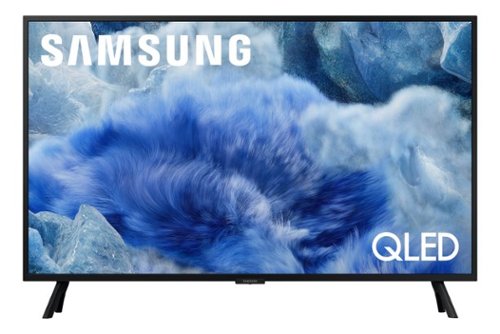
Samsung - 32 Class Q8F Series QLED 4K UHD SamsungVision AI Smart Tizen TV (2025)
Elevate your entertainment with vivid visuals and dynamic audio tailored to your content. A color spectrum of over one billion shades brings scenes to life with distinctive contrast, highlighting details with precision. Plus, discover innovative personalized experiences with Samsung Vision AI and also enjoy access to thousands of live TV channels, movies and shows all for free while Knox protects your confidential data.
Will this fit a FITUEYES STAND , it has a mounting hole pattern which says 100x100 VESA mounting hole pattern
Hi Peyton - The 32" Q8F is compatible with wall mounts that support a VESA pattern of 100mm x 100mm.
~ Samsung Specialist
~ Samsung Specialist
2 months, 3 weeks ago
by
Posted by:
Samsung
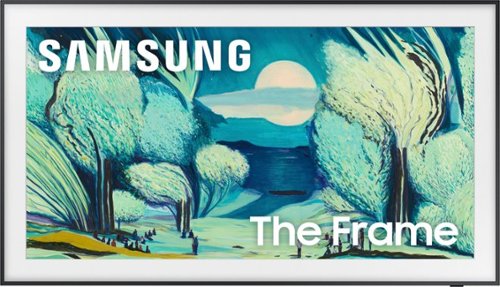
Featuring a matte screen for a print like finish, Pantone Validated colors, and a slim customizable bezel that looks like a gallery frame, the TV for art lovers has access to curated works from top tier galleries and museums to blend into any style or d~cor. Samsung Vision AI powers superb picture, sound and personalized TV experiences.
My Sonos sound bar is located just below where to TV would be hung. Is there an optical sound input on the back of the actual TV? Or, would I need to buy a 10ft cable to run from the sound bar to the supplied connection box?
Hi J - The Optical port is located on The Frame TV's One Connect Box.
~ Samsung Specialist
~ Samsung Specialist
2 months, 3 weeks ago
by
Posted by:
Samsung
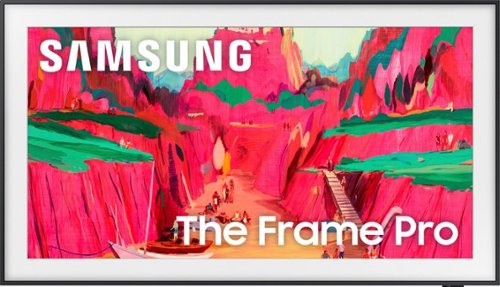
Our most advanced Art TV blurs the lines between showpiece and entertainment for art and movie lovers alike. The modern, slim bezel frame, matte screen and wireless connection allow you to create a clutter free gallery experience at home, featuring a selection of world renowned artwork. Whether you're beholding a masterpiece or curling up to watch your favorite movie, enjoy spectacular, 4K Neo QLED picture and sound quality, along with personalized TV experiences powered by Samsung Vision AI.
What are the dimensions of the slim wall mount that comes with the Samsung The Fame Pro television?
Hi Phil - Please give us the opportunity to better assist with this by reaching Samsung Support at: 1-800-SAMSUNG (8AM – 9PM EST Mon – Fri, 8AM – 6PM Sat – Sun) or Chat with us on Samsung.com: https://www.samsung.com/us/support/contact/
~ Samsung Specialist
~ Samsung Specialist
2 months, 3 weeks ago
by
Posted by:
Samsung
Take full advantage of Samsung Vision AI with enhanced picture and sound upscaled to 4K quality, plus experiences uniquely tailored to you - whether you're streaming your favorite show, gaming with friends, or watching live sports. And with access to free, premium channels, there's always some thing great to watch - in vivid detail brought to life by proprietary Mini LEDs.
Is the screen non-glare?
Hi TintinViolin - The QN70F offers Wide Viewing Angle, as well as Adaptive Picture technology to optimize your picture with a lighting system that automatically senses, reacts, and adjusts to the brightness of the space you're in. Starting with our QN90F, you’ll gain Glare Free technology to provide you with enhanced color and minimized glare to help you enjoy shows without distractions.
~ Samsung Specialist
~ Samsung Specialist
2 months, 3 weeks ago
by
Posted by:
Samsung

Odyssey G5~s lightning-fast 165Hz refresh rate ensures flawlessly smooth action scenes even in games with high frame rates. The Odyssey G5 range allows you to make the most out of the games you love to play, at a fantastic price point.
What is the height of this monitor without the stand?
Dimensions without the stand for the Samsung G55T monitor is 31.76" x15.00" x 6.01"(WxHxD)
- Samsung Monitors
- Samsung Monitors
2 months, 3 weeks ago
by
Posted by:
Samsung