Samsung
Samsung's Stats
Reviews
- Review Count0
- Helpfulness Votes0
- First ReviewNone
- Last ReviewNone
- Featured Reviews0
- Average Rating0
Reviews Comments
- Review Comment Count0
- Helpfulness Votes0
- First Review CommentNone
- Last Review CommentNone
- Featured Review Comments0
Questions
- Question Count0
- Helpfulness Votes0
- First QuestionNone
- Last QuestionNone
- Featured Questions0
- Answer Count72727
- Helpfulness Votes37,810
- First AnswerApril 24, 2013
- Last AnswerJune 30, 2026
- Featured Answers0
- Best Answers3928
Samsung's Reviews
Samsung has not submitted any reviews.
Samsung's Questions
Samsung has not submitted any questions.
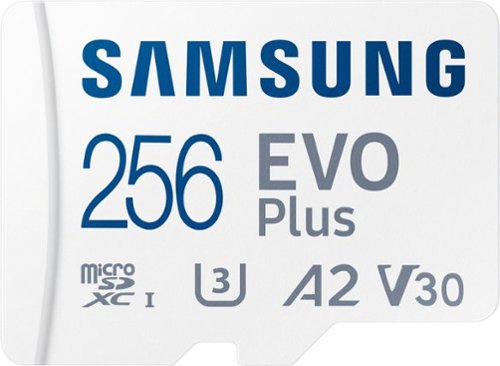
Samsung - EVO Plus 256GB microSDXC UHS-I Memory Card with Adapter
The Micro SD Memory Card EVO Plus + Adapter gives you the freedom to do more. Store huge files, load games, and download the latest apps at lightning-fast speeds. Plus, it~s designed to be incredibly durable, resistant to water, high temperatures, magnets & more. All with the performance and reliability you expect from the world~s #1 flash memory brand.
will this work in a kindel fire?
Hello,
Exact compatibility will vary based on the exact model of Kindle Fire you have. Some models may have maximum microSD capacity limitations. Consult your user manual or reach out to the manufacturer for additional information and compatibility.
~Samsung Pro
Exact compatibility will vary based on the exact model of Kindle Fire you have. Some models may have maximum microSD capacity limitations. Consult your user manual or reach out to the manufacturer for additional information and compatibility.
~Samsung Pro
2 years, 3 months ago
by
Posted by:
Samsung
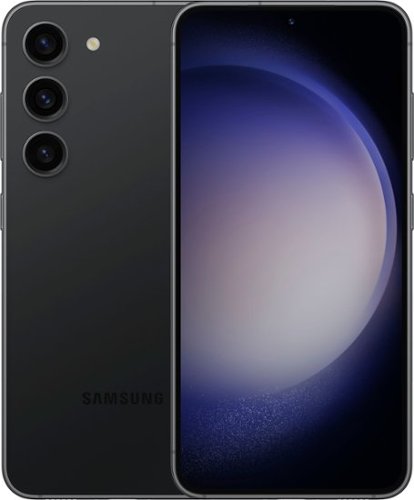
Samsung - Galaxy S23 128GB (Unlocked) - Phantom Black
Galaxy AI is here. Search like never before,~ get real-time interpretation on a call,~ format your notes into a clear summary,~ and effortlessly edit your photos~ - all from your smartphone, all with AI. Meet Galaxy S23, the phone takes you out of the everyday and into the epic. Life doesn~t wait for the perfect lighting, but with Nightography, you are always ready to seize the moment and snap memories like a pro. See your content no matter the time of day on a display with a refresh rate up to 120Hz and Adaptive Vision Booster. Capture and create in rich detail, and then use Quick Share to share across devices without losing quality. Move past the mundane and embrace epic power with Galaxy S23.
What functions are available on the upper end Samsung for visually impaired capability?
Hi, thanks for taking the time out of your hectic day to ask us your question about the Samsung Galaxy S23. You can configure Accessibility features to assist with visual aspects of your device. You can adjust the colors and contrast of text and other screen elements. From Settings, tap Accessibility > Vision enhancements and tap an option: Choose an available display mode and tap Apply: Default: Default display mode. High contrast: Dark mode, High contrast fonts, High contrast keyboard, Remove animations, and Reduce transparency and blur are turned on. Large display: Font size and Screen zoom are increased and Bold font and Highlight buttons are turned on. High contrast theme: Adjust colors and screen fonts to increase the contrast. High contrast fonts: Adjust the color and outline of fonts to increase the contrast with the background. High contrast keyboard: Adjust the size of the Samsung keyboard and change its colors to increase the contrast between the keys and the background. Highlight buttons: Show buttons with shaded backgrounds to make them stand out better against the wallpaper. Color inversion: Reverse the display of colors from white text on a black background to black text on a white background. Color correction: Adjust the color of the screen if you find it difficult to see some colors. Color filter: Adjust the screen colors if you have difficulty reading the text. Remove animations: Remove certain screen effects if you are sensitive to motion. Reduce transparency and blur: Reduce visual effects on dialogs and menus.
Extra dim: Dim the screen beyond the minimum brightness setting. Tap for additional options. You can increase the size of supported screen elements and create shortcuts for accessibility features on your device. From Settings, tap Accessibility > Vision enhancements and tap an option: Magnification: Use exaggerated gestures such as triple-tapping, double pinching, and dragging two fingers across the screen.
Magnifier: Magnify your surroundings using the camera. Cursor thickness: Drag the cursor thickness slider to customize. Pointer size and color: Use a large pointer for a connected mouse or touchpad (accessories not included). Font size and style: Configure screen fonts. Screen zoom: Configure the screen zoom level. You can use special controls and settings that provide spoken assistance to navigate your device. 1. From Settings, tap Accessibility > Vision enhancements. 2. Tap to enable the feature and tap an option to customize: Speak keyboard input aloud: The device will read aloud what you type on the keyboard. Audio description: If available, automatically choose the audio soundtrack with an audio description while watching videos. Bixby Vision for accessibility: Add modes to read text aloud, describe scenes, detect colors, and more. Voice Label: Write voice recordings to NFC tags (not included) to provide you with information about objects or locations as you near them. Or use special controls and settings that let you navigate using your voice. 1. From Settings, tap Accessibility > TalkBack. 2. Tap to enable the feature and tap an option to customize: TalkBack shortcut: Choose a shortcut to quickly turn on TalkBack. Settings: Configure TalkBack settings to better assist you. If you have any other questions for us, feel free to reach out to Samsung Support for further assistance. Thank you for being a cherished Samsung customer. - Debra
Extra dim: Dim the screen beyond the minimum brightness setting. Tap for additional options. You can increase the size of supported screen elements and create shortcuts for accessibility features on your device. From Settings, tap Accessibility > Vision enhancements and tap an option: Magnification: Use exaggerated gestures such as triple-tapping, double pinching, and dragging two fingers across the screen.
Magnifier: Magnify your surroundings using the camera. Cursor thickness: Drag the cursor thickness slider to customize. Pointer size and color: Use a large pointer for a connected mouse or touchpad (accessories not included). Font size and style: Configure screen fonts. Screen zoom: Configure the screen zoom level. You can use special controls and settings that provide spoken assistance to navigate your device. 1. From Settings, tap Accessibility > Vision enhancements. 2. Tap to enable the feature and tap an option to customize: Speak keyboard input aloud: The device will read aloud what you type on the keyboard. Audio description: If available, automatically choose the audio soundtrack with an audio description while watching videos. Bixby Vision for accessibility: Add modes to read text aloud, describe scenes, detect colors, and more. Voice Label: Write voice recordings to NFC tags (not included) to provide you with information about objects or locations as you near them. Or use special controls and settings that let you navigate using your voice. 1. From Settings, tap Accessibility > TalkBack. 2. Tap to enable the feature and tap an option to customize: TalkBack shortcut: Choose a shortcut to quickly turn on TalkBack. Settings: Configure TalkBack settings to better assist you. If you have any other questions for us, feel free to reach out to Samsung Support for further assistance. Thank you for being a cherished Samsung customer. - Debra
2 years, 3 months ago
by
Posted by:
Samsung
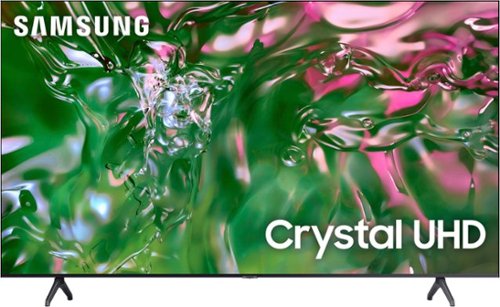
Samsung - 85" Class TU690T Crystal UHD 4K Smart Tizen TV (2023)
Elevate how you experience TV and step up to 4K and smart capabilities with Crystal UHD. See how Crystal UHD 4K with Smart TV powered by Tizen elevate what you watch~at a value you~ll love.
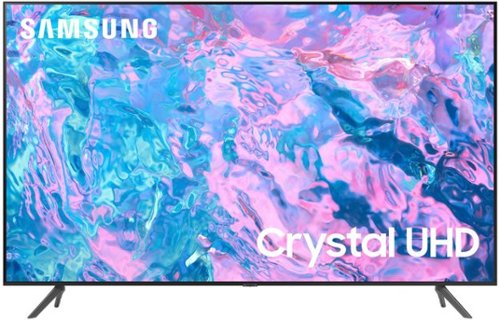
Samsung - 65 Class CU7000 Crystal UHD 4K Smart Tizen TV (2023)
True-to-life color. Effortless connectivity. Dazzling 4K value. Samsung Crystal UHD is worth a look (and more). Effortlessly access TV shows, movies and ambient content using the Samsung Smart Hub, or find a range of great games on the Samsung Gaming Hub.* Enjoy content even more clear than it was created as its upgraded to 4K resolution
Is there an extra charge for service it I own a samsug 65 class cu 7000 ????
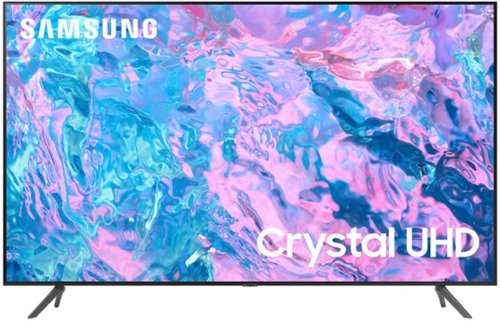
Samsung - 55 Class CU7000 Crystal UHD 4K Smart Tizen TV (2023)
True-to-life color. Effortless connectivity. Dazzling 4K value. Samsung Crystal UHD is worth a look (and more). Effortlessly access TV shows, movies and ambient content using the Samsung Smart Hub, or find a range of great games on the Samsung Gaming Hub.* Enjoy content even more clear than it was created as its upgraded to 4K resolution
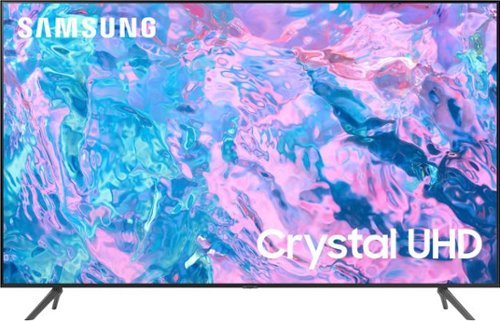
Samsung - 43 Class CU7000 Crystal UHD 4K Smart Tizen TV (2023)
True-to-life color. Effortless connectivity. Dazzling 4K value. Samsung Crystal UHD is worth a look (and more). Effortlessly access TV shows, movies and ambient content using the Samsung Smart Hub, or find a range of great games on the Samsung Gaming Hub.* Enjoy content even more clear than it was created as its upgraded to 4K resolution
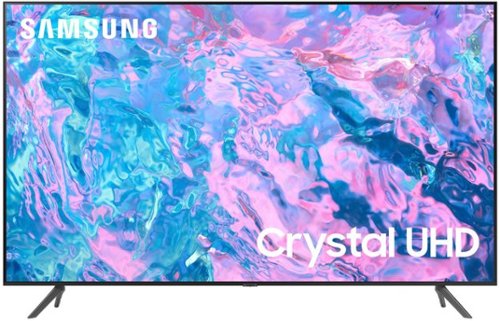
Samsung - 58 Class CU7000 Crystal UHD 4K Smart Tizen TV (2023)
True-to-life color. Effortless connectivity. Dazzling 4K value. Samsung Crystal UHD is worth a look (and more). Effortlessly access TV shows, movies and ambient content using the Samsung Smart Hub, or find a range of great games on the Samsung Gaming Hub.* Enjoy content even more clear than it was created as its upgraded to 4K resolution
Samsung - 65 Class CU7000 Crystal UHD 4K Smart Tizen TV (2023)
True-to-life color. Effortless connectivity. Dazzling 4K value. Samsung Crystal UHD is worth a look (and more). Effortlessly access TV shows, movies and ambient content using the Samsung Smart Hub, or find a range of great games on the Samsung Gaming Hub.* Enjoy content even more clear than it was created as its upgraded to 4K resolution
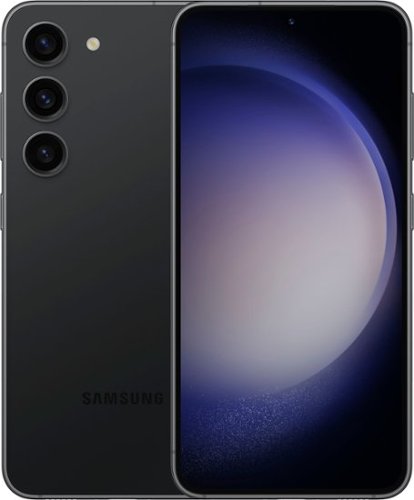
Samsung - Galaxy S23 128GB - Phantom Black (Verizon)
Galaxy AI is here. Search like never before,~ get real-time interpretation on a call,~ format your notes into a clear summary,~ and effortlessly edit your photos~ - all from your smartphone, all with AI. Meet Galaxy S23, the phone takes you out of the everyday and into the epic. Life doesn~t wait for the perfect lighting, but with Nightography, you are always ready to seize the moment and snap memories like a pro. See your content no matter the time of day on a display with a refresh rate up to 120Hz and Adaptive Vision Booster. Capture and create in rich detail, and then use Quick Share to share across devices without losing quality. Move past the mundane and embrace epic power with Galaxy S23.
does the S23 ultra have 5g capability
Howdy, thanks for taking the available time out of your busy day to ask us your question about the Samsung Galaxy S23. Yes, the S23 Series does have the latest network technology with the power of 5G. If you have any other questions for us, let us know by contacting Samsung Support. Thank you for being a valued Samsung customer. - Debra
2 years, 3 months ago
by
Posted by:
Samsung
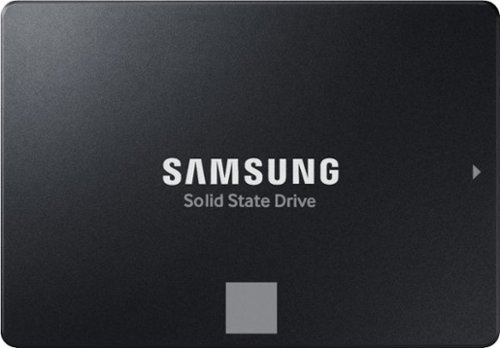
The perfect choice for creators, IT professionals or everyday users, the latest 870 EVO has indisputable performance, reliability and compatibility built upon Samsung~s pioneering technology.