Samsung
Samsung's Stats
Reviews
- Review Count0
- Helpfulness Votes0
- First ReviewNone
- Last ReviewNone
- Featured Reviews0
- Average Rating0
Reviews Comments
- Review Comment Count0
- Helpfulness Votes0
- First Review CommentNone
- Last Review CommentNone
- Featured Review Comments0
Questions
- Question Count0
- Helpfulness Votes0
- First QuestionNone
- Last QuestionNone
- Featured Questions0
- Answer Count73699
- Helpfulness Votes37,932
- First AnswerApril 24, 2013
- Last AnswerAugust 18, 2026
- Featured Answers0
- Best Answers3943
Samsung's Reviews
Samsung has not submitted any reviews.
Samsung's Questions
Samsung has not submitted any questions.
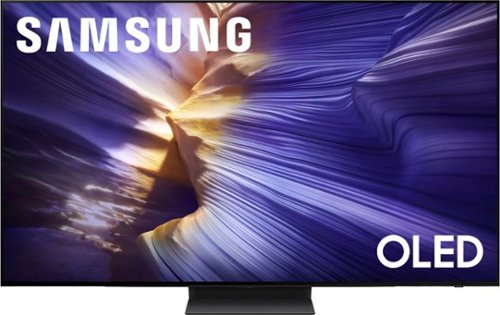
Our fastest 4K processor powers Samsung Vision AI to upscale your favorite content and put you at the center of the action. Powerful OLED HDR+ contrast and Pantone Validated color let you appreciate every detail. Dynamic motion enhancement technology delivers ultra smooth action for crisp visuals at blazing fast speeds whether you're streaming or gaming.
How do I get a price match credit?

Please directly contact Best Buy for assistance with this.
~ Samsung Specialist
~ Samsung Specialist
2 months, 3 weeks ago
by
Posted by:
Samsung
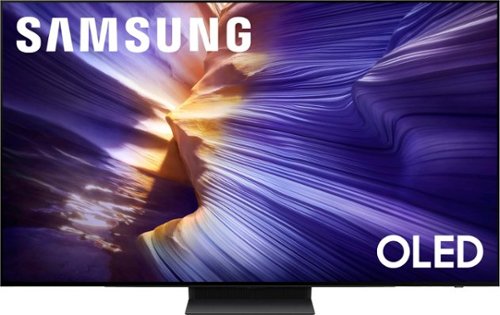
Our fastest 4K processor powers Samsung Vision AI to upscale your favorite content and put you at the center of the action. Powerful OLED HDR+ contrast and Pantone Validated color let you appreciate every detail. Dynamic motion enhancement technology delivers ultra smooth action for crisp visuals at blazing fast speeds whether you're streaming or gaming.
Does this TV have a voice remote?
Yes, the S90F comes with a voice remote.
~ Samsung Specialist
~ Samsung Specialist
2 months, 3 weeks ago
by
Posted by:
Samsung
Our fastest 4K processor powers Samsung Vision AI to upscale your favorite content and put you at the center of the action. Powerful OLED HDR+ contrast and Pantone Validated color let you appreciate every detail. Dynamic motion enhancement technology delivers ultra smooth action for crisp visuals at blazing fast speeds whether you're streaming or gaming.
Do I need a soundbar with this TV
While a soundbar isn't necessary, the addition of one is recommended for a heightened audio experience.
~ Samsung Specialist
~ Samsung Specialist
2 months, 3 weeks ago
by
Posted by:
Samsung
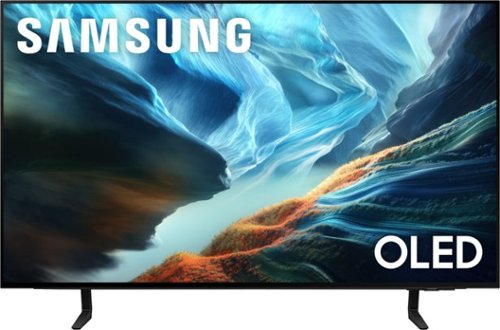
Level up your OLED experience and leave distracting reflections behind with Glare Free technology. Self-illuminating pixels precisely control brightness, contrast and color on this thin, sleek TV. Video games become ultra-smooth up to 165Hz thanks to the Ultimate Gaming Pack and the AI-powered processor enhances shows and movies for phenomenal depth and vibrant detail.
Does it have a sleep timer?
Hi cheri - The S90H TV includes Auto Power Off, Sleep Timer, and Off Timer – each designed to reduce power use or automate shutoff. Sleep Timer and Off Timer let you schedule when the TV shuts off. Auto Power Off turns off the screen if the TV hasn’t been used for a while. To adjust these settings: Home > Settings > All Settings > General & Privacy > Power and Energy Saving.
~ Samsung Specialist
~ Samsung Specialist
2 months, 3 weeks ago
by
Posted by:
Samsung
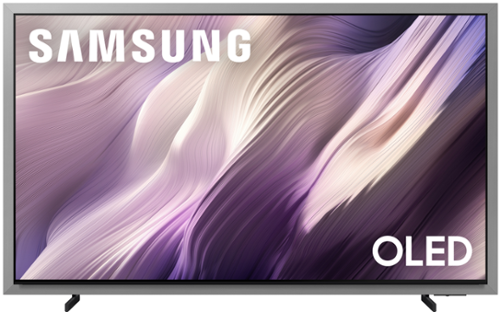
Unbeatable contrast with AI-powered pixel-level control, on a floating, glare-free screen that enhances movies, games and your home decor. Enjoy 5,000+ artworks from world-renowned artists and galleries, and you can reduce cable clutter on up to 8 HDMI devices with Wireless One Connect Ready. Also, get blazing-fast, ultra-smooth frame rates in video games with the Ultimate Gaming Pack.
Where are the VESA mounting holes located on this TV? Low or middle? Would be nice to know exact distance from top of TV to top mounting hole and from bottom of TV to bottom mounting hole. Want to reuse existing full motion mount.
Hi Charles - On the 65" S95H, the distance from the top VESA mounting holes to the top of the TV is 11.6". The distance from the bottom holes to the bottom of the TV is 11.7".
~ Samsung Specialist
~ Samsung Specialist
2 months, 3 weeks ago
by
Posted by:
Samsung
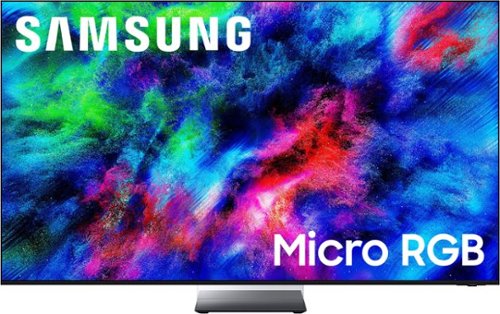
More colors than ever before possible, now on our best TV. Welcome to an expanded world of color ~ without distracting glare. Micro-sized* red, green, and blue lights deliver more colors** with pinpoint precision. Immerse yourself in vibrant visuals, incredible brightness and lifelike depth powered by our most powerful AI processor ~ all without distracting reflections thanks to Glare Free tech. Plus, ask your TV anything and get instant, personalized answers with Vision AI Companion.***
where are the wall mount holes located (center or toward the bottom)? Distance of mounting holes from the top and bottom of TV? Trying to solve a wall mounting issue.
Hi Charles - On the 65" R95H, the distance from the top VESA mounting holes to the top of the TV is 8.5”. The distance from the bottom holes to the bottom of the TV is 12".
~ Samsung Specialist
~ Samsung Specialist
2 months, 3 weeks ago
by
Posted by:
Samsung
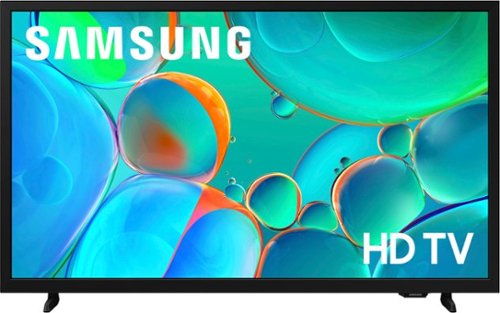
Enjoy your favorite shows in high definition, featuring vibrant colors, deep contrast and dynamic audio that flows with the action. Stream 2,700+ free channels including 400+ Samsung TV Plus premium channels, and feel secure with triple-layer protection for your personal data.
I am definitely not up to date on this technology. Does this tv have built in technology for digital channels or do i still need to have a digital antenna to connect to the tv?
Hi Randy,
The H5000F is a Smart TV, and when connected to the internet, you will have access to streaming apps such as Netflix, Hulu+, and more. If you would like local channels, you will need an external antenna.
~Samsung Advisor
The H5000F is a Smart TV, and when connected to the internet, you will have access to streaming apps such as Netflix, Hulu+, and more. If you would like local channels, you will need an external antenna.
~Samsung Advisor
2 months, 3 weeks ago
by
Posted by:
Samsung

Step up to Full HD for a significantly clearer picture than regular HD. Enjoy impressive, fine-tuned colors and deep contrast, all wrapped in a sleek design and secured by triple-layer protection. Virtual 3-D sound is enhanced and tracks movement on screen for a truly immersive experience.
What size wall mount does this tv fit
Hi Scar,
You will need a wall mount compatible with a VESA Map of 200x200mm.
~Samsung Advisor
You will need a wall mount compatible with a VESA Map of 200x200mm.
~Samsung Advisor
2 months, 3 weeks ago
by
Posted by:
Samsung
Step up to Full HD for a significantly clearer picture than regular HD. Enjoy impressive, fine-tuned colors and deep contrast, all wrapped in a sleek design and secured by triple-layer protection. Virtual 3-D sound is enhanced and tracks movement on screen for a truly immersive experience.
is it normal for the input lag to be longer (sometimes 20 seconds) before moving to open the app or moving within the app?
Hi EMC,
We appreciate your feedback regarding response time. For optimal performance, please ensure your TV is running the latest firmware. You can check this by going to: Home > left directional key > Settings > Support > Software Update
To further optimize performance, try running Device Care, which checks memory, clears unused cached data, and closes background apps: Home > left directional key > Settings > Support > Device Care > Start Device Care
If issues continue, please reach Samsung Support at 1-800-SAMSUNG (8AM – 9PM EST Mon – Fri, 8AM – 6PM Sat – Sun).
LiveChat is also available via the ‘Support’ link on our website.
~Samsung Advisor
We appreciate your feedback regarding response time. For optimal performance, please ensure your TV is running the latest firmware. You can check this by going to: Home > left directional key > Settings > Support > Software Update
To further optimize performance, try running Device Care, which checks memory, clears unused cached data, and closes background apps: Home > left directional key > Settings > Support > Device Care > Start Device Care
If issues continue, please reach Samsung Support at 1-800-SAMSUNG (8AM – 9PM EST Mon – Fri, 8AM – 6PM Sat – Sun).
LiveChat is also available via the ‘Support’ link on our website.
~Samsung Advisor
2 months, 3 weeks ago
by
Posted by:
Samsung
Step up to Full HD for a significantly clearer picture than regular HD. Enjoy impressive, fine-tuned colors and deep contrast, all wrapped in a sleek design and secured by triple-layer protection. Virtual 3-D sound is enhanced and tracks movement on screen for a truly immersive experience.
audio optical out?
Hi John,
The F6000F offers HDMI and Bluetooth audio connections.
~Samsung Advisor
The F6000F offers HDMI and Bluetooth audio connections.
~Samsung Advisor
2 months, 3 weeks ago
by
Posted by:
Samsung