Samsung
Samsung's Stats
Reviews
- Review Count0
- Helpfulness Votes0
- First ReviewNone
- Last ReviewNone
- Featured Reviews0
- Average Rating0
Reviews Comments
- Review Comment Count0
- Helpfulness Votes0
- First Review CommentNone
- Last Review CommentNone
- Featured Review Comments0
Questions
- Question Count0
- Helpfulness Votes0
- First QuestionNone
- Last QuestionNone
- Featured Questions0
- Answer Count74341
- Helpfulness Votes37,977
- First AnswerApril 24, 2013
- Last AnswerSeptember 16, 2026
- Featured Answers0
- Best Answers3947
Samsung's Reviews
Samsung has not submitted any reviews.
Samsung's Questions
Samsung has not submitted any questions.
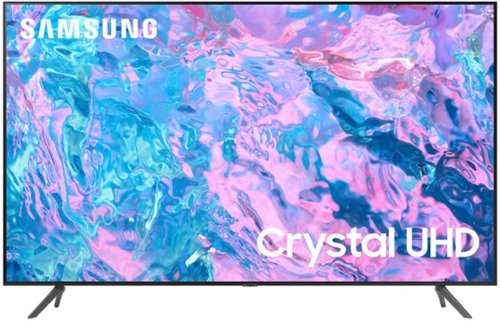
Samsung - 55 Class CU7000 Crystal UHD 4K Smart Tizen TV (2023)
True-to-life color. Effortless connectivity. Dazzling 4K value. Samsung Crystal UHD is worth a look (and more). Effortlessly access TV shows, movies and ambient content using the Samsung Smart Hub, or find a range of great games on the Samsung Gaming Hub.* Enjoy content even more clear than it was created as its upgraded to 4K resolution
What is the manufactured year in this? Best Buy should have the manufactured year on their Outlet stuff if they want to get rid of it.

Jackie - The CU7000F is a 2023 Samsung TV.
~ Samsung Specialist
~ Samsung Specialist
2 years, 8 months ago
by
Posted by:
Samsung
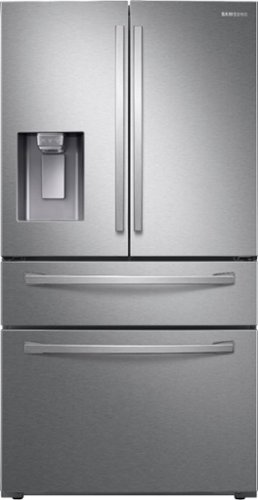
Samsung - 22.6 cu. ft. 4-Door French Door Counter Depth Smart Refrigerator with FlexZone Drawer - Stainless Steel
A counter depth refrigerator that is beautifully designed, with a modern dispenser, polished door, and sleek handles. The FlexZone Drawer helps keep a variety of food organized.
Where is this refrigerator made?
Hi Chad,
We have a manufacturing facility in Newberry, South Carolina, U.S.A.
Have a great day!
^Chrystel
We have a manufacturing facility in Newberry, South Carolina, U.S.A.
Have a great day!
^Chrystel
2 years, 8 months ago
by
Posted by:
Samsung
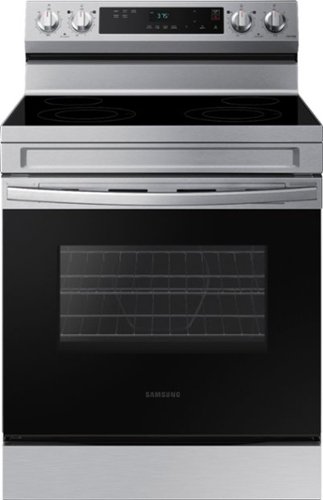
Elevate the look of your kitchen with Samsung~s Smart Freestanding Electric Range. Our Stainless Steel design elegantly wraps around cooktop sides and up through the slim control panel. Upgraded technology makes cooking on your stove simple and fun.
I bought this stove a few months ago and cracked the glass top. Where can I buy a replacement for the glass top to fix it?
Hi Jasmine,
We empathize with what happened to the cooktop of your Samsung range model. Let us help you.
I have shared the website of our authorized distributor for parts and accessories below. Please visit the website to check on the availability of a compatible glass cooktop for your range.
https://samsungparts.com/pages/supports
Leo
We empathize with what happened to the cooktop of your Samsung range model. Let us help you.
I have shared the website of our authorized distributor for parts and accessories below. Please visit the website to check on the availability of a compatible glass cooktop for your range.
https://samsungparts.com/pages/supports
Leo
2 years, 8 months ago
by
Posted by:
Samsung
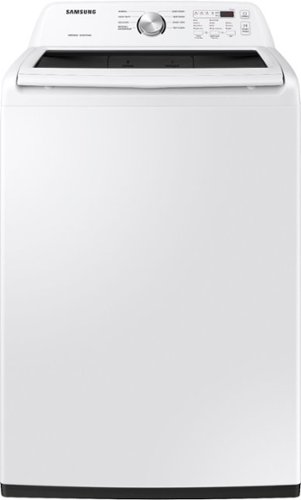
Samsung~s Large 4.5 cu. ft. Capacity Top Load washer fits more in every load and cuts down on laundry time. It is equipped with Vibration Reduction Technology+ to reduce noise for quiet washing and features Self Clean to eliminate bacteria from the drum.
How do I cancel the wash and immediately drain all the water? A rinse and spin will still take around 24 minutes. Is there a way to drain all the water in a couple of minutes?
Greetings!
Let us provide you with the answer to your question about this Samsung washing machine.
To cancel the cycle and stop the washing machine, press the power button.
Leo
Let us provide you with the answer to your question about this Samsung washing machine.
To cancel the cycle and stop the washing machine, press the power button.
Leo
2 years, 8 months ago
by
Posted by:
Samsung
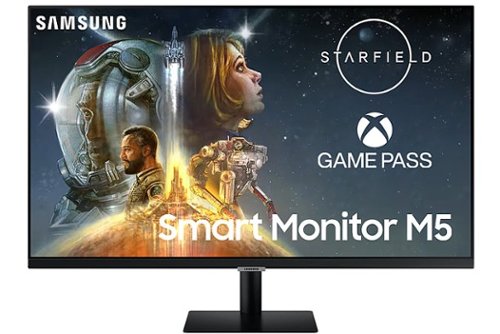
Samsung - M50C 32" Smart Tizen FHD Monitor with Streaming TV, HDR10, Built-in Speakers (HDMI, USB) - Black
The M50C Smart Monitor with embedded TV apps enables you to experience smarter viewing and performance. It~s the ultimate hub for gaming, entertainment, and productivity all on one monitor. Effortlessly work on documents and access files from PCs wirelessly. Easily control all your in-home IoT devices from this one convenient monitor..
Does this monitor support Bluetooth Connectivity?
Thank you for your question! Yes, the M50C is bluetooth enabled.
2 years, 8 months ago
by
Posted by:
Samsung
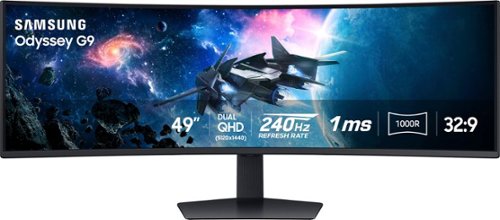
Experience immersive epic play with the G95C Odyssey Monitor, featuring a 49" screen with 1000R curve and Dual QHD resolution for full peripheral vision with maximum detail. 240Hz refresh rate, 1ms(GtG)* and AMD FreeSync Premium Pro give you a competitive edge with hyper-fast action. VESA DisplayHDR 1000 brings nit peak brightness and 1,000,000:1 contrast ratio for intensified color and depth. CoreSync & CoreLighting+ enhance the space around your screen with amazing color. Ergonomic stand enables you to swivel, tilt, and adjust height to find your winning position. Picture-by-Picture and Picture-in-Picture offer versatility, while AutoSource Switch+ gets you to your gaming action faster. Adaptive Picture and Eye Saver Mode minimizes eye strain, day or night
Not OLED?
Thank you for your question! This monitor is not OLED. However, if you are looking for a 49" OLED gaming monitor, we recommend checking out Samsung's 49" OLED G95SC gaming monitor (LS49CG954SNXZA).
2 years, 8 months ago
by
Posted by:
Samsung

Samsung - 27" S39C series 1000R Curved FHD FreeSync Monitor (DisplayPort, HDMI) - Black
Explore the 27" inch S39C FHD Curved Monitor with a 1000R Curvature and advanced eye comfort technology. Its minimalist design features a borderless display, fabric-textured backside and slim metal stand. Game Mode, a 75Hz refresh rate and AMD FreeSync support make playtime as smooth as work time.
How much HZ does it have?
Thank you for your question! The S39C monitor supports a max frame rate of 75 Hz.
2 years, 8 months ago
by
Posted by:
Samsung
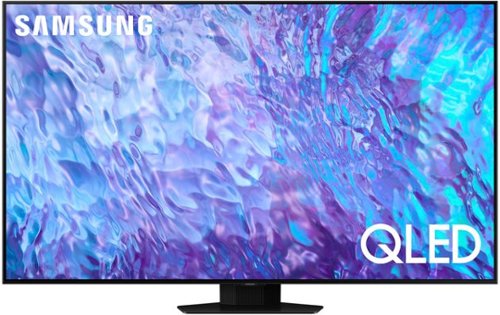
Samsung - 75 Class Q80C QLED 4K UHD Smart Tizen TV (2023)
Don~t settle for basic. Punch up the contrast with super-precise LEDs and elevate the ordinary to something more impressive. Direct Full Array and Dolby Atmos technology headline Samsung QLED~s refined audio/visual experience
Can you hang this tv outdoors?
We do not recommend placing the Q80C outside as it is not rated for outdoor use.
~ Samsung Specialist
~ Samsung Specialist
2 years, 8 months ago
by
Posted by:
Samsung
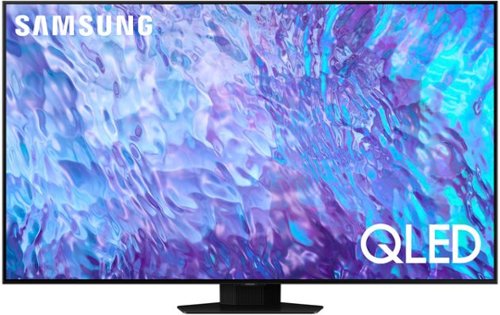
Samsung - 55 Class Q80C QLED 4K UHD Smart Tizen TV (2023)
Don~t settle for basic. Punch up the contrast with super-precise LEDs and elevate the ordinary to something more impressive. Direct Full Array and Dolby Atmos technology headline Samsung QLED~s refined audio/visual experience
Is this tv ok for outdoors in cold temps?
We do not recommend placing the Q80C outside as it is not rated for outdoor use.
~ Samsung Specialist
~ Samsung Specialist
2 years, 8 months ago
by
Posted by:
Samsung
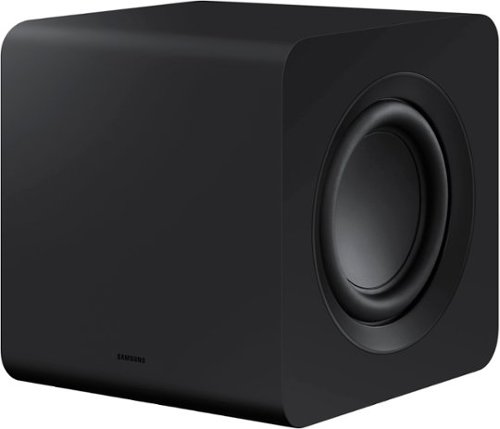
Designed to complement the S-series soundbar, the W510 subwoofer brings the sound even deeper. Listen to sound as you should - wirelessly.
I currently have the S50b paired up with this subwoofer ( swa-w510 )...If I buy a S60b for my living room which is right next to my bedroom, will the subwoofer be paired to both if both soundbars are turned on? Will it confuse the subwoofer?
Hi there,
Each Samsung Soundbar can only be paired with a single subwoofer at any given time. You also have to initiate the pairing process, so the HW-S60B will not to automatically find the subwoofer on it's own.
~Samsung Solutions
Each Samsung Soundbar can only be paired with a single subwoofer at any given time. You also have to initiate the pairing process, so the HW-S60B will not to automatically find the subwoofer on it's own.
~Samsung Solutions
2 years, 8 months ago
by
Posted by:
Samsung