Samsung
Samsung's Stats
Reviews
- Review Count0
- Helpfulness Votes0
- First ReviewNone
- Last ReviewNone
- Featured Reviews0
- Average Rating0
Reviews Comments
- Review Comment Count0
- Helpfulness Votes0
- First Review CommentNone
- Last Review CommentNone
- Featured Review Comments0
Questions
- Question Count0
- Helpfulness Votes0
- First QuestionNone
- Last QuestionNone
- Featured Questions0
- Answer Count74385
- Helpfulness Votes37,977
- First AnswerApril 24, 2013
- Last AnswerSeptember 17, 2026
- Featured Answers0
- Best Answers3947
Samsung's Reviews
Samsung has not submitted any reviews.
Samsung's Questions
Samsung has not submitted any questions.
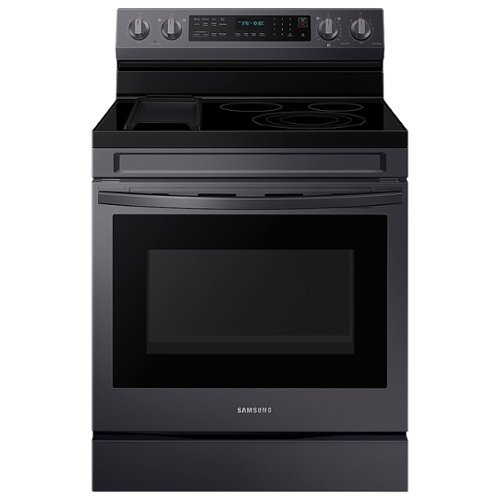
Samsung - 30 in. Wide 5 Elements 6.3 cu. ft. Freestanding Electric Convection+ Range with WiFi, No-Preheat Air Fry and Griddle - Black Stainless Steel
Elevate the look of your kitchen with Samsung~s Smart Freestanding Electric Range. Our Stainless Steel design elegantly wraps around cooktop sides and up through the slim control panel. Upgraded technology makes cooking simple and fun.
If I were to buy a stove top protector, what is the exact size of the glass stove top?

Dawn, the glass cooktop size would be 29 3 ⁄4 inches.
Please see page 1 under the "dimension" section of the manual for more details.
Manual
https://downloadcenter.samsung.com/content/EM/202212/20221227112152511/Install_NE63A6711_DG68-01359A-00_EN-MES_210104.pdf
To check the availability and compatibility of your stove top protector, you can contact Samsung's official parts distributor for customers purchasing Samsung parts or accessories.
Orders can be placed online at www.samsungparts.com or by phone at 800-627-4368; hours of operation are 9:00 am – 6:30 pm EST, Monday – Friday.
Have a great day.
^Camille
Please see page 1 under the "dimension" section of the manual for more details.
Manual
https://downloadcenter.samsung.com/content/EM/202212/20221227112152511/Install_NE63A6711_DG68-01359A-00_EN-MES_210104.pdf
To check the availability and compatibility of your stove top protector, you can contact Samsung's official parts distributor for customers purchasing Samsung parts or accessories.
Orders can be placed online at www.samsungparts.com or by phone at 800-627-4368; hours of operation are 9:00 am – 6:30 pm EST, Monday – Friday.
Have a great day.
^Camille
2 years, 8 months ago
by
Posted by:
Samsung

Samsung - Pro Plus 256GB microSDXC Memory Card
Your new go-to card + adapter combo, the Micro SD PRO Plus + Adapter makes capturing seamless 4K video on compatible phones or drones a breeze. Plus, the expanded storage provides you the freedom to play more high-performance and intensive games on your tablet or gaming device. It~s all the extra space you need from a brand you can count on.
Is it compatible with Chromebooks or would you recommend another micro SD card? Thanks.
Felix,
Exact compatibility may vary based on the model of Chromebook, but if your Chromebook is compatible with microSD cards up to 256GB, the 256GB PRO Plus is compatible.
~Samsung Pro
Exact compatibility may vary based on the model of Chromebook, but if your Chromebook is compatible with microSD cards up to 256GB, the 256GB PRO Plus is compatible.
~Samsung Pro
2 years, 8 months ago
by
Posted by:
Samsung
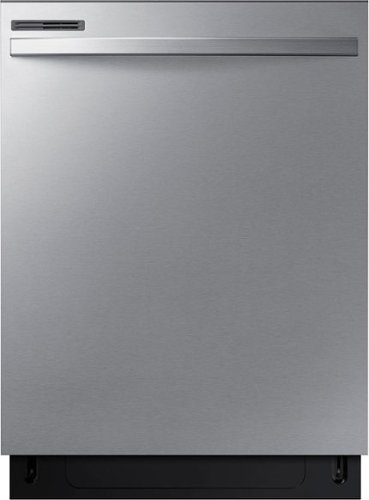
Thought fully designed with features that include a durable hybrid tub with stainless interior door and a 3 Point Wash System~ that delivers a powerful, even wash on every rack. And the Height Adjustable Rack gives the flexibility to load dishes of various sizes and shapes.
Has anyone had an issue with the dishwasher not drying? There is literally water all over the door and the inside. I've tried cracking after it's finished drying and after waiting an hour so. Nothing seems to help. I have to hand dry everything :(
Mimi, we understand how you feel about your dishwasher. Allow us to help.
Below is a link to help you with your dishwasher not drying. Please click on the embedded word.
Dishes are not dry
https://www.samsung.com/us/support/troubleshooting/TSG01001910/
Should you need more assistance, please feel free to get back to us via the following options:
1. Facebook Messenger: http://m.me/Samsungsupport
2. Twitter: https://twitter.com/messages/compose?recipient_id=18768513
3. Samsung Community: https://us.community.Samsung.com/t5/Samsung-Community/ct-p/us
When you message us, please provide us with this reference number (1146658185) to help our team pull up your information.
Have a great day.
^Camille
Below is a link to help you with your dishwasher not drying. Please click on the embedded word.
Dishes are not dry
https://www.samsung.com/us/support/troubleshooting/TSG01001910/
Should you need more assistance, please feel free to get back to us via the following options:
1. Facebook Messenger: http://m.me/Samsungsupport
2. Twitter: https://twitter.com/messages/compose?recipient_id=18768513
3. Samsung Community: https://us.community.Samsung.com/t5/Samsung-Community/ct-p/us
When you message us, please provide us with this reference number (1146658185) to help our team pull up your information.
Have a great day.
^Camille
2 years, 8 months ago
by
Posted by:
Samsung
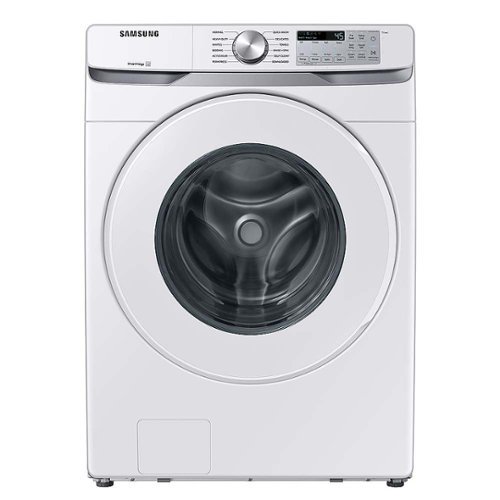
Samsung - 5.1 Cu. Ft. High-Efficiency Stackable Smart Front Load Washer with Vibration Reduction Technology+ - White
Samsung's 5.1 cu. ft. Extra-Large Capacity Front Load Washing Machine comes integrated with Wi-Fi connectivity and SmartThings so you can receive end-of-cycle alerts and schedule laundry right from your smartphone. It also has Vibration Reduction Technology+ for a quiet washing experience.
what kind of warranty comes with this washer ?what will a 3 year or a 5 year warranty do for the washer?
Jasbo, the warranty that this washer has is the following:
Parts and labor: One (1) year
Stainless tub part (Part Only): Three (3) years
Washing DIT (Digital Inverter Motor) motor part (Part Only): Twenty (20) years
Please check this link for more details of the warranty.
Washer warranty
https://www.samsung.com/us/support/service/warranty/WF51CG8000AWA5/
Have a great day.
^Camille
Parts and labor: One (1) year
Stainless tub part (Part Only): Three (3) years
Washing DIT (Digital Inverter Motor) motor part (Part Only): Twenty (20) years
Please check this link for more details of the warranty.
Washer warranty
https://www.samsung.com/us/support/service/warranty/WF51CG8000AWA5/
Have a great day.
^Camille
2 years, 8 months ago
by
Posted by:
Samsung
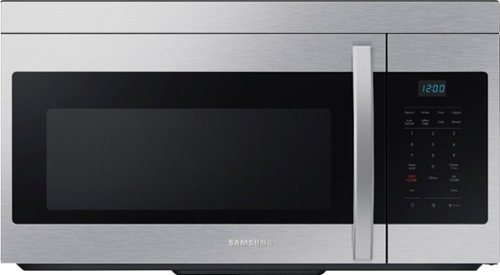
This 1.6 cu. ft. capacity Over-the-Range Microwave with Auto Cook takes the guesswork out of cook time with pre-programmed settings. Its powerful 2-speed 300 CFM ventilation system quickly and quietly reduces unwanted cooking odors.
what is the wattage of this microwave
Hi jim,
The cooking power wattage of this microwave is 1000W and its power consumption is 1580W.
^Rodel
The cooking power wattage of this microwave is 1000W and its power consumption is 1580W.
^Rodel
2 years, 8 months ago
by
Posted by:
Samsung
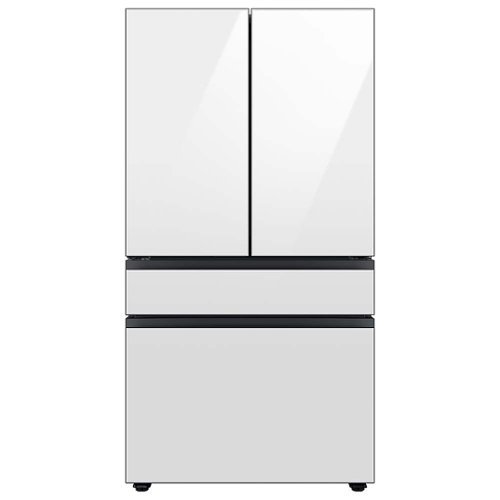
Counter Depth 4-Door French Door Refrigerator is a revolution in convenience and design, the concealed Beverage Center features both a water dispenser and AutoFill Water Pitcher. Plus a Dual Ice Maker with cubed ice and Ice Bites.
Is the door-in-door (beverage center door) latch that keeps the door closed plastic or metal?
Hi there,
We suggest contacting Samsung's official parts distributor to check the Samsung parts or accessories online at www.samsungparts.com or by phone at 800-627-4368; hours of operation are 9:00 am – 6:30 pm EST, Monday – Friday.
Have a great day.
^Aloe
We suggest contacting Samsung's official parts distributor to check the Samsung parts or accessories online at www.samsungparts.com or by phone at 800-627-4368; hours of operation are 9:00 am – 6:30 pm EST, Monday – Friday.
Have a great day.
^Aloe
2 years, 8 months ago
by
Posted by:
Samsung
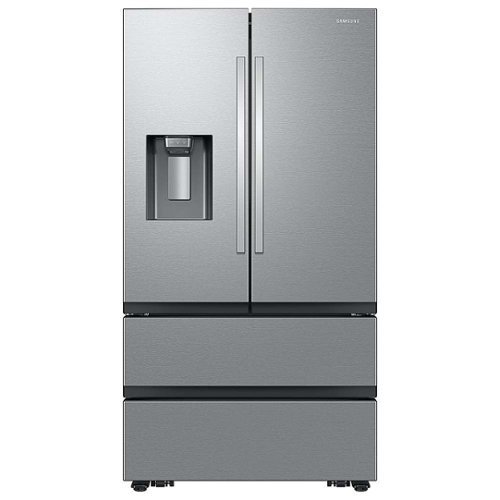
Samsung Mega Capacity 4-Door French Door Counter Depth refrigerator with 25 cu. ft. comes with four types of ice and modern design. Store more groceries, including big and bulky items. The Dual Auto Ice Maker makes two types of ice ~ cubed or Ice Bites while the external dispenser offers two additional ice options, curved and crushed.
Does the water dispenser dispense cold or chilled water?
Hi there,
The water dispenser serves chilled water.
Please see the "Water/Ice dispenser" section on page 54 of the user's manual for reference.
Manual
https://downloadcenter.samsung.com/content/UM/202310/20231026150425412/FDR_RF6500C_4Door_MANUAL_WEB_DA68-04752P-00_EN_MES_CFR.pdf
Have a great day.
^Aloe
The water dispenser serves chilled water.
Please see the "Water/Ice dispenser" section on page 54 of the user's manual for reference.
Manual
https://downloadcenter.samsung.com/content/UM/202310/20231026150425412/FDR_RF6500C_4Door_MANUAL_WEB_DA68-04752P-00_EN_MES_CFR.pdf
Have a great day.
^Aloe
2 years, 8 months ago
by
Posted by:
Samsung
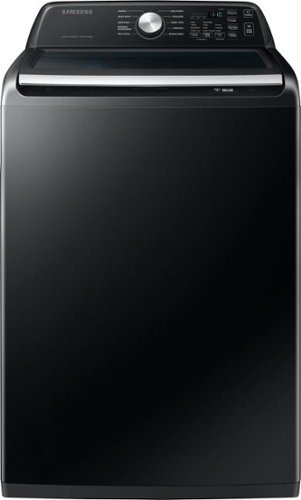
Samsung's 4.7 cu. ft. Large Capacity Top Load Washing Machine is integrated with Wi-Fi connectivity so you can receive end-of-cycle alerts and schedule laundry right from your smartphone. With Active WaterJet, a built-in water faucet, you can easily pretreat heavily soiled and stained clothes.
What cyle do u use for sheets And how to you use cyle with detergent pods.
Dimple, if you want to wash your sheets, we recommend you use the bedding/waterproof cycle.
Please see page 39 under the "BEDDING/ WATERPROOF" section of the manual for more details.
Manual
https://downloadcenter.samsung.com/content/UM/202306/20230630151122615/OID65777_IB_WA3500C_EN_R_230628.pdf
We do not recommend you use a detergent pod on your top load washer since it is too small to work correctly.
Please check this link for more details.
How to use detergent in your Samsung washing machine
https://www.samsung.com/us/support/answer/ANS00031847/
Have a great day.
^Camille
Please see page 39 under the "BEDDING/ WATERPROOF" section of the manual for more details.
Manual
https://downloadcenter.samsung.com/content/UM/202306/20230630151122615/OID65777_IB_WA3500C_EN_R_230628.pdf
We do not recommend you use a detergent pod on your top load washer since it is too small to work correctly.
Please check this link for more details.
How to use detergent in your Samsung washing machine
https://www.samsung.com/us/support/answer/ANS00031847/
Have a great day.
^Camille
2 years, 8 months ago
by
Posted by:
Samsung
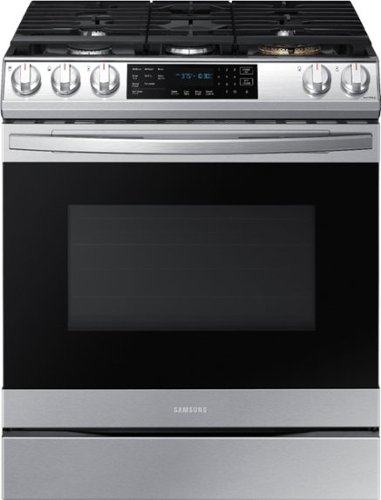
Samsung - 6.0 cu. ft. Front Control Slide-In Gas Convection Range with Air Fry & Wi-Fi, Fingerprint Resistant - Stainless Steel
The Samsung front control slide-in gas range with Air Fry is fully Wi-Fi connected and voice enabled, making it easy to create delicious and healthier* meals for your family. *As compared to deep frying.
A pancake fell into the back vent of my Samsung electric air fry stove is this a problem and can I get it out some how
Images for this Question
(click to see full-size image)

Thank you for reaching out, Dawn; we want to assist you in cleaning your vent and removing the pancake that fell to better help you.
Please feel free to get back to us via the following options:
1. Facebook Messenger: http://m.me/Samsungsupport
2. Twitter: https://twitter.com/messages/compose?recipient_id=18768513
3. Samsung Community: https://us.community.Samsung.com/t5/Samsung-Community/ct-p/us
When you message us, please provide us with this reference number (1146653973) to help our team pull up your information.
Have a great day.
^Camille
Please feel free to get back to us via the following options:
1. Facebook Messenger: http://m.me/Samsungsupport
2. Twitter: https://twitter.com/messages/compose?recipient_id=18768513
3. Samsung Community: https://us.community.Samsung.com/t5/Samsung-Community/ct-p/us
When you message us, please provide us with this reference number (1146653973) to help our team pull up your information.
Have a great day.
^Camille
2 years, 8 months ago
by
Posted by:
Samsung
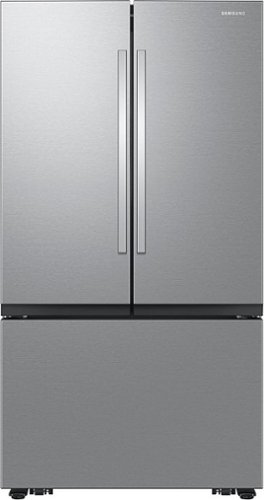
Samsung Mega Capacity 3-Door French Door refrigerator features 32 cu. ft. capacity, Dual Auto Ice Maker and a modern design. Store more groceries, including big and bulky items. The Dual Auto Ice Maker makes two types of ice ~ cubed, or Ice Bites that chill your drink faster.
This may sound like a dumb question but you never know, wanting to know if this needs to be hooked up to a water line to make the ice? I live in a place where I don't think they allow that type of installation. Thank you!
Hi Clowery,
Yes, the refrigerator needs to be connected to a water line for it to make ice.
Please see the "Connect the water dispenser line" section of the user's manual, page 37, 2nd paragraph, for reference.
Manual
https://downloadcenter.samsung.com/content/UM/202310/20231026145349567/FDR_RF6500C_3Door_MANUAL_WEB_DA68-04752Q-00_EN_MES_CFR.pdf
Have a great day.
^Aloe
Yes, the refrigerator needs to be connected to a water line for it to make ice.
Please see the "Connect the water dispenser line" section of the user's manual, page 37, 2nd paragraph, for reference.
Manual
https://downloadcenter.samsung.com/content/UM/202310/20231026145349567/FDR_RF6500C_3Door_MANUAL_WEB_DA68-04752Q-00_EN_MES_CFR.pdf
Have a great day.
^Aloe
2 years, 8 months ago
by
Posted by:
Samsung