Samsung
Samsung's Stats
Reviews
- Review Count0
- Helpfulness Votes0
- First ReviewNone
- Last ReviewNone
- Featured Reviews0
- Average Rating0
Reviews Comments
- Review Comment Count0
- Helpfulness Votes0
- First Review CommentNone
- Last Review CommentNone
- Featured Review Comments0
Questions
- Question Count0
- Helpfulness Votes0
- First QuestionNone
- Last QuestionNone
- Featured Questions0
- Answer Count73722
- Helpfulness Votes37,938
- First AnswerApril 24, 2013
- Last AnswerAugust 19, 2026
- Featured Answers0
- Best Answers3944
Samsung's Reviews
Samsung has not submitted any reviews.
Samsung's Questions
Samsung has not submitted any questions.
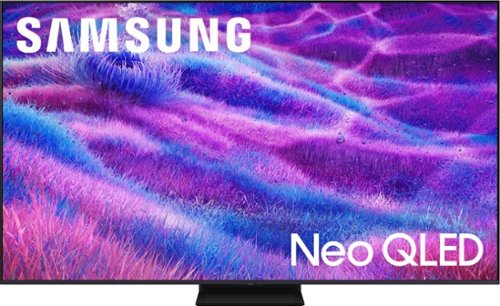
Samsung Vision AI enhances picture, sound and breakthrough TV experiences. Get amazingly detailed picture powered by individual mini LED zones that unlock hidden details on screen. Enjoy multi dimensional sound that tracks to the action. Plus get enriching new personalized TV experiences that let you dive deeper into your content and get more from your TV.
Can I watch two sports channels at same time?

Hi Robo - Multi View lets you display two types of content at the same time. On the left side of the screen, you can play content from apps, live TV, HDMI devices, antenna/cable input, or USB. On the right side, you can screen mirror your phone, use AirPlay, cast from certain apps, or display a compatible IoT camera. Please note that two HDMI inputs cannot be viewed simultaneously.
~ Samsung Specialist
~ Samsung Specialist
3 months, 2 weeks ago
by
Posted by:
Samsung
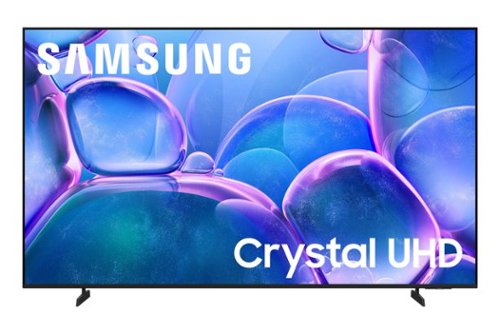
Samsung - 85" Class U7900 Series UHD 4K Smart Tizen TV (2025)
Upgrade your home theater with this stylish 4K TV featuring vibrant colors, rich contrast and an advanced 4K processor. Stay endlessly entertained with thousands of on demand shows and movies for free and enjoy peace of mind as watch thanks to our proprietary triple layer security that protects your personal data across all connected devices at once.
What size Screws are needed in the back of the tv for mounting?
Hi,
The screw size need to mount the U7900F TV is M8x23-25mm.
~Samsung Advisor
The screw size need to mount the U7900F TV is M8x23-25mm.
~Samsung Advisor
3 months, 2 weeks ago
by
Posted by:
Samsung
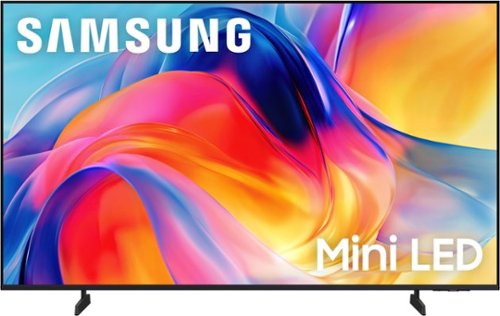
Bright, detailed colors pair together with deep, cinematic contrast in your favorite smart apps and video games thanks to precise control with Mini LEDs, delivering a realistic picture no matter what you watch. Get thousands of subscription free channels, including 700+ premium channels with Samsung TV Plus. Rest assured your personal data is secured with Knox Security.
does this tv have a port to plug in my sound bar?
Hi Fran,
You can connect external soundbars via HDMI or Bluetooth. If an Optical port is important to your setup, this input is available starting with our QN70H Series.
~Samsung Advisor
You can connect external soundbars via HDMI or Bluetooth. If an Optical port is important to your setup, this input is available starting with our QN70H Series.
~Samsung Advisor
3 months, 2 weeks ago
by
Posted by:
Samsung
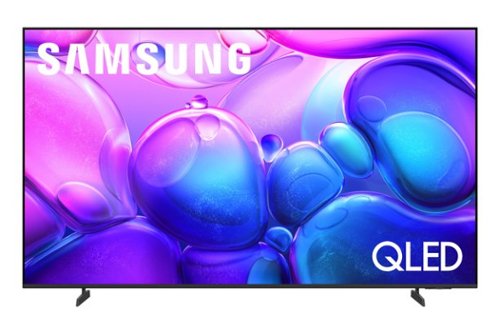
Endlessly stream your favorite content in stunning clarity with a smart processor that upscales movies and shows regardless of source resolution. With dazzling, boosted color plus deep blacks & vibrant brights, previously hidden details are revealed in the brightest and darkest of scenes. Kick back, relax and see your favorite content in a whole new light.
Does this model support AirPlay2 ?
Hi TerryS,
Yes, the QF6 TV supports Apple AirPlay 2.0.
~Samsung Advisor
Yes, the QF6 TV supports Apple AirPlay 2.0.
~Samsung Advisor
3 months, 2 weeks ago
by
Posted by:
Samsung
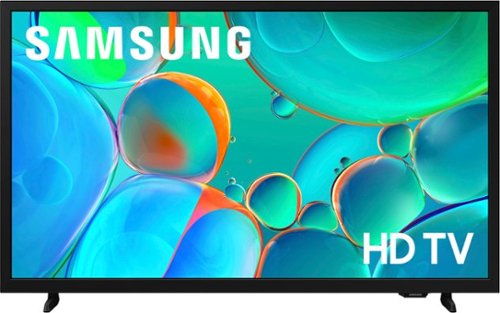
Enjoy your favorite shows in high definition, featuring vibrant colors, deep contrast and dynamic audio that flows with the action. Stream 2,700+ free channels including 400+ Samsung TV Plus premium channels, and feel secure with triple-layer protection for your personal data.
Can you stream sling tv
Hi,
Yes, the Sling TV app is available on the H5000F.
~Samsung Advisor
Yes, the Sling TV app is available on the H5000F.
~Samsung Advisor
3 months, 2 weeks ago
by
Posted by:
Samsung
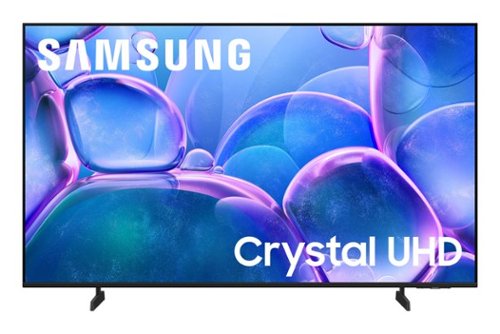
Upgrade your home theater with this stylish 4K TV featuring vibrant colors, rich contrast and an advanced 4K processor. Stay endlessly entertained with thousands of on demand shows and movies for free and enjoy peace of mind as watch thanks to our proprietary triple layer security that protects your personal data across all connected devices at once.
does the tv office optical input
Hi pj,
The U7900F TV does not feature a digital optical input.
~Samsung Advisor
The U7900F TV does not feature a digital optical input.
~Samsung Advisor
3 months, 2 weeks ago
by
Posted by:
Samsung
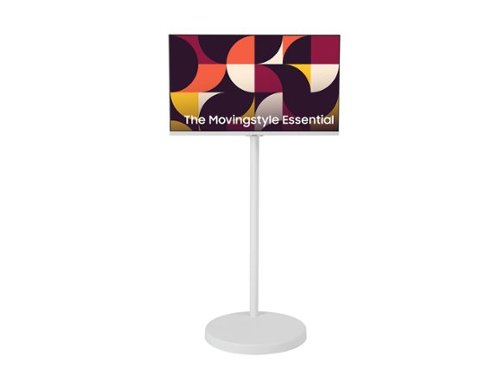
The Samsung AI Smart Monitor M7 moves with you thanks to its adjustable rolling stand, making it easy to roll your Smart Monitor from room to room for next-level entertainment and everyday use. The rolling stand features a sleek, rounded weighted base with hidden urethane wheels for effortless, stable and quiet movement. The 13-foot power cable attached to the back of the monitor extends down through the height-adjustable stand~s slim, oval column for a clean setup, while also giving you the flexibility to move around the room without needing to unplug.
1. Can I connect this monitor via bluetooth or wireless to a 2020 Mac Laptop or do I have to use an USB-C cable to connect? 2. Can I connect an Apple TV device to it, to then wireless connect and display my Mac laptop on it?
TXFlamingo:
1. Yes, you can wirelessly connect your 2020 Mac laptop to the Samsung M70F 32" monitor using Apple AirPlay via Wi-Fi. While Bluetooth is used for peripherals (audio devices, keyboard, mouse), it is not for video mirroring. A USB-C cable is not required but offers the best performance.
2. Yes, an Apple TV device can be connected to the monitor's HDMI port to display your Mac. Change the monitor input to that HDMI port. You can then use the Apple TV to display your Mac screen via AirPlay.
- Samsung Monitors
1. Yes, you can wirelessly connect your 2020 Mac laptop to the Samsung M70F 32" monitor using Apple AirPlay via Wi-Fi. While Bluetooth is used for peripherals (audio devices, keyboard, mouse), it is not for video mirroring. A USB-C cable is not required but offers the best performance.
2. Yes, an Apple TV device can be connected to the monitor's HDMI port to display your Mac. Change the monitor input to that HDMI port. You can then use the Apple TV to display your Mac screen via AirPlay.
- Samsung Monitors
3 months, 2 weeks ago
by
Posted by:
Samsung
Samsung - 85" Class U7900 Series UHD 4K Smart Tizen TV (2025)
Upgrade your home theater with this stylish 4K TV featuring vibrant colors, rich contrast and an advanced 4K processor. Stay endlessly entertained with thousands of on demand shows and movies for free and enjoy peace of mind as watch thanks to our proprietary triple layer security that protects your personal data across all connected devices at once.
Just chatted with one of your advisers who said this TV has a digital optical input yes or no
Hi Rob,
The U7900F TV does NOT have an optical input.
~Samsung Advisor
The U7900F TV does NOT have an optical input.
~Samsung Advisor
3 months, 2 weeks ago
by
Posted by:
Samsung
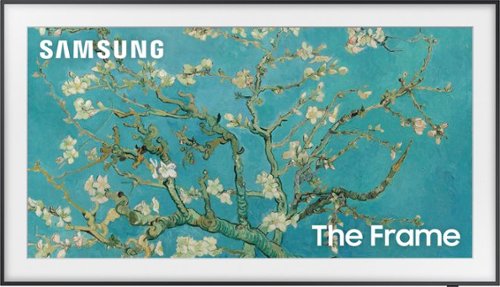
Artwork, shows, movies and memories~display what you love on The Frame, the picture frame-like TV. See everything on the QLED FHD TV at 100% Color Volume with Quantum Dot that saturates your screen with a billion colors. Switch on Art Mode and transform your TV into your own personal art exhibit.
We want to do a clean install where the 15”x7”x2” brain is concealed. Can this install on the back of the wall but about 3 feet lower than actual TV height? If so are their air requirements for a “cover per se? Any future access issues should consider?
Hi Marinjmj - Please give us the opportunity to better assist with this by reaching Samsung Support at: 1-800-SAMSUNG (8AM – 9PM EST Mon – Fri, 8AM – 6PM Sat – Sun) or Chat with us on Samsung.com: https://www.samsung.com/us/support/contact/
~ Samsung Specialist
~ Samsung Specialist
3 months, 2 weeks ago
by
Posted by:
Samsung
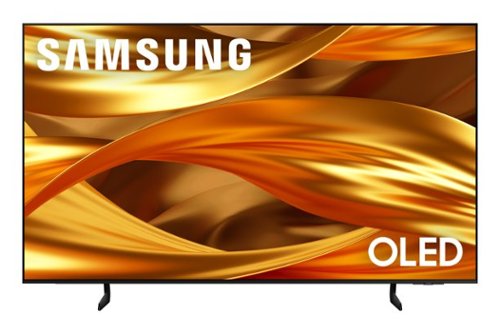
Self-illuminating pixels deliver the dramatic contrast of OLED and dazzling, expert-validated color, driven by our advanced AI processor. Experience a stunning picture with enhanced brightness and depth, all in a sleek design with a thin bezel. Dive into your content with Samsung Vision AI experiences and immerse yourself in multi-dimensional audio with top-firing speakers.
What is the viewing angle?
Alan - The S84F features Ultra Viewing Angle and Anti-Reflection technology to provide you with wider viewing angles, enhanced color, and minimized glare to help you enjoy shows without distractions.
~ Samsung Specialist
~ Samsung Specialist
3 months, 2 weeks ago
by
Posted by:
Samsung