Samsung
Samsung's Stats
Reviews
- Review Count0
- Helpfulness Votes0
- First ReviewNone
- Last ReviewNone
- Featured Reviews0
- Average Rating0
Reviews Comments
- Review Comment Count0
- Helpfulness Votes0
- First Review CommentNone
- Last Review CommentNone
- Featured Review Comments0
Questions
- Question Count0
- Helpfulness Votes0
- First QuestionNone
- Last QuestionNone
- Featured Questions0
- Answer Count74536
- Helpfulness Votes37,988
- First AnswerApril 24, 2013
- Last AnswerSeptember 25, 2026
- Featured Answers0
- Best Answers3951
Samsung's Reviews
Samsung has not submitted any reviews.
Samsung's Questions
Samsung has not submitted any questions.
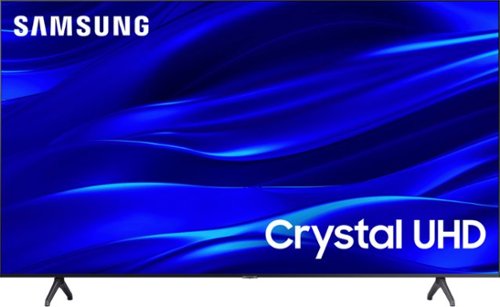
Samsung - 75" Class TU690T Crystal UHD 4K Smart Tizen TV (2023)
See how Crystal UHD with Smart TV elevates what you watch~at a value you~ll love. Go beyond HDTV to enjoy your content in 4K resolution, and in PurColor. And with Smart TV powered by Tizenbuilt in, it~s easy to find and stream the latest shows and movies in just a few clicks.
What do I do if my remote will not pair to the TV after changing batteries and I only bought the TV 3 months ago? Should I try factory resetting the TV?

Hi Jennifer Hall,
Thanks for reaching out to us. Here are a few suggestions which may help:
1) Reset the remote.
Remove the batteries and then press Power for 8 seconds to reset the remote. Then reinsert the batteries and try to use the remote again. Check out the user manual if you need help accessing the battery compartment.
2. Check to see if the remote is sending an infrared (IR) signal.
Get either a digital camera or use the camera on your phone or tablet. Point the remote at the camera, and then press and hold the Power button on the remote. As you hold the button down, look at the camera's screen. If the remote is sending an IR signal, you will see a colored light coming from the remote control.
3) Ensure the IR Sensor on your Samsung TV is not blocked by items or debris.
The IR Sensor is right below the Samsung logo, and if your TV is off. Ensure nothing is blocking it and clean it with a dry rag.
If you continue to have issues, please give us a call at 1-800-SAMSUNG, 8 AM - 12 AM EST, seven days a week. Our LiveChat agents are also available by clicking on the ‘Support’ link on our website.
In the meantime, you can download the Samsung Smartthings app on your Android or Apple device to control your TV. There is also a button below the Samsung logo that allows you to control your TV.
~ Samsung Advisor
Thanks for reaching out to us. Here are a few suggestions which may help:
1) Reset the remote.
Remove the batteries and then press Power for 8 seconds to reset the remote. Then reinsert the batteries and try to use the remote again. Check out the user manual if you need help accessing the battery compartment.
2. Check to see if the remote is sending an infrared (IR) signal.
Get either a digital camera or use the camera on your phone or tablet. Point the remote at the camera, and then press and hold the Power button on the remote. As you hold the button down, look at the camera's screen. If the remote is sending an IR signal, you will see a colored light coming from the remote control.
3) Ensure the IR Sensor on your Samsung TV is not blocked by items or debris.
The IR Sensor is right below the Samsung logo, and if your TV is off. Ensure nothing is blocking it and clean it with a dry rag.
If you continue to have issues, please give us a call at 1-800-SAMSUNG, 8 AM - 12 AM EST, seven days a week. Our LiveChat agents are also available by clicking on the ‘Support’ link on our website.
In the meantime, you can download the Samsung Smartthings app on your Android or Apple device to control your TV. There is also a button below the Samsung logo that allows you to control your TV.
~ Samsung Advisor
3 years, 7 months ago
by
Posted by:
Samsung
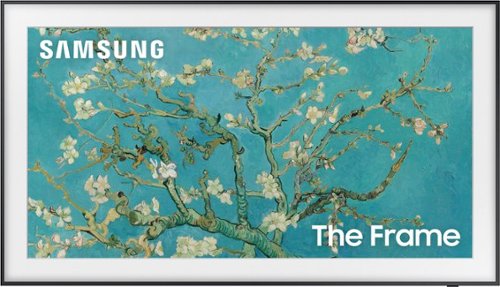
Samsung - 50" Class The Frame QLED 4K UHD Smart Tizen TV (2022)
Artwork, shows, movies and memories display what you love on The Frame, the picture frame like TV. See everything on the QLED 4K TV at 100% Color Volume with Quantum Dot that saturates your screen with a billion colors. Switch on Art Mode and transform your TV into your own personal art exhibit.~ ~QLED televisions can produce 100% Color Volume in the DCI P3 color space, the format for most cinema screens and HDR movies for television.
If an image is left on the screen for several hours a day, is that the equivalent of the tv being left on all the time? I mean, will the tv burn out sooner than normal? Thanks
Dani - The Frame TV is designed to withstand prolong displays of art and photos and are not prone to screen burn out issues as other TVs. Motion sensors are embedded to display photos only when it detects someone in the room, otherwise the TV will move to standby mode.
~ Samsung Specialist
~ Samsung Specialist
3 years, 7 months ago
by
Posted by:
Samsung
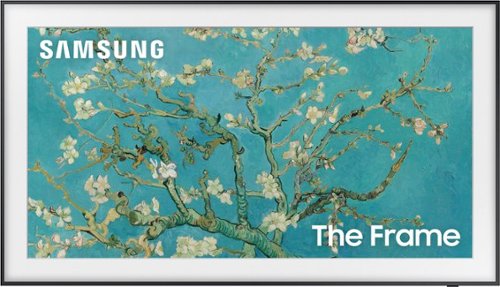
Samsung - 65" Class The Frame QLED 4K UHD Smart Tizen TV (2022)
Artwork, shows, movies and memories display what you love on The Frame, the picture frame like TV. See everything on the QLED 4K TV at 100% Color Volume with Quantum Dot that saturates your screen with a billion colors. Switch on Art Mode and transform your TV into your own personal art exhibit.~ ~QLED televisions can produce 100% Color Volume in the DCI P3 color space, the format for most cinema screens and HDR movies for television.
is this model Amazon Alexa enabled?
Yes, The Frame TV features built-in Alexa voice assistant.
~ Samsung Specialist
~ Samsung Specialist
3 years, 7 months ago
by
Posted by:
Samsung
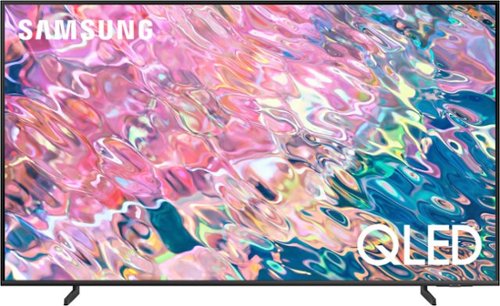
Samsung - 43 Class Q60B QLED 4K Smart Tizen TV (2022)
Leap into the world of bold contrast and vivid color with QLED 4K. Together, cool and warm Dual LEDs shine a billion shades of Quantum Dot color for a natural looking picture. Enjoy it all upscaled to glorious 4K, in details and colors that stay true even in bright scenes, thanks to 100% Color Volume.~ ~QLED televisions can produce 100% Color Volume in the DCI P3 color space, the format for most cinema screens and HDR movies for television.
does this model have sleep timer???
Yes, the Q60B has a Sleep Timer.
~ Samsung Specialist
~ Samsung Specialist
3 years, 7 months ago
by
Posted by:
Samsung
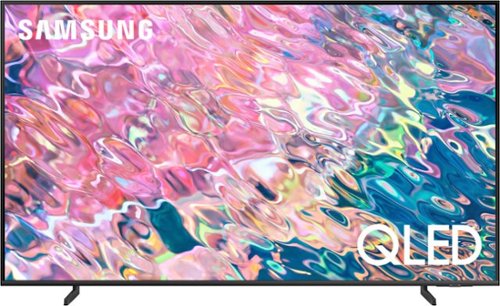
Samsung - 50 Class Q60B QLED 4K Smart Tizen TV (2022)
Leap into the world of bold contrast and vivid color with QLED 4K. Together, cool and warm Dual LEDs shine a billion shades of Quantum Dot color for a natural looking picture. Enjoy it all upscaled to glorious 4K, in details and colors that stay true even in bright scenes, thanks to 100% Color Volume.~ ~QLED televisions can produce 100% Color Volume in the DCI P3 color space, the format for most cinema screens and HDR movies for television.
Can you connect a standard DVR or do you need a blue tooth DVR?
Papajoe - You can connect to any DVR with an HDMI connection.
~ Samsung Specialist
~ Samsung Specialist
3 years, 7 months ago
by
Posted by:
Samsung
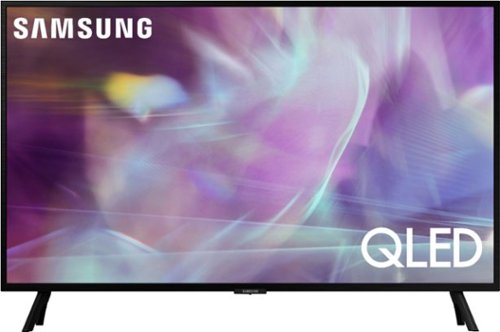
Samsung - 32" Class Q60A Series QLED 4K UHD Smart Tizen TV (2021)
Enjoy ultra-intense 4K vivid color and sharpened clarity with the Q60A / Q60AB. It combines Quantum Dot Technology with the power of 100% Color Volume to deliver a billion of shades for colorful, razor-sharp visuals. The ultra-smart Quantum Processor 4K Lite automatically upscales and transforms your content into 4K. Dual LED backlighting adjusts and coordinates with content in real time to enhance contrast and detail. Plus, with the rechargeable SolarCell Remote, you can easily access and control Smart TV and all your connected devices.
What is the stand width? How wide must the table be that it sits?
Bill - The leg width of the 32" Q60A is 22.8".
~ Samsung Specialist
~ Samsung Specialist
3 years, 7 months ago
by
Posted by:
Samsung
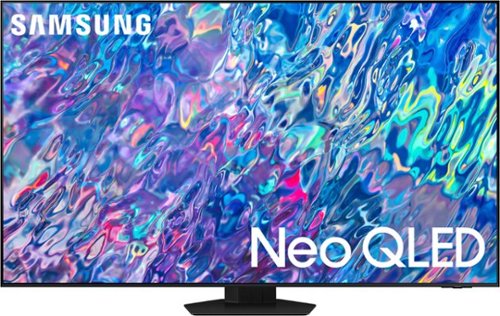
Samsung - 85 Class QN85B Neo QLED 4K Smart Tizen TV (2022)
Get next-level premium 4K experiences powered by Quantum Matrix. By using precision Mini LEDs, color and contrast come alive for details that shine. For all you watch, AI-processing refines your Smart TV Hub and sound, while upscaling your content to 4K - for a brilliant picture, even in bright daylight.
How many inches apart are the VESA mounting holes from top to top, or bottom to bottom?
AwesomeDave - On the 85" QN85B, the distance from the top VESA mounting holes to the top of the TV is 8.7". The distance from the bottom VESA holes to the bottom of the TV is 18.2".
~ Samsung Specialist
~ Samsung Specialist
3 years, 7 months ago
by
Posted by:
Samsung
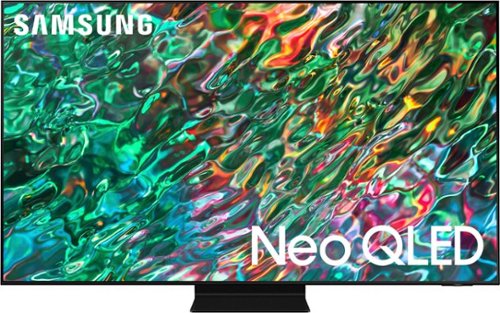
Samsung - 65 Class QN90B Neo QLED 4K Smart Tizen TV (2022)
Dive into our most brilliantly intense 4K experience, powered by Quantum Matrix Technology. By using precision Mini LEDs to create a wide range of color and contrast, rich details are revealed. Marvel at all that emerges from your darkest and brightest scenes thanks to 14 bit processing for deep blacks and over a billion shades of color. From daytime sports to movie night, your picture amazes in any light with AI processing that expertly upscales content to 4K and refines your Smart Hub and sound.
Paramount plus available
This app can be downloaded from the QN90B TV's App Store.
~ Samsung Specialist
~ Samsung Specialist
3 years, 7 months ago
by
Posted by:
Samsung
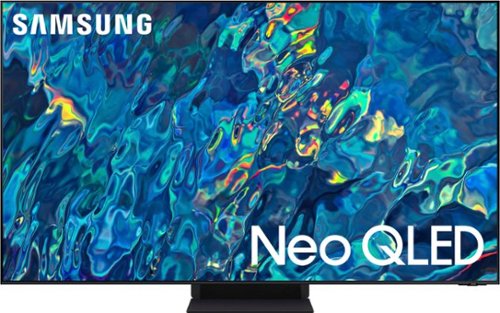
Samsung - 75" Class QN95B Neo QLED 4K Smart TV (2022)
Brilliant details shine even in daylight with Samsung~s ultra-precise Quantum Mini LEDs. Immerse yourself in a next level viewing experience with an impossibly slim profile. Experience everything you watch transformed to 4K by AI-powered neural networks.
What is a one connect box? I seen this as one of the questions and have no idea what you are talking about
BobbyBoucher - The QN95B TV's One Connect Box allows you to connect your cable or satellite box or video game system to your TV without having any unsightly wires dangling from the TV. Your TV is connected to the One Connect Box with the One Invisible Connection – a translucent cable allowing you to place your TV accessories wherever works best for you.
~ Samsung Specialist
~ Samsung Specialist
3 years, 7 months ago
by
Posted by:
Samsung
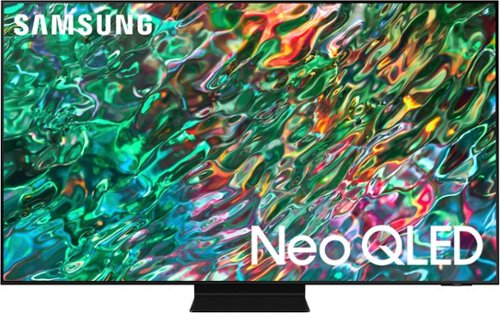
Samsung - 55 Class QN90B Neo QLED 4K Smart Tizen TV (2022)
Dive into our most brilliantly intense 4K experience, powered by Quantum Matrix Technology. By using precision Mini LEDs to create a wide range of color and contrast, rich details are revealed. Marvel at all that emerges from your darkest and brightest scenes thanks to 14 bit processing for deep blacks and over a billion shades of color. From daytime sports to movie night, your picture amazes in any light with AI processing that expertly upscales content to 4K and refines your Smart Hub and sound.
Can I use my mlb app on this tv model?
Diane - The MLB app is available to download from the QN90B TV's built-in App Store.
~ Samsung Specialist
~ Samsung Specialist
3 years, 7 months ago
by
Posted by:
Samsung