Samsung
Samsung's Stats
Reviews
- Review Count0
- Helpfulness Votes0
- First ReviewNone
- Last ReviewNone
- Featured Reviews0
- Average Rating0
Reviews Comments
- Review Comment Count0
- Helpfulness Votes0
- First Review CommentNone
- Last Review CommentNone
- Featured Review Comments0
Questions
- Question Count0
- Helpfulness Votes0
- First QuestionNone
- Last QuestionNone
- Featured Questions0
- Answer Count74582
- Helpfulness Votes37,991
- First AnswerApril 24, 2013
- Last AnswerSeptember 28, 2026
- Featured Answers0
- Best Answers3951
Samsung's Reviews
Samsung has not submitted any reviews.
Samsung's Questions
Samsung has not submitted any questions.
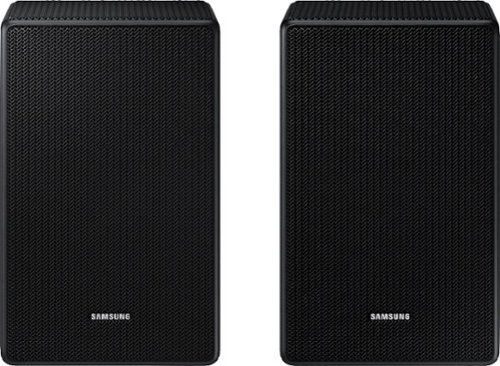
Are these speakers compatible with the? HW-A430/zA

Hello,
The SWA-9500S Wireless Rear Speaker Kit is not compatible with the HW-A430 Soundbar.
You will need to purchase the SWA-9100S Wireless Rear Speaker Kit.
~Samsung Solutions
The SWA-9500S Wireless Rear Speaker Kit is not compatible with the HW-A430 Soundbar.
You will need to purchase the SWA-9100S Wireless Rear Speaker Kit.
~Samsung Solutions
3 years, 9 months ago
by
Posted by:
Samsung
I have the Samsung B450 soundbar, my wife just bought me the SWA 9500s rear speakers, and they are not linking to it. Are they compatible?
Hello Anthony,
The SWA-9500S Wireless Rear Speakers are not compatible with the HW-B450 Soundbar.
You will need to get the SWA-9200S Wireless Rear Speaker Kit.
~Samsung Solutions
The SWA-9500S Wireless Rear Speakers are not compatible with the HW-B450 Soundbar.
You will need to get the SWA-9200S Wireless Rear Speaker Kit.
~Samsung Solutions
3 years, 9 months ago
by
Posted by:
Samsung
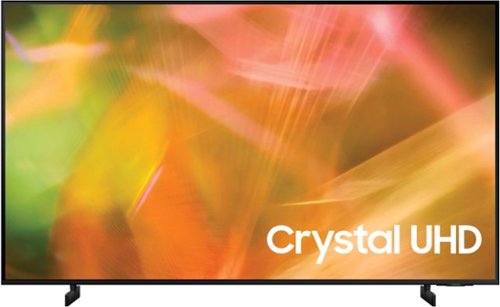
Samsung - 43" Class 8000 Series LED 4K UHD Smart Tizen TV (2021)
Step up to the world of Crystal UHD from Samsung. Elevated color and clarity offer you a picture that has to be seen to be believed. Add in smart features that make watching TV even easier, and you have a TV that is essential.
what's the size of the box for the UN43TU8000FXZA? Truck space limited
Hi Chris,
The box on the 43" AU8000 measures (W x H x D) 43" x 26.7" x 5.1".
~Samsung Advisor
The box on the 43" AU8000 measures (W x H x D) 43" x 26.7" x 5.1".
~Samsung Advisor
3 years, 9 months ago
by
Posted by:
Samsung
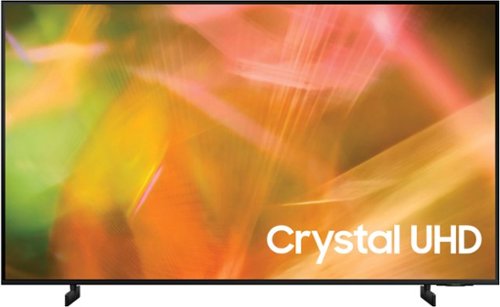
Samsung - 50" Class 8000 Series LED 4K UHD Smart Tizen TV (2021)
Step up to the world of Crystal UHD from Samsung. Elevated color and clarity offer you a picture that has to be seen to be believed. Add in smart features that make watching TV even easier, and you have a TV that is essential.
Does the remote have a mute button?
Hi,
Yes, there is a mute button on the remote.
~Samsung Advisor
Yes, there is a mute button on the remote.
~Samsung Advisor
3 years, 9 months ago
by
Posted by:
Samsung
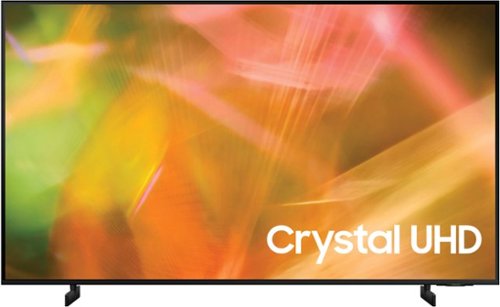
Samsung - 55" Class 8000 Series LED 4K UHD Smart Tizen TV (2021)
Step up to the world of Crystal UHD from Samsung. Elevated color and clarity offer you a picture that has to be seen to be believed. Add in smart features that make watching TV even easier, and you have a TV that is essential.
I have spectrum cable, will this tv require a cable box or will it work without?
Hi,
You can download the Spectrum TV app instead of using a cable box.
~Samsung Advisor
You can download the Spectrum TV app instead of using a cable box.
~Samsung Advisor
3 years, 9 months ago
by
Posted by:
Samsung
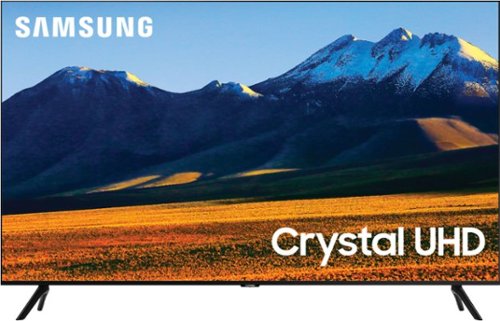
Samsung - 86 Class TU9010 LED 4K UHD Smart Tizen TV (2021)
Experience your favorite movies and shows on a vibrant, stunning 4K UHD screen, using the Universal Guide to surf smoothly and select content. Everything you watch is automatically upscaled into 4K for stunningly vivid color and detail.
I've seen the question about HDMI 2.1 asked several times, and the answer has been that features like VRR and ALLM are supported via HDMI input 4. Is HDMI® Quick Frame Transport (QFT) also supported?
Hi Uniblab,
To better answer your question, please give us a call at 1-800-SAMSUNG, 8 AM - 12 AM EST, seven days a week. Our LiveChat agents are also available by clicking on the ‘Support’ link on our website.
~ Samsung Advisor
To better answer your question, please give us a call at 1-800-SAMSUNG, 8 AM - 12 AM EST, seven days a week. Our LiveChat agents are also available by clicking on the ‘Support’ link on our website.
~ Samsung Advisor
3 years, 9 months ago
by
Posted by:
Samsung
Samsung - 55" Class 8000 Series LED 4K UHD Smart Tizen TV (2021)
Step up to the world of Crystal UHD from Samsung. Elevated color and clarity offer you a picture that has to be seen to be believed. Add in smart features that make watching TV even easier, and you have a TV that is essential.
What size processor does it have
Hi Chris,
To better answer your question, please give us a call at 1-800-SAMSUNG, 8 AM - 12 AM EST, seven days a week. Our LiveChat agents are also available by clicking on the ‘Support’ link on our website.
~ Samsung Advisor
To better answer your question, please give us a call at 1-800-SAMSUNG, 8 AM - 12 AM EST, seven days a week. Our LiveChat agents are also available by clicking on the ‘Support’ link on our website.
~ Samsung Advisor
3 years, 9 months ago
by
Posted by:
Samsung
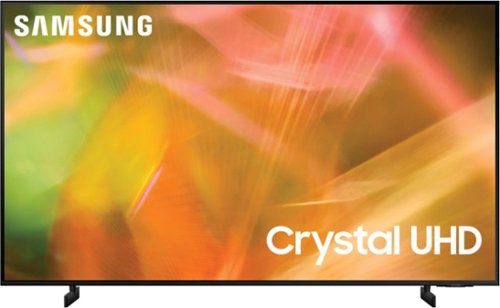
Samsung - 65" Class 8000 Series LED 4K UHD Smart Tizen TV (2021)
Step up to the world of Crystal UHD from Samsung. Elevated color and clarity offer you a picture that has to be seen to be believed. Add in smart features that make watching TV even easier, and you have a TV that is essential.
Can I mount a Sonos (Gen 2) sound bar to the bottom of this TV? I just bought this TV and now want to buy a Mantle Wall mount for the TV with the sound bar mounted underneath the TV.
Hi Steve,
To better understand your question, please give us a call at 1-800-SAMSUNG, 8 AM - 12 AM EST, seven days a week. Our LiveChat agents are also available by clicking on the ‘Support’ link on our website.
~ Samsung Advisor
To better understand your question, please give us a call at 1-800-SAMSUNG, 8 AM - 12 AM EST, seven days a week. Our LiveChat agents are also available by clicking on the ‘Support’ link on our website.
~ Samsung Advisor
3 years, 9 months ago
by
Posted by:
Samsung
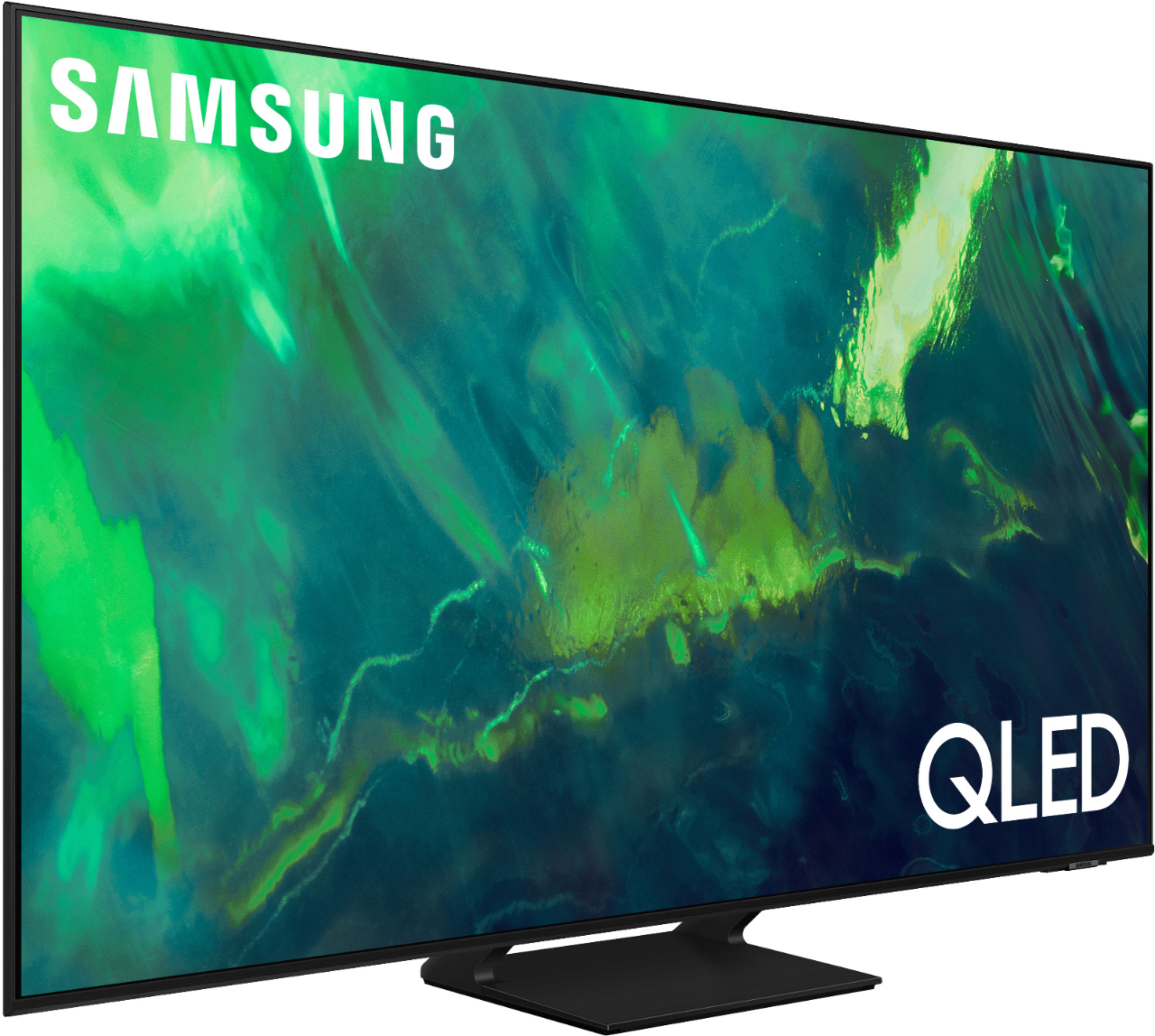
Samsung - 65" Class Q70A Series QLED 4K UHD Smart Tizen TV (2021)
As intelligent as it is beautiful. A Smart TV interface learns the content you like and makes suggestions based on what you watch.
Does this tv come with a screen protector that needs to be removed? It looks like there is a film on top of the screen but it’s not coming up easily.
Hi George - If there is a protective film on your screen, it will be indicated with a large blue triangle in the upper left corner. The triangle will have an illustration showing how to remove the protective film.
If you do not have a blue triangle in the upper left corner, then that means there is no protective film on the screen, so please do not try to peel off anything. You will damage what is actually the screen.
~ Samsung Specialist
If you do not have a blue triangle in the upper left corner, then that means there is no protective film on the screen, so please do not try to peel off anything. You will damage what is actually the screen.
~ Samsung Specialist
3 years, 9 months ago
by
Posted by:
Samsung
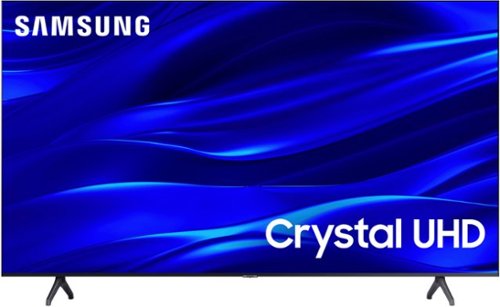
Samsung - 60" Class TU690T Crystal UHD 4K Smart Tizen TV (2022)
See how Crystal UHD with Smart TV elevates what you watch~at a value you~ll love. Go beyond HDTV to enjoy your content in 4K resolution, and in PurColor. And with Smart TV powered by Tizenbuilt in, it~s easy to find and stream the latest shows and movies in just a few clicks.
Is this 690T better than the TU7000?
Hi Krae,
Great question! Both the TU690T and TU7000 both feature Crystal Displays for brilliant colors and exceptionally crisp, vivid images. Their Crystal 4K Processor further brings impressive clarity to all your content while upscaling everything you watch to stunning 4K definition, no matter the source.
When stepping up to the TU7000, you'll gain Filmmaker Mode, which allows you to watch the source content (e.g., movie) just as the director intended, as well as Tap View, which allows you to cast content from your smartphone by simply tapping it to the side of the TV.
~Samsung Advisor
Great question! Both the TU690T and TU7000 both feature Crystal Displays for brilliant colors and exceptionally crisp, vivid images. Their Crystal 4K Processor further brings impressive clarity to all your content while upscaling everything you watch to stunning 4K definition, no matter the source.
When stepping up to the TU7000, you'll gain Filmmaker Mode, which allows you to watch the source content (e.g., movie) just as the director intended, as well as Tap View, which allows you to cast content from your smartphone by simply tapping it to the side of the TV.
~Samsung Advisor
3 years, 9 months ago
by
Posted by:
Samsung