Samsung
Samsung's Stats
Reviews
- Review Count0
- Helpfulness Votes0
- First ReviewNone
- Last ReviewNone
- Featured Reviews0
- Average Rating0
Reviews Comments
- Review Comment Count0
- Helpfulness Votes0
- First Review CommentNone
- Last Review CommentNone
- Featured Review Comments0
Questions
- Question Count0
- Helpfulness Votes0
- First QuestionNone
- Last QuestionNone
- Featured Questions0
- Answer Count74861
- Helpfulness Votes37,957
- First AnswerApril 24, 2013
- Last AnswerOctober 16, 2026
- Featured Answers0
- Best Answers3944
Samsung's Reviews
Samsung has not submitted any reviews.
Samsung's Questions
Samsung has not submitted any questions.

Samsung - 65" Class The Frame Series LED 4K UHD Smart Tizen TV (2021)
Transform your home with The Frame. Showcases artwork, watch television, movies, or display photos on this beautiful QLED screen. TV when it~s on, and art when it~s off. In Art Mode, the screen becomes a work of art, and with a subscription to the Samsung Art Store, you can choose from an entire library of artists~ works with something for everyone. You can even change the onscreen artwork as often as you like. Quantum Processor 4K automatically upscales all you content to 4K, and 100% Color Volume with Quantum Dot enriches every scene with millions of shades of color. The Frame truly changes the definition of what a TV can be.
Can you use the tv with Wi-Fi only and not use the one connect

Tom - The One Connect Box is required with The Frame TV, as this box not only houses all inputs, but power as well. ^Gina
4 years, 8 months ago
by
Posted by:
Samsung

Samsung - 75" Class QN90A Neo QLED 4K UHD Smart Tizen TV
Our best 4K picture offers lush visuals and crisp detail that create an unmatched cinematic experience.
Hi, I love the picture quality in Samsung tv’s. I’m concerned with the sound. Does this model have anything to keep the commercials from increasing the volume? Thanks
Hi Mackie - The QN90A TV features Auto Volume, which automatically adjusts the sound to a certain level when changing channels or switching to another external input. Go to: Settings > Sound > Expert Settings > Auto Volume = On. ^Gina
4 years, 8 months ago
by
Posted by:
Samsung
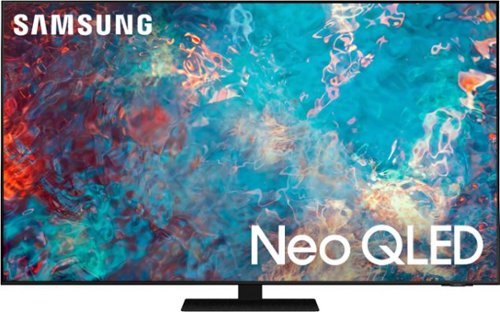
Samsung - 75" Class QN85A Neo QLED 4K UHD Smart Tizen TV (2021)
The QN85A upgrades your home entertainment experience with super charged 4K, an anti-glare screen, and an ultra-high contrast picture. These Advanced-Premium Samsung models feature a breakthrough matrix of Quantum Mini LEDs that focus light precisely where needed for breathtaking contrast. With the QN85A, our most advanced Samsung 4K TV processor powers Next-Gen Gaming capabilities, a new generation of apps, and sound that moves with the onscreen action. And with HDR10+, colors are adjusted scene-by-scene to enhance what you watch.
Does this TV need a soundbar?
1952A - While a soundbar is not necessary, it is recommended for an enhanced audio experience. Should you choose to add a Samsung Soundbar to your TV, please know that our Q-Series soundbars (such as the HW-Q850A) feature Q-Symphony which will synchronize with the speakers of the QN85A TV for an immersive 3D sound experience. ^Gina
4 years, 8 months ago
by
Posted by:
Samsung
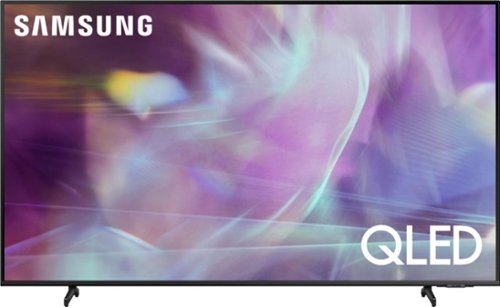
Samsung - 50" Class Q60A Series QLED 4K UHD Smart Tizen TV
Enter a world saturated with color and sharpened to refreshing clarity, all of it made possible through the power of Quantum Dot technology
Will this unit link to my wireless earbuds?
EauGallieKid - If your wireless earbuds are Bluetooth enabled, you can seamlessly pair them to the Q60A TV via Bluetooth. ^Gina
4 years, 8 months ago
by
Posted by:
Samsung
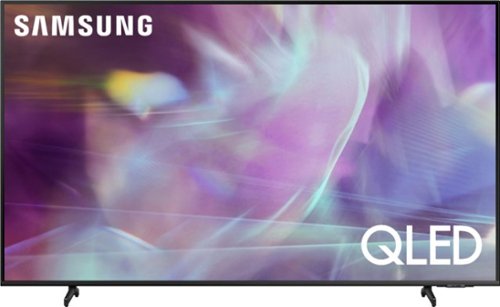
Samsung - 65" Class Q60A Series QLED 4K UHD Smart Tizen TV (2021)
Enter a world saturated with color and sharpened to refreshing clarity, all of it made possible through the power of Quantum Dot technology
does it have actual picture in picture with split screen?
picnpic - Split-screen capability to view two different content side-by-side is available by using our Multi View feature. For example, you can view media from different sources, such as an app, Blu-ray player, or game console, on the main left screen, while also mirroring your phone to the smaller screen. Multi View provides you with different possibilities for splitting screens and viewing several types of content at the same time. On the left screen: You can play Samsung TV Plus, TV apps, HDMI devices, Antenna or Cable, or USB devices. On the right screen: You can screen mirror, use AirPlay, cast from an app, or cast from an IoT camera. 2 HDMI inputs cannot be viewed at the same time. ^Gina
4 years, 8 months ago
by
Posted by:
Samsung
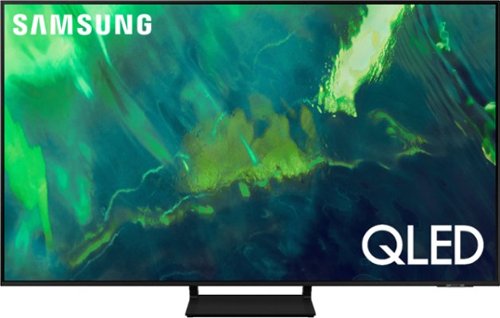
Samsung - 75" Class Q70A Series QLED 4K UHD Smart Tizen TV (2021)
As intelligent as it is beautiful. A Smart TV interface learns the content you like and makes suggestions based on what you watch.
Does the included stand provide a stable base for the 75" Q70A?
Hi EddyL - Thank you for your interest in the Samsung Q70A. Please know that the TV stand was solidly designed and extensively tested for stability. ^Gina
4 years, 8 months ago
by
Posted by:
Samsung
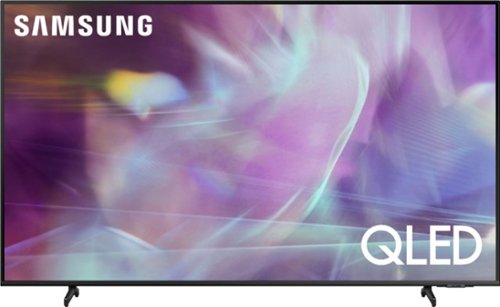
Samsung - 55" Class Q60A Series QLED 4K UHD Smart Tizen TV
Enter a world saturated with color and sharpened to refreshing clarity, all of it made possible through the power of Quantum Dot technology
Has anyone had an issue with this model turning off after a set amount of time? Say every 6 or 15 minutes.
Hi Dnixson - So that we can best assist with this concern, please reach out to Samsung Support at: 1-800-SAMSUNG (ask for TVs), available 8AM - 12AM EST, 7 days a week, or Chat with us on Samsung.com: https://www.samsung.com/us/support/contact/ ^Gina
4 years, 8 months ago
by
Posted by:
Samsung

MX T40 2ch Sound Tower with High Power Audio
Give your sound a boost
I've 2 units and they are paired left and right. When I play music from my paired iphone both speakers work as left and right channel. However, if I connect a USB device only one unit works. Any suggestions?
Hi Dhishi! Group Play allows up to ten additional speakers to be connected. When you want to play music, play it from the main speaker - the one used to initiate the Group Play connection - and the sound will come from all of the connected speakers. If you are attempting to use Stereo Mode, please know this feature is only available with two of the same model Sound Towers. You will need two MX-T40 models in order for this feature to work. The audio source will only play through both speakers if connected via Bluetooth, if connected via USB or AUX you will only hear audio out of the MAIN unit.
^Tim
^Tim
4 years, 8 months ago
by
Posted by:
Samsung
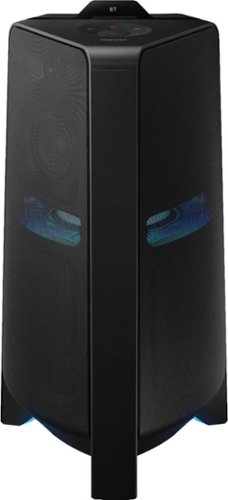
Samsung - Sound Tower Powered Wireless Speaker (Each) - Black
Get the party started with this Samsung T70 sound tower. The powerful speakers fill the room with up to 1500W of bi-directional sound, and the built-in 10-inch woofer delivers loud, impressively detailed bass. This Samsung T70 sound tower has integrated LED party lights that enhance any gathering with a variety of rhythmic lighting effects.
Weird question, but I want to get a speaker to put in my car and have it sound good (my car's audio is terrible), and I was wondering if this thing sound good throughout the car if it was located in the back?
Hi Liam! The Sound Tower line of speakers are not battery powered and will need to connect to an outlet for a power source. With 1500W of power, the MX-T70 is sure to fill any small or large space with sound and the Bluetooth connection will allow simple control of the speaker.
^Tim
^Tim
4 years, 8 months ago
by
Posted by:
Samsung
MX T40 2ch Sound Tower with High Power Audio
Give your sound a boost
Can we use bluetooth microphone?
Hi Lu123! The MX-T40 does not feature the Karaoke mode included with the MX-T50 and the MX-T70 which allow you to use a standard 1/4" Microphone connection. The Sound Tower Speakers can receive a Bluetooth signal. If your microphone can send a Bluetooth audio signal to the sound tower, you will hear your voice through the speaker; however, you will not be able to play music at the same time.
^Tim
^Tim
4 years, 8 months ago
by
Posted by:
Samsung