Samsung
Samsung's Stats
Reviews
- Review Count0
- Helpfulness Votes0
- First ReviewNone
- Last ReviewNone
- Featured Reviews0
- Average Rating0
Reviews Comments
- Review Comment Count0
- Helpfulness Votes0
- First Review CommentNone
- Last Review CommentNone
- Featured Review Comments0
Questions
- Question Count0
- Helpfulness Votes0
- First QuestionNone
- Last QuestionNone
- Featured Questions0
- Answer Count73779
- Helpfulness Votes37,946
- First AnswerApril 24, 2013
- Last AnswerAugust 22, 2026
- Featured Answers0
- Best Answers3946
Samsung's Reviews
Samsung has not submitted any reviews.
Samsung's Questions
Samsung has not submitted any questions.
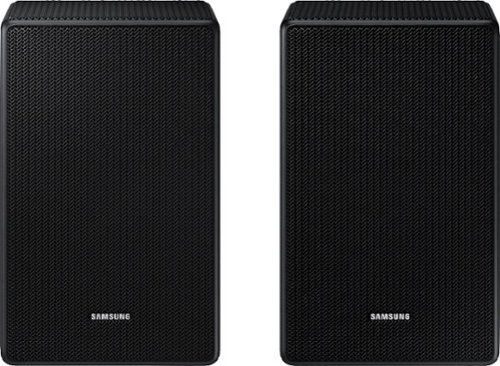
will this work with hw-q800f

Hello! Yes, the SWA-9500S Wireless Rear Speakers are compatible with the HW-Q800F Samsung Soundbar. ~ Samsung Solutions
5 months, 1 week ago
by
Posted by:
Samsung
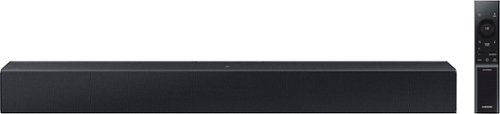
Add a soundbar. Enjoy everything more. From concerts to cooking competitions, for binging shows and streaming music, this soundbar is loaded with clever features that you~ll use every day.
Is the sound bar better than the TV speakers on a Samsung 55 inch Q7 TV speakers and can you crank it up on music
Hi there Obee0124! Yes, the Samsung HW‑C400 Soundbar will generally provide clearer and fuller sound than the built-in speakers on a Samsung 55" Q7 TV. It also allows you to turn the volume up for music, making it suitable for filling a small to medium-sized room. While it can get fairly loud, keep in mind it uses a built-in woofer, so bass and overall power will be more modest compared to systems with a separate subwoofer. ~ Samsung Solutions
5 months, 1 week ago
by
Posted by:
Samsung
Add a soundbar. Enjoy everything more. From concerts to cooking competitions, for binging shows and streaming music, this soundbar is loaded with clever features that you~ll use every day.
What's the difference between the HW B400F and the HW C400ZA
Hi Molly! The Samsung HW-B400F and Samsung HW-C400 are both 2-channel soundbars with a built-in woofer designed to enhance your TV’s audio, but there are a few key differences.
The HW-B400F includes HDMI (ARC) connectivity in addition to optical and Bluetooth, which allows for a simpler one-cable connection to compatible TVs.
The HW-C400, on the other hand, connects using optical or Bluetooth only and does not include an HDMI (ARC) port.
The HW-B400F offers more connectivity options and easier integration TVs, while the HW-C400 is a more basic setup. ~ Samsung Solutions
The HW-B400F includes HDMI (ARC) connectivity in addition to optical and Bluetooth, which allows for a simpler one-cable connection to compatible TVs.
The HW-C400, on the other hand, connects using optical or Bluetooth only and does not include an HDMI (ARC) port.
The HW-B400F offers more connectivity options and easier integration TVs, while the HW-C400 is a more basic setup. ~ Samsung Solutions
5 months, 1 week ago
by
Posted by:
Samsung
Add a soundbar. Enjoy everything more. From concerts to cooking competitions, for binging shows and streaming music, this soundbar is loaded with clever features that you~ll use every day.
Will this work with my tv DU7200 series?
Hello there Kaia! The HW-C400 can connect to the DU7200 Samsung TV's via Bluetooth wireless audio technology. ~Samsung Solutions
5 months, 1 week ago
by
Posted by:
Samsung
Add a soundbar. Enjoy everything more. From concerts to cooking competitions, for binging shows and streaming music, this soundbar is loaded with clever features that you~ll use every day.
Is this sound bar compatible with Roku tv
Hi there Dusty! The HW-C400 features two ways to connect to an external device: Digital optical audio, and Bluetooth wireless audio technology. If your TV is compatible with one of these two audio connections, you should have no issue connecting the soundbar to your TV. ~Samsung Solutions
5 months, 1 week ago
by
Posted by:
Samsung
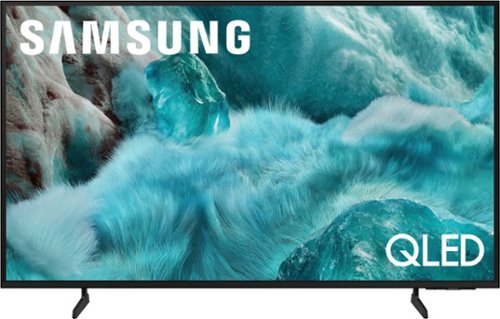
Discover a new level of visual and auditory brilliance with our next level smart TV. Powered by Pantone certified color accuracy, witness over one billion authentic hues burst forth in beautiful detail. Quantum HDR takes things further, elevating contrast for lifelike imagery. Add to that our advanced 3D audio system syncing flawlessly with on screen motion, all intelligently powered by Samsung Vision AI. And rest assured, Knox keeps your private info safe and secure.
What is the height of the stand? The overall height of the tv is shown as 31.2” in one pic and 29.8 in another. Which is actually correct? Both pics agree as to the height of the tv without the stand as 28”.
The 55” Q7F legs are height adjustable for a total height of 29.8" (1.8" of clearance) or 31.2" (3.2" of clearance).
~ Samsung Specialist
~ Samsung Specialist
5 months, 1 week ago
by
Posted by:
Samsung
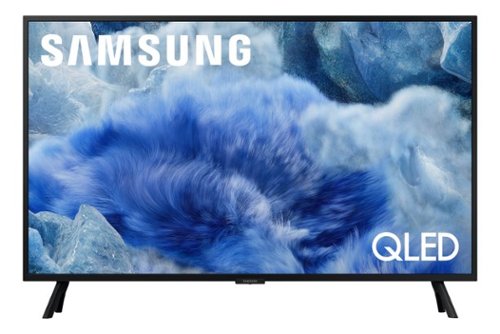
Samsung - 32 Class Q8F Series QLED 4K UHD SamsungVision AI Smart Tizen TV (2025)
Elevate your entertainment with vivid visuals and dynamic audio tailored to your content. A color spectrum of over one billion shades brings scenes to life with distinctive contrast, highlighting details with precision. Plus, discover innovative personalized experiences with Samsung Vision AI and also enjoy access to thousands of live TV channels, movies and shows all for free while Knox protects your confidential data.
Does this tv come with the YouTube app.
The YouTube app is available.
~ Samsung Specialist
~ Samsung Specialist
5 months, 1 week ago
by
Posted by:
Samsung
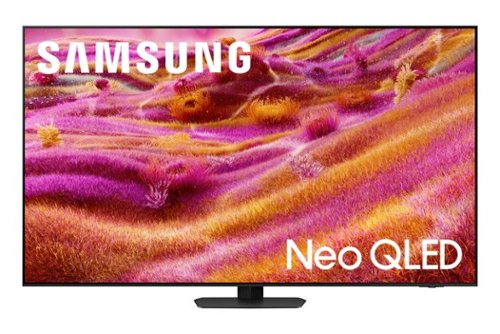
Samsung - 55 Class QN90F Series Neo QLED Mini LED 4K UHD SamsungVision AI Smart Tizen TV (2025)
Our most advanced 4K processor powers Samsung Vision AI for enhanced picture, sound, and breakthrough TV experiences. Get amazingly detailed picture and vivid color on a glare free screen for viewing without distraction, even in the brightest rooms. Enriching new personalized TV experiences let you dive deeper into your content and get more from your TV.
Out of the box, I have had color issues, primarily everything is too red. I've put all settings back to neutral or off and tried to adjust multiple times, some improvement noted, but still color is off. Any suggestions?
GB - For us to better assist with troubleshooting and finding a solution, we recommend reaching out to Samsung Support at 1-800-SAMSUNG (available 8AM - 12AM EST, 7 days a week), or via live chat at https://www.samsung.com/us/support/contact/
~ Samsung Specialist
~ Samsung Specialist
5 months, 1 week ago
by
Posted by:
Samsung
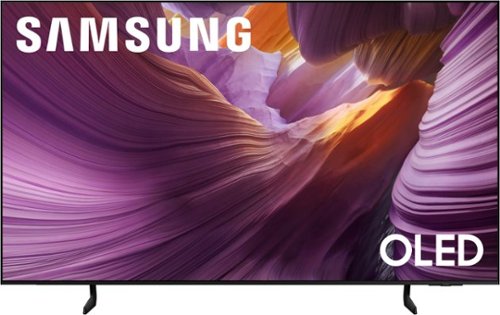
Samsung - 55 Class S85F Series OLED 4K UHD SamsungVision AI Smart Tizen TV (2025)
Self illuminating pixels deliver bright, expert validated color and the dramatic contrast of OLED, driven by our advanced AI processor. Experience a stunning picture with enhanced brightness and depth, all in a sleek design with a thin bezel. Dive into your content with Samsung Vision AI experiences and immerse yourself in multi dimensional audio with top firing speakers.
Does this TV have the Spectrum app pre-installed?
CM21 - The Spectrum app doesn't come pre-installed but can easily be installed from the S85F's Apps home.
~ Samsung Specialist
~ Samsung Specialist
5 months, 1 week ago
by
Posted by:
Samsung
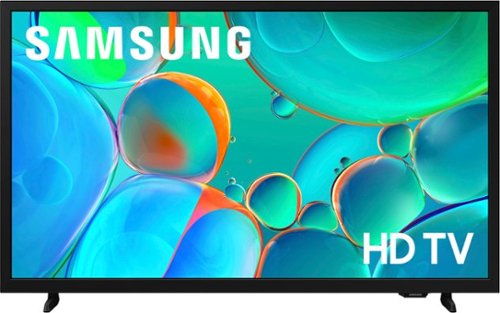
Enjoy your favorite shows in high definition, featuring vibrant colors, deep contrast and dynamic audio that flows with the action. Stream 2,700+ free channels including 400+ Samsung TV Plus premium channels, and feel secure with triple-layer protection for your personal data.
I broke my Samsung television and need a new one so do you hook up the DIRECTV then same way as my nine year old Samsung TV?
Hi Me27time,
You will connect your TV to DIRECTV via HDMI or a coax cable.
~Samsung Advisor
You will connect your TV to DIRECTV via HDMI or a coax cable.
~Samsung Advisor
5 months, 1 week ago
by
Posted by:
Samsung