Samsung
Samsung's Stats
Reviews
- Review Count0
- Helpfulness Votes0
- First ReviewNone
- Last ReviewNone
- Featured Reviews0
- Average Rating0
Reviews Comments
- Review Comment Count0
- Helpfulness Votes0
- First Review CommentNone
- Last Review CommentNone
- Featured Review Comments0
Questions
- Question Count0
- Helpfulness Votes0
- First QuestionNone
- Last QuestionNone
- Featured Questions0
- Answer Count74875
- Helpfulness Votes37,959
- First AnswerApril 24, 2013
- Last AnswerOctober 16, 2026
- Featured Answers0
- Best Answers3945
Samsung's Reviews
Samsung has not submitted any reviews.
Samsung's Questions
Samsung has not submitted any questions.
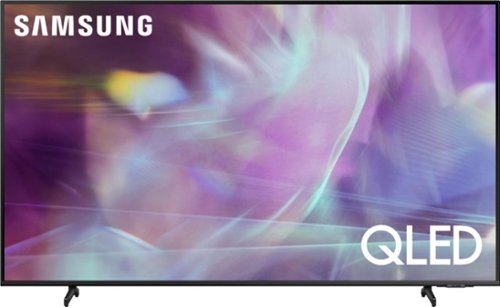
Samsung - 50" Class Q60A Series QLED 4K UHD Smart Tizen TV
Enter a world saturated with color and sharpened to refreshing clarity, all of it made possible through the power of Quantum Dot technology
How do I connect a Vizio soundbar that comes with:digital optical:subwoofer out:AUX:USB. This TV only has HMDI and USB. Soundbar came with the RED, WHITE, BLACK things tv doesn't have those. What kind of device do I need to purchase?

jjjchip - In addition to HDMI and USB, the Q60A also features an Optical port which can be used to connect your soundbar. ^Gina
4 years, 9 months ago
by
Posted by:
Samsung
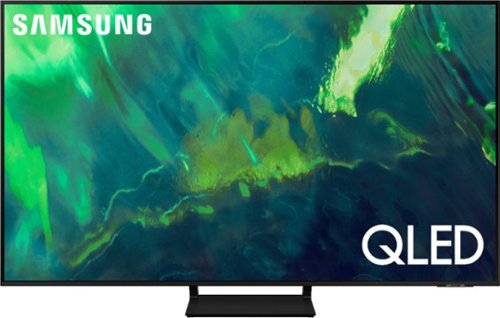
Samsung - 55" Class Q70A Series QLED 4K UHD Smart Tizen TV (2021)
As intelligent as it is beautiful. A Smart TV interface learns the content you like and makes suggestions based on what you watch.
Does this TV come with YouTubeTV installed?
Hi - While the YouTube TV app will not come preinstalled, you can download it directly from the Q70A TV's built-in App Store. ^Gina
4 years, 9 months ago
by
Posted by:
Samsung
Samsung - 55" Class Q70A Series QLED 4K UHD Smart Tizen TV (2021)
As intelligent as it is beautiful. A Smart TV interface learns the content you like and makes suggestions based on what you watch.
Does this tv have built in Alexa?
pt109 - Yes, the Q70A features built-in Alexa, Google Assistant and Bixby voice assistants. ^Gina
4 years, 9 months ago
by
Posted by:
Samsung
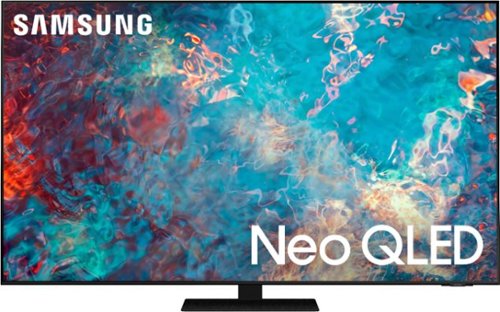
Samsung - 85" Class QN85A Neo QLED 4K UHD Smart Tizen TV (2021)
The QN85A upgrades your home entertainment experience with super charged 4K, an anti-glare screen, and an ultra-high contrast picture. These Advanced-Premium Samsung models feature a breakthrough matrix of Quantum Mini LEDs that focus light precisely where needed for breathtaking contrast. With the QN85A, our most advanced Samsung 4K TV processor powers Next-Gen Gaming capabilities, a new generation of apps, and sound that moves with the onscreen action. And with HDR10+, colors are adjusted scene-by-scene to enhance what you watch.
The qn85a says it has 1 hdmi 2.1 (#4) but since hdmi #3 is Earc and Earc is a hdmi 2.1 standard. Doesn't the qn85a actually have 2 hdmi 2.1 ports?
Jlmackaz - While the HDMI 2.1 feature of High Frame Rate 4K @120Hz is supported on HDMI 4, HDMI port number 3 further supports eARC. ^Gina
4 years, 9 months ago
by
Posted by:
Samsung
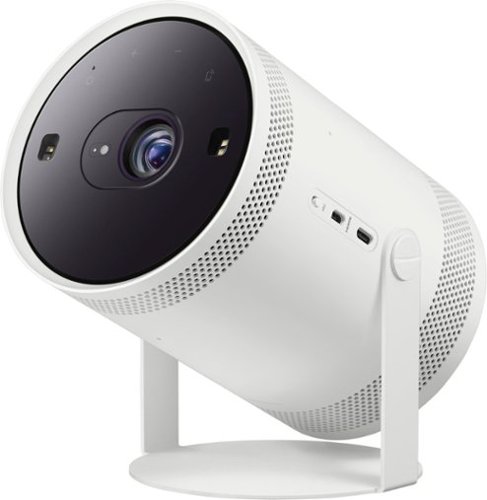
Samsung - The Freestyle FHD HDR Smart Portable Projector - White
Take the big screen experience to go with The Freestyle. This smart theater to go moves to where the action is. Just point and p lay on the wall, ceiling or even your table. The Freestyle automatically sets up your best picture experience, adjusting focus, keystone and leveling at the image size you want. You~ll be set to stream your shows using the Smart TV capabilities, check your social feed, play games, and hear it all in rich 360 sound. Gather your friends, your content is going places~. ~Includes Samsung SmartHub by Wi Fi; additional external content by Micro HDMI port and compatible devices with AirPlay 2, SmartThings~ Tap View.
Does the Samsung Freestyle projector come with Bluetooth?
Hi Alex! Yes, The Freestyle is a Bluetooth enabled projector. ^Gina
4 years, 9 months ago
by
Posted by:
Samsung
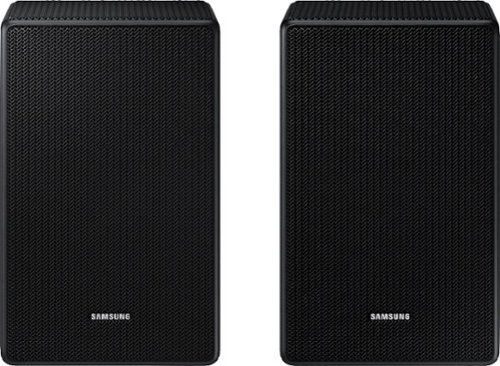
how to pairing my samsung Q900A soundbar with SWA-9500S ?
Hi chen! Plug the SWA-9500S power cord into an outlet and into the speakers to turn them on. Turn off your soundbar and press the Up button on the remote for 5 seconds. The ID SET message will appear on the soundbar for a short time and then disappear. After the ID SET process, the soundbar power is automatically turned on. The LINK LED indicator stops blinking and glows a solid blue when a connection is established between the soundbar and the rear speakers. Should you need additional assistance with the pairing process, please contact us at 1-800-SAMSUNG, available 8AM - 12AM EST, 7 days a week, or Chat with us on Samsung.com: https://www.samsung.com/us/support/contact/ ^Tim
4 years, 9 months ago
by
Posted by:
Samsung
how many SWA-9500S can you connect to a Q900a ? I have a very large living room so I bought 2 set of SWA-9000S. Trying to see if I can connect all 4 at the same time.
Hi SamsungLover! Samsung soundbars are only compatible with one set of compatible rear speakers at a time. You cannot pair two sets of SWA-9500S rear speakers to the HW-Q900A.
^Tim
^Tim
4 years, 9 months ago
by
Posted by:
Samsung
Good evening, I wanted to find out if the 9500 is now compatible with the N850 sound bar. I messaged a Samsung rep tonight on the Samsung web page and the rep said yes it is but I am still seeing reviews that say no. Thanks for the help.
Hi Yankeesfan! The SWA-9500S is only compatible with the following 2021 Samsung soundbars: HW-Q900A, HW-Q800A, HW-Q700A. These rear speakers are not designed to connect to the HW-N850 soundbar.
^Tim
^Tim
4 years, 9 months ago
by
Posted by:
Samsung
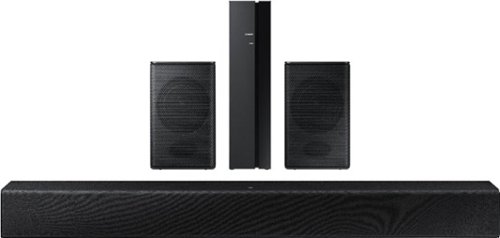
Samsung - HW-A40R 4ch Sound bar with Surround sound expansion - Black
Powerful, yet compact sound experience
I have my soundbar set up but the rear speaker module won’t connect.I don’t understand why it didn’t come with a manual book.
Hi Kev! After connecting your rear speakers to the receiver, plug your soundbar into an electrical outlet and turn off the soundbar by pressing the power button on the main soundbar unit. Configure "ID SET" by pressing the Up button on your soundbar's remote. Hold down the button for 5-6 seconds until the “ID SET” message appears on your soundbar’s display. Turn the soundbar back on using its remote or by pressing the Power button on the soundbar itself. Some soundbar models will automatically power on after completing the "ID SET" steps. The LINK LED indicator will stop blinking and glow a solid blue when a connection is established between the soundbar and the wireless receiver. If you are still unable to pair the rear speakers after trying these steps, please contact Samsung Support so we can better assist you in connecting your rear speakers to your soundbar. You can reach us at 1-800-SAMSUNG. ^Tim
4 years, 9 months ago
by
Posted by:
Samsung
Samsung - HW-A40R 4ch Sound bar with Surround sound expansion - Black
Powerful, yet compact sound experience
When you connect a sound bar to your tv, can you also connect a dvd and cd player to give you sound?
Hi Sheila! The HW-A40R will connect to the TV via digital optical audio or Bluetooth wireless audio technology. Once connected, all sound from the TV, including external devices that are connected, will then play through the soundbar.
^Tim
^Tim
4 years, 9 months ago
by
Posted by:
Samsung