Samsung
Samsung's Stats
Reviews
- Review Count0
- Helpfulness Votes0
- First ReviewNone
- Last ReviewNone
- Featured Reviews0
- Average Rating0
Reviews Comments
- Review Comment Count0
- Helpfulness Votes0
- First Review CommentNone
- Last Review CommentNone
- Featured Review Comments0
Questions
- Question Count0
- Helpfulness Votes0
- First QuestionNone
- Last QuestionNone
- Featured Questions0
- Answer Count75013
- Helpfulness Votes37,958
- First AnswerApril 24, 2013
- Last AnswerOctober 23, 2026
- Featured Answers0
- Best Answers3947
Samsung's Reviews
Samsung has not submitted any reviews.
Samsung's Questions
Samsung has not submitted any questions.

Samsung - 32" Class The Frame Series Full HD Smart Tizen TV
Enjoy a cinematic viewing experience with this 32-inch Samsung Life Style Full HD smart TV. Voice control through Bixby, Alexa and Google Assistant allows seamless hands-free operation, while the 20W speaker system delivers powerful sound. This Samsung Life Style Full HD smart TV has Wi-Fi connectivity for streaming online content smoothly, and Bluetooth technology lets you wirelessly connect devices.
Can vertical and horizontal pictures be displayed in a rotation ? Like want to display 2 vertical pics followed by 1 horizontal pic. What is the minimum time for auto-scroll ? Is background matting set per picture ? Thanks

Mo - So that we can best assist you with your question, please reach out to Samsung Support at: 1-800-SAMSUNG (ask for TVs), available 8AM - 12AM EST, 7 days a week, or Chat with us on Samsung.com: https://www.samsung.com/us/support/contact/ ^Gina
4 years, 11 months ago
by
Posted by:
Samsung
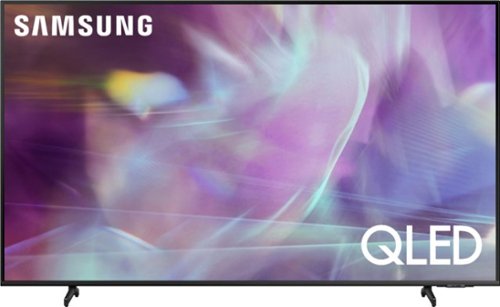
Samsung - 60" Class Q60A Series QLED 4K UHD Smart Tizen TV (2021)
Enter a world saturated with color and sharpened to refreshing clarity, all of it made possible through the power of Quantum Dot technology
Does this 60" model have split screen/pip capability and can you switch the audio from one image to the other?
JasonR443 - Split-screen capability to view two different content side-by-side is available by using our Multi View feature. For example, you can view media from different sources, such as an app, Blu-ray player, or game console, on the main left screen, while also mirroring your phone to the smaller screen. Multi View provides you with different possibilities for splitting screens and viewing several types of content at the same time. On the left screen: You can play Samsung TV Plus, TV apps, HDMI devices, Antenna or Cable, or USB devices. On the right screen: You can screen mirror, use AirPlay, cast from an app, or cast from an IoT camera. 2 HDMI inputs cannot be viewed at the same time. ^Gina
4 years, 11 months ago
by
Posted by:
Samsung
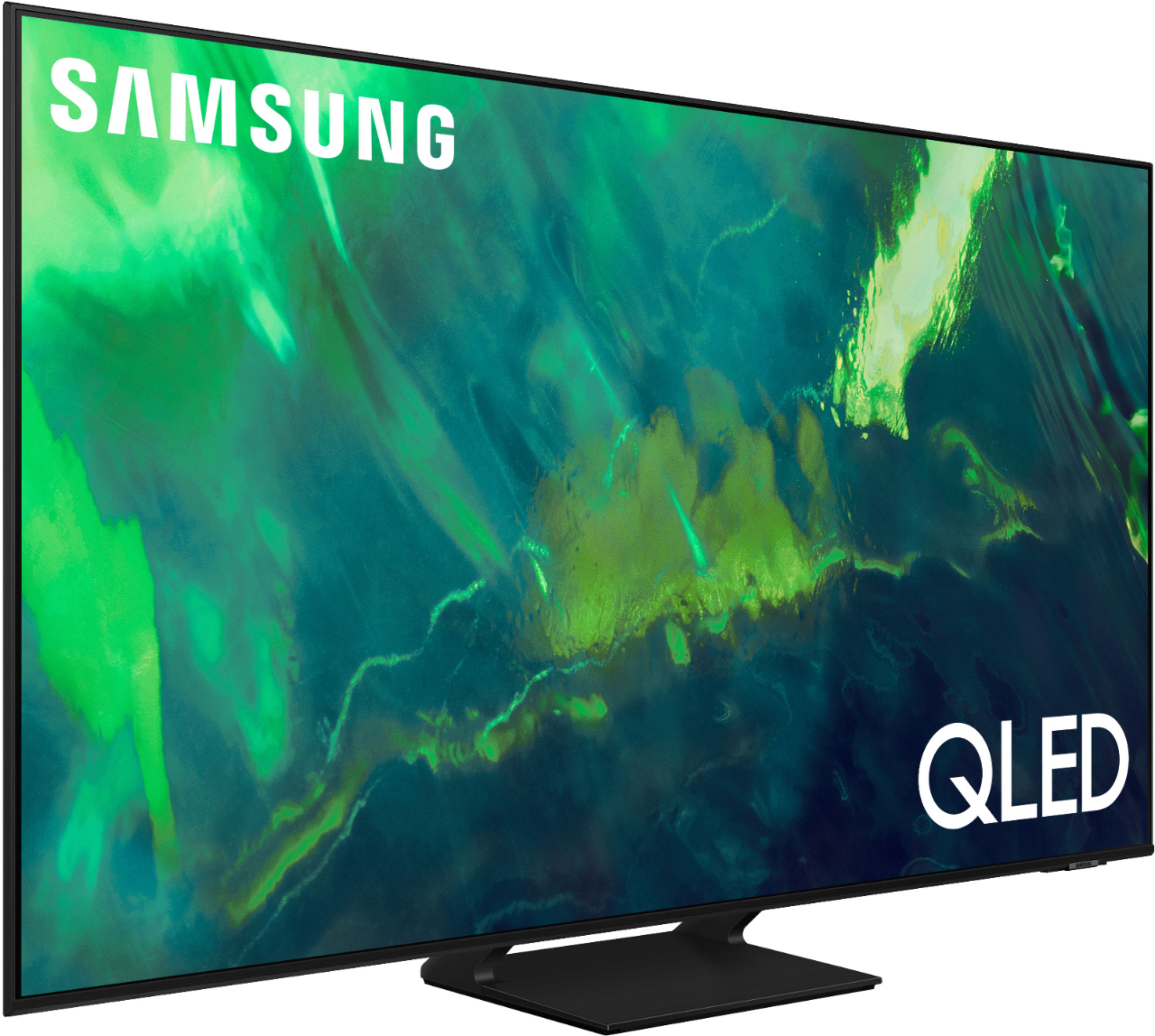
Samsung - 65" Class Q70A Series QLED 4K UHD Smart Tizen TV (2021)
As intelligent as it is beautiful. A Smart TV interface learns the content you like and makes suggestions based on what you watch.
Why hasn't BestBuy or any other boxes stores show the back of any TV anymore? I need to know how many connection are on any given TV's to make room for such as DVR, Roku, sound, Bluetooth sound as well. What I am finding these days there are not enough.
101TVmarket - Please know the Q70A Product Page on Best Buy's website lists all featured connection types under "Specifications": https://www.bestbuy.com/site/samsung-65-class-q70a-series-qled-4k-uhd-smart-tizen-tv/6451476.p?skuId=6451476. ^Gina
4 years, 11 months ago
by
Posted by:
Samsung
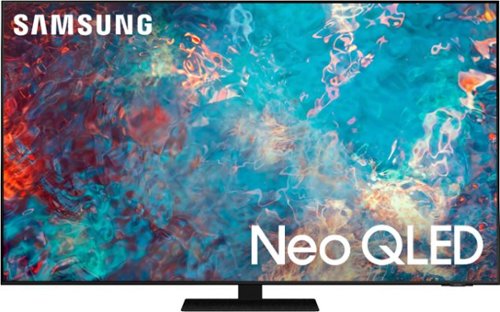
Samsung - 55" Class QN85A Neo QLED 4K UHD Smart Tizen TV (2021)
The QN85A upgrades your home entertainment experience with super charged 4K, an anti-glare screen, and an ultra-high contrast picture. These Advanced-Premium Samsung models feature a breakthrough matrix of Quantum Mini LEDs that focus light precisely where needed for breathtaking contrast. With the QN85A, our most advanced Samsung 4K TV processor powers Next-Gen Gaming capabilities, a new generation of apps, and sound that moves with the onscreen action. And with HDR10+, colors are adjusted scene-by-scene to enhance what you watch.
Can I plug this QN55QN85AAFXZA model TV to a 220V in the Philippines?
AlexS - this Samsung TV model is intended for use in the U.S. and will only support 120V. ^Gina
4 years, 11 months ago
by
Posted by:
Samsung
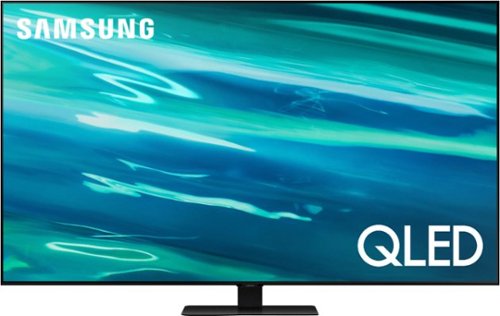
Samsung - 75" Class Q80A Series QLED 4K UHD Smart Tizen TV (2021)
Enjoy heightened contrast on the Q80A with Direct Full Array; that uses precise zones of LED backlighting to dramatically intensify and deepen blacks. Quantum HDR 12X makes colors pop and sharpens details. Dynamic speakers coordinate with Object Tracking Sound to send soundwaves in all directions for precisely synced action. All powered by the intelligent Quantum Processor 4K, which automatically upscales content to 4K.
Does the Samsung QN75Q80AAFXZA HDMI inputs support HDCP 2.2?
JPK - HDCP 2.2 is supported on all 4 HDMI ports. ^Gina
4 years, 11 months ago
by
Posted by:
Samsung
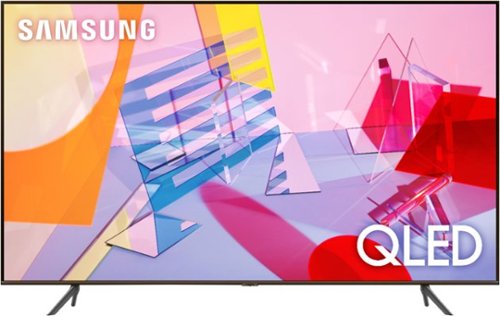
Samsung - 82" Class Q60T Series LED 4K UHD Smart Tizen TV (2021)
As intelligent as it is beautiful. A Smart TV interface learns the content you like and makes suggestions based on what watch. Concentrated zones of LED backlighting deliver heightened contrast and impeccable detail. And with Object Tracking watch. Sound, you won~t just see the action, you~ll feel it in your bones
Can I switch this 82 inch Q60T from 60Hz to 120Hz?
Juan - While internal specifications cannot be switched, if you are looking for a 120Hz Samsung model, please check out our Q70A TV. ^Gina
4 years, 11 months ago
by
Posted by:
Samsung
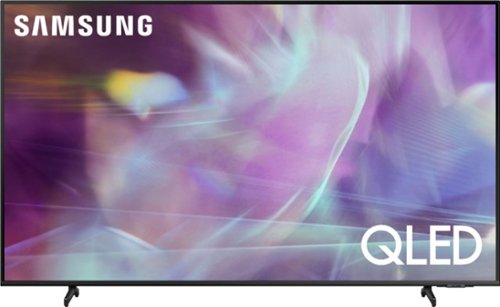
Samsung - 55" Class Q60A Series QLED 4K UHD Smart Tizen TV
Enter a world saturated with color and sharpened to refreshing clarity, all of it made possible through the power of Quantum Dot technology
Can the close captioning don’t be enlarged?
Hi - you can turn Closed Captions on/off and change the settings such as separating it from the broadcast screen, font color, background color, size, position, language, etc. by going to: Settings > General > Accessibility > Caption Settings. ^Gina
4 years, 11 months ago
by
Posted by:
Samsung
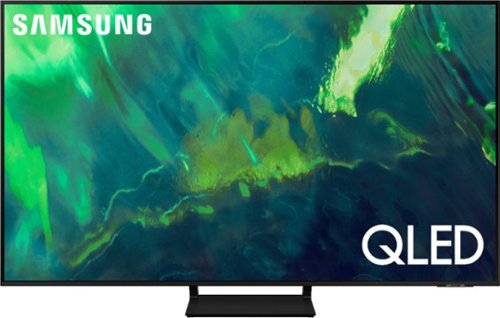
Samsung - 55" Class Q70A Series QLED 4K UHD Smart Tizen TV (2021)
As intelligent as it is beautiful. A Smart TV interface learns the content you like and makes suggestions based on what you watch.
Can you stream HBO max without a firestick?
Quan - The Q70A is a Smart TV which features a built-in App Store, allowing you to choose from and download hundreds of apps (HBO Max included) - no external streaming device necessary. ^Gina
4 years, 11 months ago
by
Posted by:
Samsung
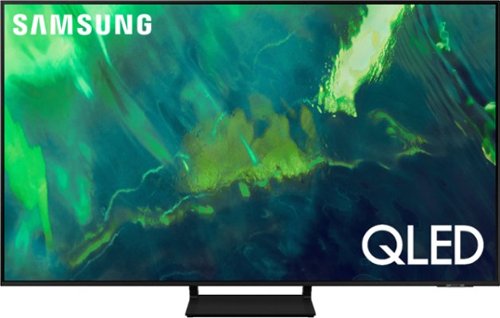
Samsung - 75" Class Q70A Series QLED 4K UHD Smart Tizen TV (2021)
As intelligent as it is beautiful. A Smart TV interface learns the content you like and makes suggestions based on what you watch.
my tv stand is 64" wide. will this be sufficient?
jean - The stand of the 75" Q70A TV is approximately 13.5" in width, which will easily allow you to place this model on your existing stand. ^Gina
4 years, 11 months ago
by
Posted by:
Samsung
Samsung - 55" Class Q60A Series QLED 4K UHD Smart Tizen TV
Enter a world saturated with color and sharpened to refreshing clarity, all of it made possible through the power of Quantum Dot technology
Is there a film wrap on the front of this tv? I found it on the frame and took off the white plastic strips for lifting but can’t find the film and don’t want to damage he screen.
Hi Me - if there is a protective film on your screen, it will be indicated with a large blue triangle in the upper left corner. The triangle will have an illustration showing how to remove the protective film.
If you do not have a blue triangle in the upper left corner, then that means there is no protective film on the screen, so please do not try to peel off anything. You will damage what is actually the screen. ^Gina
If you do not have a blue triangle in the upper left corner, then that means there is no protective film on the screen, so please do not try to peel off anything. You will damage what is actually the screen. ^Gina
4 years, 11 months ago
by
Posted by:
Samsung