Samsung
Samsung's Stats
Reviews
- Review Count0
- Helpfulness Votes0
- First ReviewNone
- Last ReviewNone
- Featured Reviews0
- Average Rating0
Reviews Comments
- Review Comment Count0
- Helpfulness Votes0
- First Review CommentNone
- Last Review CommentNone
- Featured Review Comments0
Questions
- Question Count0
- Helpfulness Votes0
- First QuestionNone
- Last QuestionNone
- Featured Questions0
- Answer Count75015
- Helpfulness Votes37,974
- First AnswerApril 24, 2013
- Last AnswerOctober 23, 2026
- Featured Answers0
- Best Answers3948
Samsung's Reviews
Samsung has not submitted any reviews.
Samsung's Questions
Samsung has not submitted any questions.
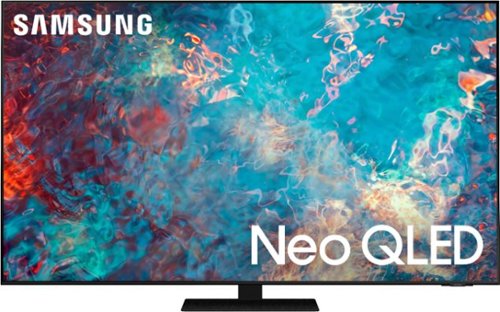
Samsung - 85" Class QN85A Neo QLED 4K UHD Smart Tizen TV (2021)
The QN85A upgrades your home entertainment experience with super charged 4K, an anti-glare screen, and an ultra-high contrast picture. These Advanced-Premium Samsung models feature a breakthrough matrix of Quantum Mini LEDs that focus light precisely where needed for breathtaking contrast. With the QN85A, our most advanced Samsung 4K TV processor powers Next-Gen Gaming capabilities, a new generation of apps, and sound that moves with the onscreen action. And with HDR10+, colors are adjusted scene-by-scene to enhance what you watch.
What are the VESA patterns, for wall mounting?

Hi Bill! The 85" QN85A utilizes a VESA Pattern of 600mm x 400mm. ^Gina
5 years ago
by
Posted by:
Samsung
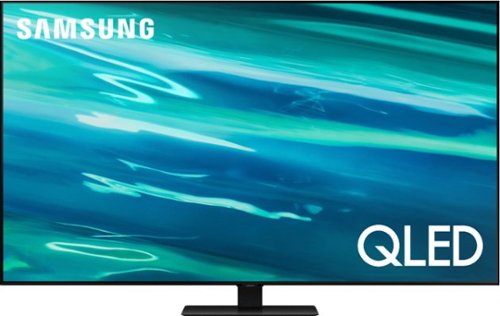
Samsung - 65" Class Q80A Series QLED 4K UHD Smart Tizen TV (2021)
Nothing will get by you with the precise visible details, even in the darkest scenes, and sound that moves around you.
can I get disney on this tv?
m - The Disney+ app will come preinstalled on the Q80A upon setup. ^Gina
5 years ago
by
Posted by:
Samsung
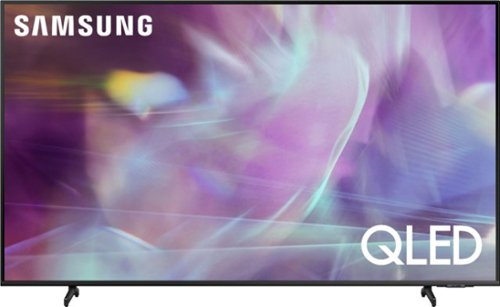
Samsung - 75" Class Q60A Series QLED 4K UHD Smart Tizen TV (2021)
Enjoy ultra-intense 4K vivid color and sharpened clarity with the Q60A / Q60AB. It combines Quantum Dot Technology with the power of 100% Color Volume to deliver a billion of shades for colorful, razor-sharp visuals. The ultra-smart Quantum Processor 4K Lite automatically upscales and transforms your content into 4K. Dual LED backlighting adjusts and coordinates with content in real time to enhance contrast and detail. Plus, with the rechargeable SolarCell Remote, you can easily access and control Smart TV and all your connected devices.
Does this utilize the Smart Hub where there is only 1 cord that hooks to the TV?
Linkovich - The One Connect box is not included with this model. It does come included with The Frame Series and a Slim One Connect Box is included with our 8K Neo QLED models. ^Gina
5 years ago
by
Posted by:
Samsung
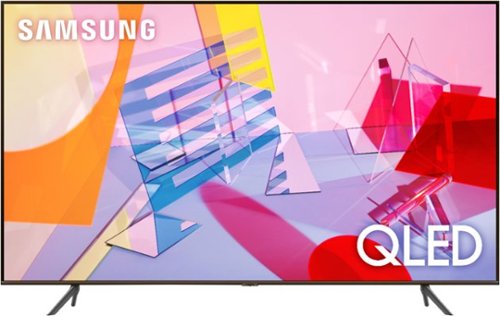
Samsung - 82" Class Q60T Series LED 4K UHD Smart Tizen TV (2021)
As intelligent as it is beautiful. A Smart TV interface learns the content you like and makes suggestions based on what watch. Concentrated zones of LED backlighting deliver heightened contrast and impeccable detail. And with Object Tracking watch. Sound, you won~t just see the action, you~ll feel it in your bones
How far are the wall mounting holes from the bottom and sides of the tv?
Michael - The distance from the 82" Q60T mounting holes to each side of the TV is approximately 25.5". The distance from the bottom mounting holes to the bottom of the TV is 16.5". ^Gina
5 years ago
by
Posted by:
Samsung
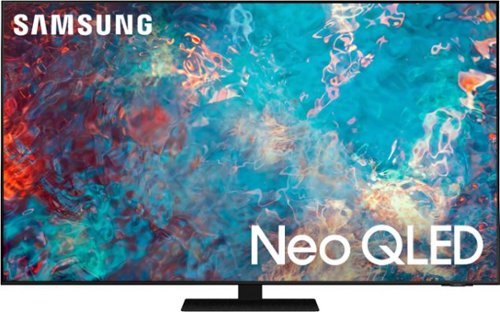
Samsung - 75" Class QN85A Neo QLED 4K UHD Smart Tizen TV (2021)
The QN85A upgrades your home entertainment experience with super charged 4K, an anti-glare screen, and an ultra-high contrast picture. These Advanced-Premium Samsung models feature a breakthrough matrix of Quantum Mini LEDs that focus light precisely where needed for breathtaking contrast. With the QN85A, our most advanced Samsung 4K TV processor powers Next-Gen Gaming capabilities, a new generation of apps, and sound that moves with the onscreen action. And with HDR10+, colors are adjusted scene-by-scene to enhance what you watch.
do you need a sound bar with the samsung qn75qn85a
Hi soundbar! The QN85A TV features 60 Watt 2.2.2 Channel sound. The QN85A also features Object Tracking Sound which utilizes 4 strategically placed speakers to place sounds exactly where they appear on-screen and optimizes sound based on each scene. Should you choose to add a Samsung Soundbar to your TV, please know that our Q-Series soundbars (such as the HW-Q850A) feature Q-Symphony which will synchronize with the speakers of the QN85A TV for an immersive 3D sound experience. ^Gina
5 years ago
by
Posted by:
Samsung
Samsung - 85" Class QN85A Neo QLED 4K UHD Smart Tizen TV (2021)
The QN85A upgrades your home entertainment experience with super charged 4K, an anti-glare screen, and an ultra-high contrast picture. These Advanced-Premium Samsung models feature a breakthrough matrix of Quantum Mini LEDs that focus light precisely where needed for breathtaking contrast. With the QN85A, our most advanced Samsung 4K TV processor powers Next-Gen Gaming capabilities, a new generation of apps, and sound that moves with the onscreen action. And with HDR10+, colors are adjusted scene-by-scene to enhance what you watch.
I am buying a mount for the TV. What is the VESA pattern on the back of the tv? VESA = horizontal x vertical mounting hole distance on the back of the TV. The VESA of my mount in millimeters: 600x400, 400x400, 400x300, 400x200, 300x300
Dzee8909 - The 85" QN85A utilizes a VESA Pattern of 600mm x 400mm. ^Gina
5 years ago
by
Posted by:
Samsung
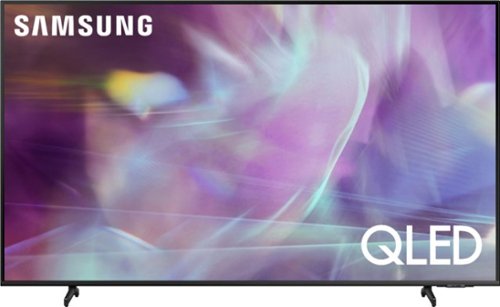
Samsung - 65" Class Q60A Series QLED 4K UHD Smart Tizen TV (2021)
Enter a world saturated with color and sharpened to refreshing clarity, all of it made possible through the power of Quantum Dot technology
What is the distance between the two feet on the bottom of the television?
Hi! The leg width of the 65" Q60A is 42.7". ^Gina
5 years ago
by
Posted by:
Samsung
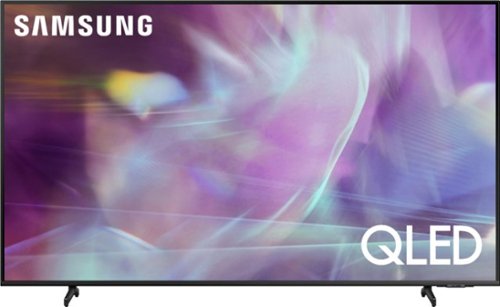
Samsung - 43" Class Q60A Series QLED 4K UHD Smart Tizen TV (2021)
Enter a world saturated with color and sharpened to refreshing clarity, all of it made possible through the power of Quantum Dot technology
Can I do mirroring with my iPhone or play any app from my phone
Hi - You can screen mirror to the Q60A TV via AirPlay on iOS devices. ^Gina
5 years ago
by
Posted by:
Samsung
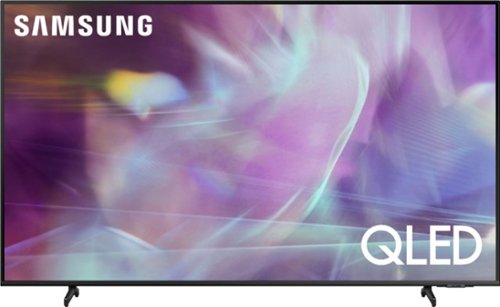
Samsung - 55" Class Q60A Series QLED 4K UHD Smart Tizen TV
Enter a world saturated with color and sharpened to refreshing clarity, all of it made possible through the power of Quantum Dot technology
Does the tv, the 55 inch Q60A have Samsung plus?
Hi del - Yes, all 2021 Samsung TVs feature Samsung's TV Plus app. ^Gina
5 years ago
by
Posted by:
Samsung
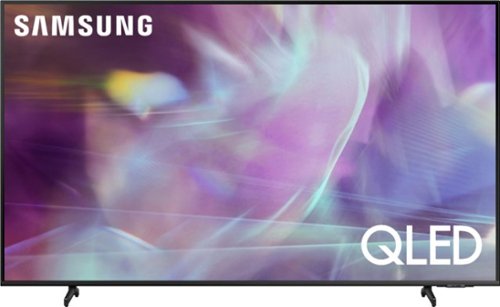
Samsung - 60" Class Q60A Series QLED 4K UHD Smart Tizen TV (2021)
Enter a world saturated with color and sharpened to refreshing clarity, all of it made possible through the power of Quantum Dot technology
How big is the box that the TV comes in?
Hi white23 - Here are the dimensions of the 60" Q60A TV's shipping box (WxHxD in INCHES): 59.4 x 35.7 x 6.2. ^Gina
5 years ago
by
Posted by:
Samsung