Samsung
Samsung's Stats
Reviews
- Review Count0
- Helpfulness Votes0
- First ReviewNone
- Last ReviewNone
- Featured Reviews0
- Average Rating0
Reviews Comments
- Review Comment Count0
- Helpfulness Votes0
- First Review CommentNone
- Last Review CommentNone
- Featured Review Comments0
Questions
- Question Count0
- Helpfulness Votes0
- First QuestionNone
- Last QuestionNone
- Featured Questions0
- Answer Count75015
- Helpfulness Votes37,974
- First AnswerApril 24, 2013
- Last AnswerOctober 23, 2026
- Featured Answers0
- Best Answers3948
Samsung's Reviews
Samsung has not submitted any reviews.
Samsung's Questions
Samsung has not submitted any questions.
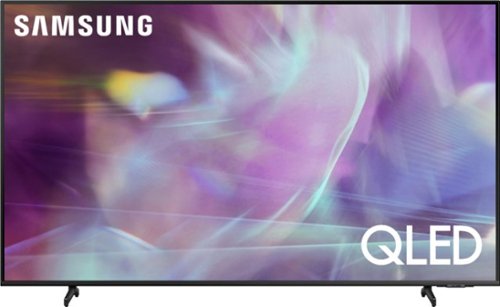
Samsung - 43" Class Q60A Series QLED 4K UHD Smart Tizen TV (2021)
Enter a world saturated with color and sharpened to refreshing clarity, all of it made possible through the power of Quantum Dot technology
Can I took up my two stereo cables to the TV and if so where and will I need anything to hook the stereo up.

Lily - So we can gather additional information regarding the cable connections you are referring to and provide assistance, please reach out to Samsung Support at: 1-800-SAMSUNG (ask for TVs), available 8AM - 12AM EST, 7 days a week, or Chat with us on Samsung.com: https://www.samsung.com/us/support/contact/ ^Gina
5 years ago
by
Posted by:
Samsung
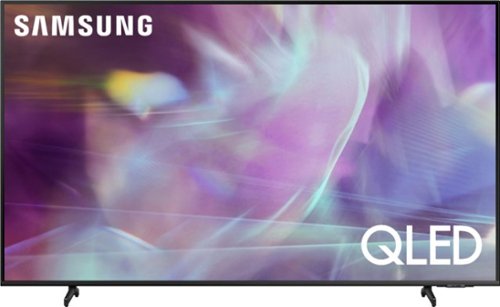
Samsung - 65" Class Q60A Series QLED 4K UHD Smart Tizen TV (2021)
Enter a world saturated with color and sharpened to refreshing clarity, all of it made possible through the power of Quantum Dot technology
Can I use my AMAZON ALEXA STUDIO and SUB BASE AS THE TV SPEAKERS?
Hi - The Q60A TV features HDMI and Optical inputs, as well as Bluetooth and Wi-Fi connectivity. If your audio devices support any of these types of connections, you can absolutely connect them to the Q60A. ^Gina
5 years ago
by
Posted by:
Samsung
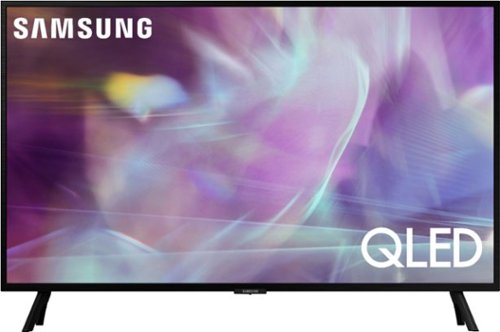
Samsung - 32" Class Q60A Series QLED 4K UHD Smart Tizen TV (2021)
Enjoy ultra-intense 4K vivid color and sharpened clarity with the Q60A / Q60AB. It combines Quantum Dot Technology with the power of 100% Color Volume to deliver a billion of shades for colorful, razor-sharp visuals. The ultra-smart Quantum Processor 4K Lite automatically upscales and transforms your content into 4K. Dual LED backlighting adjusts and coordinates with content in real time to enhance contrast and detail. Plus, with the rechargeable SolarCell Remote, you can easily access and control Smart TV and all your connected devices.
Does this tv have a VGA port?
Hi - The Q60A does not feature a VGA port. ^Gina
5 years ago
by
Posted by:
Samsung
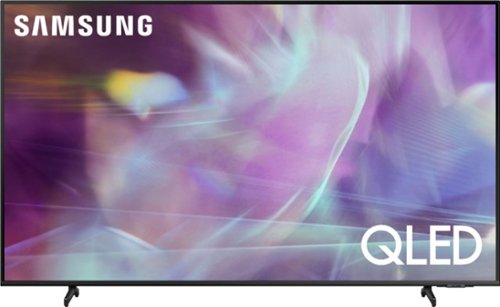
Samsung - 55" Class Q60A Series QLED 4K UHD Smart Tizen TV
Enter a world saturated with color and sharpened to refreshing clarity, all of it made possible through the power of Quantum Dot technology
Am I able to erase any preloaded apps to make room for others?
espanaloco - Although some pre-installed apps cannot be deleted, they can be rearranged or removed from the Home screen. To check your TV's memory and free up unused cached memory and closes background apps, you can take advantage of the Device Care option under the Support Menu. Go to Settings > Support > Device Care > Start Device Care. ^Gina
5 years ago
by
Posted by:
Samsung
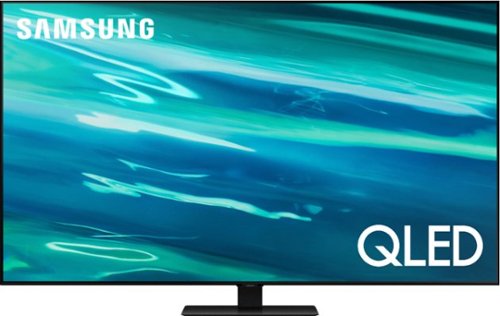
Samsung - 55" Class Q80A Series QLED 4K UHD Smart Tizen TV (2021)
Nothing will get by you with the precise visible details, even in the darkest scenes, and sound that moves around you.
I have a sound bar. Can it be used with this tv? Are the speakers on the front or rear of the tv?
Hi - The Q80A has both HDMI and Optical connections, as well as Bluetooth and Wi-Fi connectivity; if your soundbar utilizes any of these types of connections, you sure can pair it with this TV. The Q80A features Object Tracking Sound which utilizes 4 strategically placed speakers, providing a complete experience by placing sound exactly where objects appear on-screen and optimizes sound based on the scene. ^Gina
5 years ago
by
Posted by:
Samsung
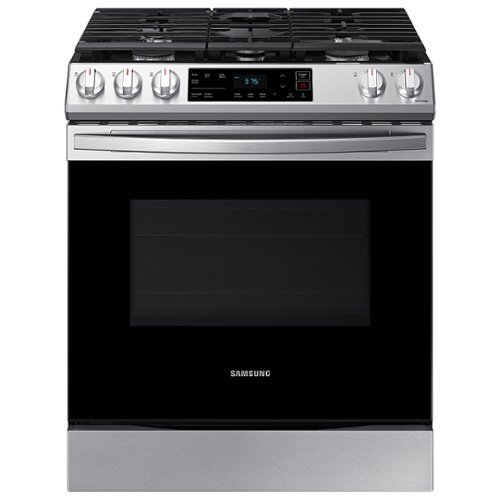
Samsung - 6.0 cu. ft. Front Control Slide-in Gas Range with Wi-Fi, Fingerprint Resistant - Stainless Steel
The Samsung Front Control Slide-in Gas Range is fully Wi-Fi connected and voice enabled, making it easy to create delicious meals for your family.
Is there storage for pots in bottom?
Thanks so much for asking! Yes, this model features a storage drawer at the bottom of the unit, under the oven compartment. ^Jecca
5 years ago
by
Posted by:
Samsung
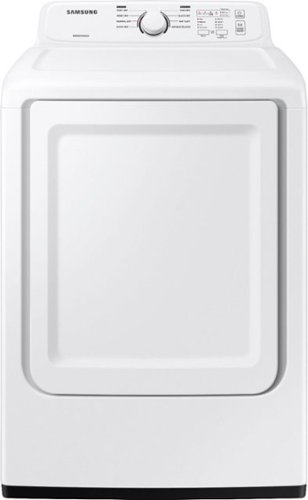
Samsung~s dryers have advanced features like Sensor Dry, which optimizes cycle time and temperature to thoroughly and safely dry your clothes. Also, with 7.2 cu. ft. capacity and 8 Preset Drying Cycles, you can do fewer loads in less time and fulfill almost every drying need.
I need the door to. Open from left to right ( looking at the dryer)
Not to worry, Samsung friend, we've got you covered. The door on this model dryer is actually reversible and can be set up to swing either direction. In fact, we've even included instructions on how to reverse the door beginning on page 32 of the user manual (https://bit.ly/3BMwrc3). ^Jecca
5 years ago
by
Posted by:
Samsung
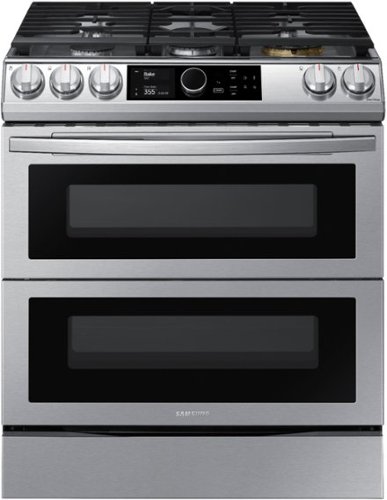
Samsung - 6.0 cu. ft. Flex Duo Front Control Slide-in Gas Convection Range with Smart Dial, Air Fry & Wi-Fi Fingerprint Resistant - Stainless Steel
The Samsung Flex Duo Front Control Slide-in Gas Range with Smart Dial and Air Fry is fully Wi-Fi connected and voice enabled, giving you the tools you need to simplify the cooking experience in the kitchen.
Dose the divider in the oven remove easily? Are you able to bake in the bottom and top oven?
Great questions, AJ! To help with this, I'm providing this link (https://bit.ly/3BVYdlW) to the user manual for this model. Page 30 has detailed information about using the divider. ^Jecca
5 years ago
by
Posted by:
Samsung

Samsung - 65" Class The Frame Series LED 4K UHD Smart Tizen TV (2021)
Transform your home with The Frame. Showcases artwork, watch television, movies, or display photos on this beautiful QLED screen. TV when it~s on, and art when it~s off. In Art Mode, the screen becomes a work of art, and with a subscription to the Samsung Art Store, you can choose from an entire library of artists~ works with something for everyone. You can even change the onscreen artwork as often as you like. Quantum Processor 4K automatically upscales all you content to 4K, and 100% Color Volume with Quantum Dot enriches every scene with millions of shades of color. The Frame truly changes the definition of what a TV can be.
I bought this TV less than three years ago and it has a green line through the picture. Is there a fix?
Hi Jated1 - So that we can better troubleshoot towards a solution, please reach out to Samsung Support at: 1-800-SAMSUNG (ask for TVs), available 8AM - 12AM EST, 7 days a week, or Chat with us on Samsung.com: https://www.samsung.com/us/support/contact/ ^Gina
5 years ago
by
Posted by:
Samsung
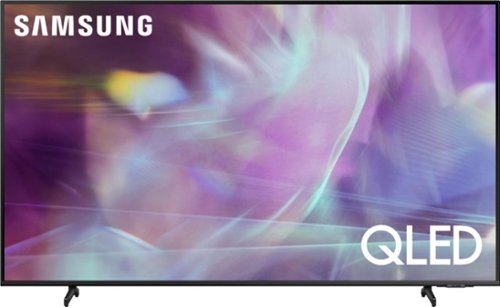
Samsung - 50" Class Q60A Series QLED 4K UHD Smart Tizen TV
Enter a world saturated with color and sharpened to refreshing clarity, all of it made possible through the power of Quantum Dot technology
does this tv have an ethernet connection as well as built in wifi?
ben - The Q60A features a LAN port and built-in Wi-Fi. ^Gina
5 years ago
by
Posted by:
Samsung