Samsung
Samsung's Stats
Reviews
- Review Count0
- Helpfulness Votes0
- First ReviewNone
- Last ReviewNone
- Featured Reviews0
- Average Rating0
Reviews Comments
- Review Comment Count0
- Helpfulness Votes0
- First Review CommentNone
- Last Review CommentNone
- Featured Review Comments0
Questions
- Question Count0
- Helpfulness Votes0
- First QuestionNone
- Last QuestionNone
- Featured Questions0
- Answer Count75016
- Helpfulness Votes37,976
- First AnswerApril 24, 2013
- Last AnswerOctober 26, 2026
- Featured Answers0
- Best Answers3949
Samsung's Reviews
Samsung has not submitted any reviews.
Samsung's Questions
Samsung has not submitted any questions.
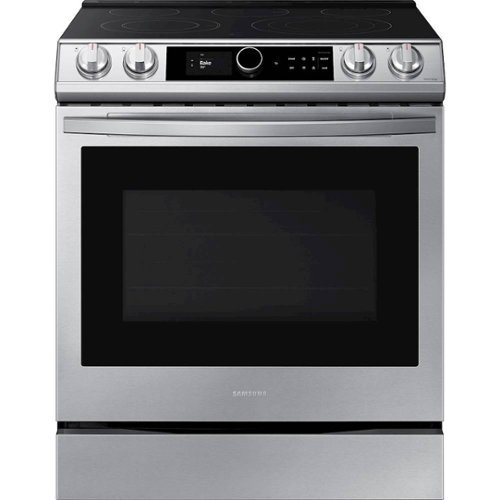
Samsung - 6.3 cu. ft. Front Control Slide-in Electric Convection Range with Smart Dial, Air Fry & Wi-Fi, Fingerprint Resistant - Stainless Steel
The Samsung front control slide-in electric range with Smart Dial and Air Fry is fully Wi-Fi connected and voice enabled, giving you the tools you need to simplify the cooking experience in the kitchen.
Should I put any foil or anything under the air fryer to catch spills from the food in the fryer? Thx

I'm so glad you asked, DAREN! Page 35 of the user manual (https://bit.ly/2WwnKDm) does recommend placing a tray or baking sheet on a separate rack below the air fry tray. ^Jecca
5 years ago
by
Posted by:
Samsung
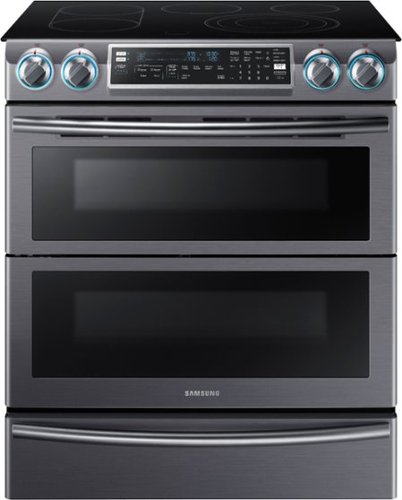
Samsung - 5.8 Cu. Ft. Electric Flex Duo Self-Cleaning Fingerprint Resistant Slide-In Smart Range with Convection - Black Stainless Steel
Make the most of every meal. Heat two dishes at once by creating a double oven inside this Samsung range. Use the smart divider and dual door to cook with different temperatures at the same time. Plus, you can stay connected through Wi-Fi, to control your oven from anywhere in the house.
I just purchased at auction and need to order the flex duo divider. Where can I order this part?
I'm happy to help with this, Tiffanany! You can find replacement parts and accessories for you Samsung appliances at SamsungParts.com or by calling 1-800-627-4368. ^Jecca
5 years ago
by
Posted by:
Samsung
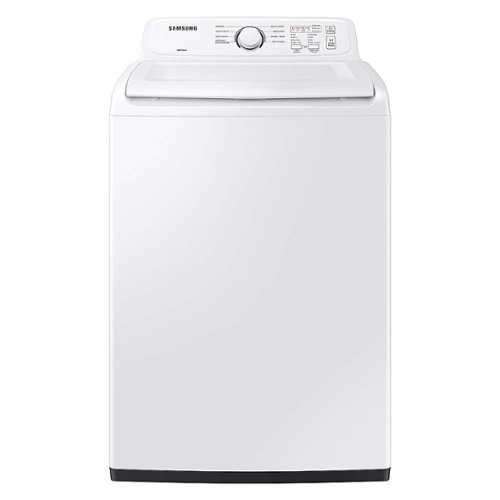
Samsung - 4.1 cu. ft. High-Efficiency Top Load Washer with Soft-Close Lid and 8 Washing Cycles - White
Samsung~s large 4.1 cu. ft. capacity Top Load Washer fits more in every load and cuts down on laundry time. It~s equipped with a premium Soft-Close Lid, 8 Preset Washing Cycles, and Vibration Reduction Technology+ to reduce noise and vibration for quiet washing.
Does this have an “add a garment” feature?
Thanks so much for asking, Stace! This model does not have a specific "add garment" feature. However, you can at any time use the "Start/Pause" button to pause the cycle and add or remove items. ^Jecca
5 years ago
by
Posted by:
Samsung
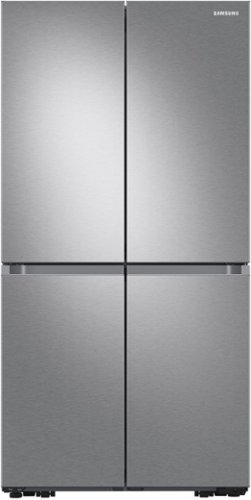
Samsung - 29 cu. ft. 4-Door Flex French Door Smart Refrigerator with Dual Ice Maker - Stainless Steel
Extra-large capacity Smart 4-Door French Door Flex refrigerator features the AutoFill Water Pitcher, a built-in pitcher that automatically refills with fresh, filtered water and a Dual Ice Maker with Ice Bites.
Hello, we have had our refrigerator for 2 days now almost and the ice cube trays are still not full yet. I read that it is supposed to fill ten pounds of ice a day. I see it only holds 2 #’s though so why his it taking so long foe my ice trays to fill up?
Hello, Hifive! There are actually a few things that could be affecting your ice production. First, we do generally recommend allowing 24-48 hours after installation for normal ice production to begin. This is because the refrigerator needs time to fully cool before it can start making ice. However, I also have this link (https://bit.ly/3hkF7hk) that can walk you through what other things to check to get your ice maker working as it should. ^Jecca
5 years ago
by
Posted by:
Samsung
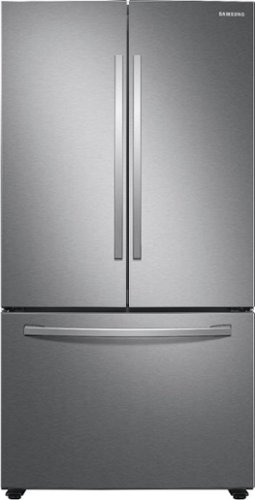
Samsung - 28 cu. ft. 3-Door French Door Refrigerator with Large Capacity - Stainless Steel
Samsung~s 28 cu. ft. large capacity 3-Door French Door refrigerator is beautifully designed, with sleek-edged doors, and EZ-Open Handle. The clean lines and modern form blend beautifully into your kitchen while the fingerprint resistant finish withstands everyday smudges.
Why does water end up inside the refrigerator in one drawer compartment
I'm happy to help with this. I actually have this link (https://bit.ly/3zMa6JK) to a guide on what steps to take if you notice water pooling in your refrigerator. ^Jecca
5 years ago
by
Posted by:
Samsung
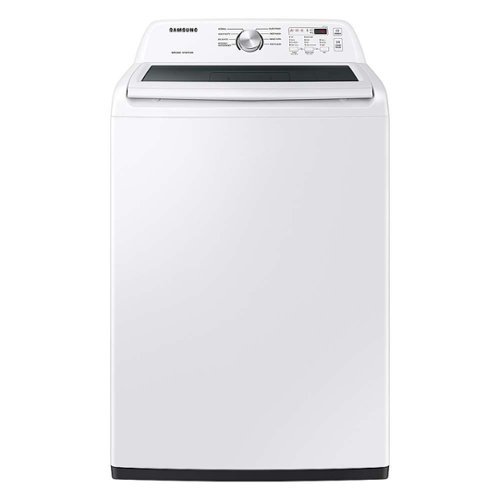
Equipped with the ActiveWave Agitator, Samsung~s large 4.4 cu. ft. capacity Top Load Washer is designed to reduce noise and vibration while delivering powerful cleaning, and features a premium Soft-Close Lid.
does it have an agitator
It sure does, don! This model has our newly redesigned agitator that works similar to older style models with an agitator. ^Jecca
5 years ago
by
Posted by:
Samsung

Samsung - 75" Class The Terrace Series QLED Outdoor Full Sun 4K UHD Smart Tizen TV (2021)
The Terrace outdoor TV was designed to look incredibly vivid and bright, especially in daylight. This slim QLED television is IP55 rated to protect against dust and rain. The anti glare screen and intuitive Smart TV capabilities make it a must have Outdoor TV. An amazing TV that gives enjoyment that's direct sun protected.
How long is the warranty on the product?
Hi NAVA! The Full Sun Terrace TV comes with a 1 Year Parts and Labor Manufacturer's Warranty. ^Gina
5 years ago
by
Posted by:
Samsung
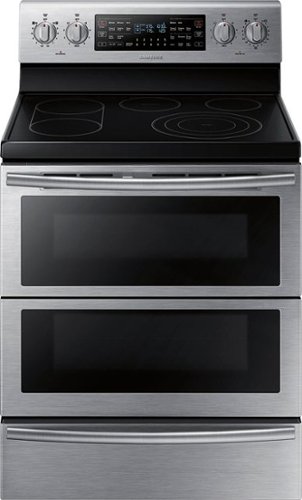
Samsung - Flex Duo 5.9 Cu. Ft. Self-Cleaning Freestanding Double Oven Electric Convection Range - Stainless Steel
Bring style and innovation to your kitchen. This Samsung electric range lets you cook two dishes at different temperatures simultaneously to speed up the cooking process. Plus, the steam clean system takes care of grease, oil, and stuck-on food.
Not sure how but the oven partition has a bit of a gap on both sides when in place, it wasn’t like that when I first bought it. The top isn’t holding the heat properly, has anyone else had the problem and if so how can it be corrected?
Hi KED! We'd like to speak with you directly about this issue you're experiencing to better determine the best resolution. If you would, please reference ticket number 1143746664, and contact us through Facebook Messenger: http://m.me/samsungsupport; or Twitter: https://twitter.com/messages/compose?recipient_id=18768513. ^Jecca
5 years ago
by
Posted by:
Samsung
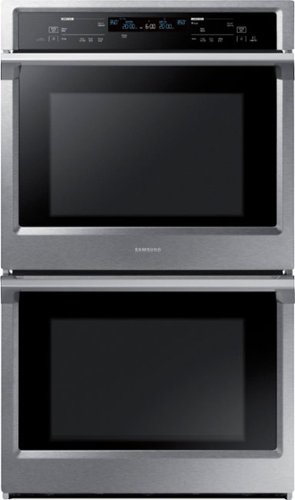
Samsung - 30" Double Wall Oven with Steam Cook and WiFi - Stainless Steel
The Samsung Double Wall Oven has steam cooking so you can bake and roast with professional results. Steam cook delivers moisture at precise times for a crisp, browned outside, and tender inside. Dual convection circulates air faster for more even and efficient cooking results. The 5.1 cu of capacity can accommodate a roast, multiple casserole dishes, or several racks of cookies.
Will this oven work with european electric standards?
We appreciate you asking, Alex! Because this model was designed for use in the US, it is only confirmed to be compatible with US electric standards. ^Jecca
5 years ago
by
Posted by:
Samsung
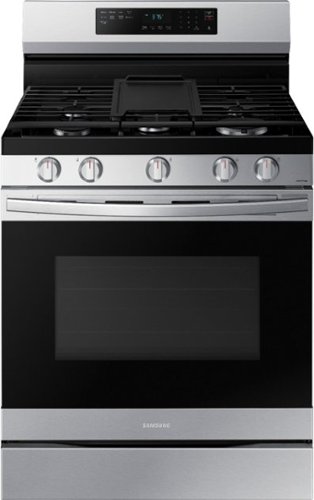
Elevate the look of your kitchen with Samsung~s Smart Freestanding Gas Range. Upgraded technology makes cooking simple and fun.
Does using the air fryer option use gas? Or is that part strictly electric? We use an air fryer to save on our gas so wondering if this would be the case
That's a great question, Jennie! This model uses gas (or propane if it has been converted) to heat both the cooktop and the oven compartments. It does also use electricity to run the fan, control panel, and automatic ignitions. This would mean that when using the air fry feature, some gas will be used to create the heat. ^Jecca
5 years ago
by
Posted by:
Samsung